This post may contain affiliate links, and I may earn a small commission at no cost to you. This commission allows me to give you more information about brick builds by enabling me to buy more sets. See my full disclosure here .
This post is a review of the nanoblock Jigglypuff build. Jigglypuff is part of the nanoblock Pokemon collection. Wondering what else is part of the Pokemon collection? Click here for a list.
Number: NBPM_110
Number of Pieces: 200
Difficulty Rating: 2/5
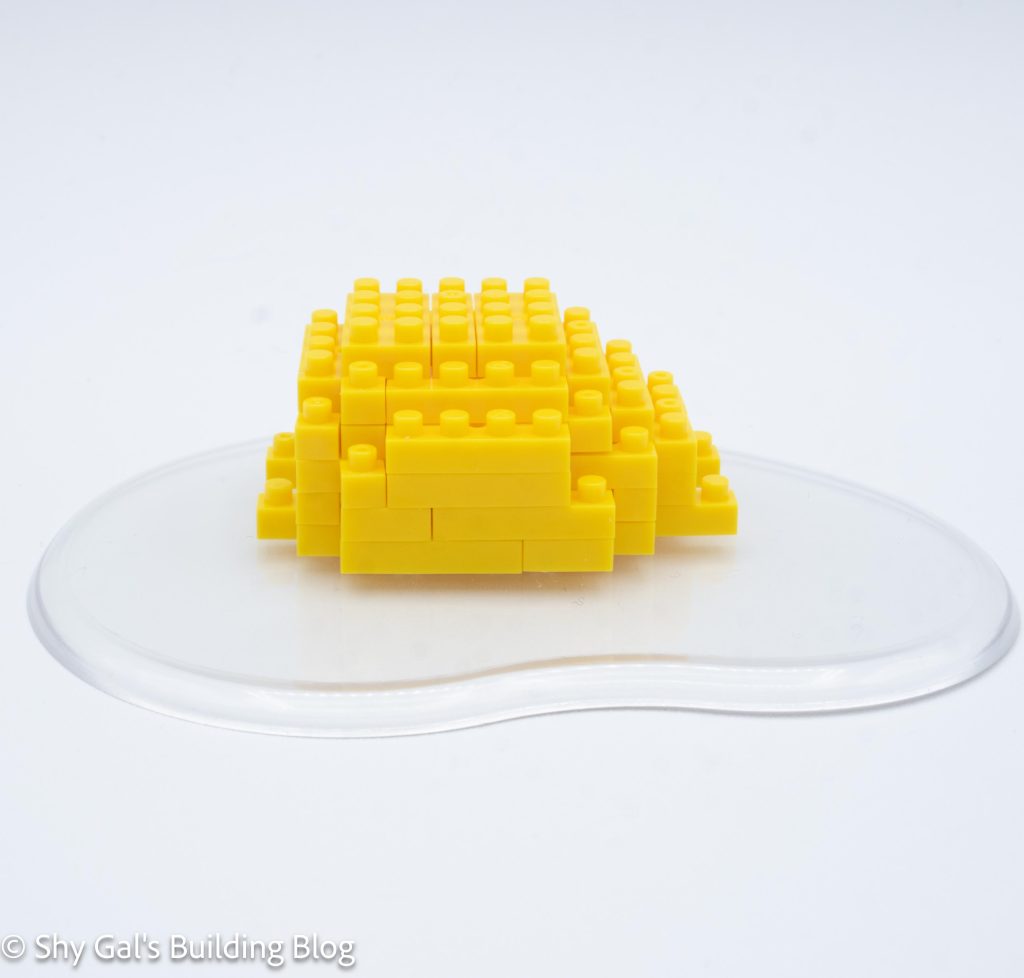
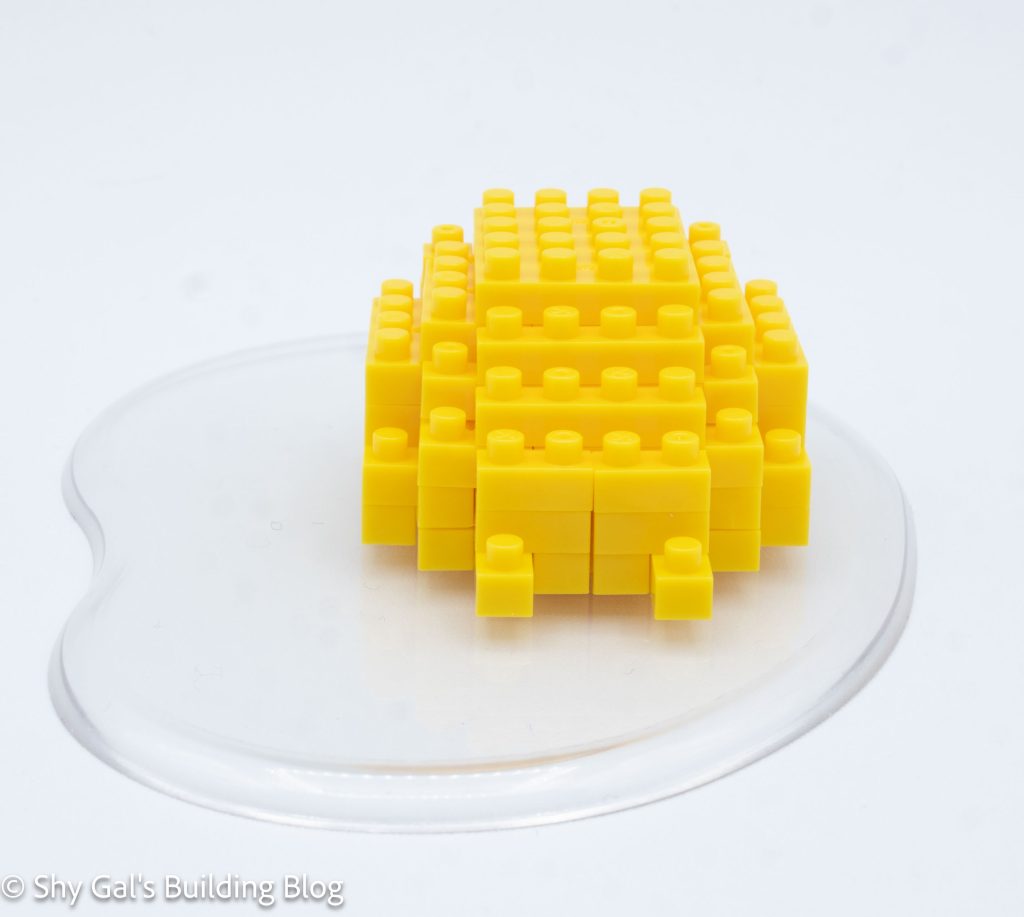
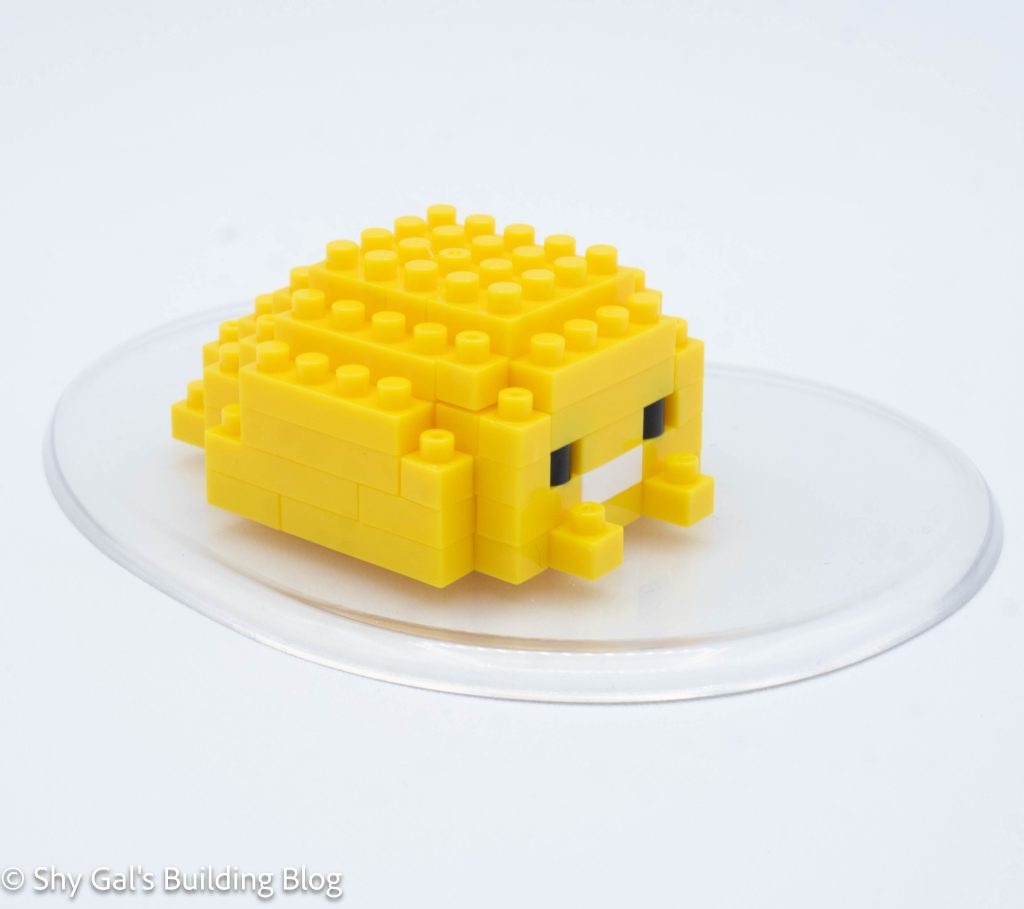
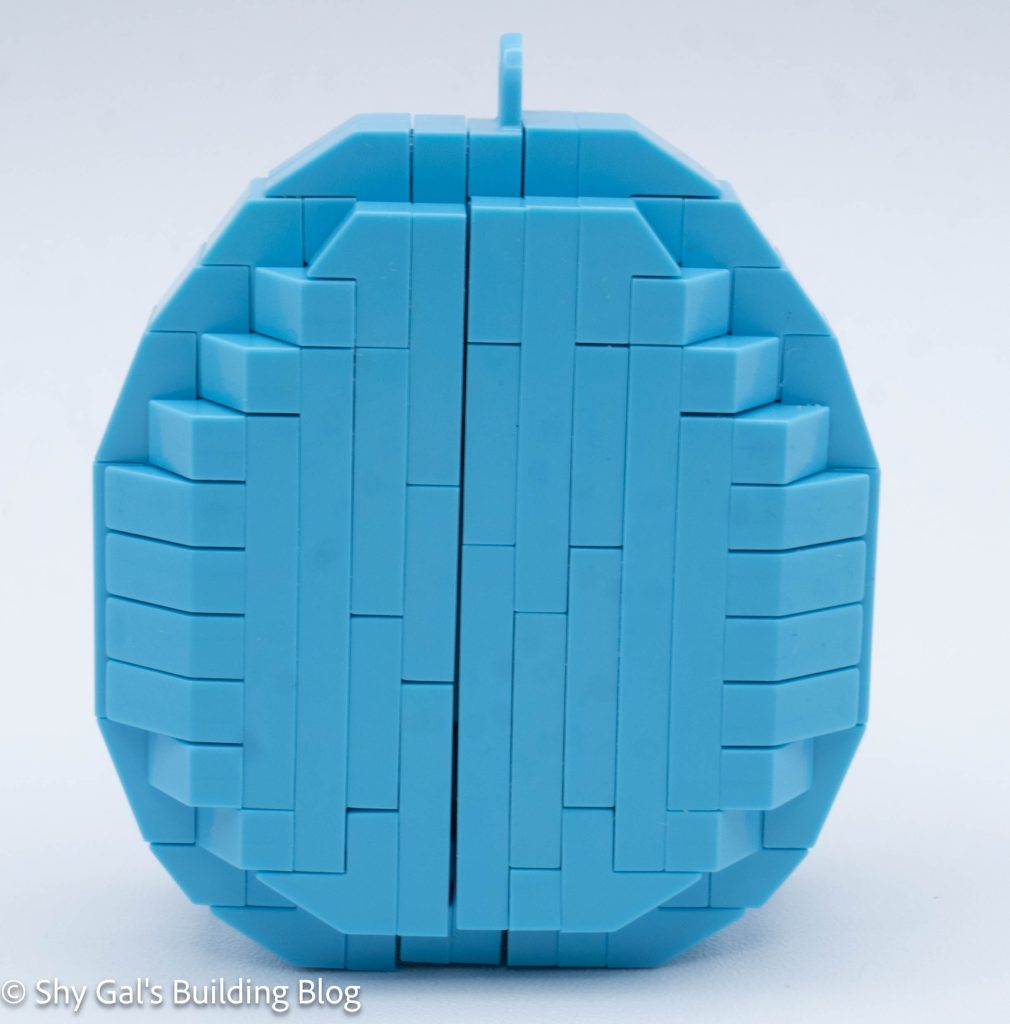
Jigglypuff is basically a sphere with the details sticking off the sphere.
I began by laying the base layers out on my nanoblock pad. It took 3 steps to create the entire base.
Then I built out the sphere by adding to the outer layers of the sphere. In the layers, I added the mouth and eyes.
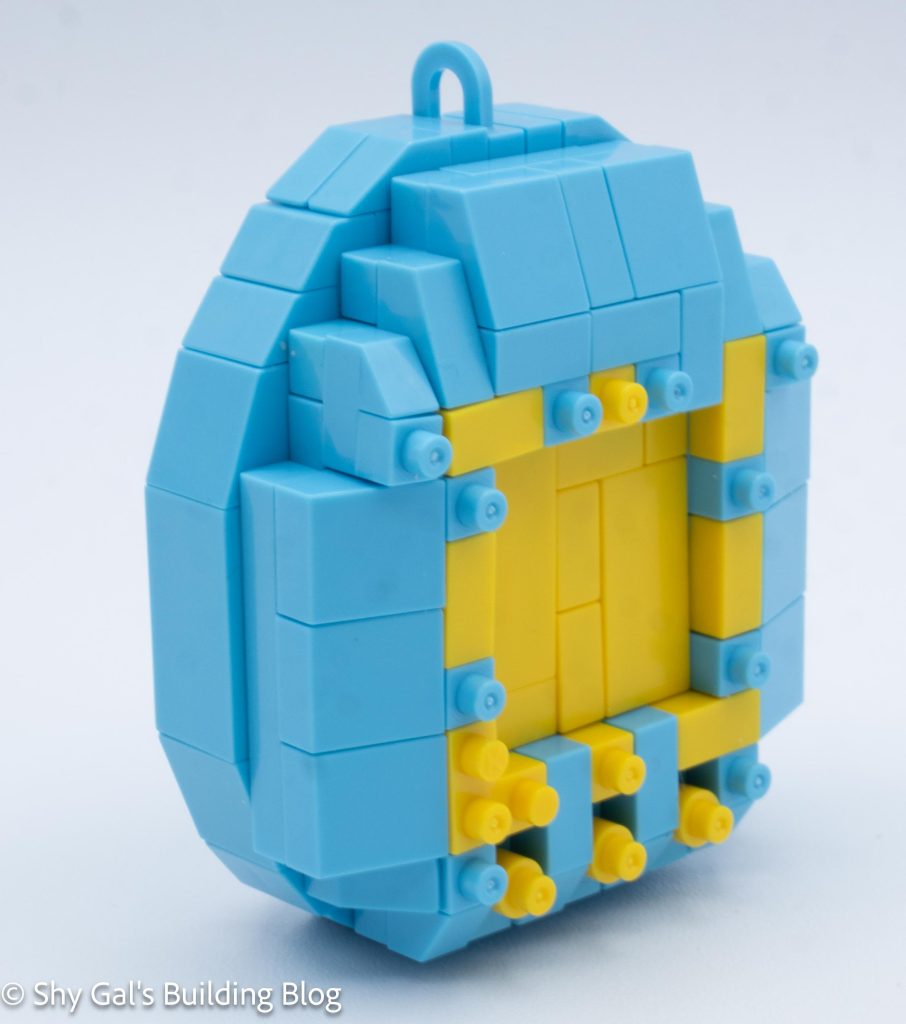
After several layers, I began to close up the sphere. I added the ears and the curl.
After finishing the ears, I flipped the build over and added the feet. It was hard to figure out where to place the feet so that the build would match the box.
Things I liked:
I really like that they included Jigglypuff’s curl and how it turns out
Things I didn’t like:
I don’t like how uneven the eyes are in the finished build when looking from an angle
This post may contain affiliate links, and I may earn a small commission at no cost to you. This commission allows me to give you more information about brick builds by enabling me to buy more sets. See my full disclosure here .
This post is a review of the nanoblock Kuromi build. Kuromi is part of the nanoblock Character collection. Wondering what else is part of the Character collection? Click here for a list.
Number: NBCC_007
Number of Pieces: 110
Difficulty Rating: 1
I began the build by laying the bricks for the foundation of the head on my nanoblock pad. This layer included Kuromi’s nose.
I then build the head up in layers. I added the eyes and the rest of the face, including the eyes and skull on her hood.
I then added some layers of black to finish and close up the head.
Next, I added her ears.
Then I flipped the head over and added the bottom of the face and hood.
Then I started working on the body. I laid the bricks out on the baseplate.
Next, I built the body up in straightforward layers.
The final step is to connect the head to the body.
Things I liked:
I like the detail of the collar added to the neck of the build
Things I didn’t like:
I didn’t like putting the bricks in the build upside down. I always find it difficult to tell which and where to use the bricks
This post may contain affiliate links, and I may earn a small commission at no cost to you. This commission allows me to give you more information about brick builds by enabling me to buy more sets. See my full disclosure here .
This post is a review of the nanoblock Mega Charizard Y RS build. Mega Charizard Y RS is part of the nanoblock Pokemon collection. Wondering what else is part of the Pokémon collection? Click here for a list.
Number: NBPM_R13
Number of Pieces: 670
Difficulty Rating: 4/5
This is a new Mega Charizard Y model. The review for the original kit is here.
The kit is built by building the body as a foundation, then the arms, tail, head, and wings are built separately and then attached.
I began by laying the base layer out. I couldn’t use my nanoblock pad because the socket joints meant that things wouldn’t lie flat.
Next, I built the foundation of the 2 legs. These were straightforward. I attached the base legs to the body. The legs were posable.
I built the body and legs up in layers. I had to watch the slanty pieces because both kinds were used in the body. Over the steps, I built the stomach panel and the sides and back.
Next, I built the feet and attached them to the body.
Then I built the arms and attached them one at a time.
The next major segment was the tail. I built each segment, which had clear directions. I feel that the flame doesn’t quite look like the flame from the box, which is disappointing. After connecting the tail segments, I attached the tail to the body.
Next, I built the head. I really like the amount of detail in the head. After building the head, I built the neck and attached the entire thing to the body.
The final step was to build the wings. These were by far the most complicated part of the build. There were several points where I had to be super careful to make things right when flipped over. Finally, I attached the wings to the body
Things I liked:
I like that the build wasn’t tippy, as I added segments onto the build, so I didn’t have to figure out how to place it each time I added a segment.
Things I didn’t like:
I feel that the flame I got from following the instructions didn’t match the one on the box
This post may contain affiliate links, and I may earn a small commission at no cost to you. This commission allows me to give you more information about brick builds by enabling me to buy more sets. See my full disclosure here .
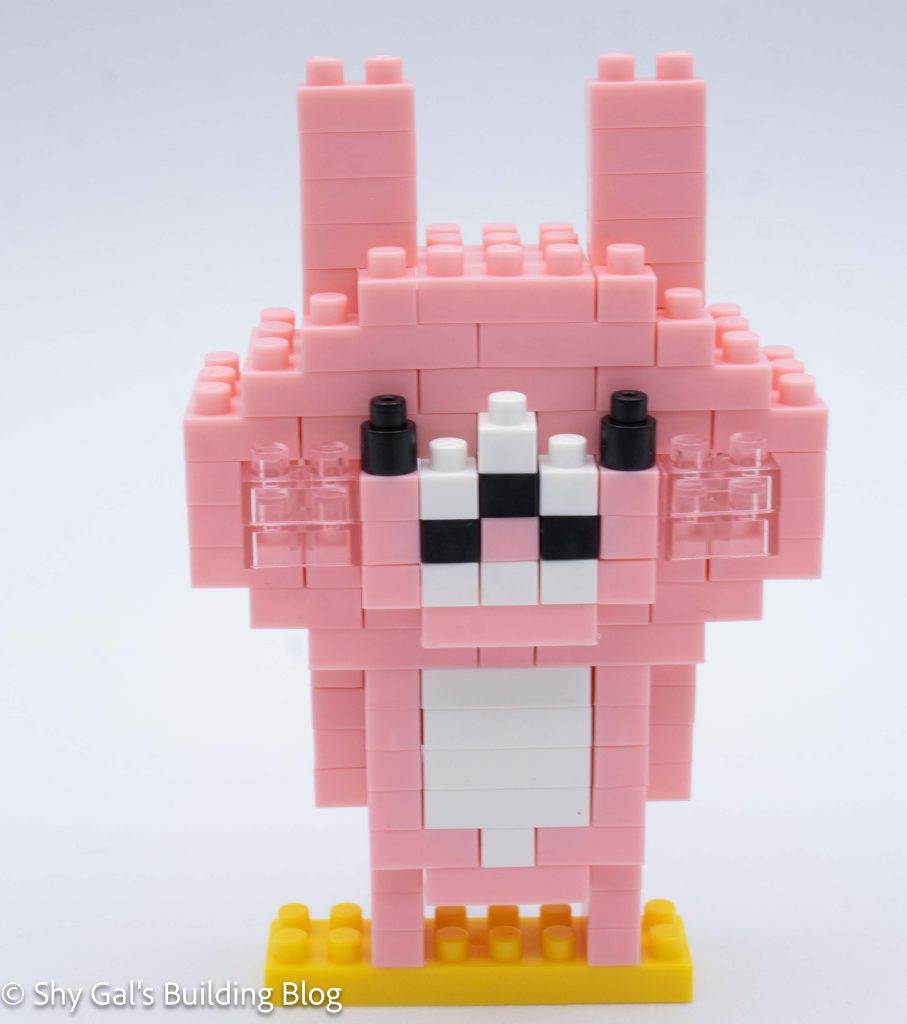
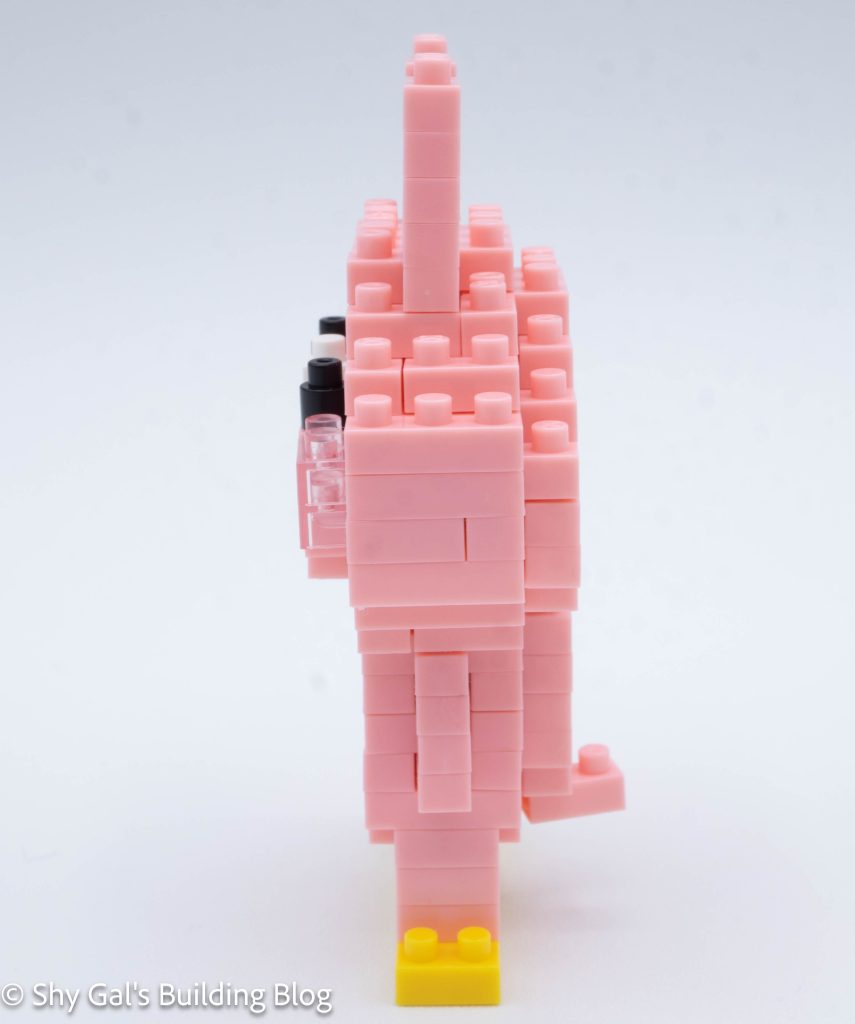
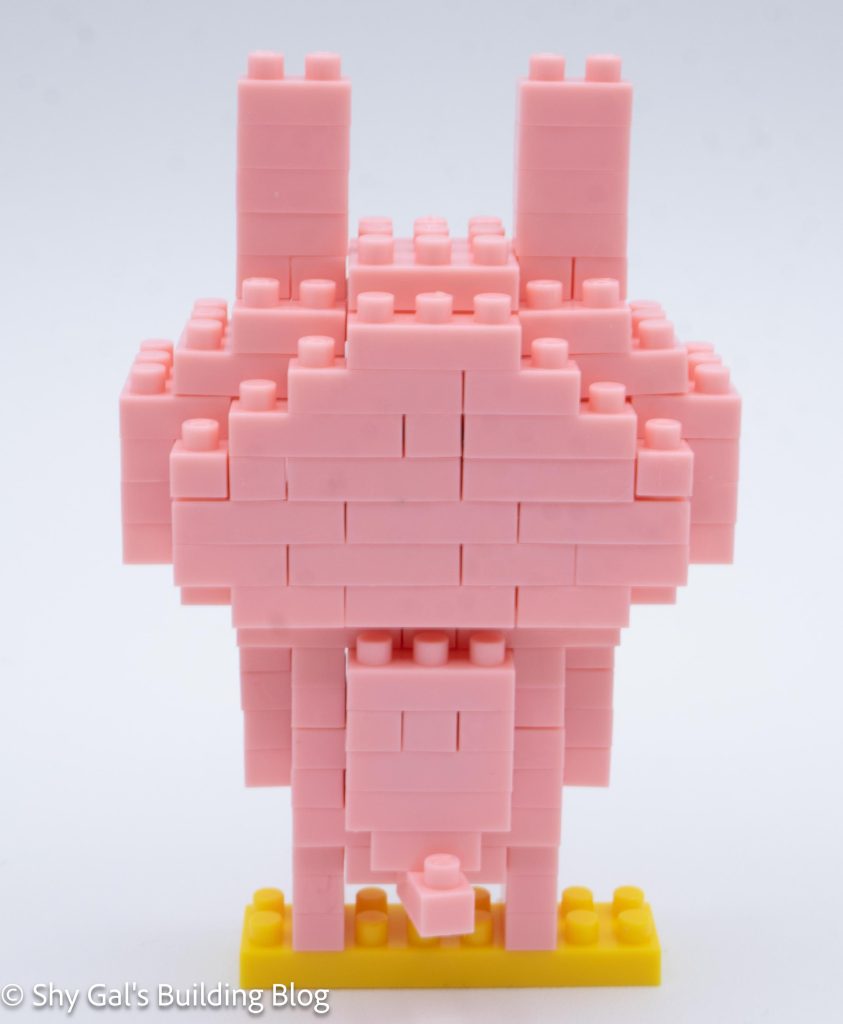
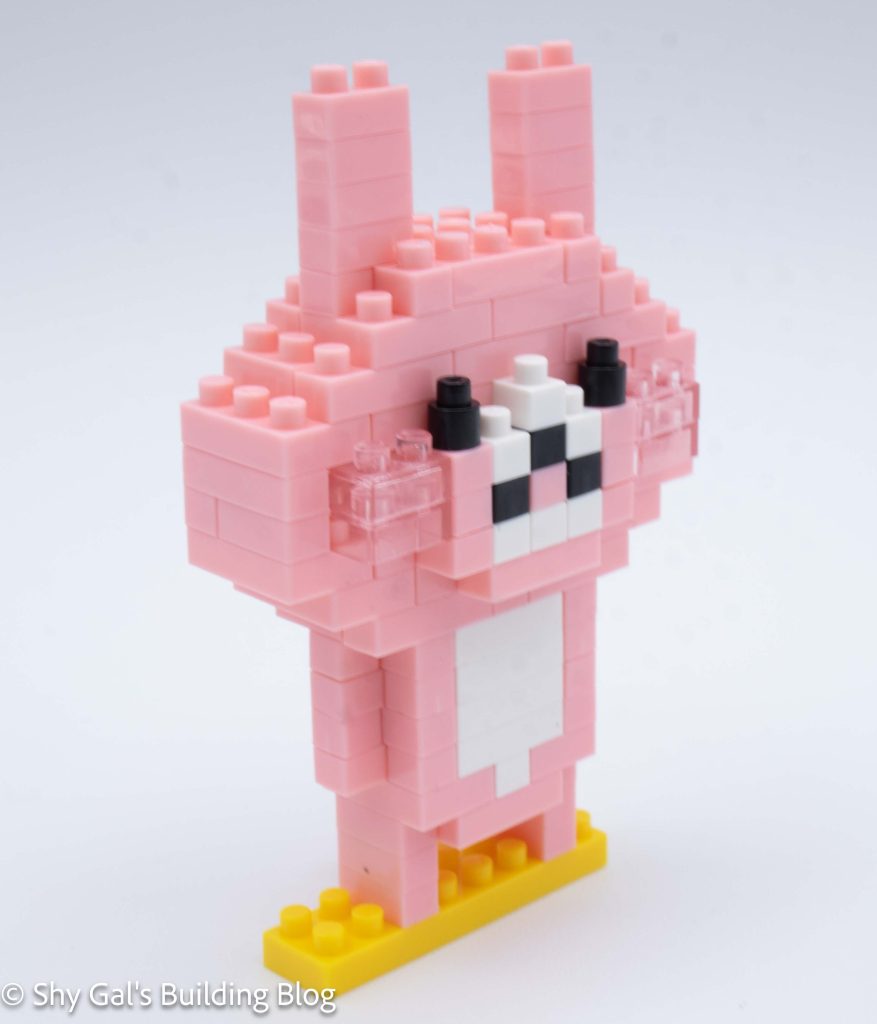
This post is a review of the nanoblock Cinnamoroll build. Cinnamoroll is part of the nanoblock Character collection. Wondering what else is part of the Character collection? Click here for a list.
Number: NBCC_006
Number of Pieces: 80
Difficulty Rating: 1
I began by laying the bricks for the foundation out on my nanoblock pad.
The head went up in layers to create the head and face. I added the cheeks, mouth, and eyes.
The next step is to add the detail to the head.
The final step of the head is to add Cinnamoroll’s ears.
Next, I began the body by laying the body out on the baseplate.
The body went up in layers. It was a bit tricky to line up the bricks to create the body because of tracing through the arrows.
The final step is to connect the head to the body.
Things I liked:
I like the rounded bricks for the eyes and mouth
Things I didn’t like:
I found the instructions to build the body a bit confusing
This post may contain affiliate links, and I may earn a small commission at no cost to you. This commission allows me to give you more information about brick builds by enabling me to buy more sets. See my full disclosure here .
This post is a review of the nanoblock Mega Charizard X RS build. Mega Charizard X RS is part of the nanoblock Pokemon collection. Wondering what else is part of the Pokemon collection? Click here for a list.
Number: NBPM_R12
Number of Pieces: 820
Difficulty Rating: 4/5
This is a new Mega Charizard Y model. The review for the original kit is here.
The kit is built by building the body as a foundation, then the arms, tail, head, and wings are built separately and then attached to a panel on the back.
I began by laying the base layer out.
Next, I built the foundation of the 2 legs. These were straightforward. I attached the base legs to the body. The legs were posable.
I built the body and legs up in layers. I had to watch the slanty pieces because both kinds were used in the body. Over the steps, I built the stomach panel and the sides and back.
Next, I built the feet and attached them to the body.
Then I built the arms and attached them one at a time.
The next major segment was the tail. I built each segment, which had clear directions. The tail is built in such a way that it isn’t very posable.
Next, I built the center panel that the wings would connect to and connected that to the body.
Next, I built each of the wings. Most of the wing was flat with a small segment that could be rounded around to create a bit of movement. The base of the wing was attached to the center panel and cannot be posed.
Finally, I built the head. I didn’t catch that so much was made with the clear blue bricks, so I made the mistake and used solid bricks, which I fixed after I had started. I do like the amount of detail in the head, considering how small it is compared to the rest of the build.
Things I liked:
I like how much detail is in the head for how small it is
Things I didn’t like:
I don’t like that the build isn’t as posable and the Mega Charizard Y RS
This post may contain affiliate links, and I may earn a small commission at no cost to you. This commission allows me to give you more information about brick builds by enabling me to buy more sets. See my full disclosure here .
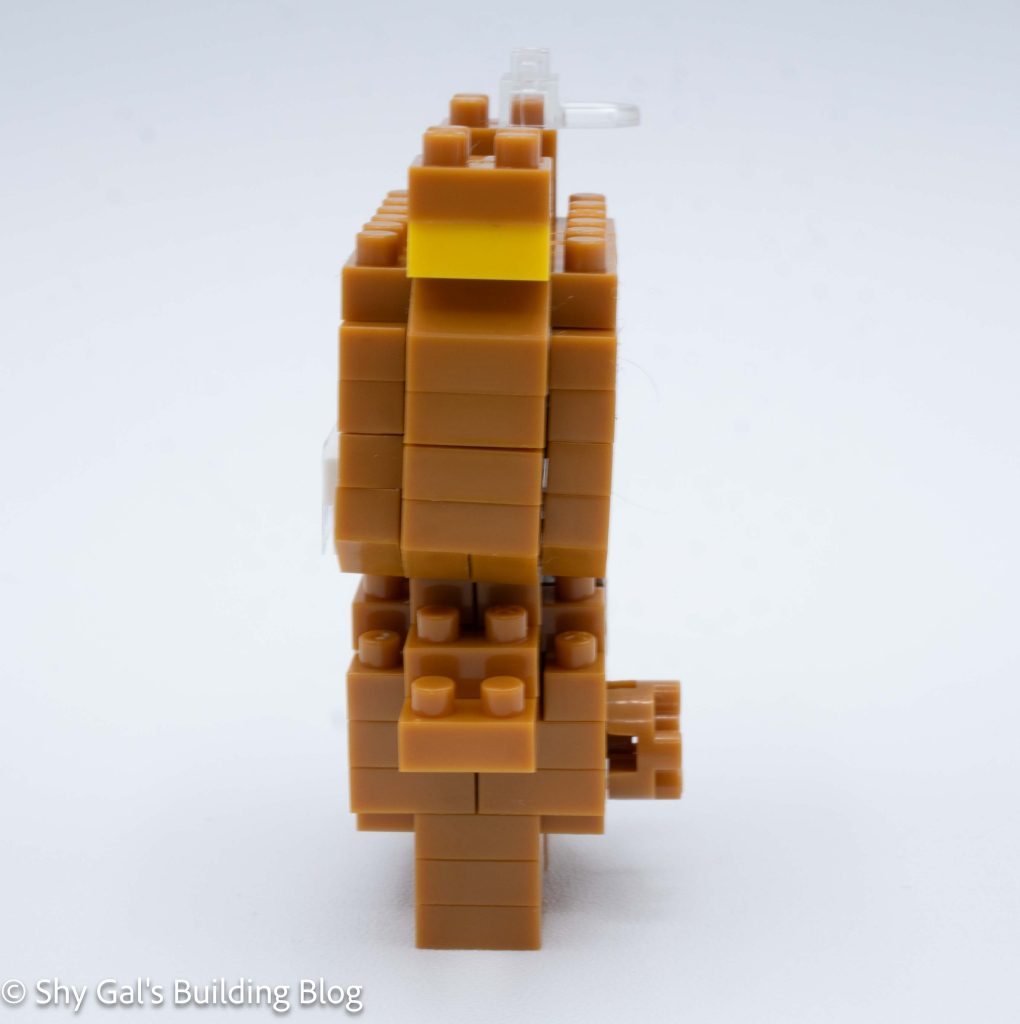
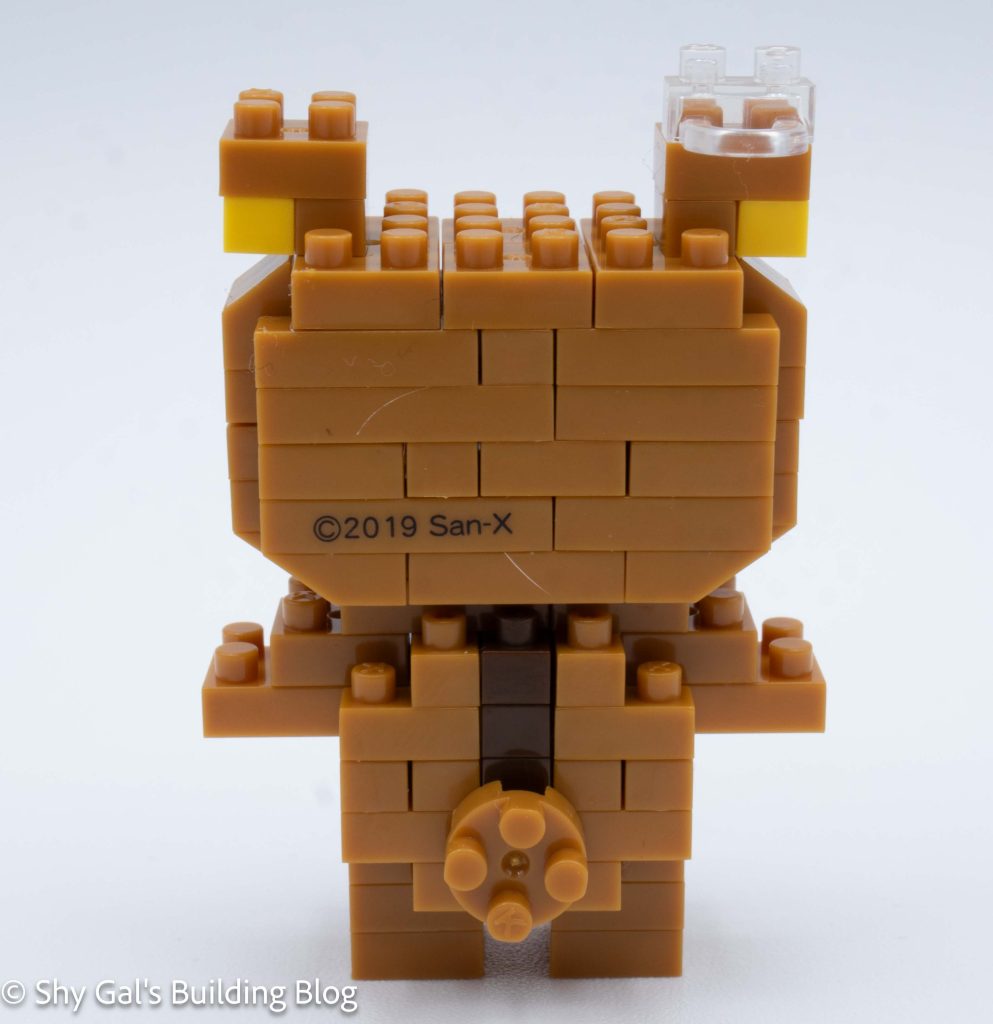
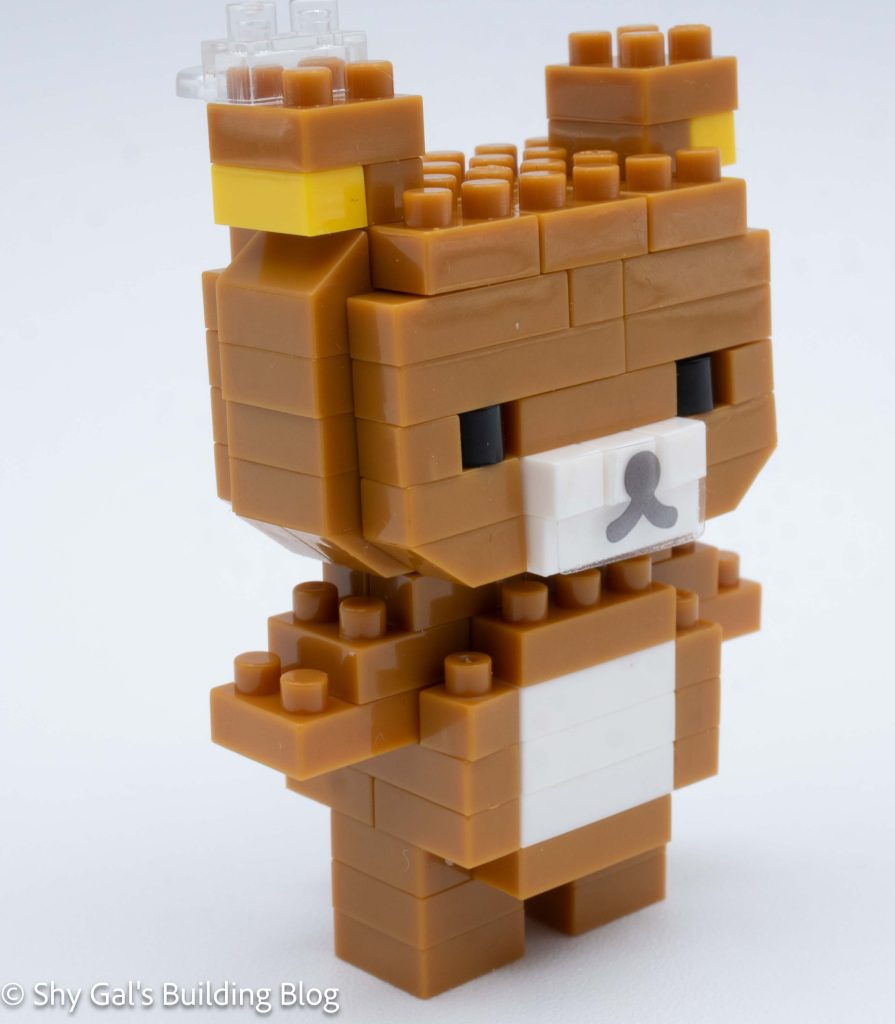
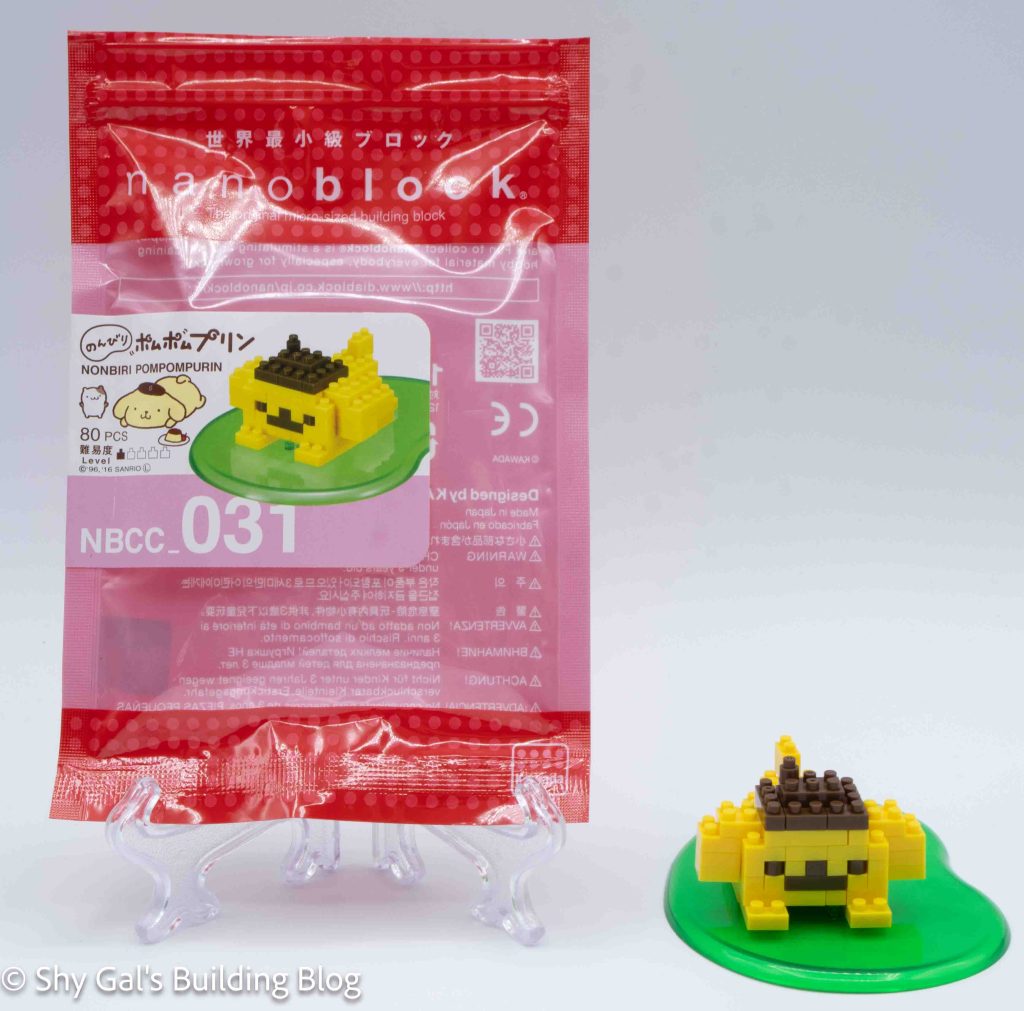
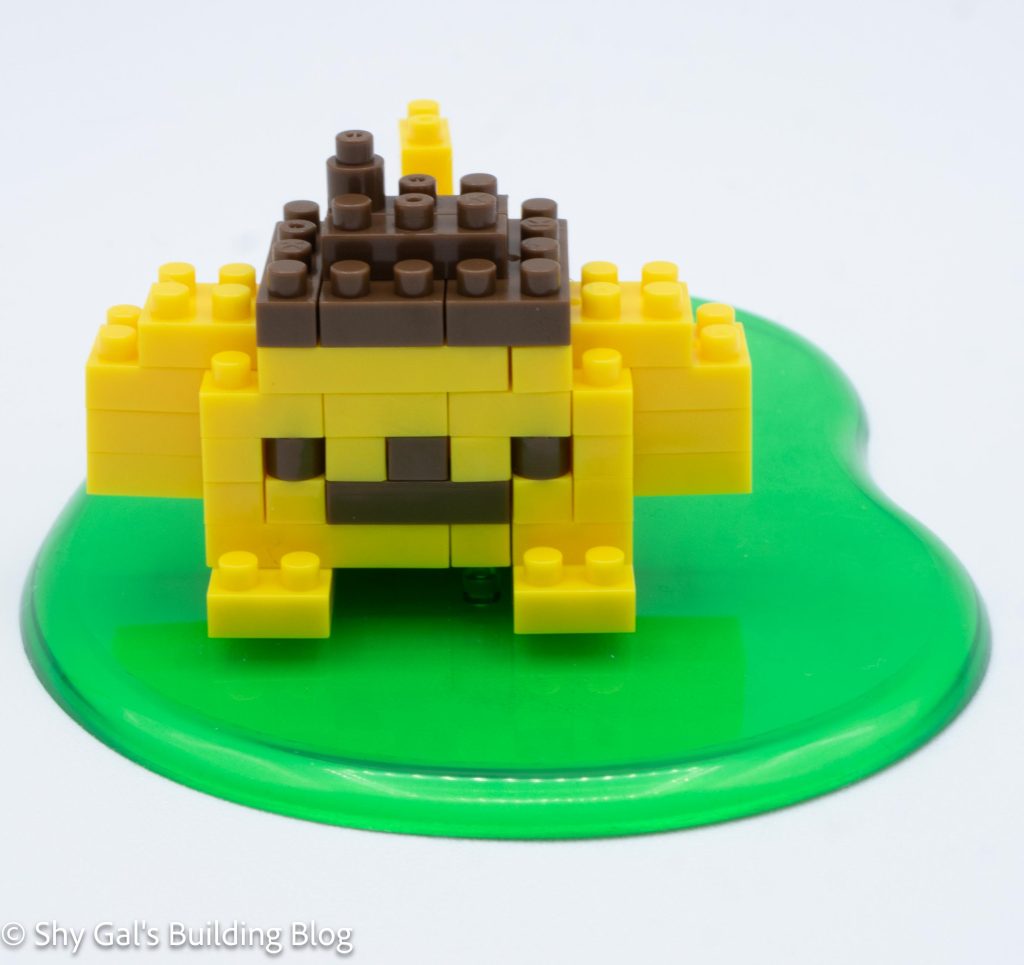
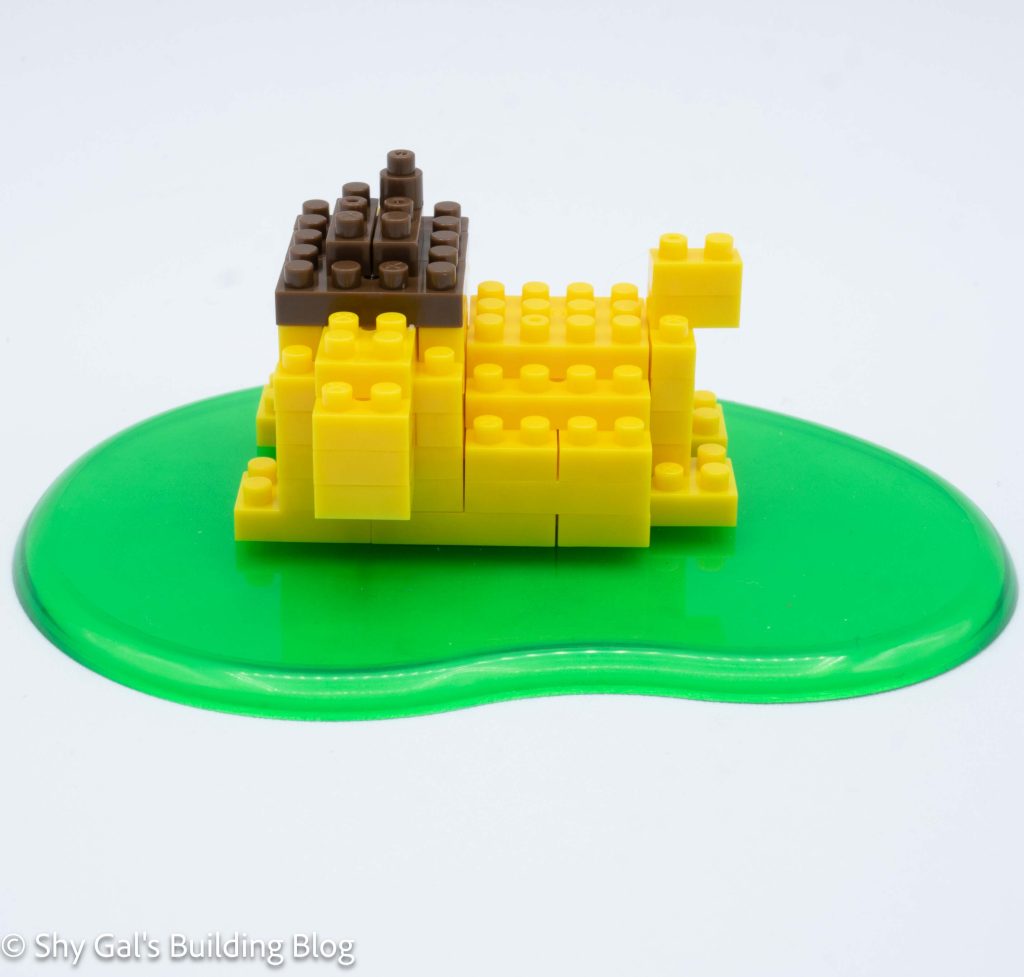
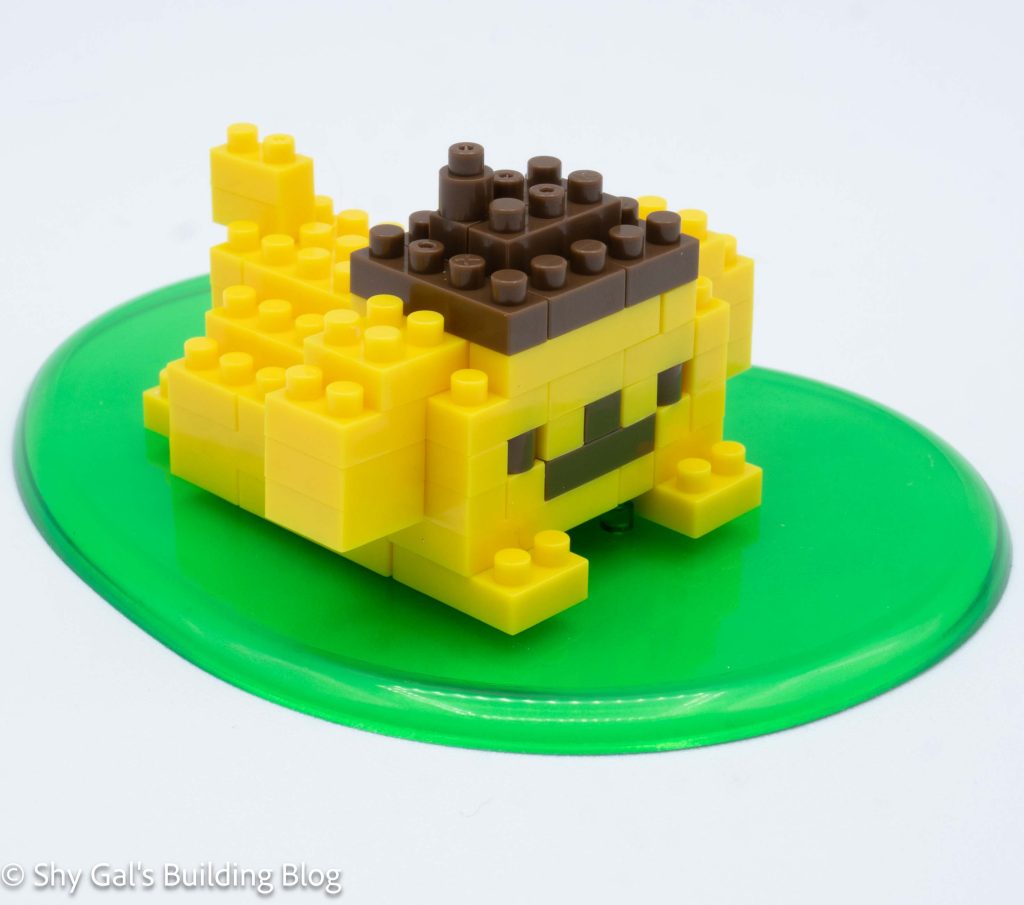
This kit is a re-release of Pompompurin NBCC_005. Read the review here.
This post may contain affiliate links, and I may earn a small commission at no cost to you. This commission allows me to give you more information about brick builds by enabling me to buy more sets. See my full disclosure here .
This post is a review of the nanoblock Pompompurin build. Pompompurin is part of the nanoblock Character collection. Wondering what else is part of the Character collection? Click here for a list.
The build begins by laying the bricks out for the base of the head. I used my nanoblock pad to hold the pieces in place.
The head goes up in straightforward layers. The layers added the mouth, nose, and eyes.
I added a few more layers and closed up the head.
Then I added the hat and ears.
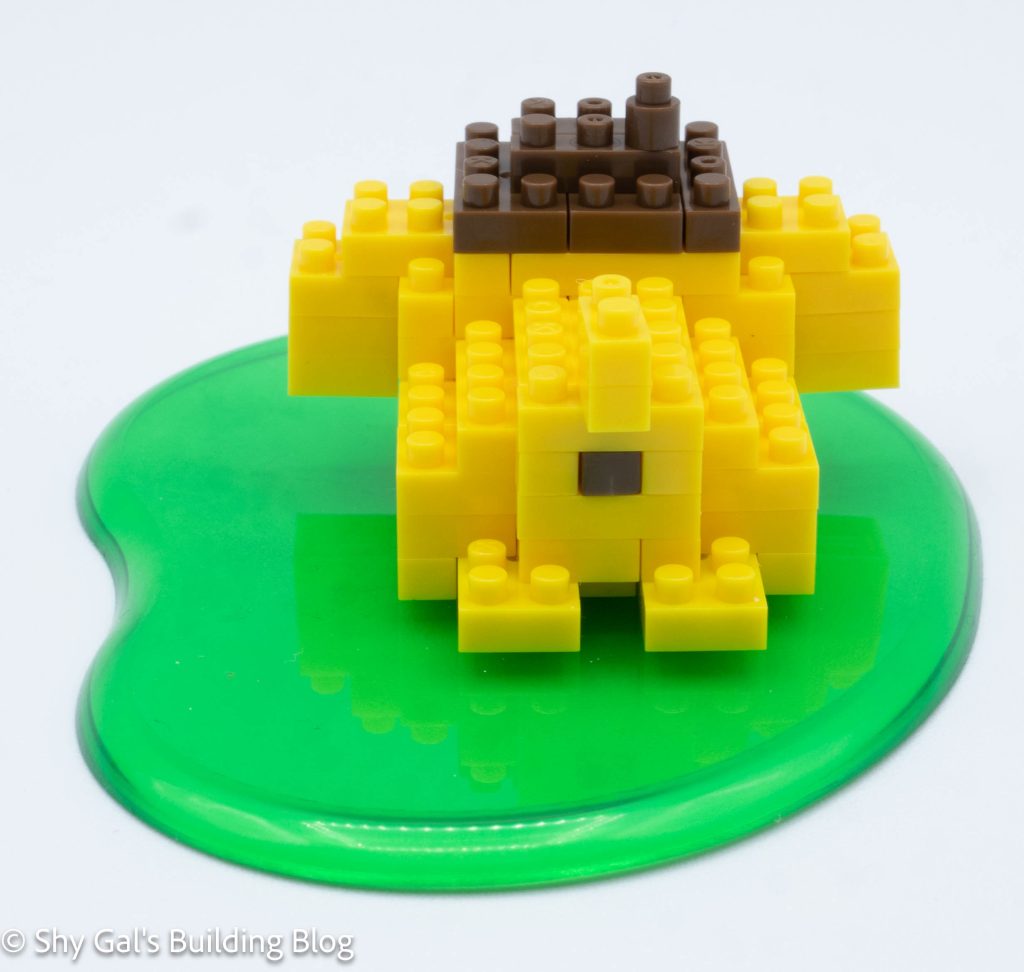
I laid the base layer of the body on the baseplate. The base layer includes Pompompurin’s famous butthole.
I built the body up in layers.
The last step is to attach the head to the body. There are a pair of diagrams to show how to attach the head to the body.
Things I liked:
I like that it included his famous butthole
Things I didn’t like:
There are a few places where the bricks are just stacked on top of each other. Normally, the bricks are staggered, so things are easier to break apart later
This post may contain affiliate links, and I may earn a small commission at no cost to you. This commission allows me to give you more information about brick builds by enabling me to buy more sets. See my full disclosure here .
This post is a review of the nanoblock Summoned Skull build. Summoned Skull is part of the nanoblock Character collection. Wondering what else is part of the Character collection? Click here for a list.
Number: NBCC_207
Number of Pieces: 410
Difficulty Rating: 3/5
This is by far the most difficult of the Yu-Gi-Oh builds. I had to stop at multiple points to reevaluate what was going on and how things could be properly built. I also had to take things apart several times to correct what I had built.
The first step was to build the body. The build started at the hips and builds up the torso. At one point, the body is attached by one stud, so the entire rib cage rotates, so keeping it lined up was a bit tricky. When I got to the top of the body, I placed a 2×2 round piece, which, when I originally placed the brick, the head connection wasn’t lined up properly.
The next step was to build the head. The head was very straightforward to build.
Next I attached the head to the body.
The next step was to build the legs. For some reason, it wasn’t build one leg then build the other (which is the usual pattern). Instead, I was building a section of each leg in a mirrored step at a time. This made building the legs a lot trickier than it needed to be.
Then I attached the legs to the body
The next section is to build the arms. The arms are identical and fairly straightforward.
Then I attached the arms to the body.
The next step is to build the wings. The wings are mirrors of each other. A nice detail is that there is a clear brick to strengthen the wing.
Finally, I attached the wings to the body. Sadly, this made the build very back-heavy so the build snapped at the spine, where is it held together by 1 stud. I was able to get it back together, but it became very fragile.
Things I liked:
I like that the wings have a clear brick that works as a support to strengthen the wings
Things I didn’t like:
I don’t like that the torso is attached to the hips by one stud. When I attached the wings the two sections would barely be stay connected
This post may contain affiliate links, and I may earn a small commission at no cost to you. This commission allows me to give you more information about brick builds by enabling me to buy more sets. See my full disclosure here .
This post is a review of the nanoblock Little Twin Stars Lala build. Little Twin Stars Lala is part of the nanoblock Character collection. Wondering what else is part of the Character collection? Click here for a list.
Number: NBCC_004
Number of Pieces: 110
Difficulty Rating:2
This build is made up of 3 sections. There is the head, the body, and the base plate.
The build begins with laying out the bricks to be the foundation of the head. I laid the bricks out on my nanoblock pad.
I added two layers of bricks that contained skin, eyes, and the back of the head.
Then I added several more layers of pink for her hair. I closed up the head using the pink bricks.
Next, I had to build the hair that goes down. This was a bit tricky because it showed how many layers were needed, but there were no step-by-step directions for this section. After building the hair, I attached it to the head.
Next, I built the body. I lay the foundation out on my nanoblock pad.
I added layers to the body. In the step where I attached the arms once again, the steps were combined, so the instructions were a bit unclear.
Then I attached the head to the body.
Next, I worked on the baseplate. I attached the feet and wand to the baseplate.
The last step was to attach the body to the feet. There was a picture to describe how the body connects to the legs.
Things I liked:
I like that they included her wand
Things I didn’t like:
There were several steps that were skipped, which was frustrating
This post may contain affiliate links, and I may earn a small commission at no cost to you. This commission allows me to give you more information about brick builds by enabling me to buy more sets. See my full disclosure here .
This post is a review of the nanoblock Black Luster Soldier build. Black Luster Soldier is part of the nanoblock Character collection. Wondering what else is part of the Character collection? Click here for a list.
Number: NBCC_206
Number of Pieces: 320
Difficulty Rating: 4/5
I’m not sure I would rank this build a 4/5 difficulty it was closer to a 3/5 in my opinion.
The final build was a bit loose and floppy, but overall it was hard to pose because the arms are so heavy.
The build begins with his hips by adding ball socket joints where the legs will connect in. It took a while for me to understand what exactly I was building.
Then I added layers of bricks to build the torso. I added the ball sockets for the arms as well.
Then I added layers to create the head.
Then I built the legs. They are not the same but are mirrors of each other. The build was able to stand once I connected the legs to the body.
Next I added some details to the front and back of the body.
Next I built his left arm. This included the arm and the sheild. The shield was a bit complicated but everything locked in tightly.
Next I build his right arm. This included the sword and arm. I was surprised that the arm was held in one place with one stud.
The last step was to add the ribbon on the head. I was surprised to see the clear orange because it isn’t really visible.
Things I liked:
I like how the shield looks
Things I didn’t like:
I don’t like how the build isn’t super posable because the arms are so heavy