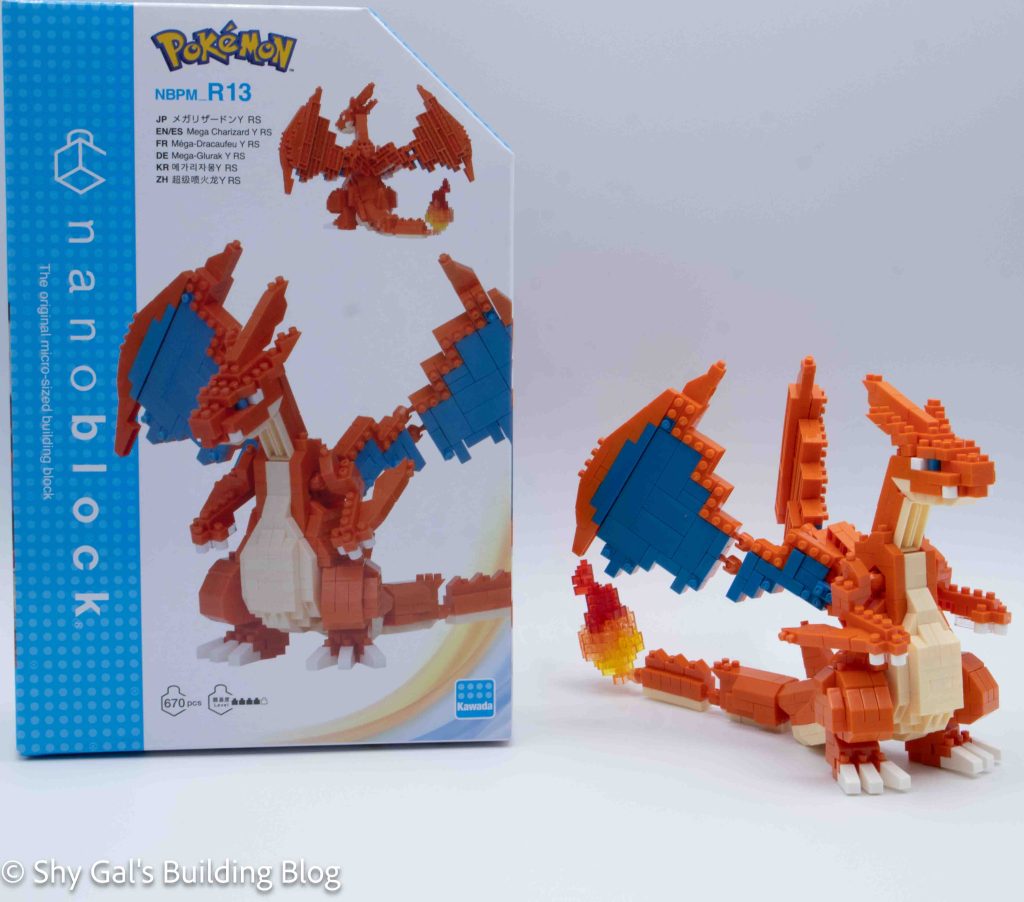
Review of nanoblock Mega Charizard Y RS NBPM_R13

Mega Charizard Y RS build and box

This post is a review of the nanoblock Mega Charizard Y RS build. Mega Charizard Y RS is part of the nanoblock Pokemon collection. Wondering what else is part of the Pokémon collection? Click here for a list.

Number: NBPM_R13

Number of Pieces: 670

Difficulty Rating: 4/5

This is a new Mega Charizard Y model. The review for the original kit is here.
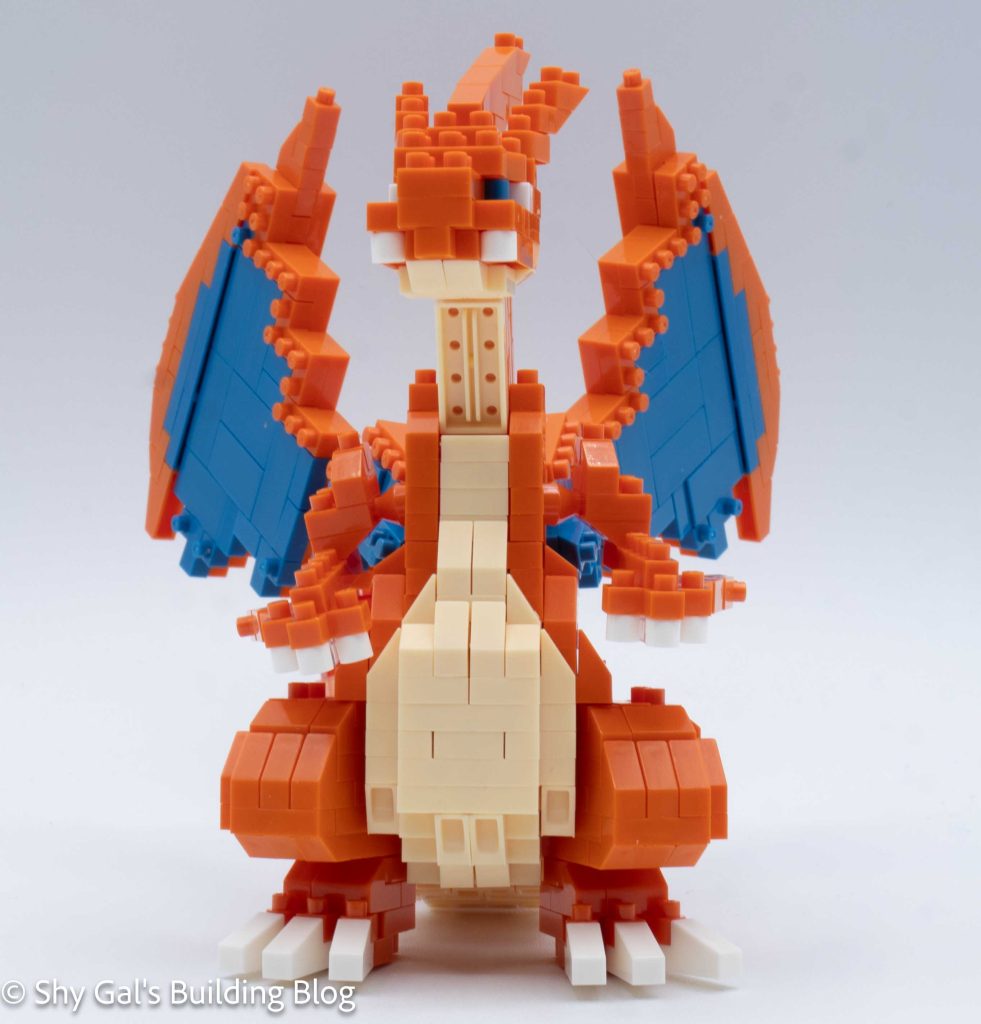
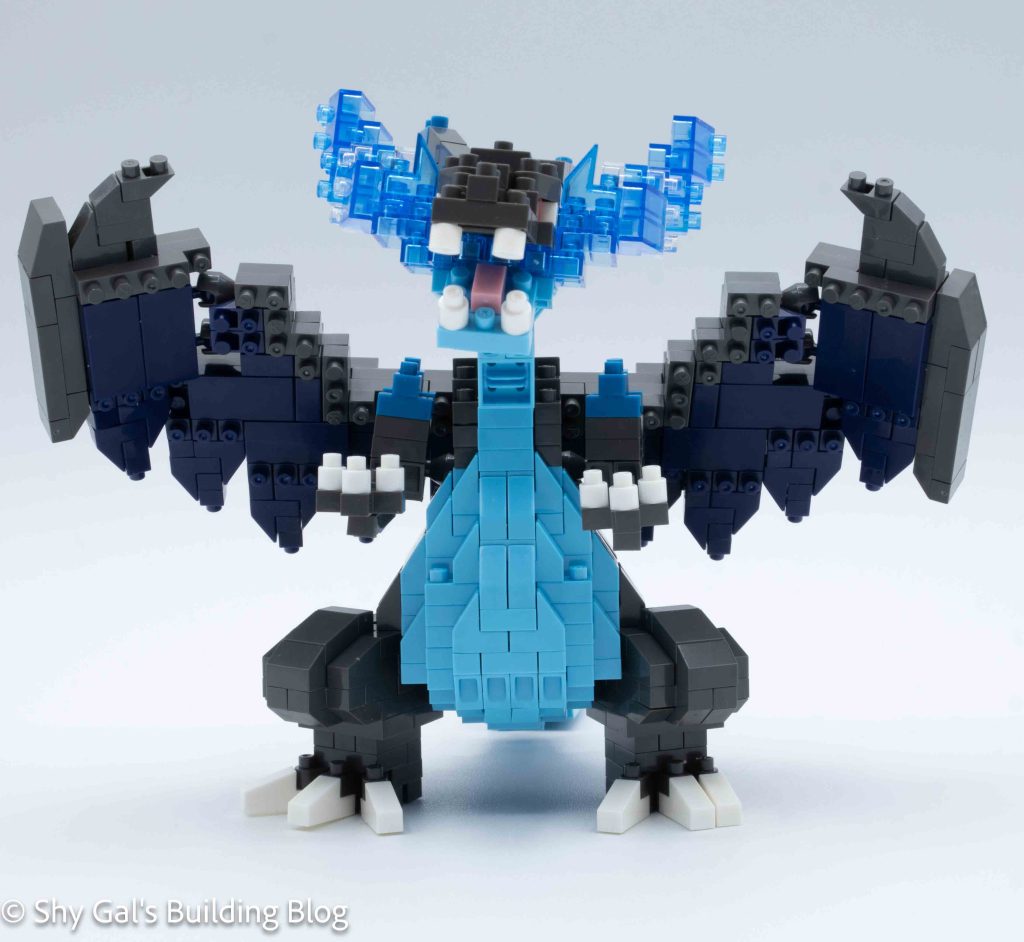
Mega Charizard Y RS build front view

The kit is built by building the body as a foundation, then the arms, tail, head, and wings are built separately and then attached.

I began by laying the base layer out. I couldn’t use my nanoblock pad because the socket joints meant that things wouldn’t lie flat.

Next, I built the foundation of the 2 legs. These were straightforward. I attached the base legs to the body. The legs were posable.
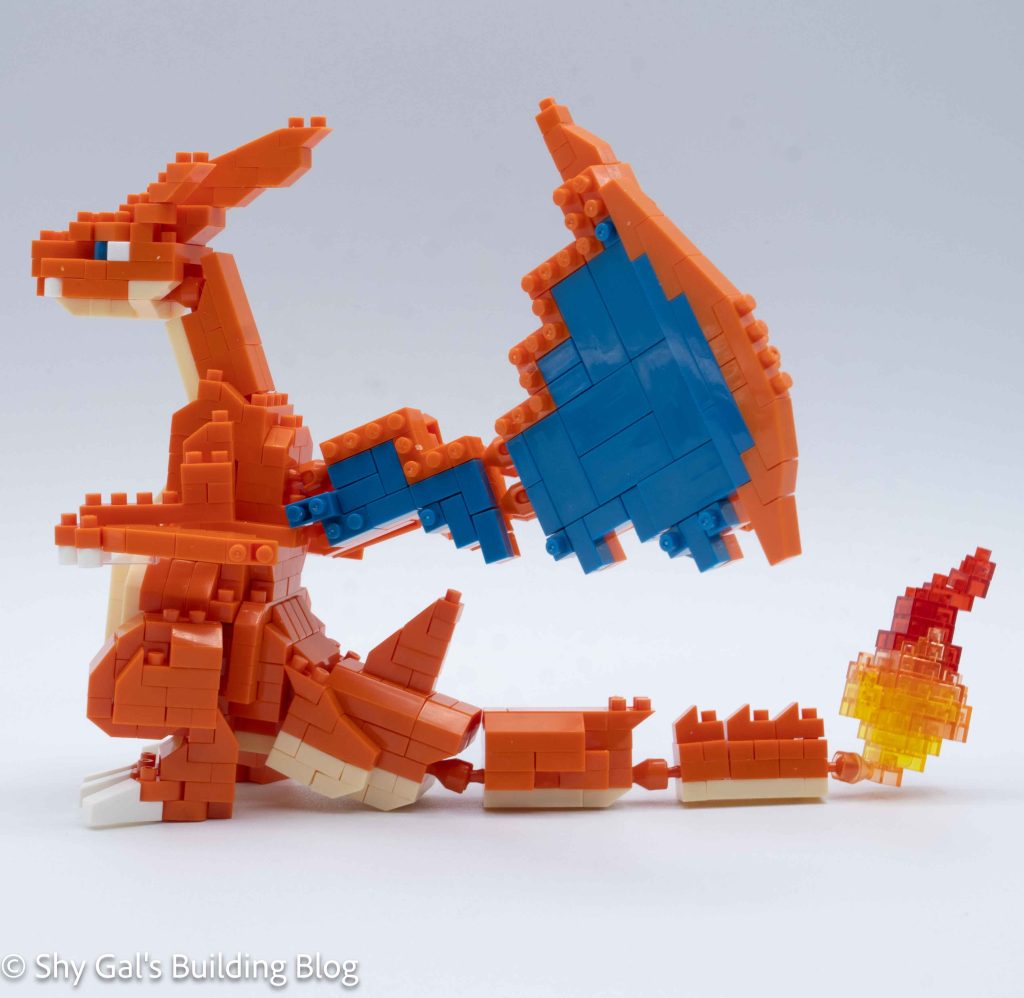
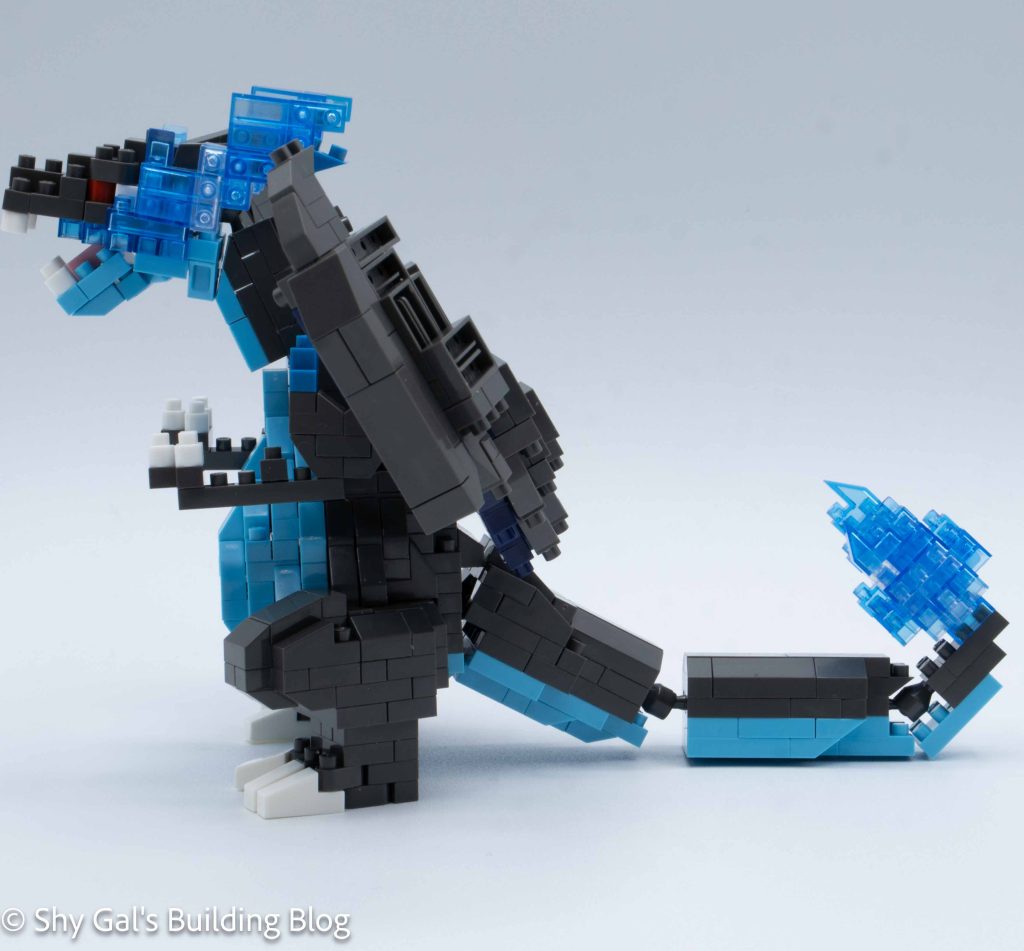
Mega Charizard Y RS build side view

I built the body and legs up in layers. I had to watch the slanty pieces because both kinds were used in the body. Over the steps, I built the stomach panel and the sides and back.

Next, I built the feet and attached them to the body.

Then I built the arms and attached them one at a time.
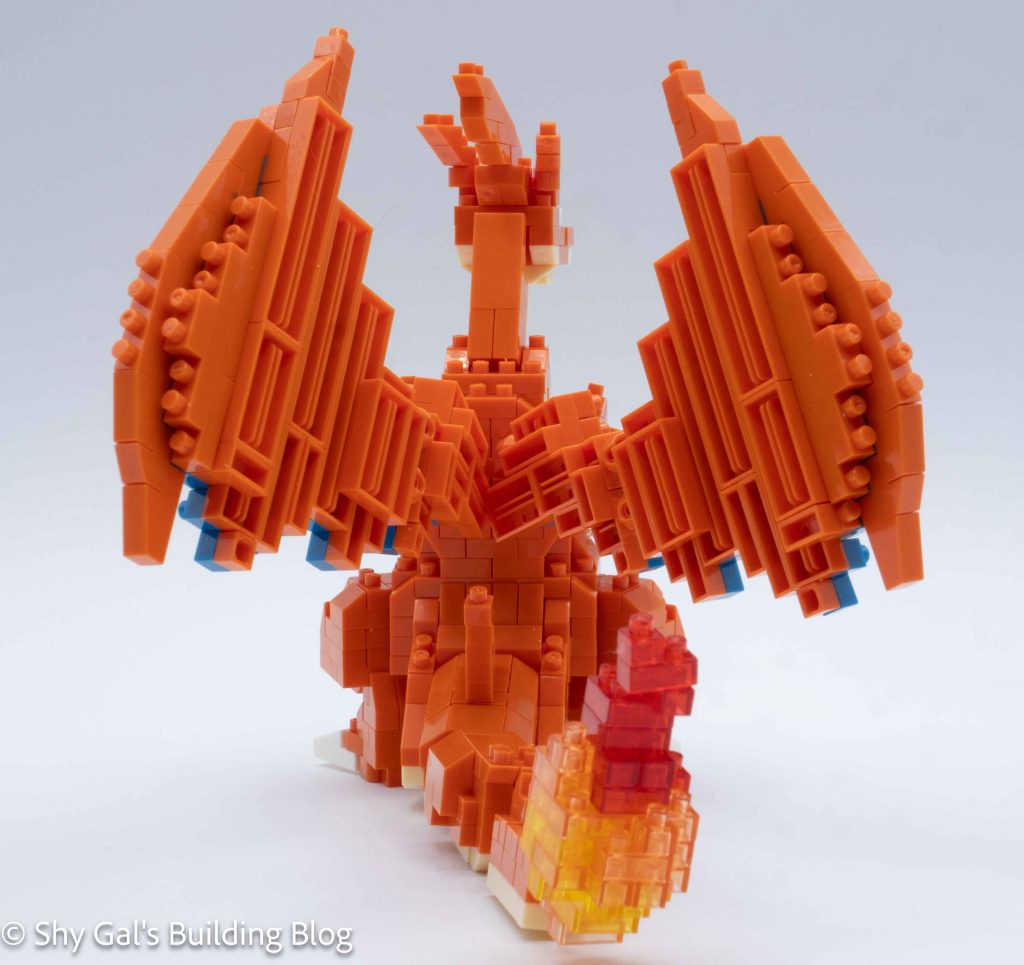
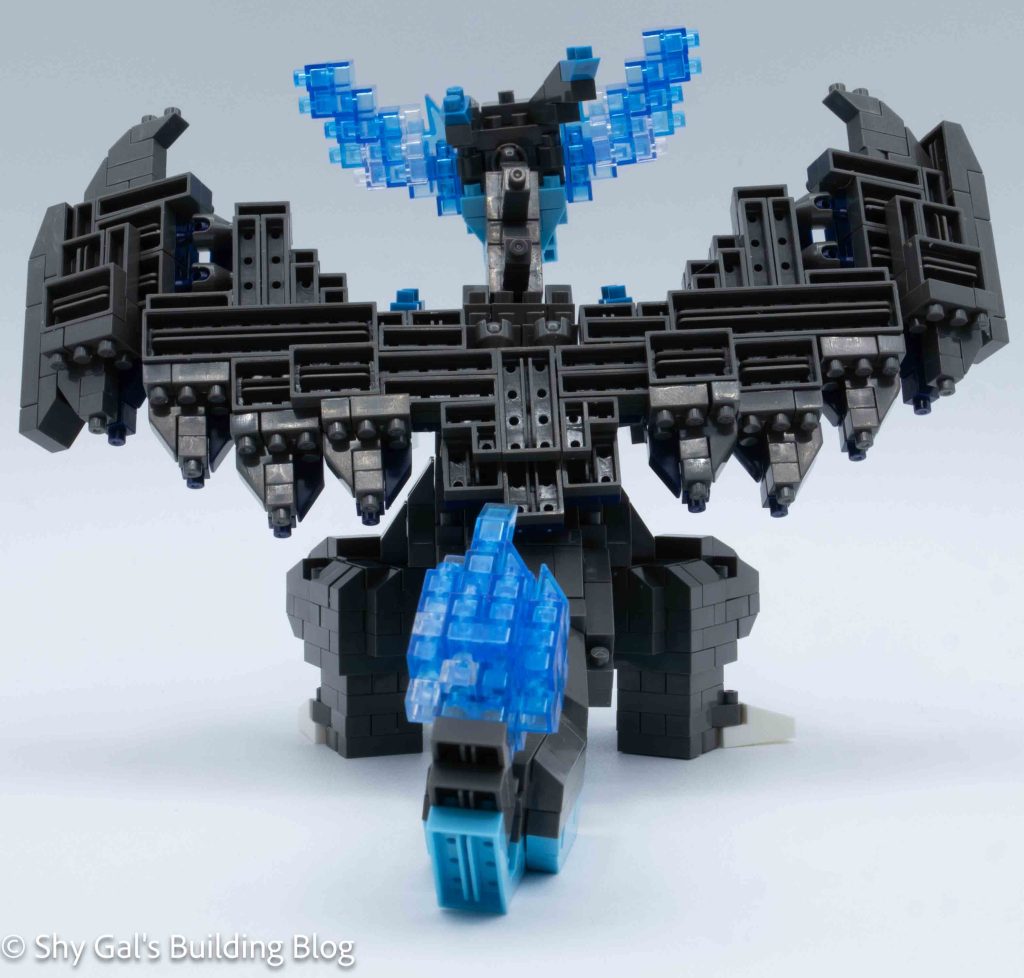
Mega Charizard Y RS build back view

The next major segment was the tail. I built each segment, which had clear directions. I feel that the flame doesn’t quite look like the flame from the box, which is disappointing. After connecting the tail segments, I attached the tail to the body.

Next, I built the head. I really like the amount of detail in the head. After building the head, I built the neck and attached the entire thing to the body.

The final step was to build the wings. These were by far the most complicated part of the build. There were several points where I had to be super careful to make things right when flipped over. Finally, I attached the wings to the body
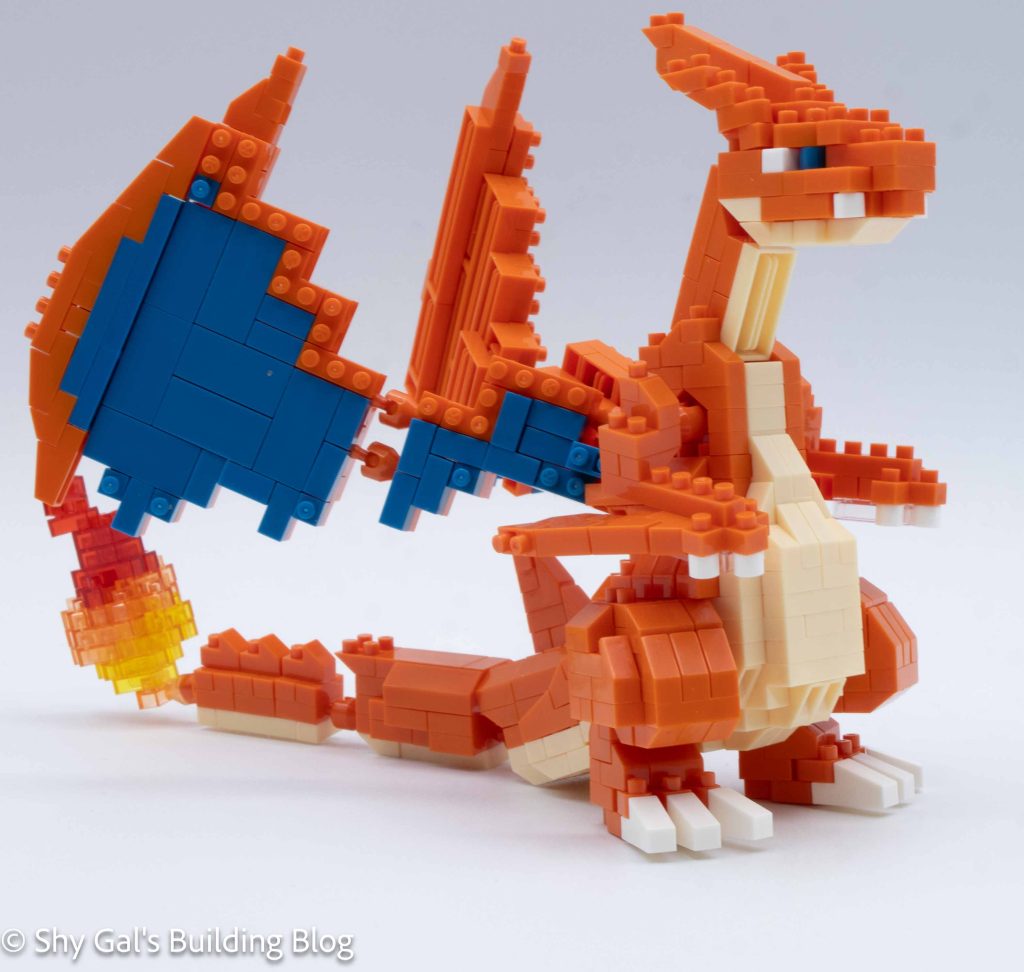
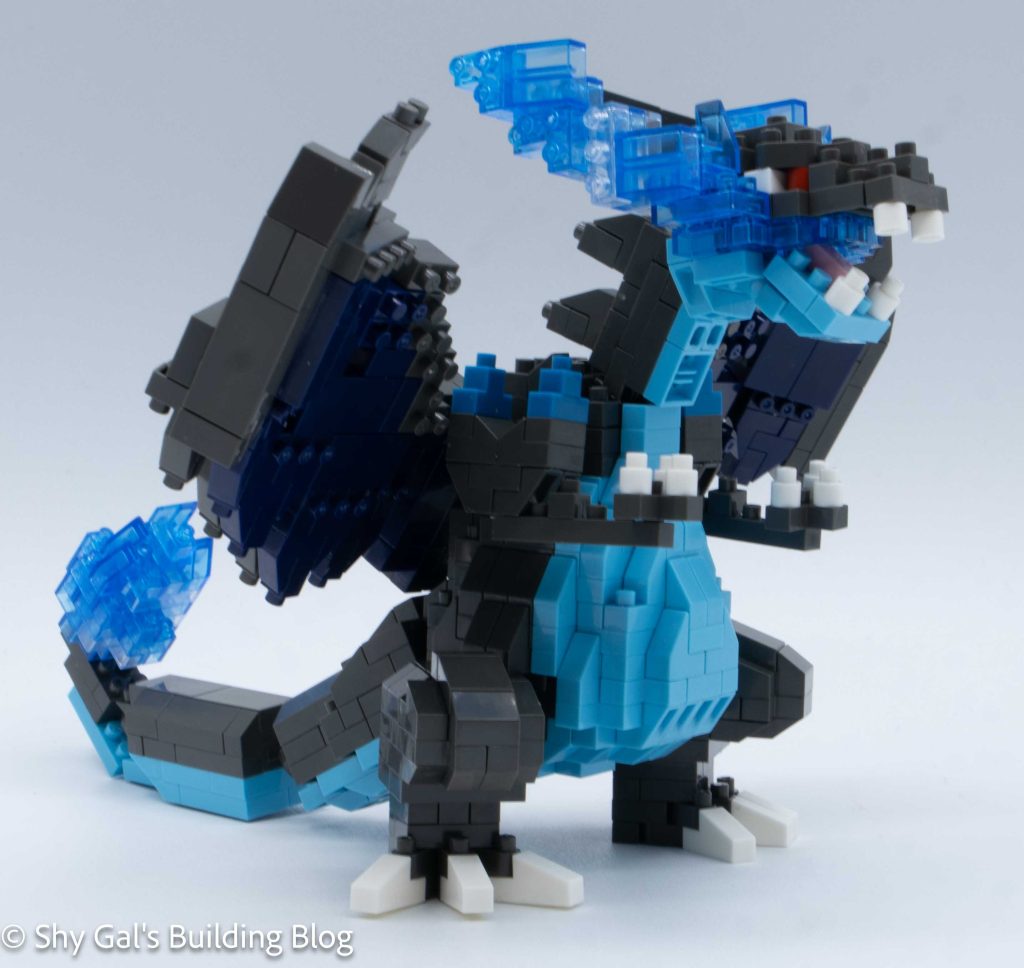
Mega Charizard Y RS build front 3/4 view

Things I liked:

  • I like that the build wasn’t tippy, as I added segments onto the build, so I didn’t have to figure out how to place it each time I added a segment.

Things I didn’t like:

  • I feel that the flame I got from following the instructions didn’t match the one on the box
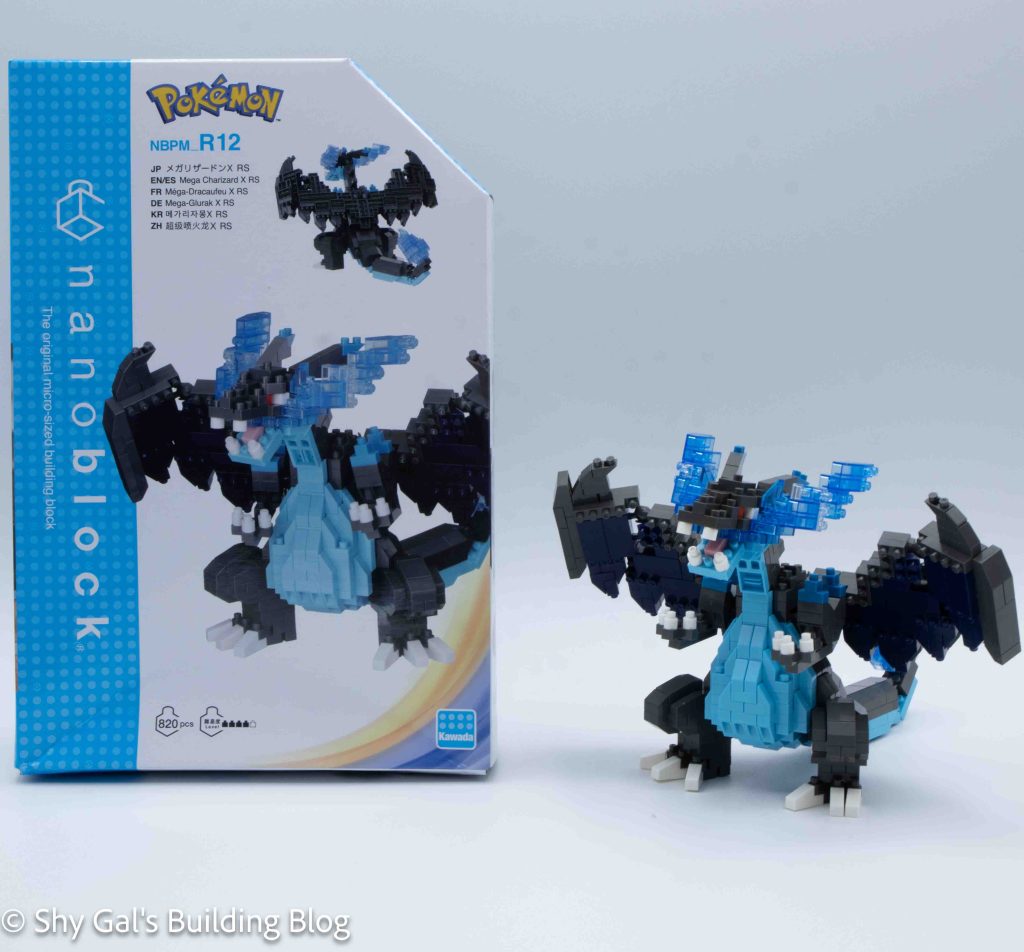
Review of nanoblock Mega Charizard X RS NBPM_R12

Mega Charizard X RS build and box
This post is a review of the nanoblock Mega Charizard X RS build. Mega Charizard X RS is part of the nanoblock Pokemon collection. Wondering what else is part of the Pokemon collection? Click here for a list.

Number: NBPM_R12

Number of Pieces: 820

Difficulty Rating: 4/5

This is a new Mega Charizard Y model. The review for the original kit is here.

Mega Charizard X RS build front view

The kit is built by building the body as a foundation, then the arms, tail, head, and wings are built separately and then attached to a panel on the back.

I began by laying the base layer out.

Next, I built the foundation of the 2 legs. These were straightforward. I attached the base legs to the body. The legs were posable.

Mega Charizard X RS build side view

I built the body and legs up in layers. I had to watch the slanty pieces because both kinds were used in the body. Over the steps, I built the stomach panel and the sides and back.

Next, I built the feet and attached them to the body.

Then I built the arms and attached them one at a time.

The next major segment was the tail. I built each segment, which had clear directions. The tail is built in such a way that it isn’t very posable.

Mega Charizard X RS build back view

Next, I built the center panel that the wings would connect to and connected that to the body.

Next, I built each of the wings. Most of the wing was flat with a small segment that could be rounded around to create a bit of movement. The base of the wing was attached to the center panel and cannot be posed.

Finally, I built the head. I didn’t catch that so much was made with the clear blue bricks, so I made the mistake and used solid bricks, which I fixed after I had started. I do like the amount of detail in the head, considering how small it is compared to the rest of the build.

Mega Charizard X RS build front 3/4 view

Things I liked:

  • I like how much detail is in the head for how small it is

Things I didn’t like:

  • I don’t like that the build isn’t as posable and the Mega Charizard Y RS

Review of nanoblock Pokemon Quest Squirtle NBPM_040

Pokemon Quest Squirtle build and box
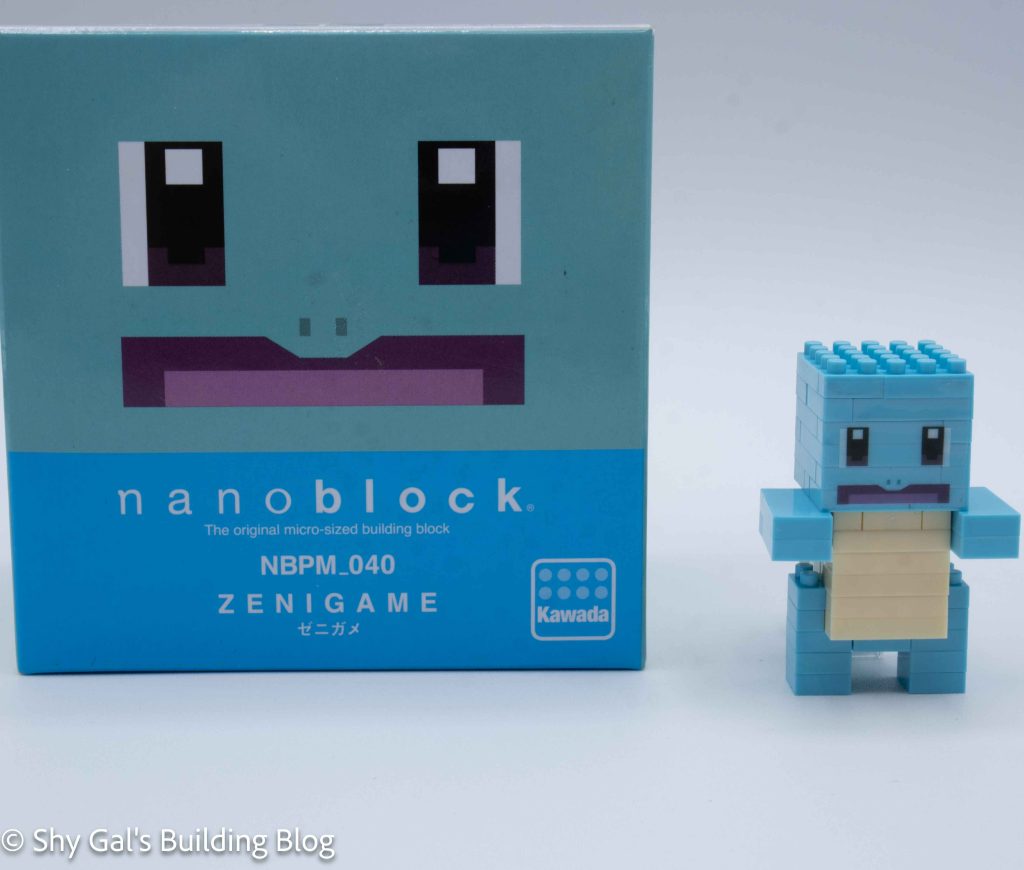
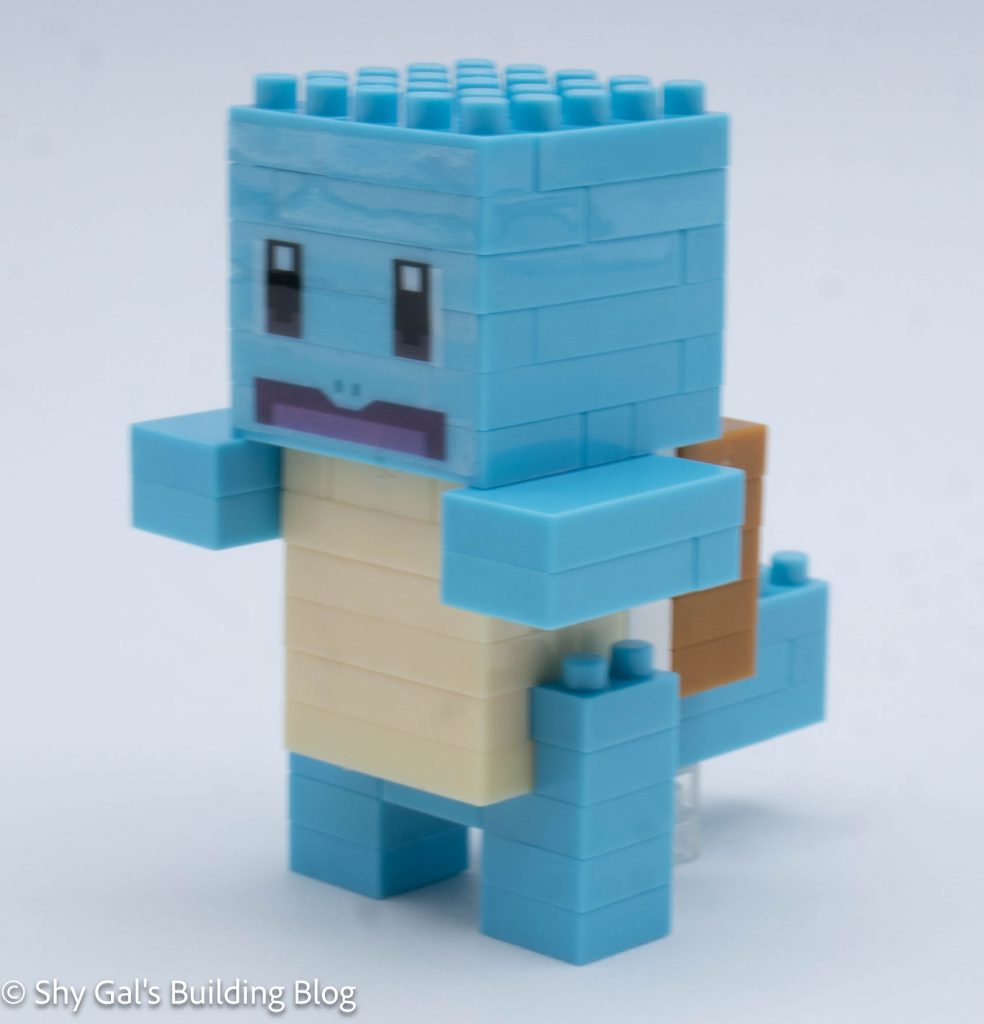
This post is a review of the nanoblock Pokemon Quest Squirtle build. Pokemon Quest Squirtle is part of the nanoblock Pokemon collection. Wondering what else is part of the Pokemon collection? Click here for a list.

Number: NBPM_040

Number of Pieces: 80

Difficulty Rating: 2/5

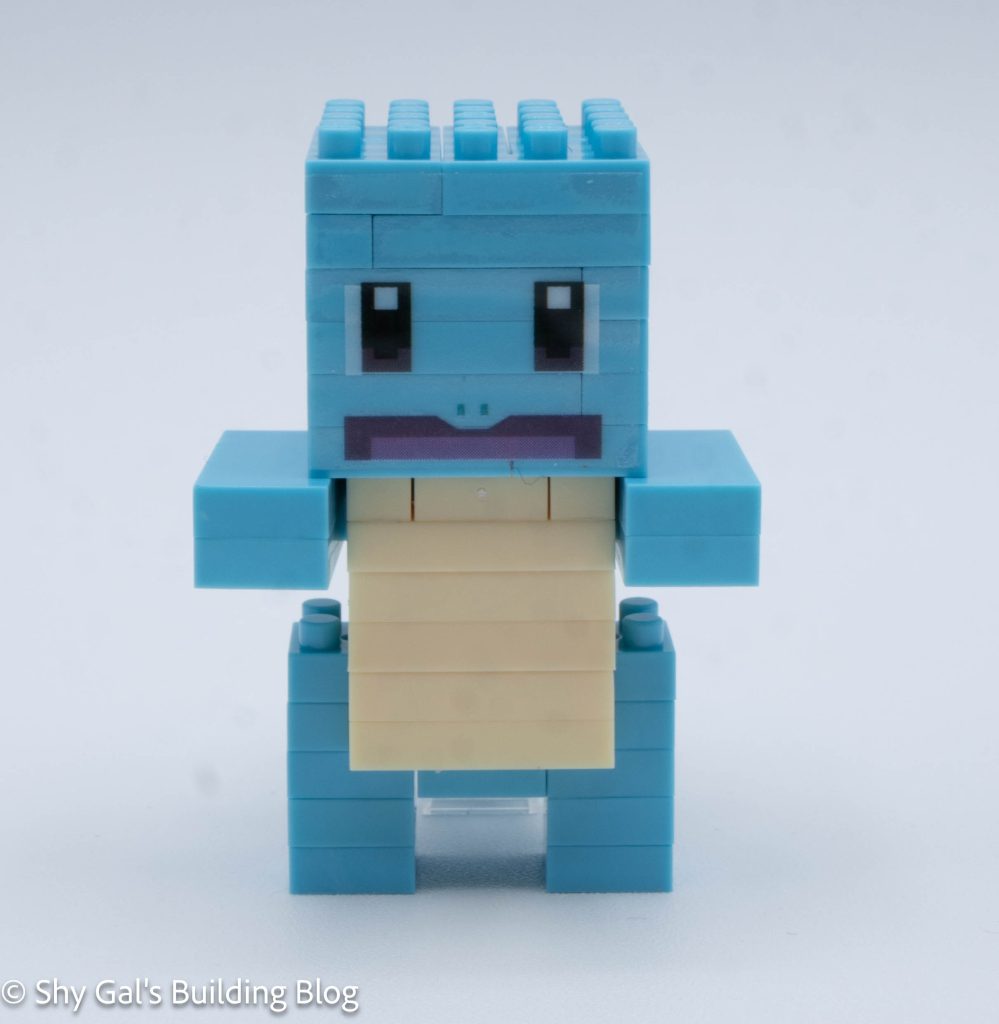
Pokemon Quest Squirtle build front view

I began this kit by laying the base layer out on my nanoblock pad.

The second layer adds the stomach and shell outline.

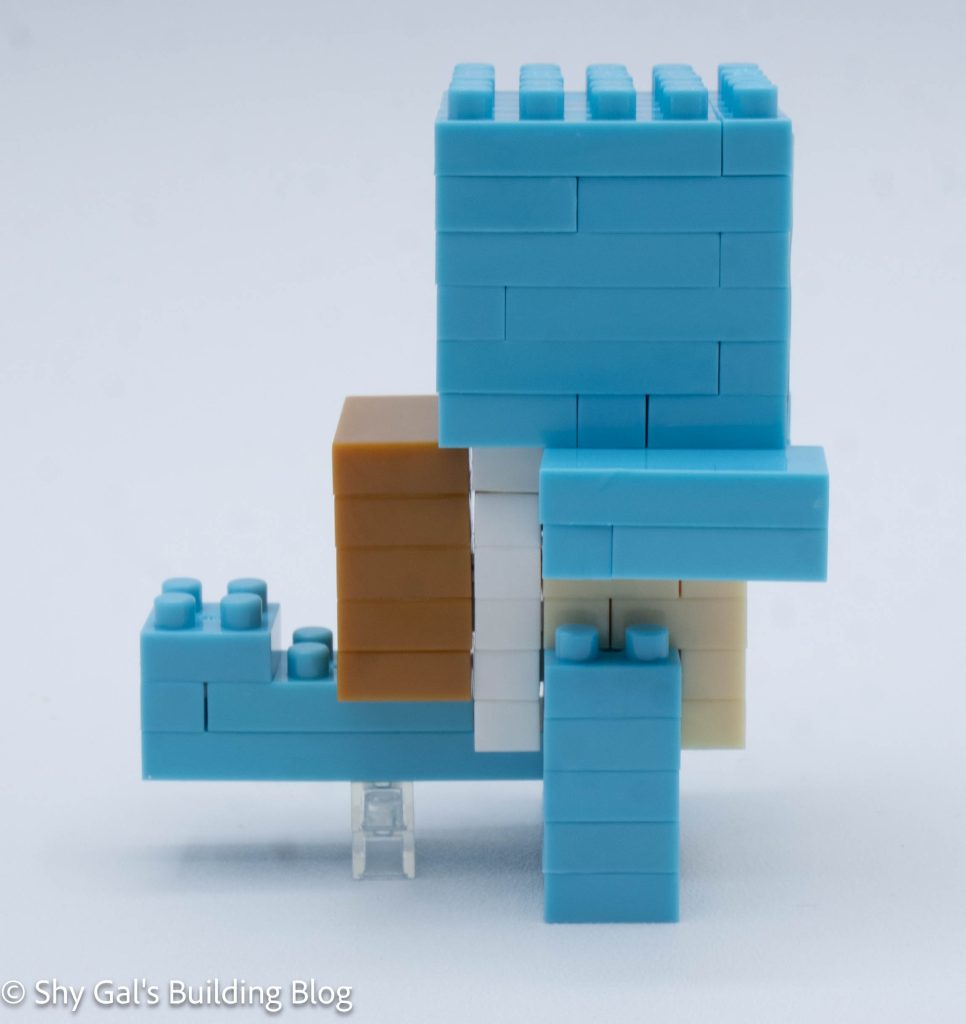
Pokemon Quest Squirtle build side view

The next several layers create the stomach and shell. It closes up with flat-topped bricks with a couple of studs where the head attaches.

Then I connected the arms.

The next step is to build the head off the body. I needed to be careful to ensure the crossbars on the base were correct so that I could attach the head. After building the head, I attached it to the body.

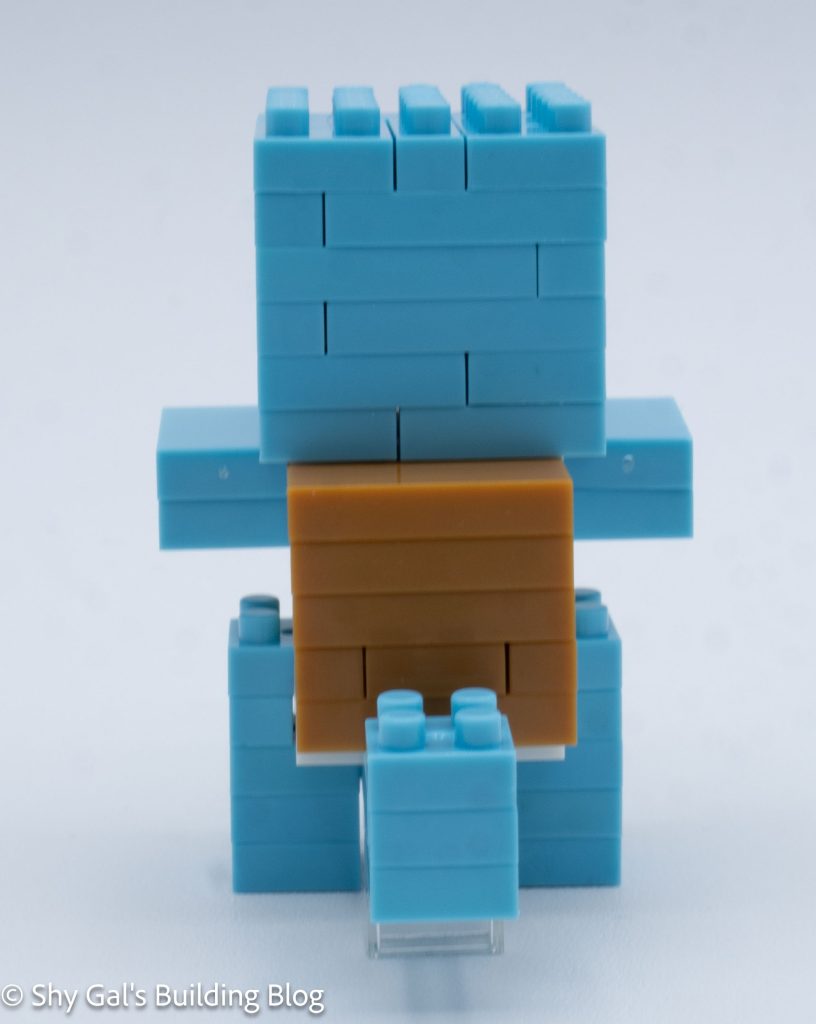
Pokemon Quest Squirtle build back view

I added the legs and a support so that the final build can stand.

The final step is to attach the sticker that has Squirtle’s face on it.

Pokemon Quest Squirtle build front 3/4 view

Things I liked:

  • I liked how simple the build was

Things I didn’t like:

  • I wish the build didn’t have a sticker, but it is required for the face

Review of nanoblock Pokemon Quest Bulbasaur NBPM_039

Pokemon Quest Bulbasaur build and box
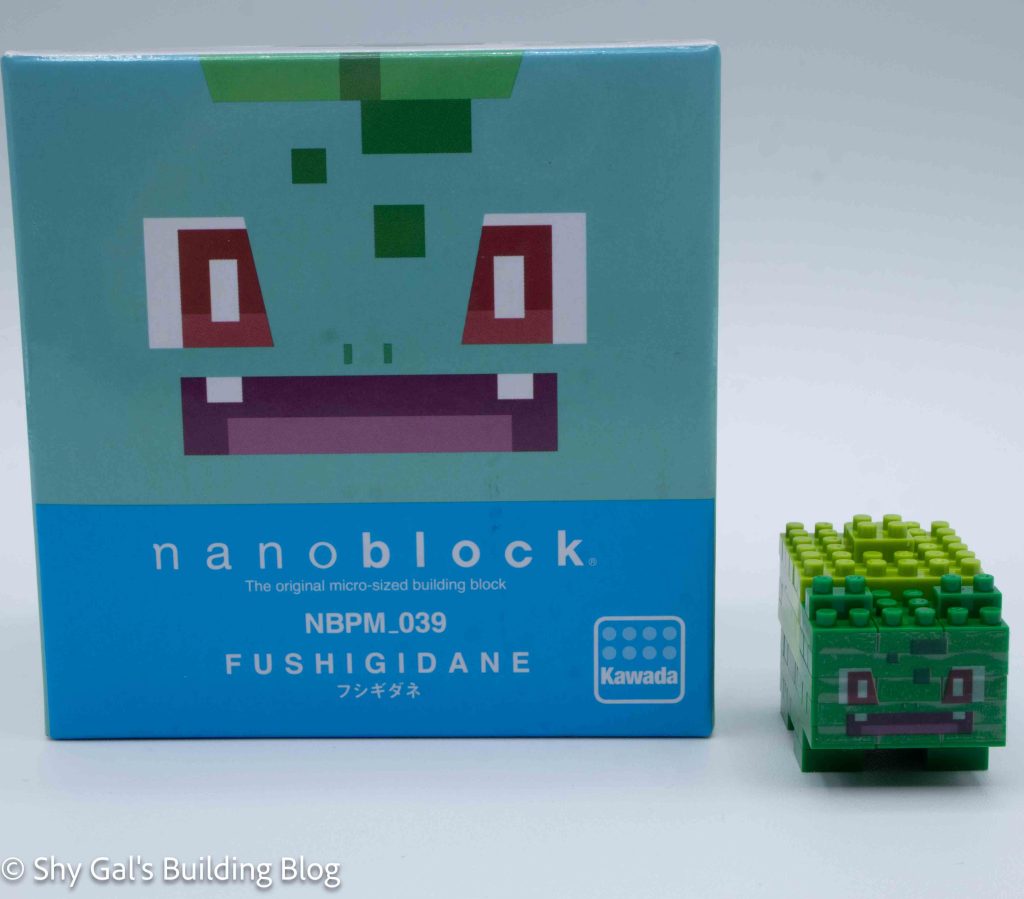
This post is a review of the nanoblock Pokemon Quest Bulbasaur build. Pokemon Quest Bulbasaur is part of the nanoblock Pokemon collection. Wondering what else is part of the Pokemon collection? Click here for a list.

Number: NBPM_039

Number of Pieces: 50

Difficulty Rating: 1/5

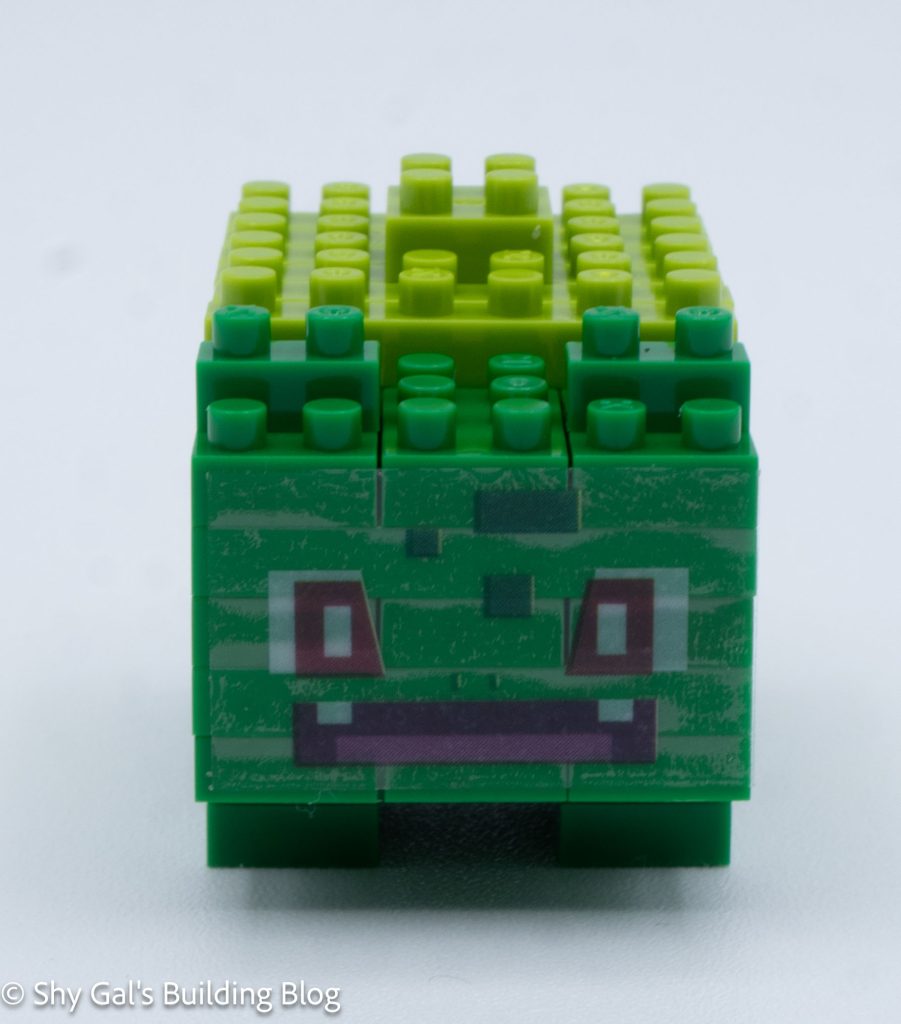
Pokemon Quest Bulbasaur build front view

I began by laying the base layer of bricks out on my nanoblock pad.

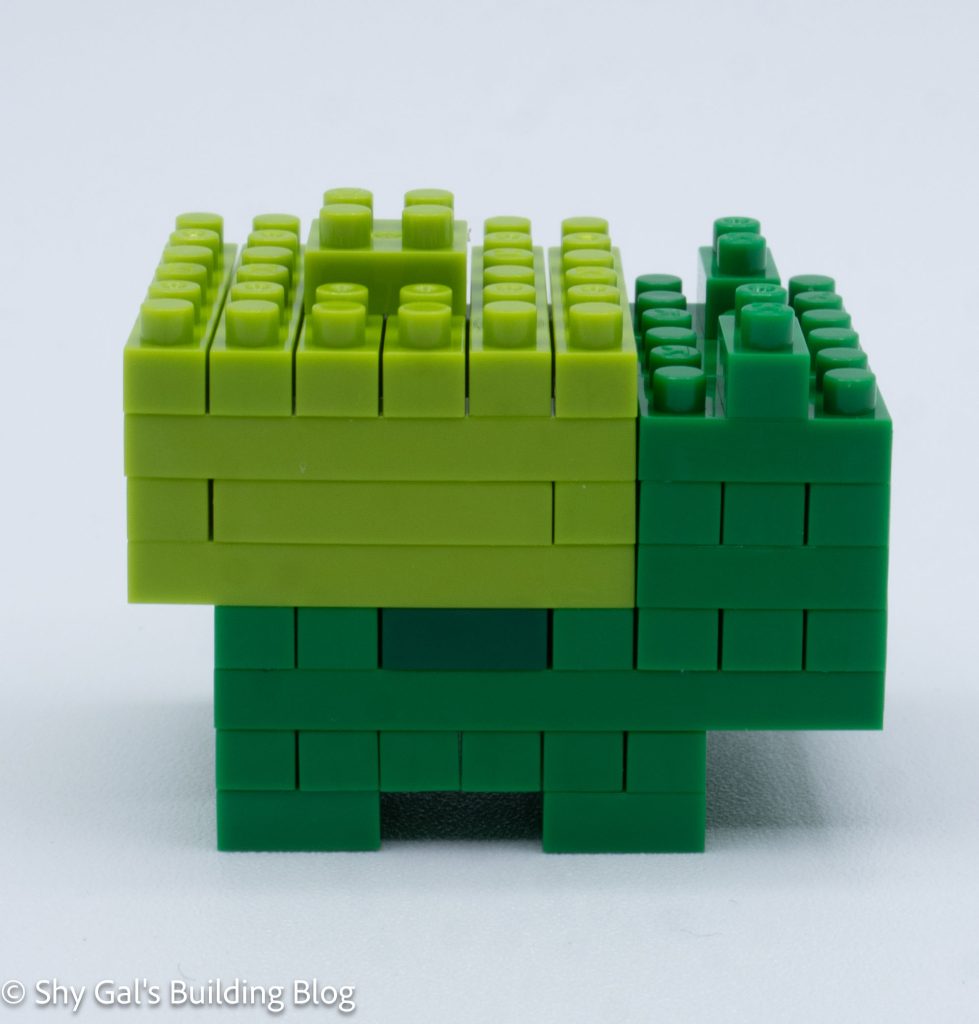
Bulbasaur went up in layers. After a couple of layers, dark green spots were added to the side.

Pokemon Quest Bulbasaur build side view

In the next step, I began working on the bulb in addition to the head.

The head and body went up several layers. Eventually, I added the ears and closed up the bulb.

Pokemon Quest Bulbasaur build back view

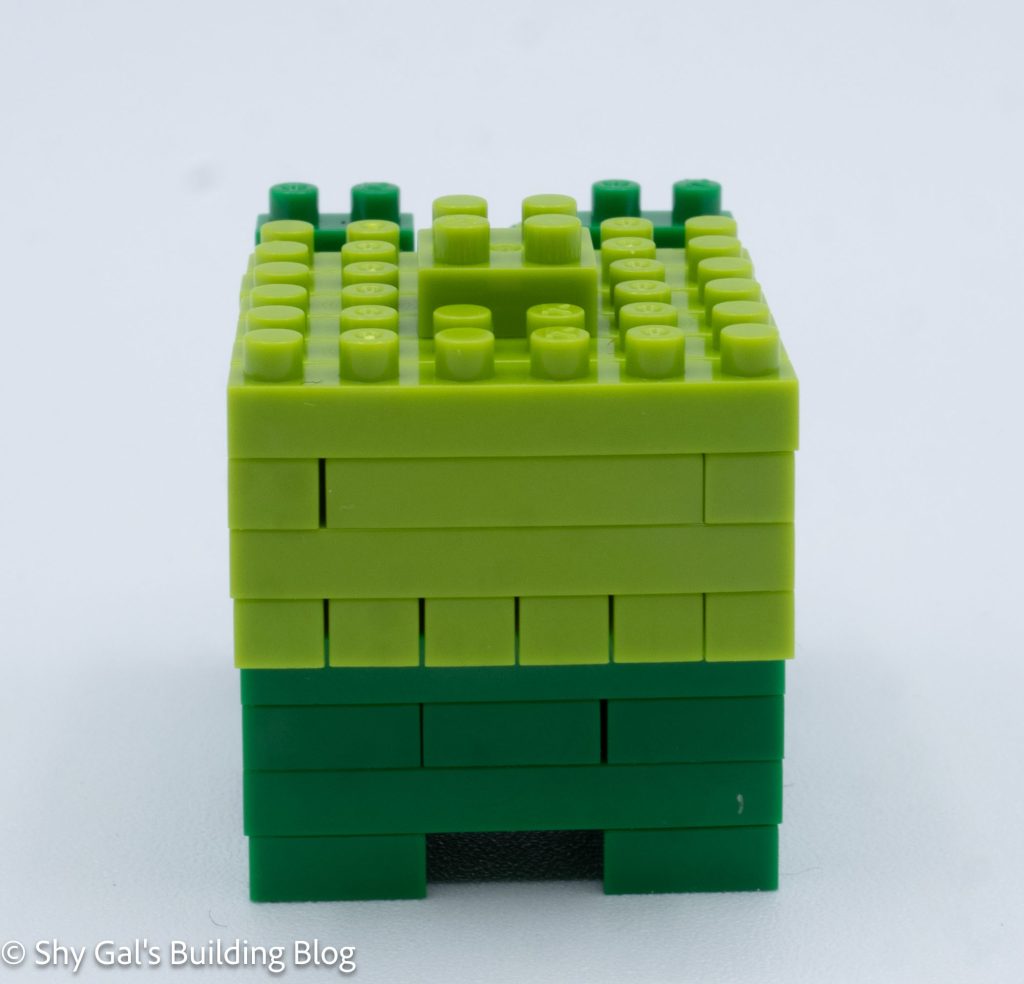
Then a bulb tip was added to the build.

Next, I added the 4 feet.

The final step is to attach the sticker that has Bulbasaur’s face on it.

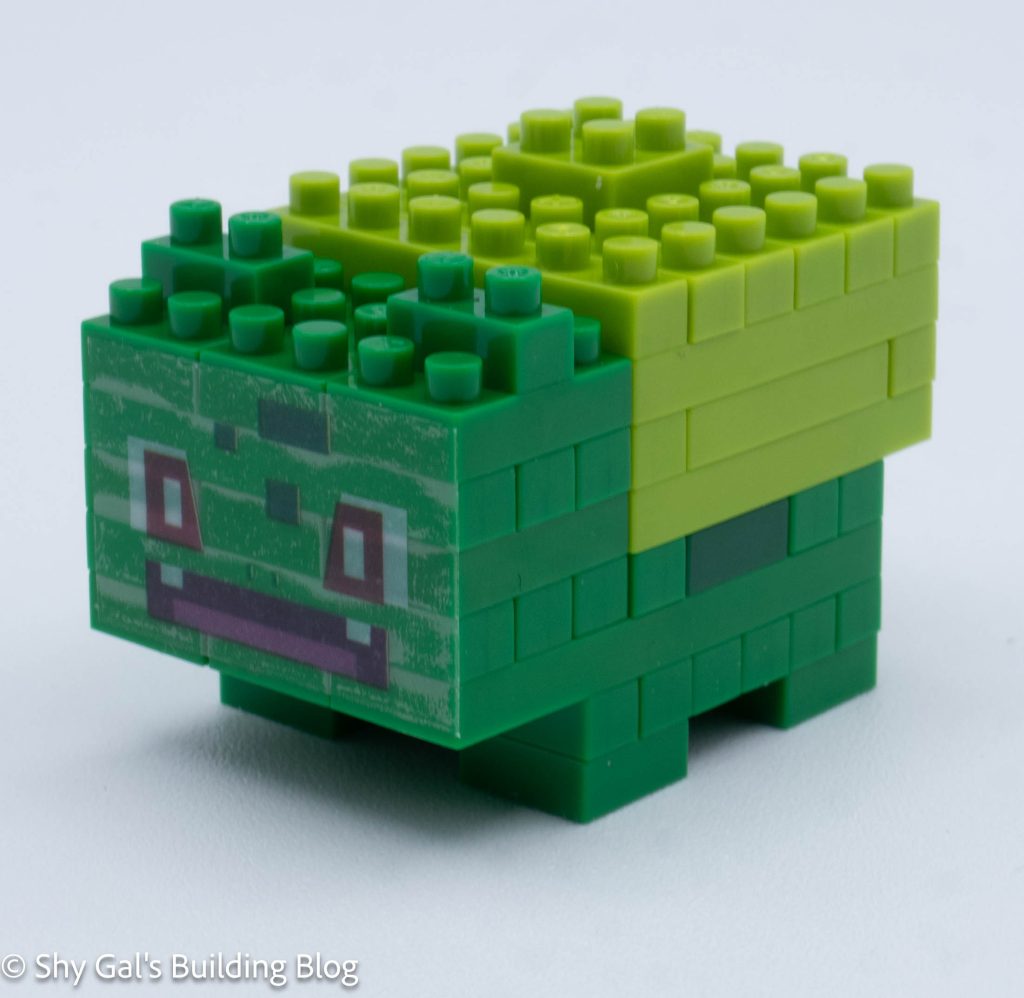
Pokemon Quest Bulbasaur build front 3/4 view

Things I liked:

  • I like the detail of the darker green spots on the sides

Things I didn’t like:

  • I wish the build didn’t have a sticker, but it is required for the face

Review of nanoblock Pokemon Quest Charmander NBPM_038

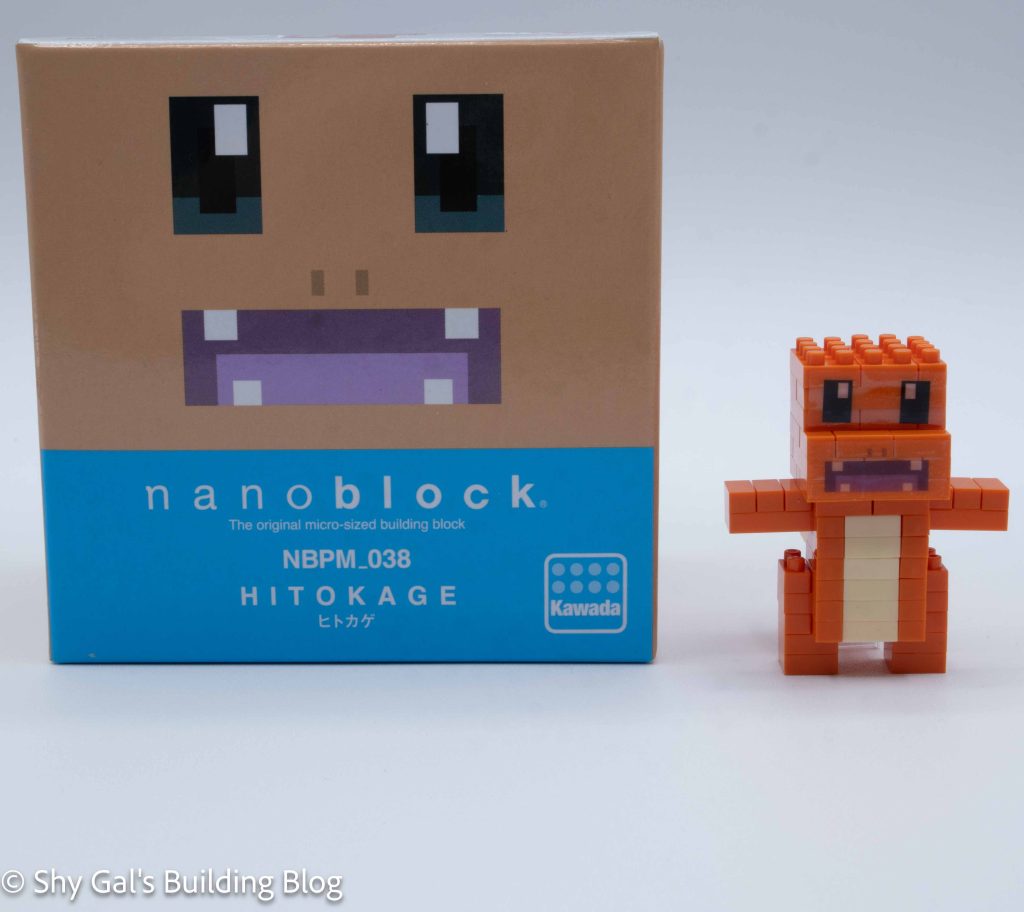
Pokemon Quest Charmander build and box
This post is a review of the nanoblock Pokemon Quest Charmander build. Pokemon Quest Charmander is part of the nanoblock Pokemon collection. Wondering what else is part of the Pokemon collection? Click here for a list.

Number: NBPM_038

Number of Pieces: 100

Difficulty Rating: 2/5

Pokemon Quest Charmander build front view

I began the build by laying out the bricks on my nanoblock pad.

The body goes up in layers, with the stomach being traced around in orange bricks.

Pokemon Quest Charmander build side view

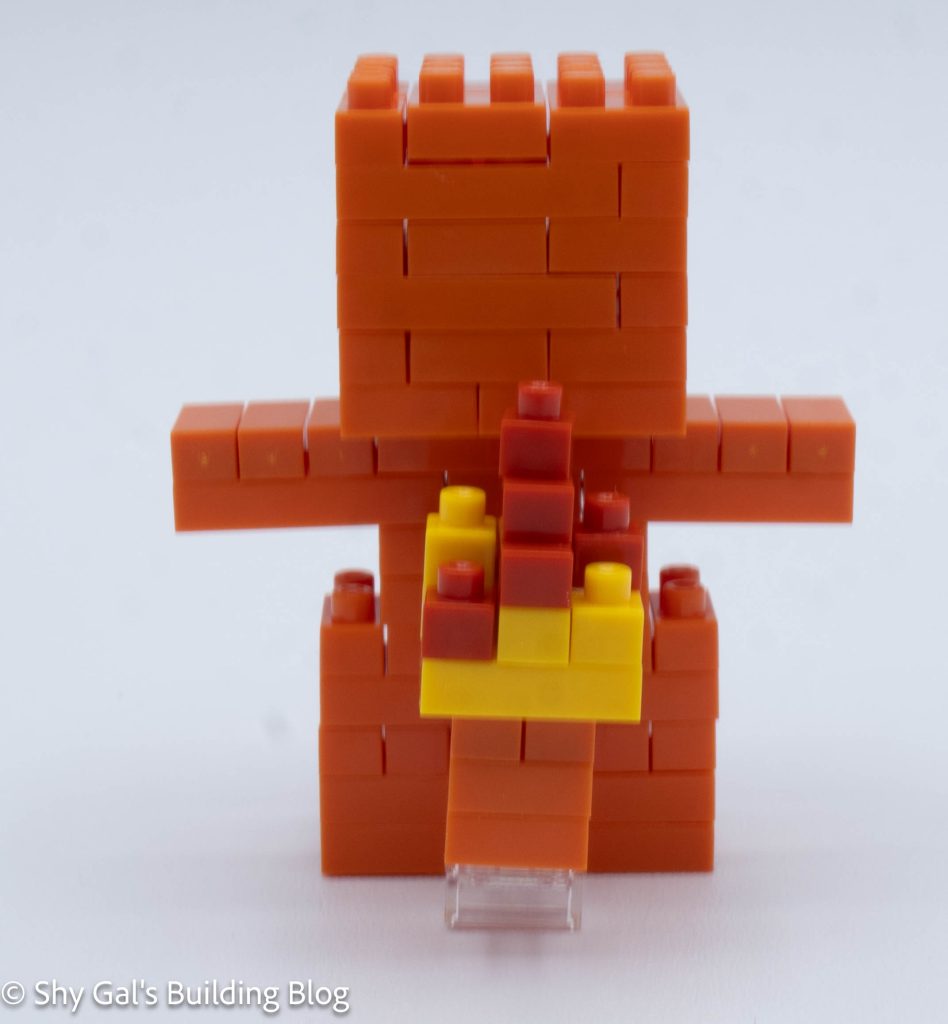
Then I built the layer with the arms and created the base for the head.

Then I built Charmander’s head in simple layers.

Then I built the flame on the tail.

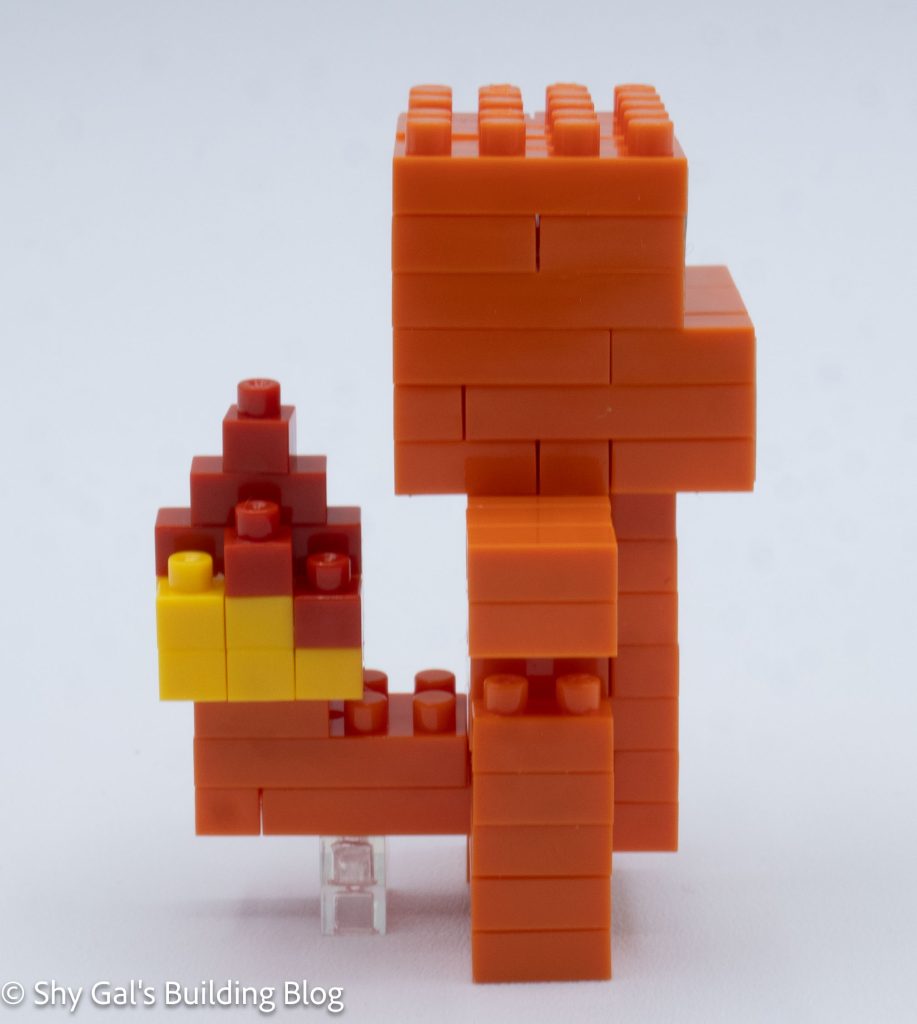
Pokemon Quest Charmander build back view

I added the legs and a support so that the final build can stand.

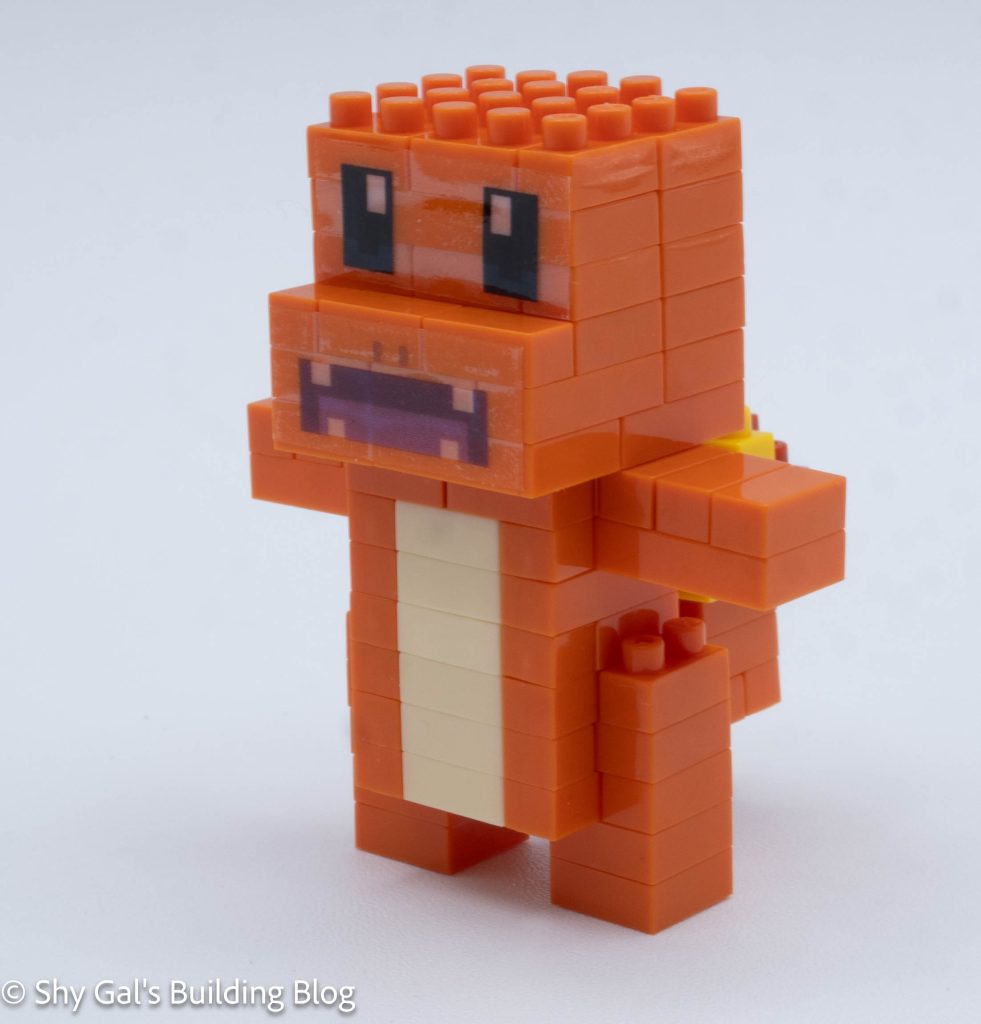
The final step is to attach the stickers that have Charmander’s face on them.

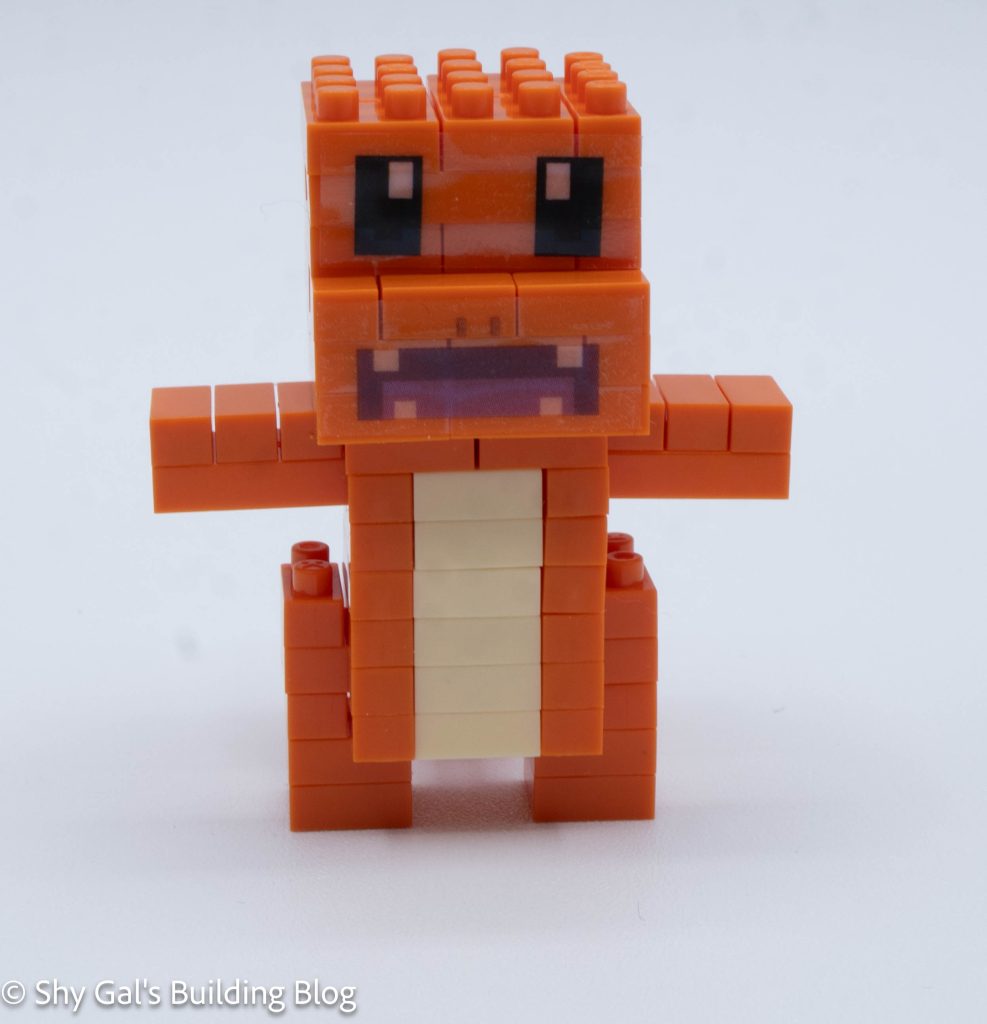
Pokemon Quest Charmander build front 3/4 view

Things I liked:

  • I liked how simple the build was

Things I didn’t like:

  • I wish the build didn’t have stickers, but it is required for the face

Review of nanoblock Pokemon Quest Pikachu NBPM_037

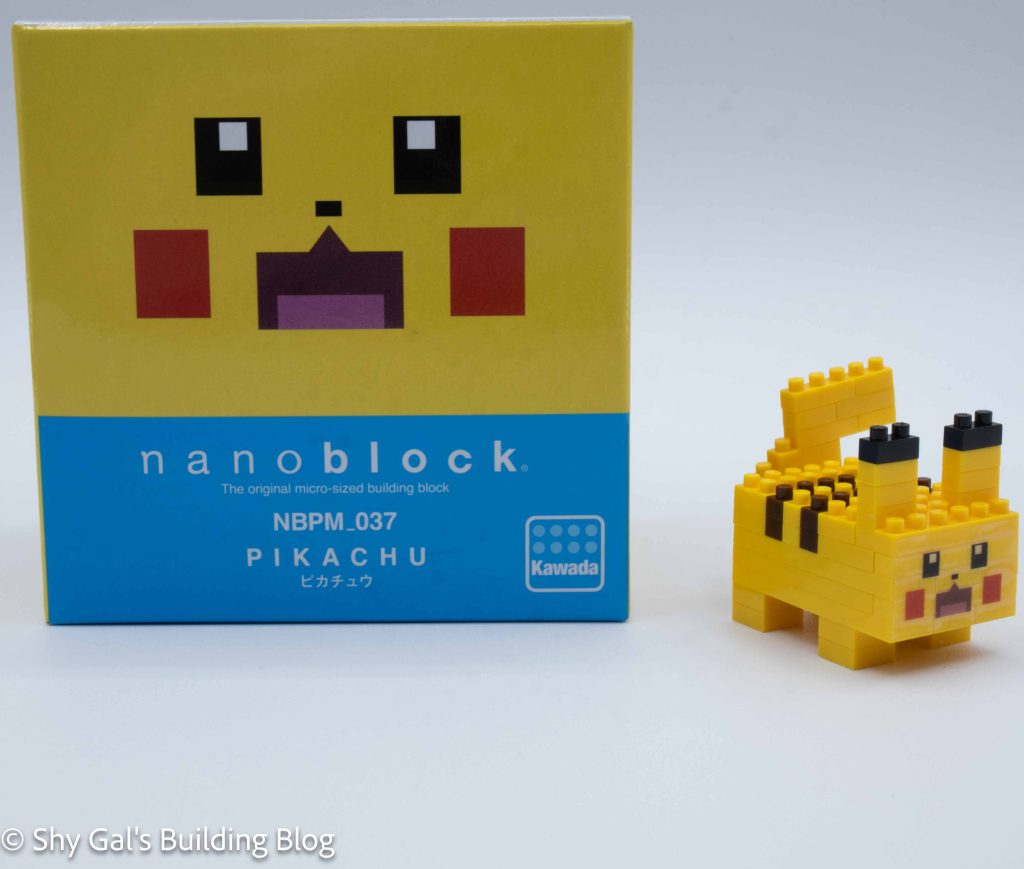
Pokemon Quest Pikachu build and box

This post is a review of the nanoblock Pokemon Quest Pikachu build. Pokemon Quest Pikachu is part of the nanoblock Pokemon collection. Wondering what else is part of the Pokemon collection? Click here for a list.

Number: NBPM_037

Number of Pieces: 60

Difficulty Rating: 2/5

Pokemon Quest Pikachu build front view

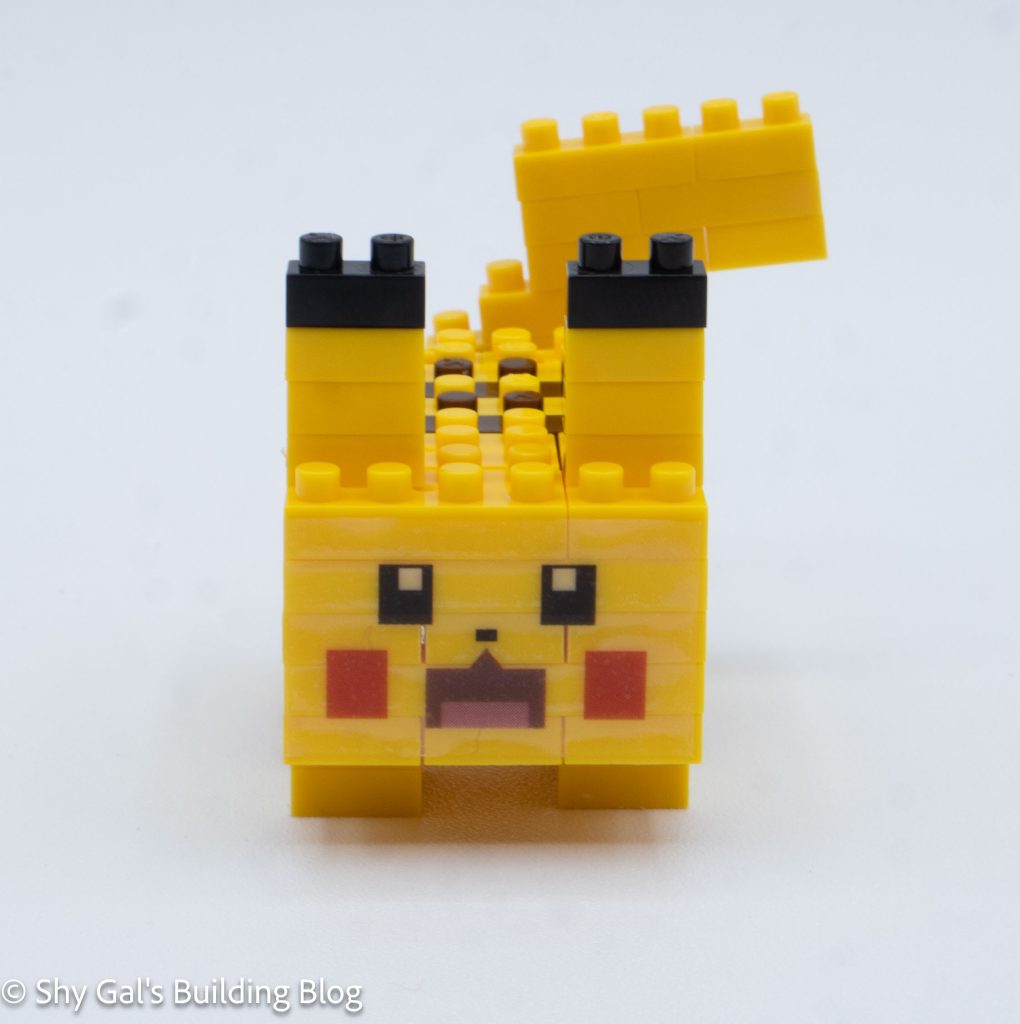
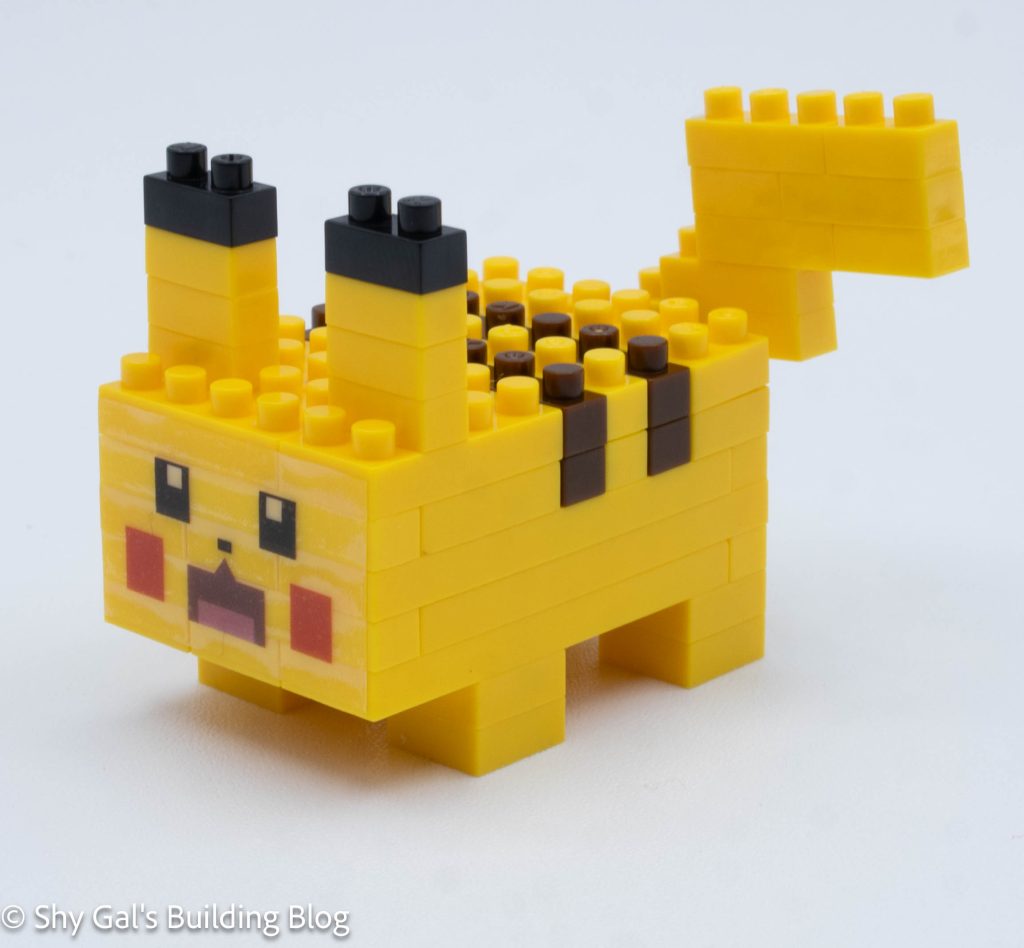
Pikachu is basically a cube with a tail, ears, and legs attached.

I began by laying the base layer of bricks out on my nanoblock pad.

I then added the next couple of layers of yellow bricks.

Pokemon Quest Pikachu build side view

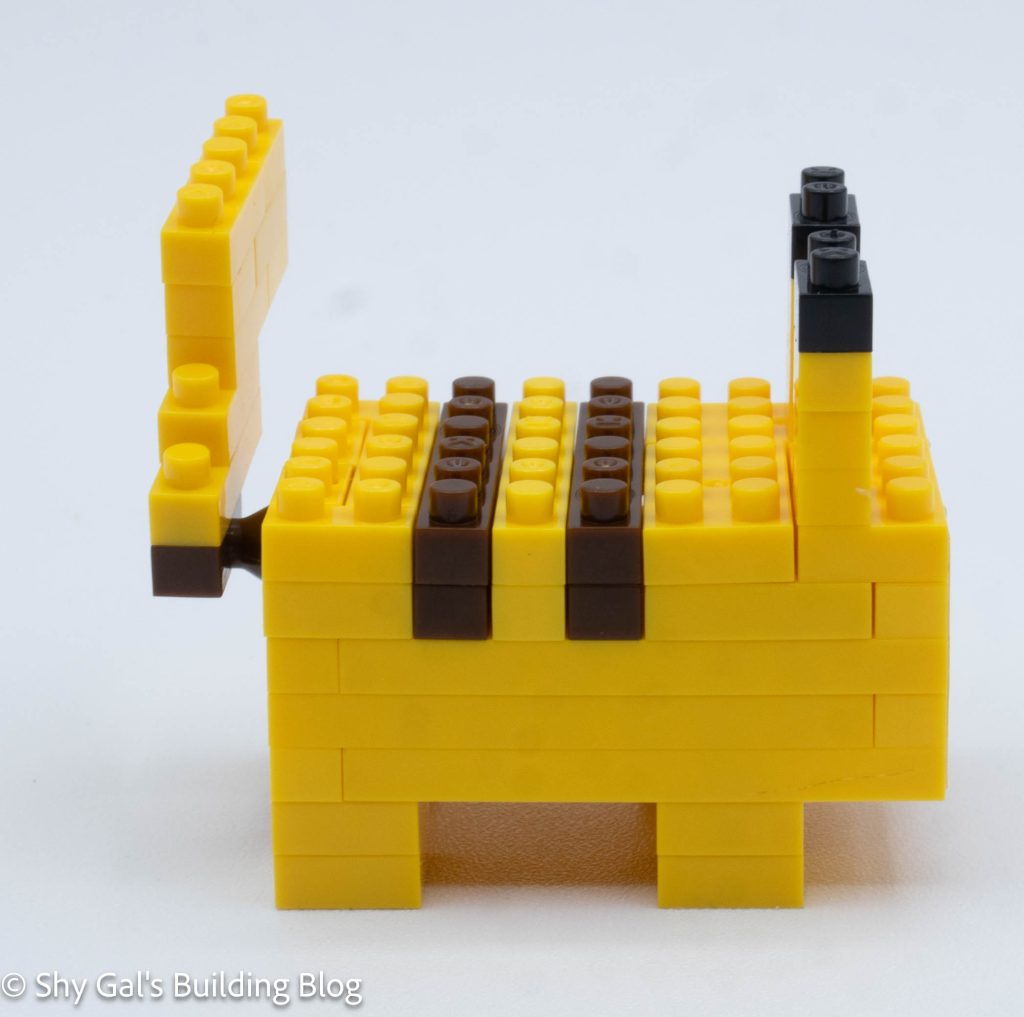
Once I added the brown, I also added the bricks for the hidden tail attachment.

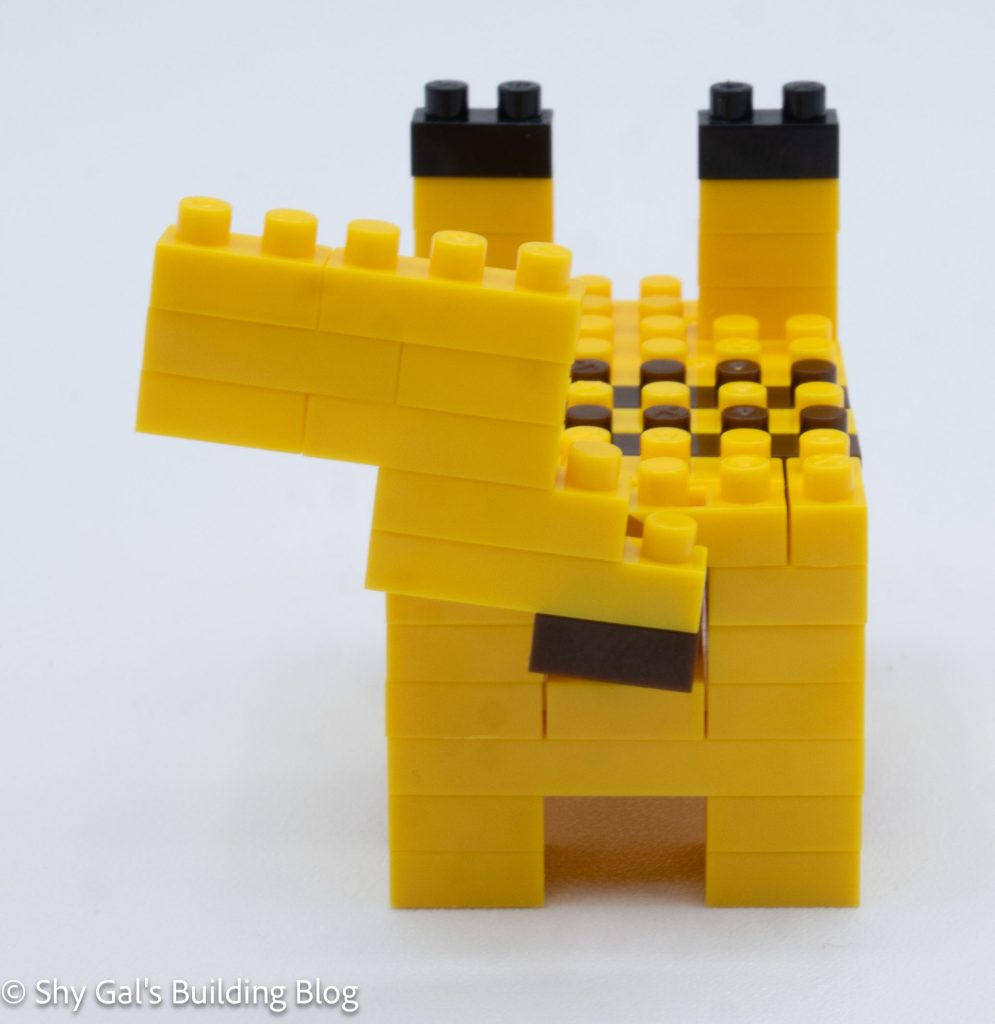
Next, I built and attached the tail.

Then I added the top layer of the cube that acts as Pikachu’s body.

Pokemon Quest Pikachu build back view

Next, I added the ears. Then I added the legs

The final step is to attach the sticker that has Pikachu’s face on it.

Pokemon Quest Pikachu build front 3/4 view

Things I liked:

  • I liked how simple the build was. I think it should have been a level 1 difficulty

Things I didn’t like:

  • I wish the build didn’t have a sticker, but it is required for the face

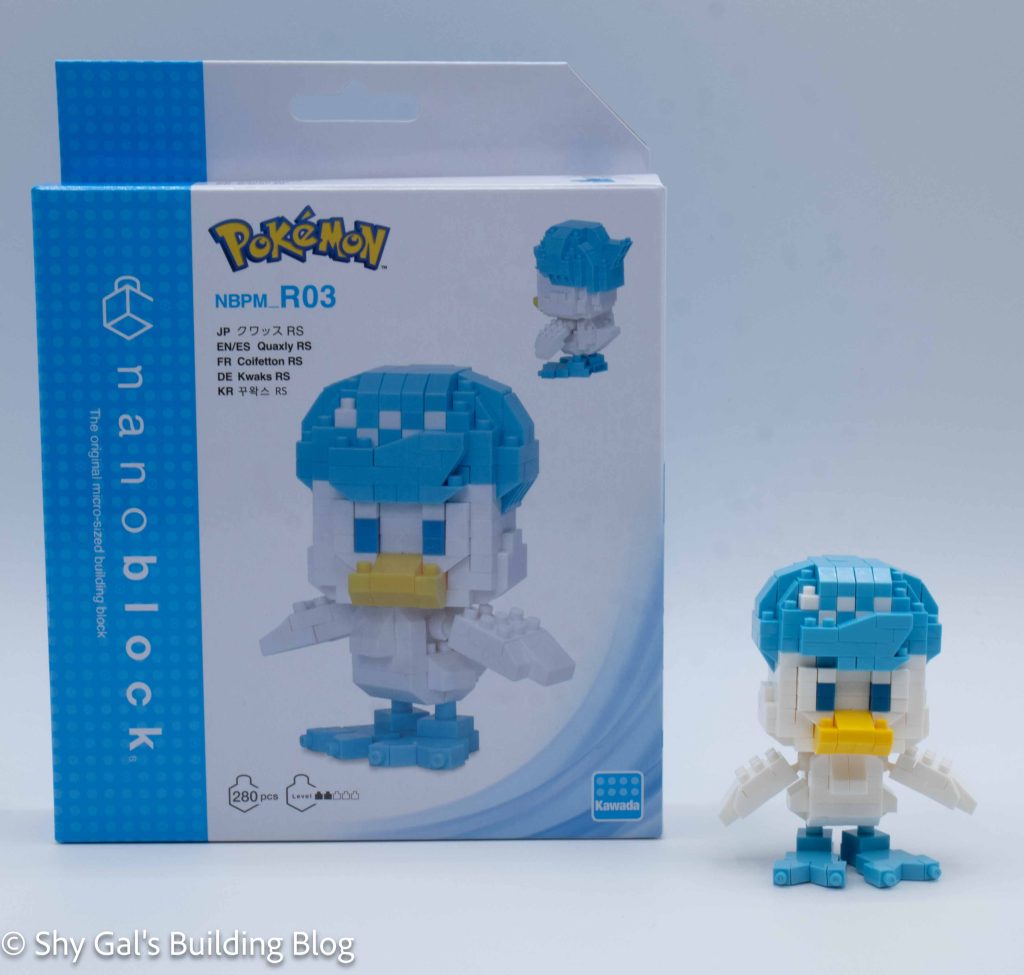
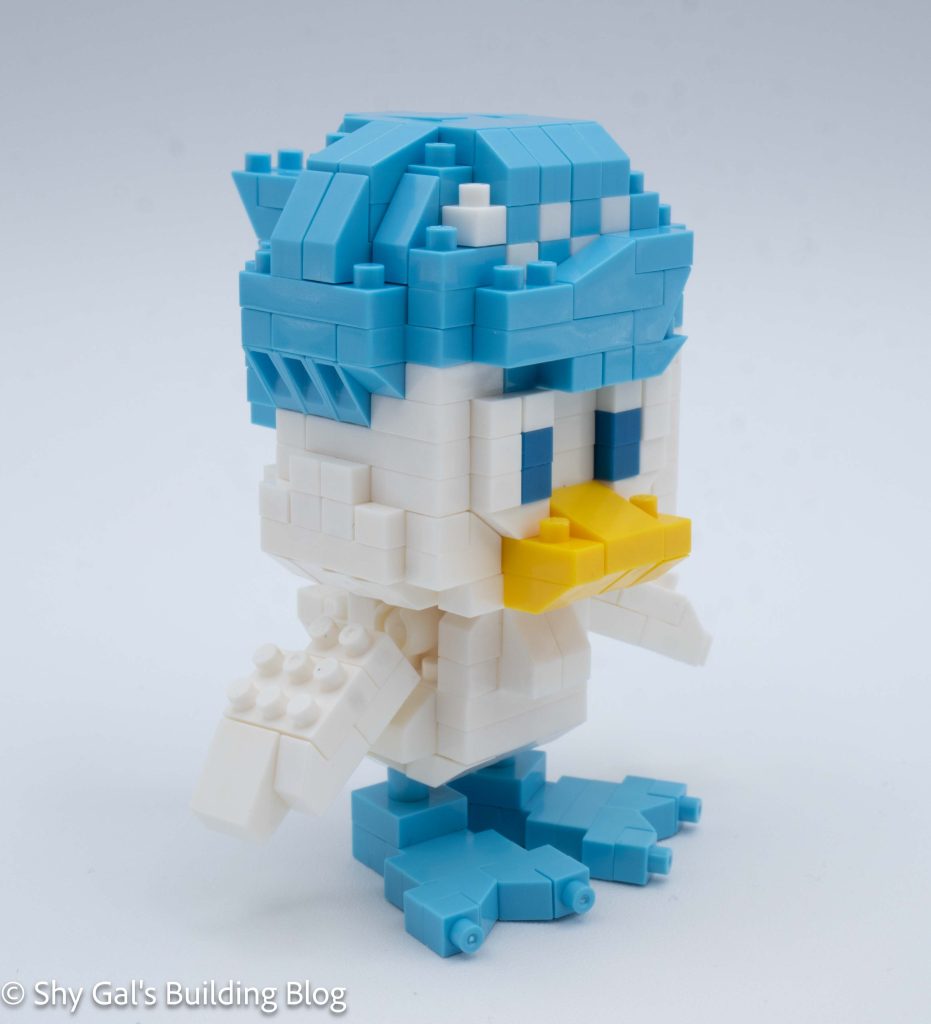
Review of nanoblock Quaxly RS NBPM_R03

Quaxly RS build and box

This post is a review of the nanoblock Quaxly RS build. Quaxly RS is part of the nanoblock Pokemon collection. Wondering what else is part of the Pokemon collection? Click here for a list.

Number: NBPM_R03

Number of Pieces: 280

Difficulty Rating: 2/5

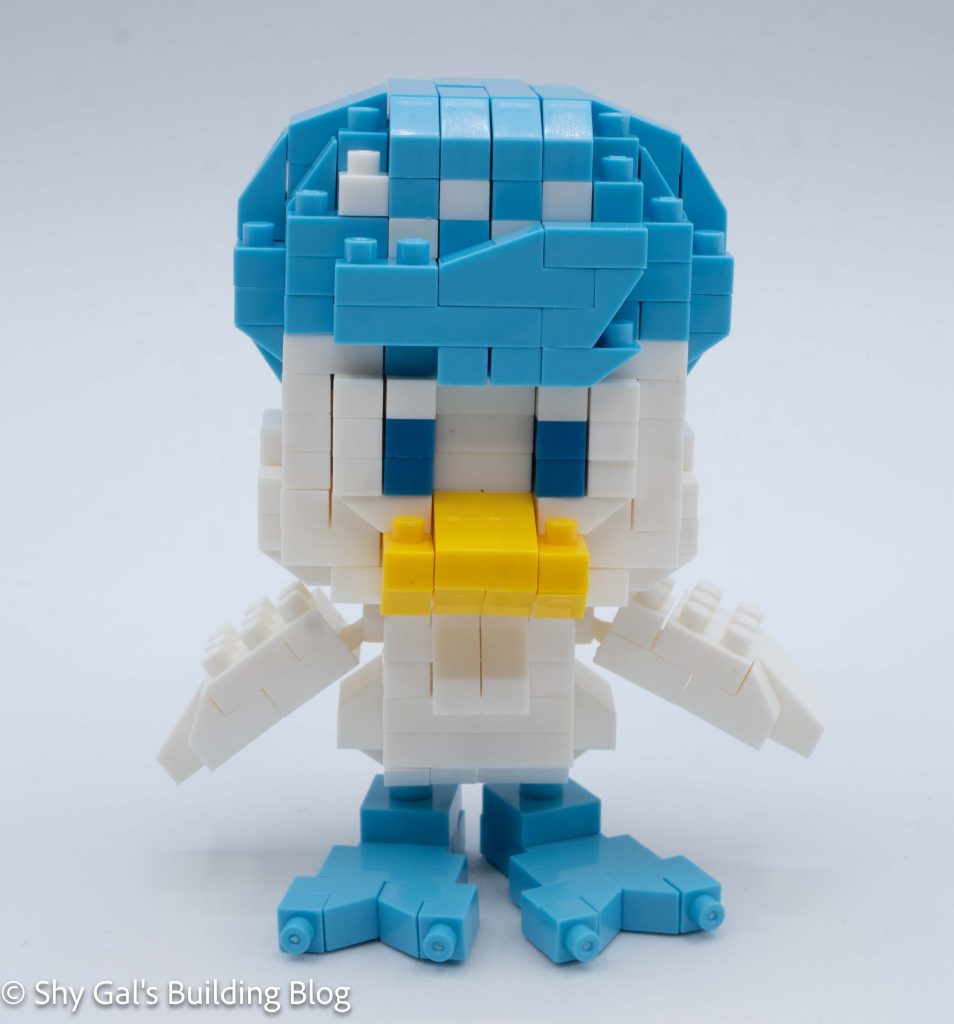
Quaxly RS. build front view

This kit begins with building the main section of the body. It is building the front and back of the body with a gap in the middle. The entire section I was able to build on my nanoblock pad.

The next section is to build the wings. There is a center pillar that has some ball joints for the wings to attach. Then, I built the wings and attached them to the ball joints.

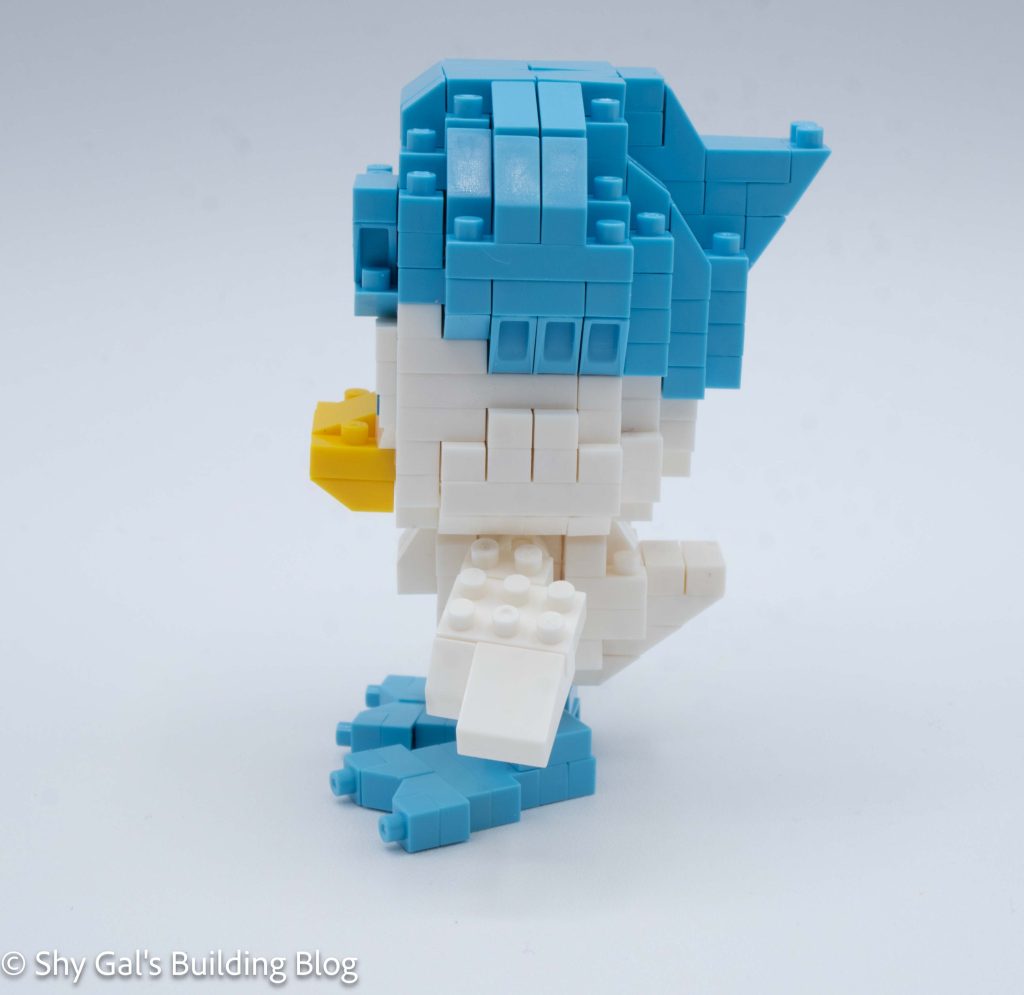
Quaxly RS build side view

Now that the body is complete, it is time to add the feet. I built 2 identical feet and attached them to the bottom of Quaxly’s body.

The next major section is to build Quaxly’s head. I was able to build the first several steps on my nanoblock pad. The base was fairly straightforward. At some point, I added the dark blue eyes.

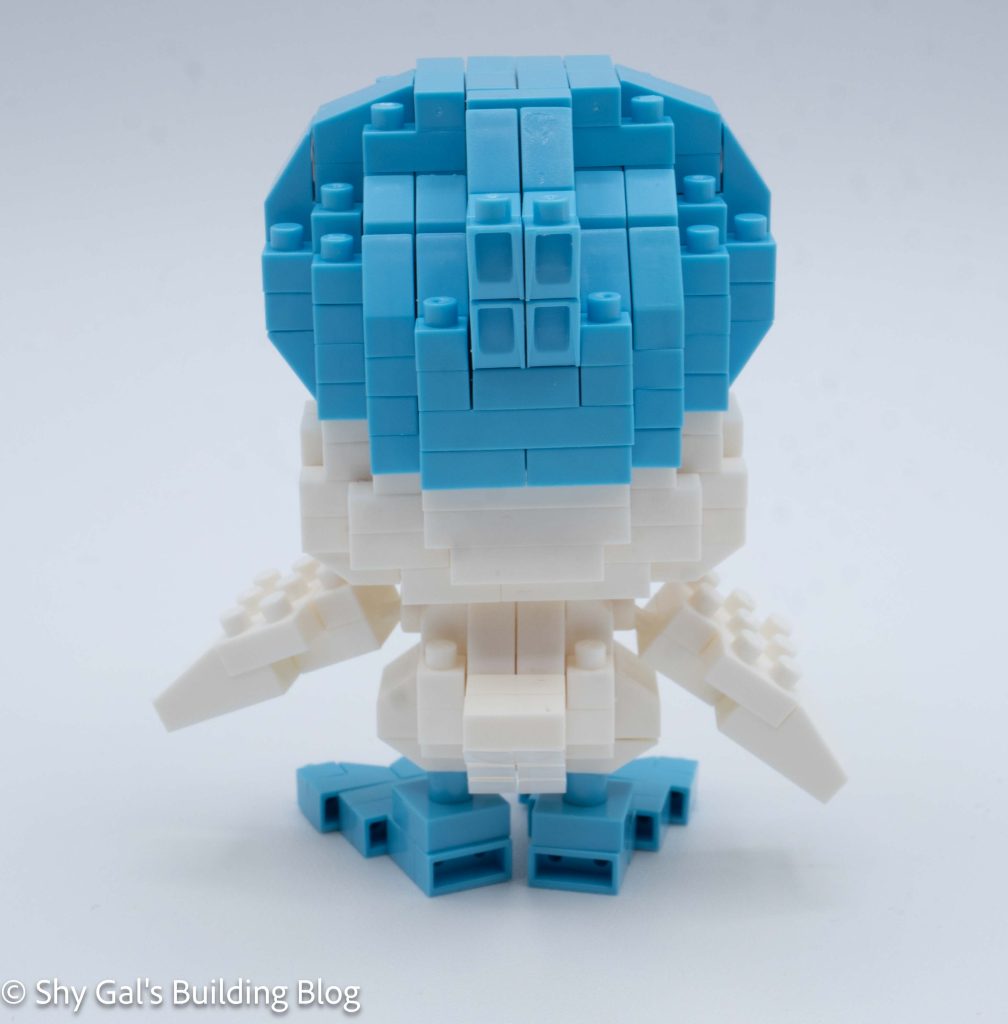
Quaxly RS build back view

After building a lot of the head, it is time to build Quaxly’s most distinguishing feature, his hair. The steps to build the hair are very clear. Building the hair adds a checkerboard pattern in front, which I think looks a little odd. I do like how there is a wave in the front of the hair.

The final step is to add some details to the bottom of the head and to attach the head to the body.

Quaxly RS build front 3/4 view

Things I liked:

  • I like how poseable the figure is between the wings and feet

Things I didn’t like:

  • I don’t like the checkerboard in front of the hair

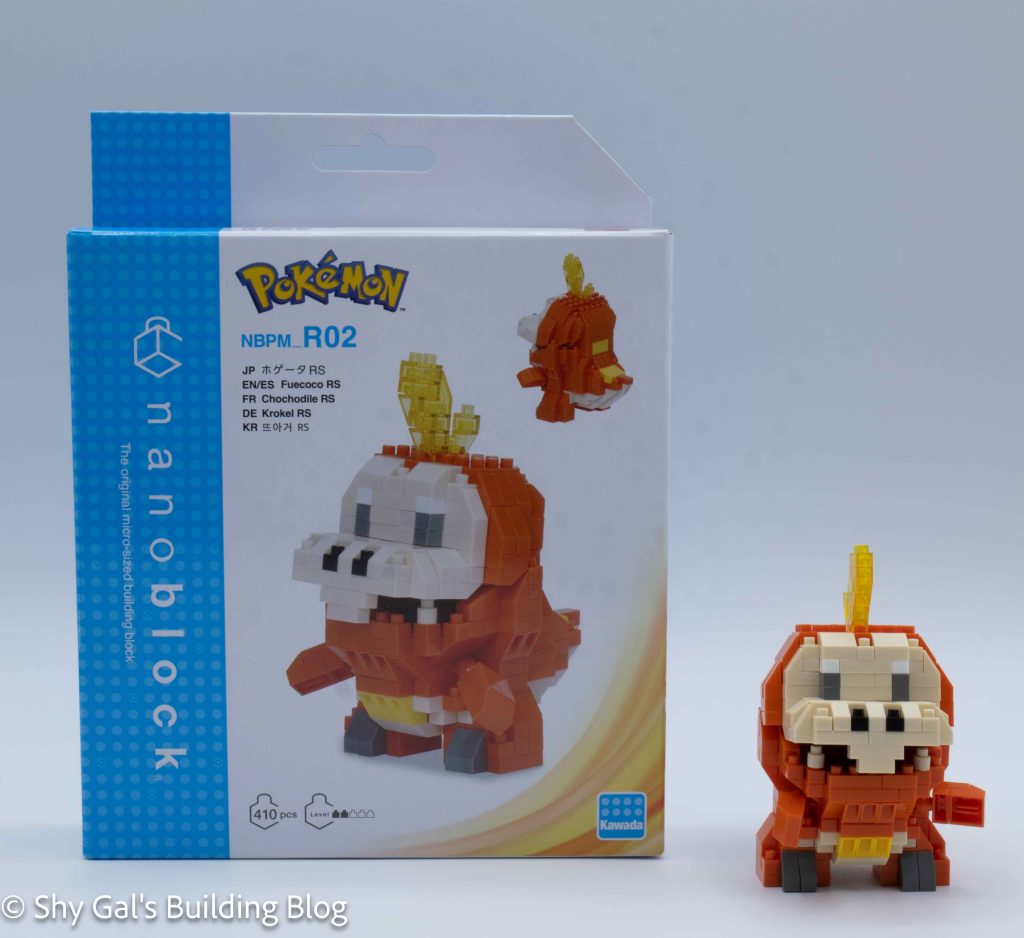
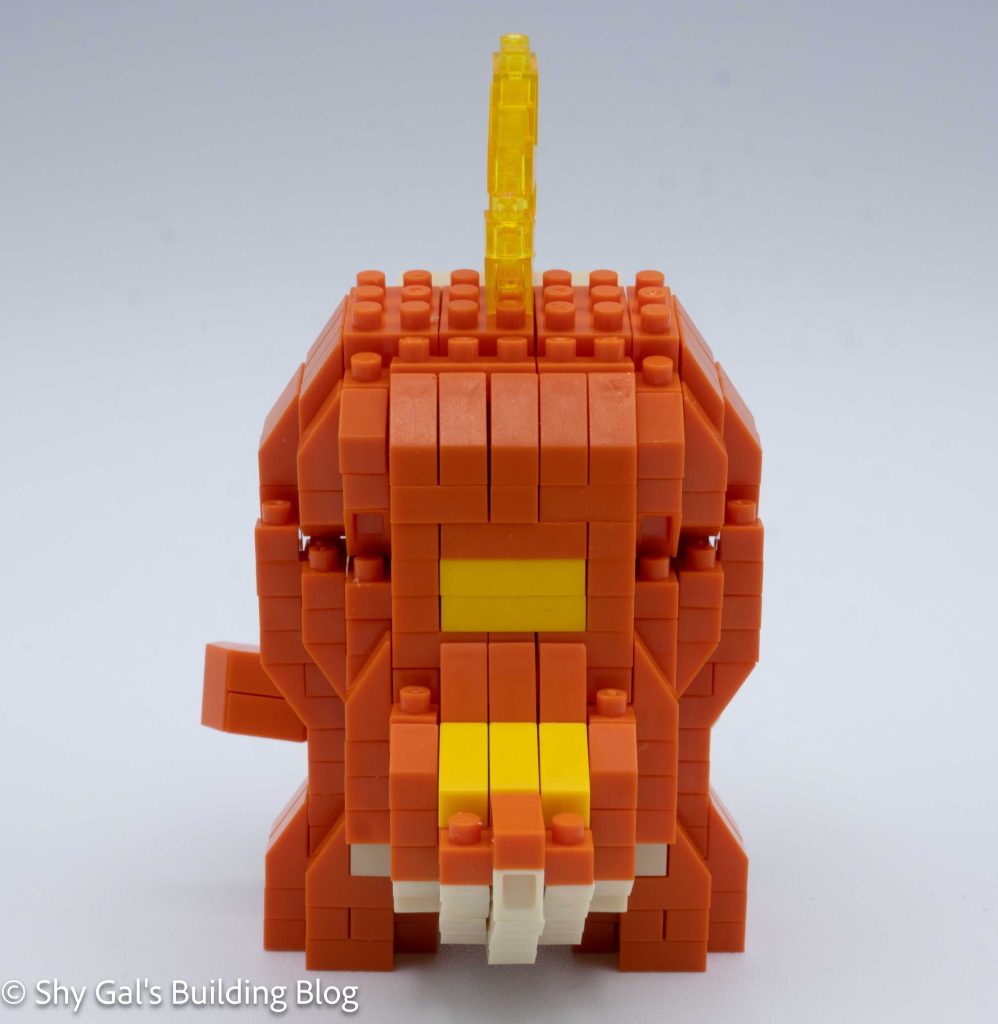
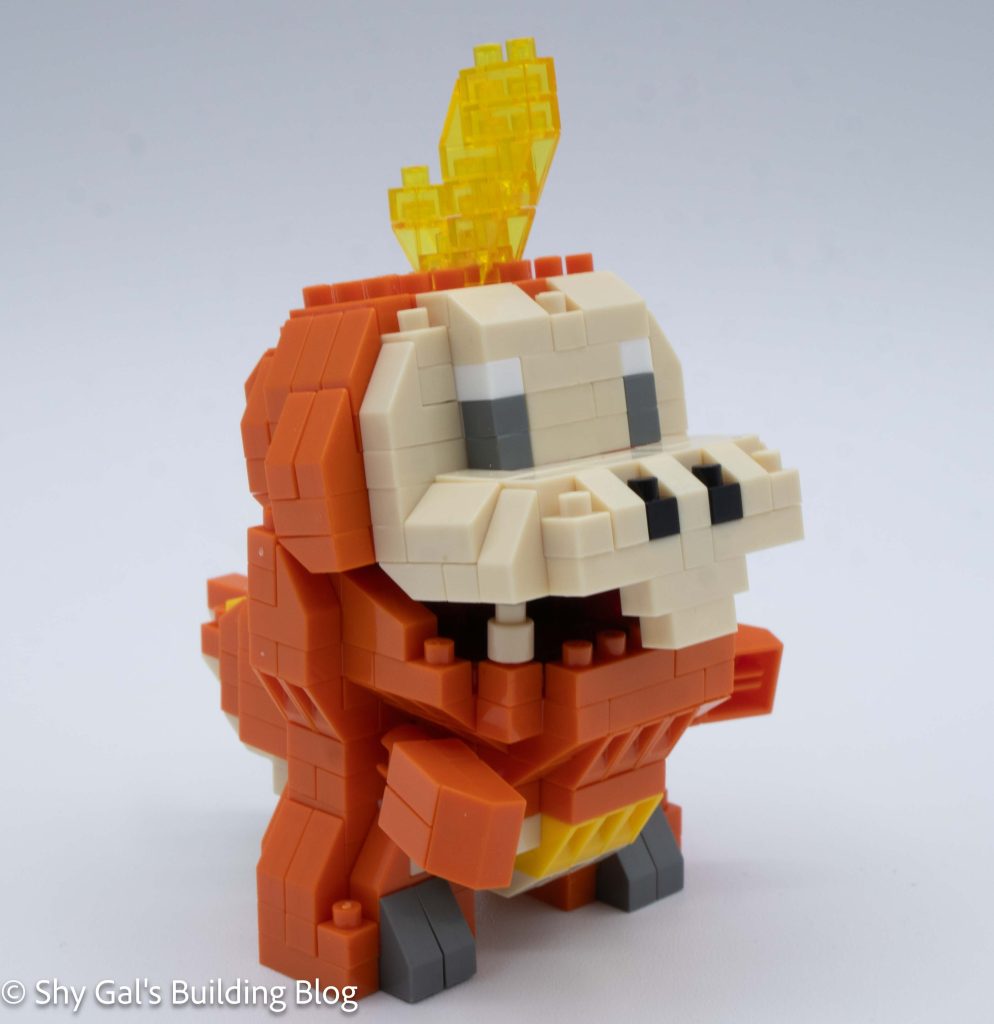
Review of nanoblock Fuecoco RS NBPM_R02

Fuecoco RS build and box

This post is a review of the nanoblock Fuecoco RS build. Fuecoco RS is part of the nanoblock Pokemon collection. Wondering what else is part of the Pokemon collection? Click here for a list.

Number: NBPM_R02

Number of Pieces: 410

Difficulty Rating: 2/5

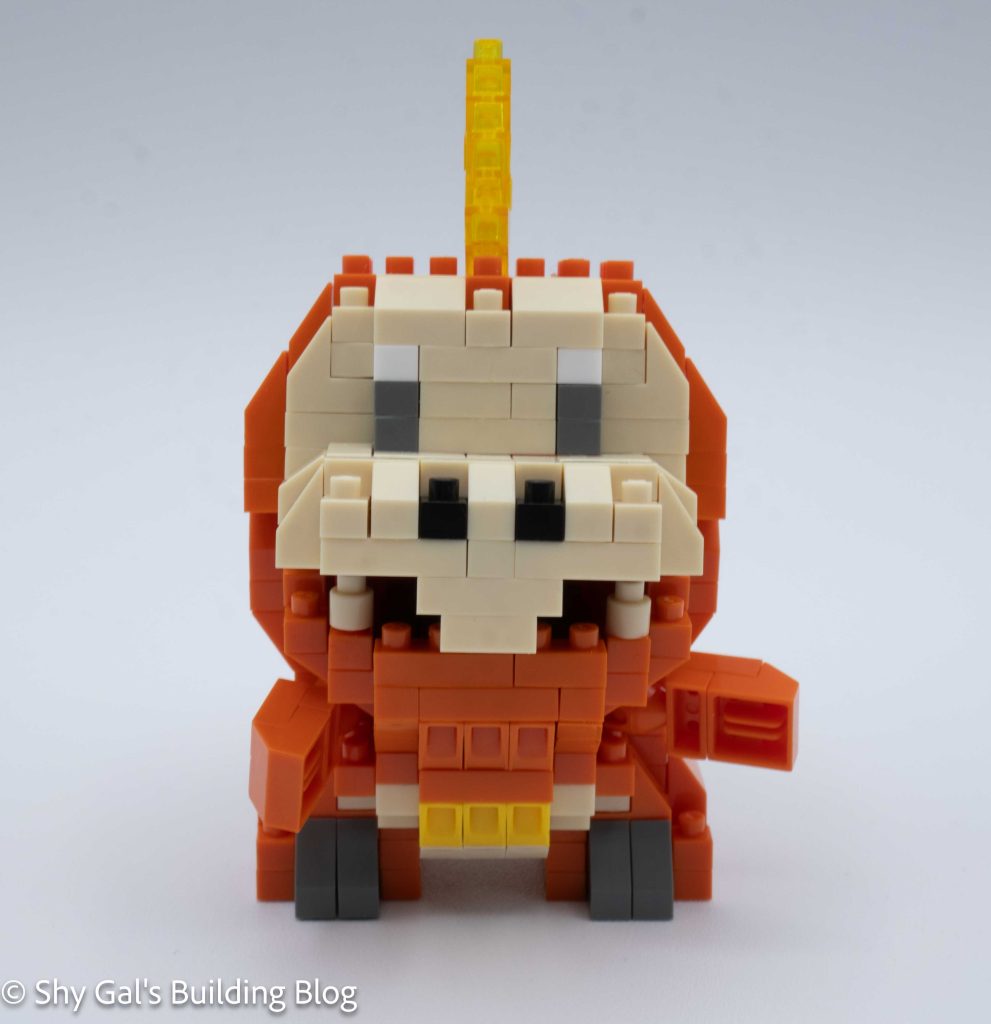
Fuecoco RS build front view

The first thing I noticed when I looked at the directions was how cramped the directions were. This meant that I needed to be more careful as I was building the set since there were so many little cutouts in the directions.

The build begins with building one side of the base of the Fuecoco. Over the next several steps the base of the Fuecoco is built. Once the entire base was built, I began to build the body section in layers. There was one step where it took me a while to figure out what brick was needed. This is because it appeared to be slanted in the directions and I had missed there was a flat piece used in the step.

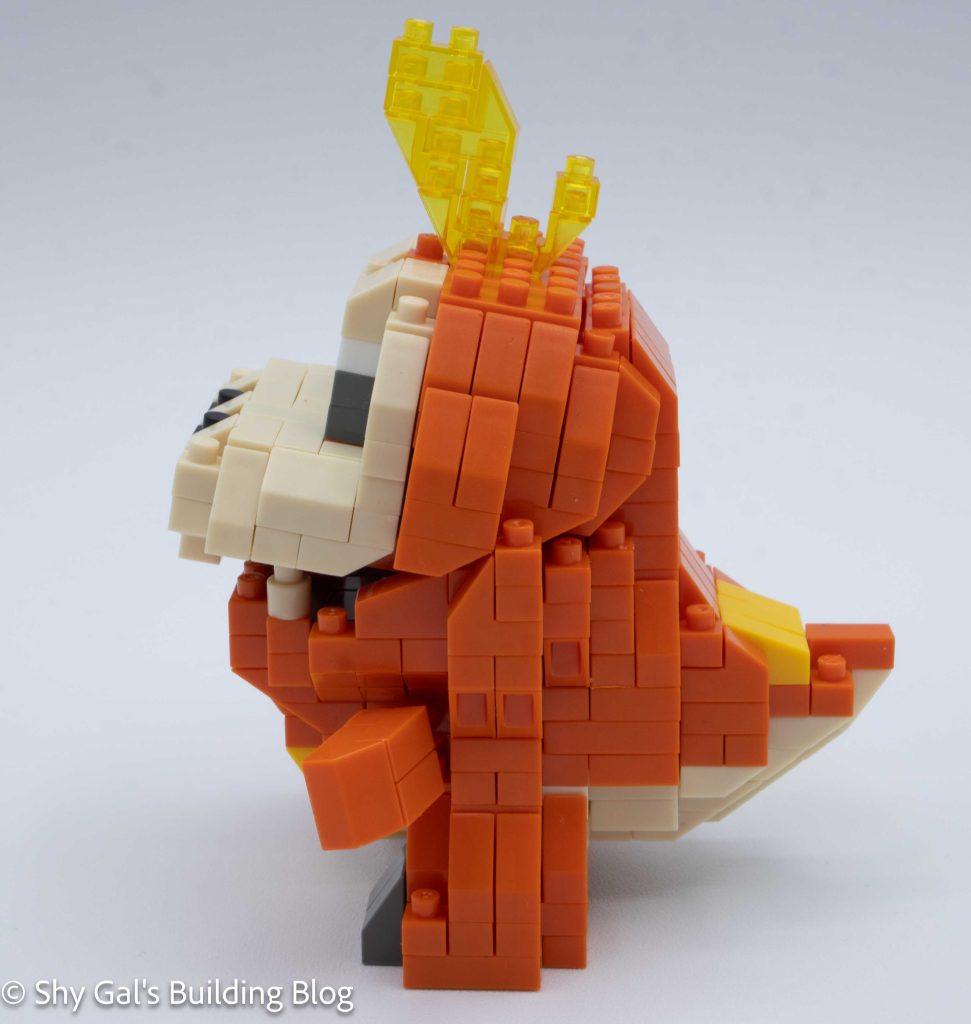
Fuecoco RS build side view

The next step is to build the stubby little legs off the body and attach them. Overall, the legs are clear on how to build them and attach them.

The next step is to add the little arms.

Fuecoco RS build back view

Next, I built the head. It started from a maroon base of the mouth. Once again, it begins with a corner and builds out to create a base of the mouth. After building the entire base, the rest of the head goes up in layers. Fuecoco has dark grey eyes, which is unusual in Pokemon builds, which typically feature black eyes.

The final step is to build the neck section. The following section is straightforward, and it is clear where to connect the pieces. I really like how Fuecoco can have his mouth open a little bit. I’m not sure I’ve ever seen a photo where Fuecoco has closed its mouth all the way

Fuecoco RS build front 3/4 view

Things I liked:

  • I really like how the mouth is slightly open because that is how the Pokemon is usually seen

Things I didn’t like:

  • I didn’t like how cramped the directions where

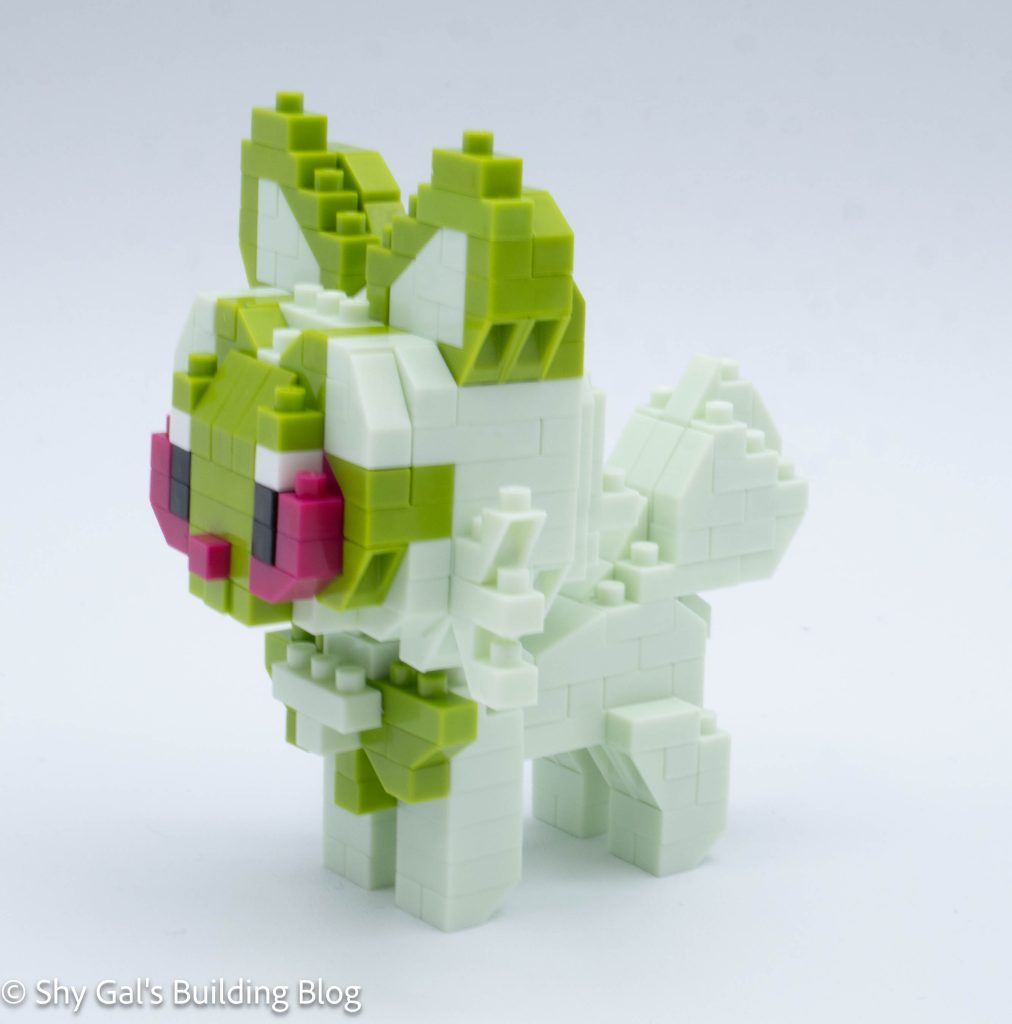
Review of nanoblock Sprigatito RS NBPM_R01

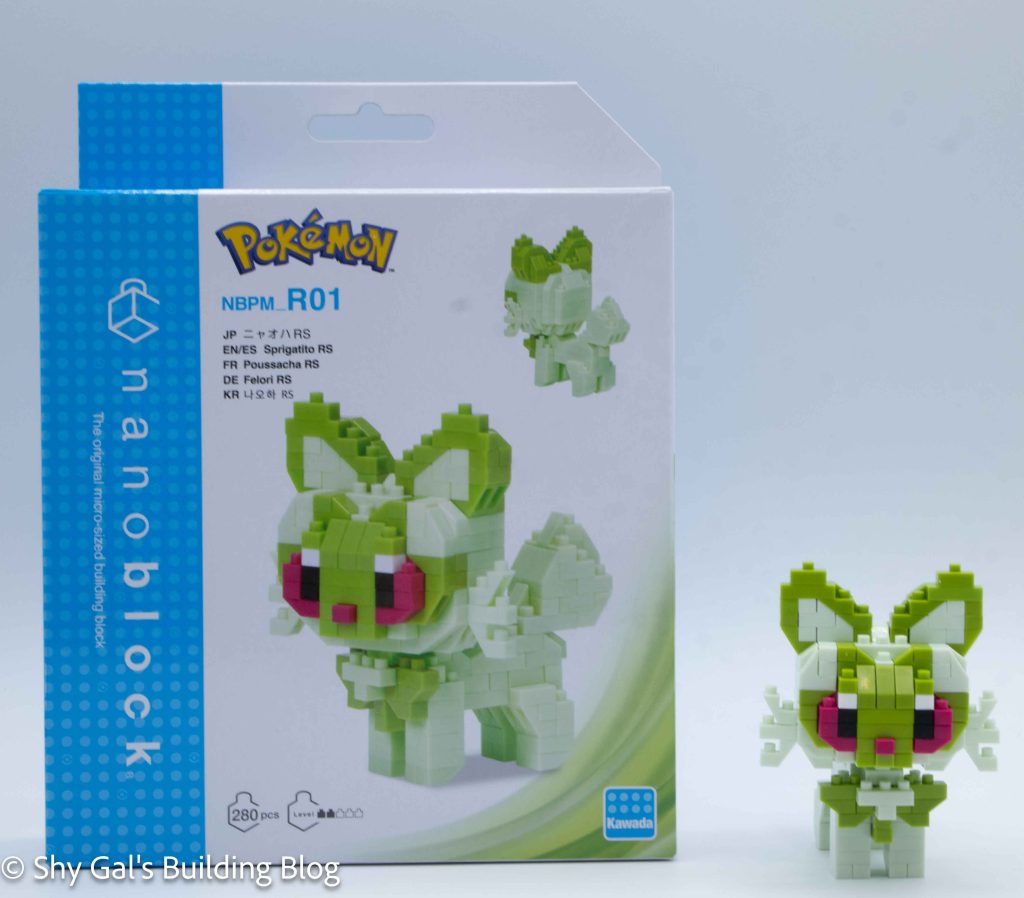
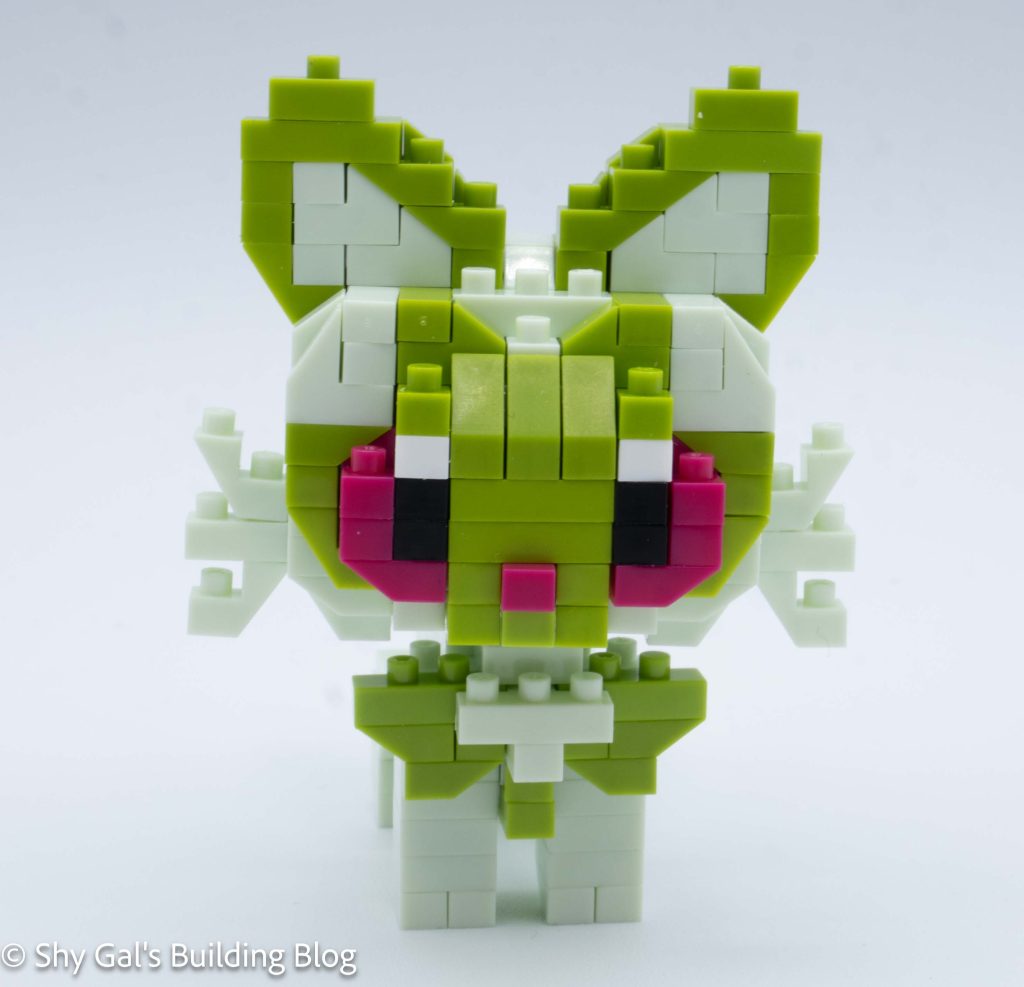
Sprigatito RS build and box

This post is a review of the nanoblock Sprigatito RS build. Sprigatito RS is part of the nanoblock Pokemon collection. Wondering what else is part of the Pokemon collection? Click here for a list.

Number: NBPM_R01

Number of Pieces: 280

Difficulty Rating: 2/5

Sprigatito RS build front view

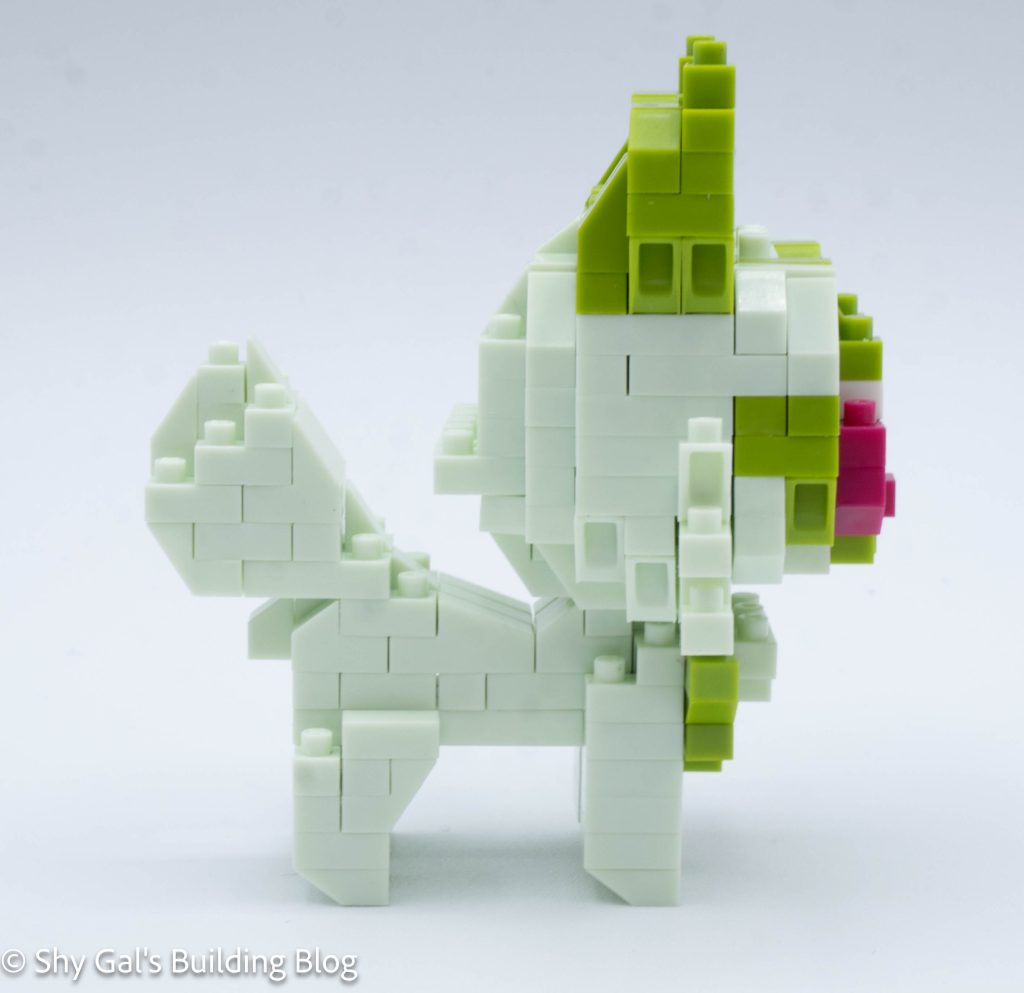
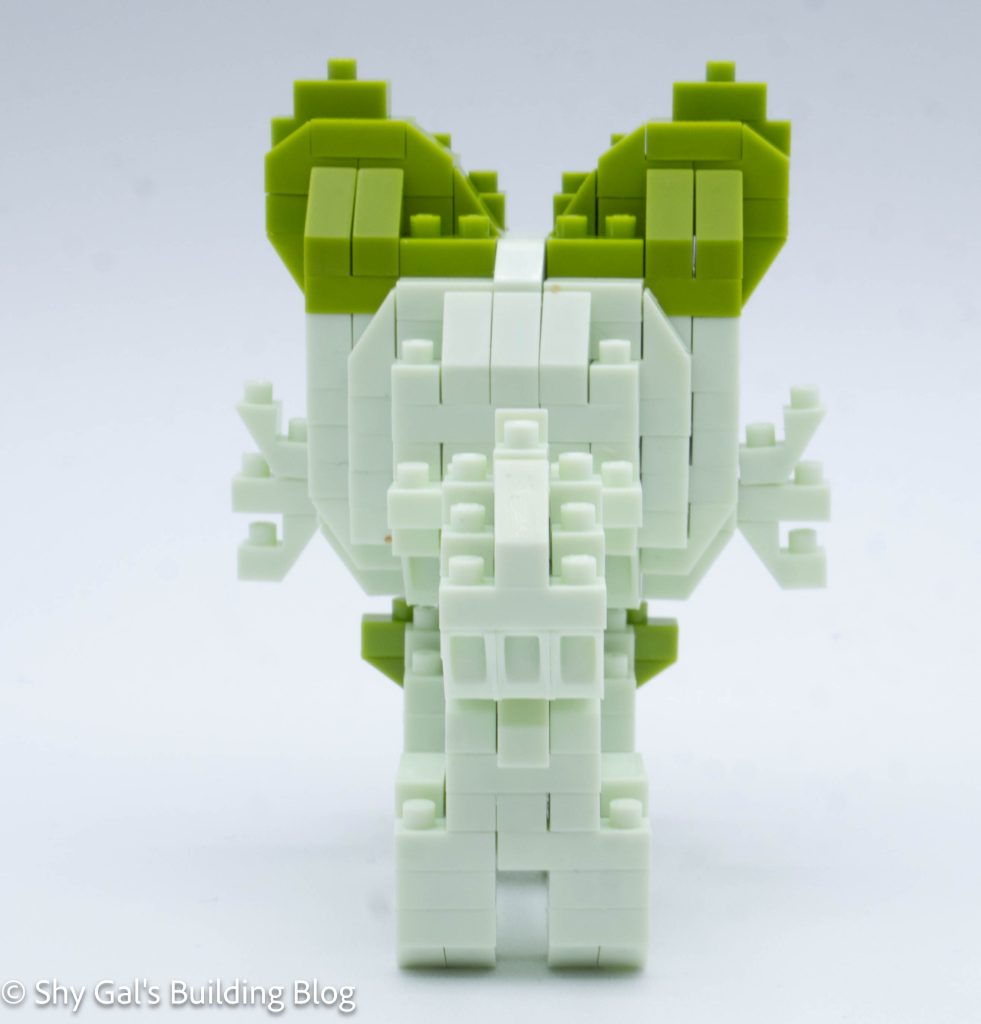
Sprigatito is the grass starter for Generation 9. This kit features a custom brick color for the lighter green.

The build has 3 sections, the body, tail, and head.

Sprigatito RS build side view

The build begins with building the body. I lay the body out on my nanoblock pad. The body is very straightforward.

After building the body, I flipped the body over and added the legs.

The next section to build is the tail. It is also very straightforward.

Sprigatito RS build back view

The last major section is the head. The beginning of the head is a bit unusual because it takes about 10 steps to create the entire base building from the back to the front.

Once the base of the head is created, the rest of the head is fairly straightforward. I just needed to be careful about which slanty pieces I used. The eyes were also a bit tricky to connect because it wasn’t clear where things lined up or when higher than the base.

Sprigatito RS build front 3/4 view

Things I liked:

  • I really like the custom green color that nanoblock created for this build

Things I didn’t like:

  • I wish the instructions were a bit clearer for the eyes

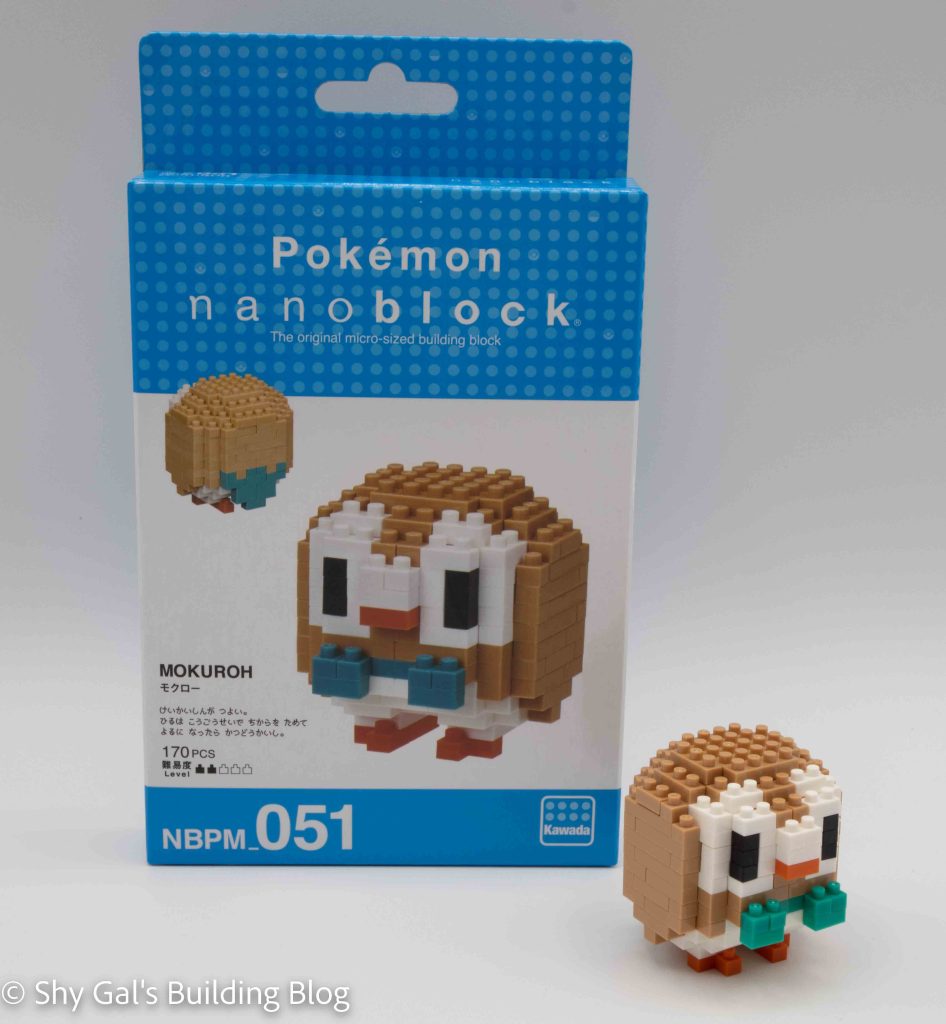
Review of nanoblock Rowlett NBPM_051

Rowlett build and box

This post is a review of the nanoblock Rowlett build. Rowlett is part of the nanoblock Pokemon collection. Wondering what else is part of the Pokemon Collection? Click Here for a list.

Names:

  • English: Rowlett
  • Japanese: Mokuroh

Number: NBPM_051 

Number of Pieces: 170

Difficulty Rating: 2/5

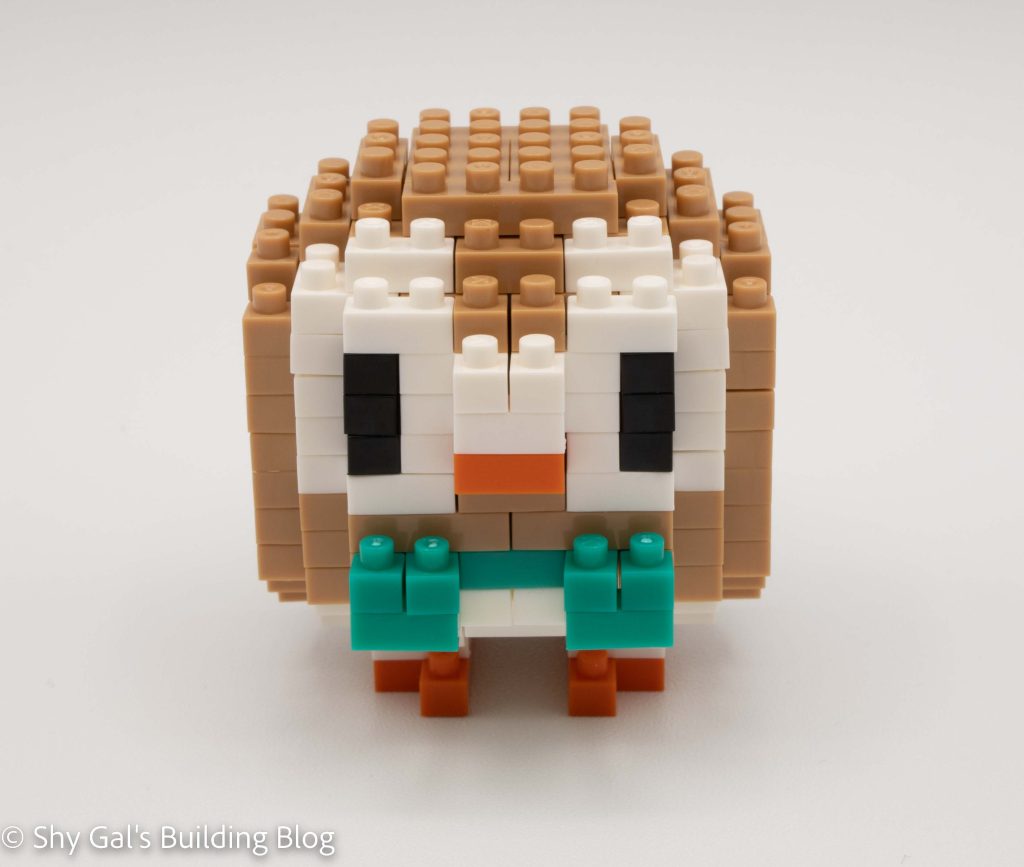
Rowlett front view

Rowlett is the grass starter from generation 7. Initially released under NBPM_27, it was only available at Japanese Pokemon Centers.

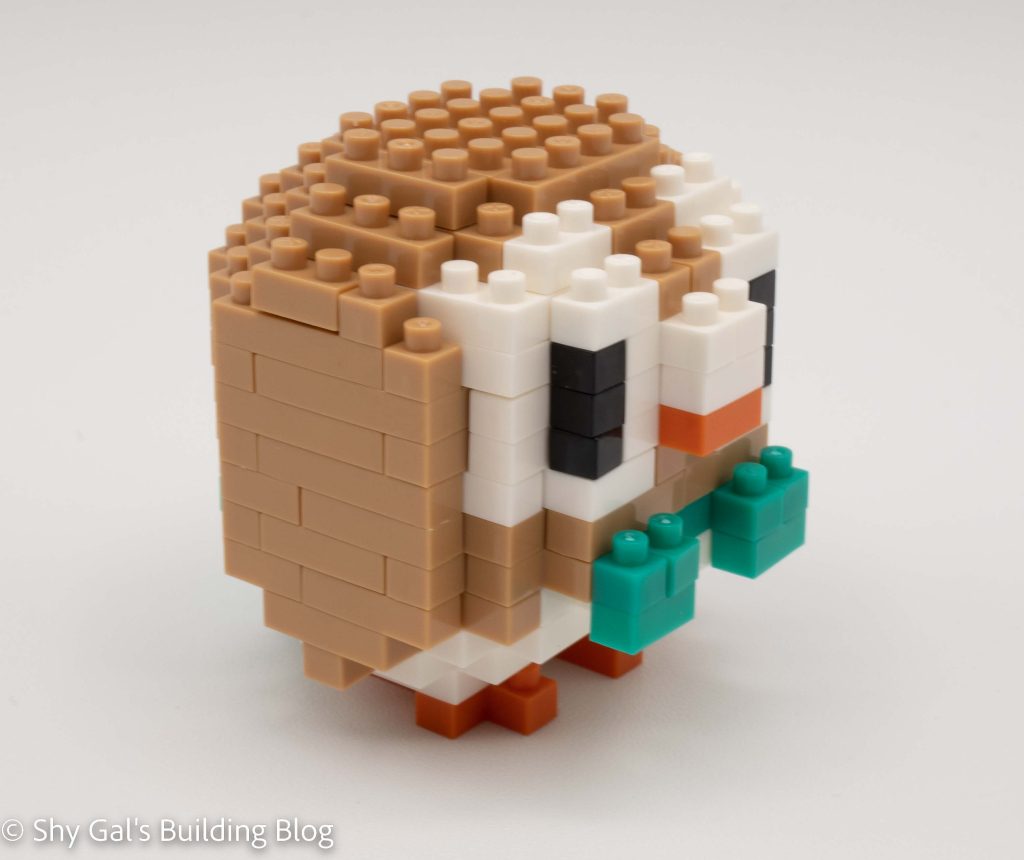
Rowlett front 3/4 view

Overall this is a straightforward build. It is building the outer shell of a sphere from the base. The first step is to create the base by putting two smaller builds together. From there, you add the Pokemon’s sweet little bow tie. Next, you build the Pokemon by adding rings of bricks for several layers.

As you reach the top of the Pokemon, you begin to close up the head. At this point, you need to be careful to make sure that bricks are extra carefully lined up. As you close up the head bricks, you can push bricks into the cavity and create indents so that you can’t build the next layer.

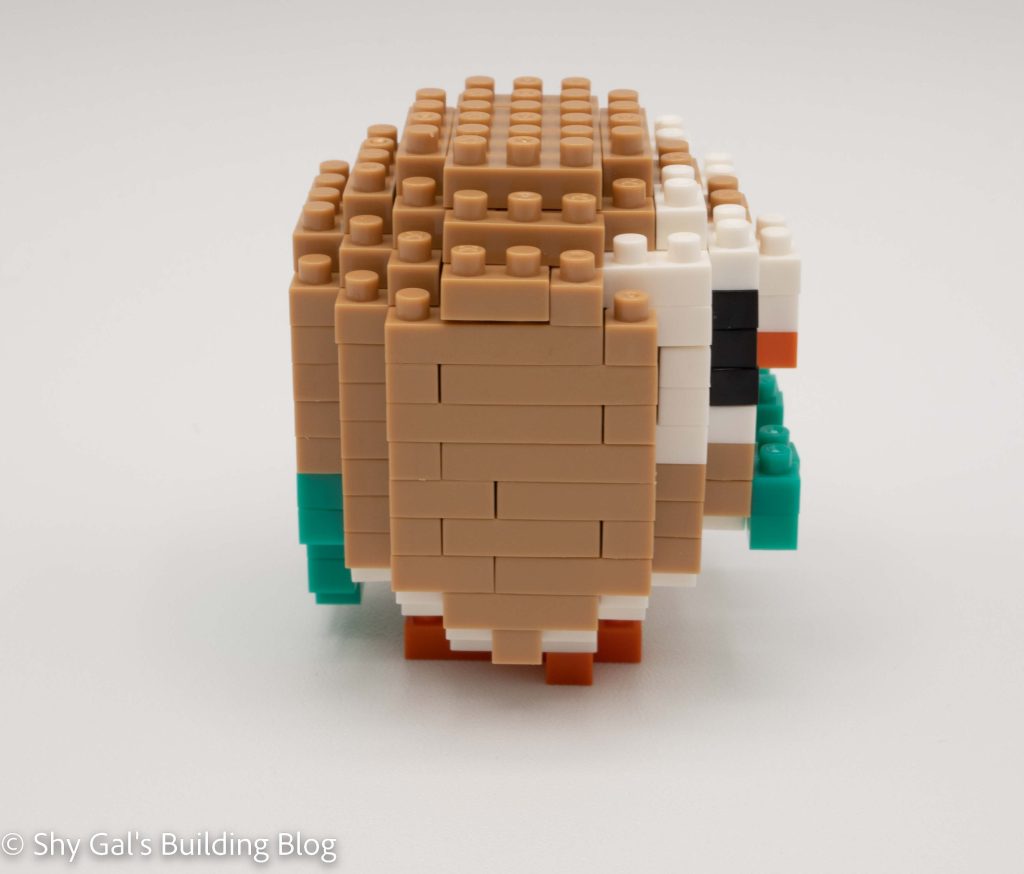
Rowlett side view

Once you have closed up the sphere, it’s time for the final details. Attach the tail and the feet, and viola, the build is done.

Overall, I really liked this build. I liked the color that was selected for the green details. I had some difficulty getting the head to close up because I wasn’t super tight on my connections.

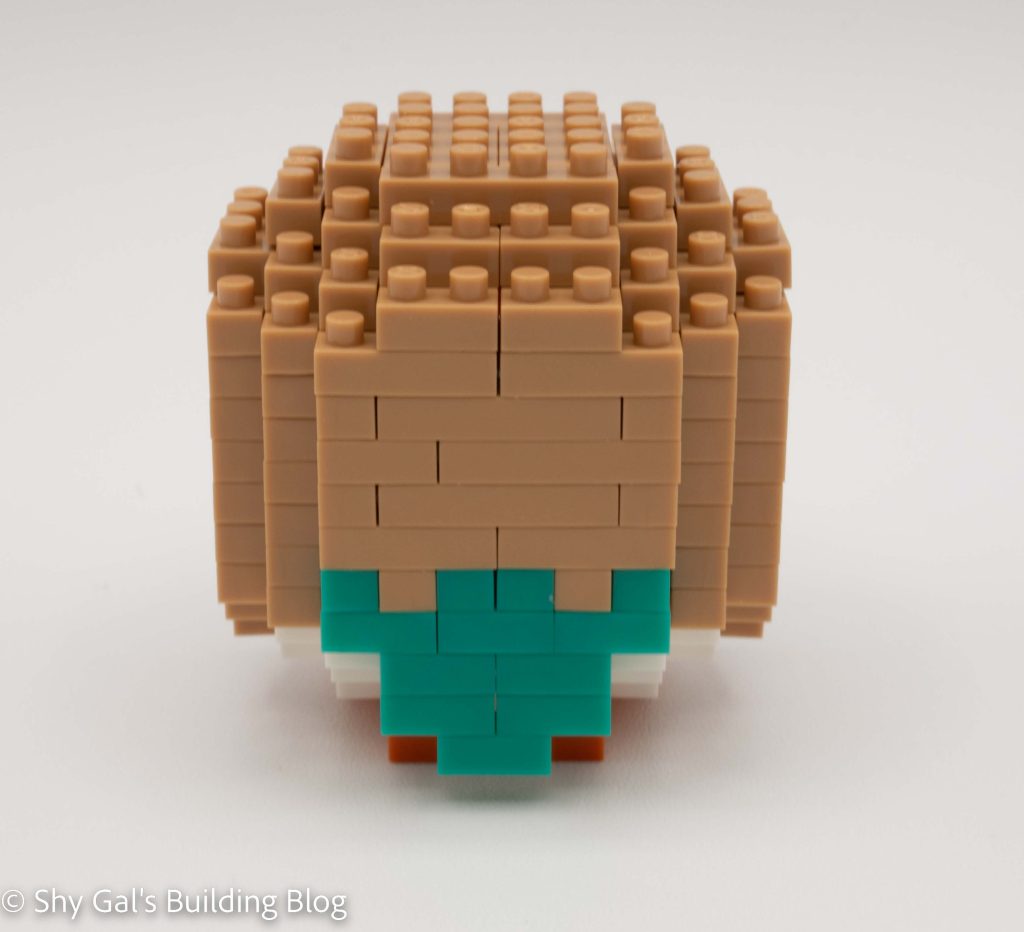
Rowlett back view

Things I liked:

  • The color of the green details