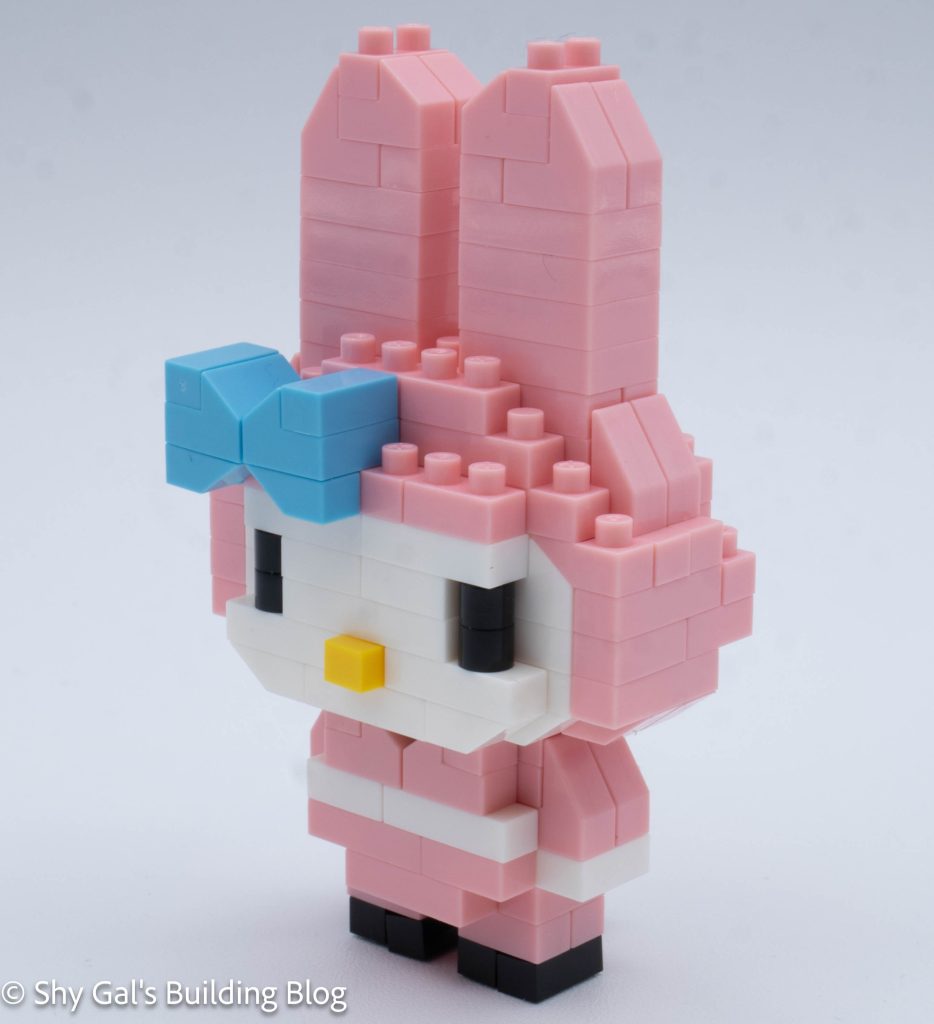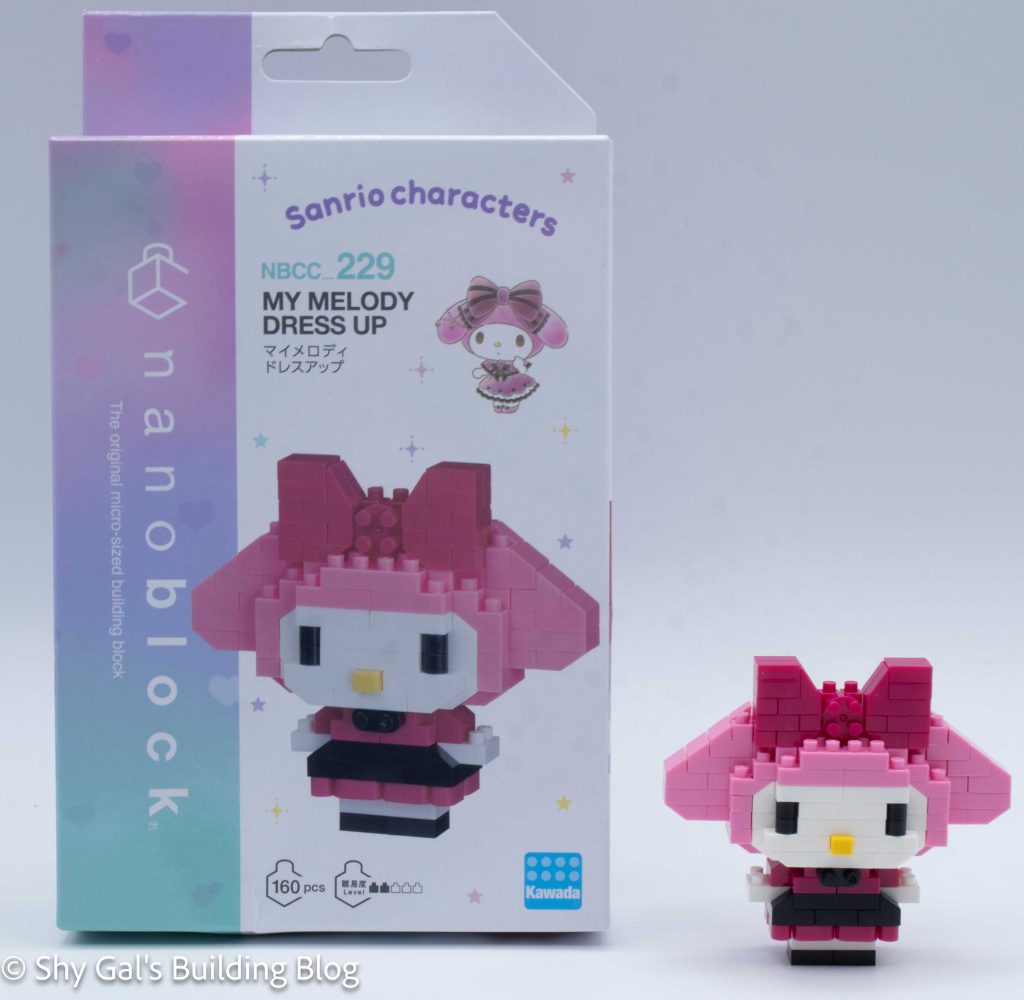
Review of nanoblock My Melody Dress Up NBCC_229

My Melody Dress Up build and box

This post is a review of the nanoblock My Melody Dress Up build. My Melody Dress Up is part of the nanoblock Character collection. Wondering what else is part of the Character collection? Click here for a list.

Number: NBCC_229

Number of Pieces: 160

Difficulty Rating: 2/5
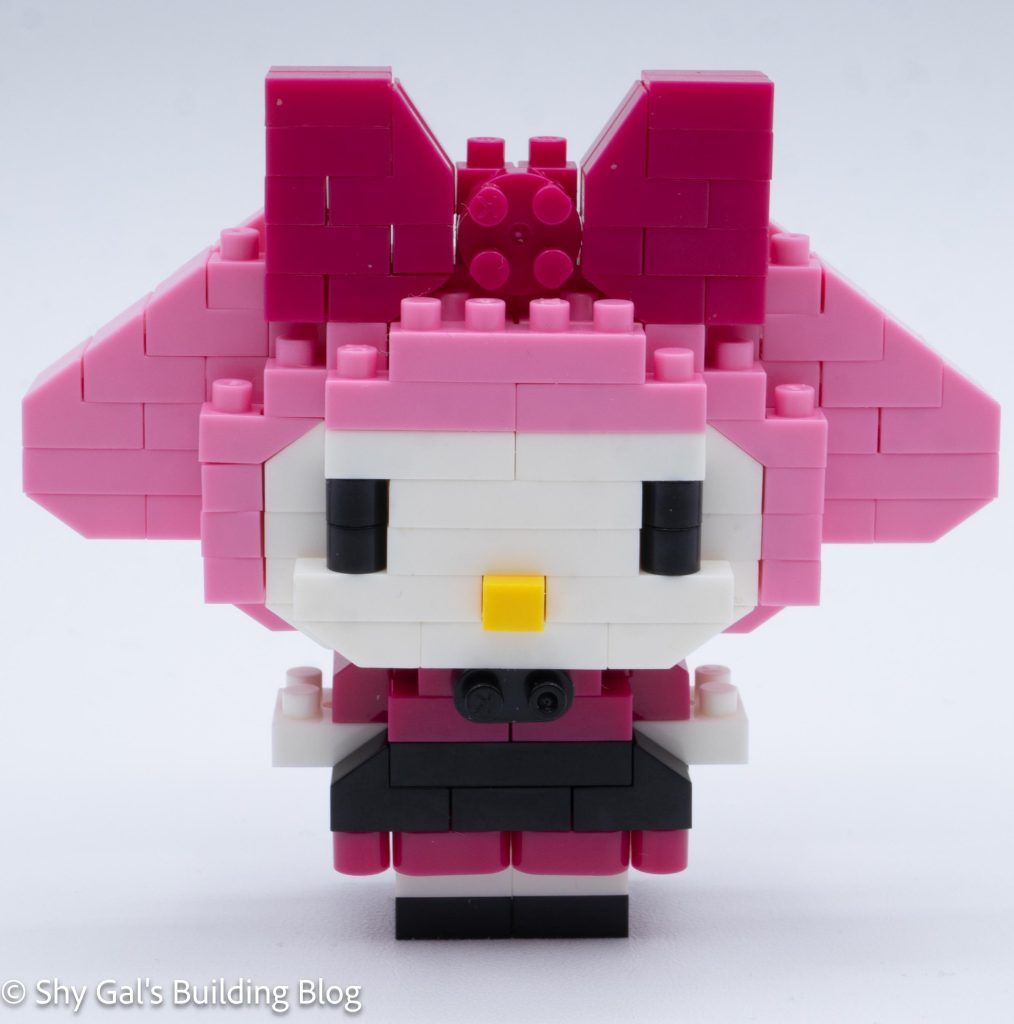
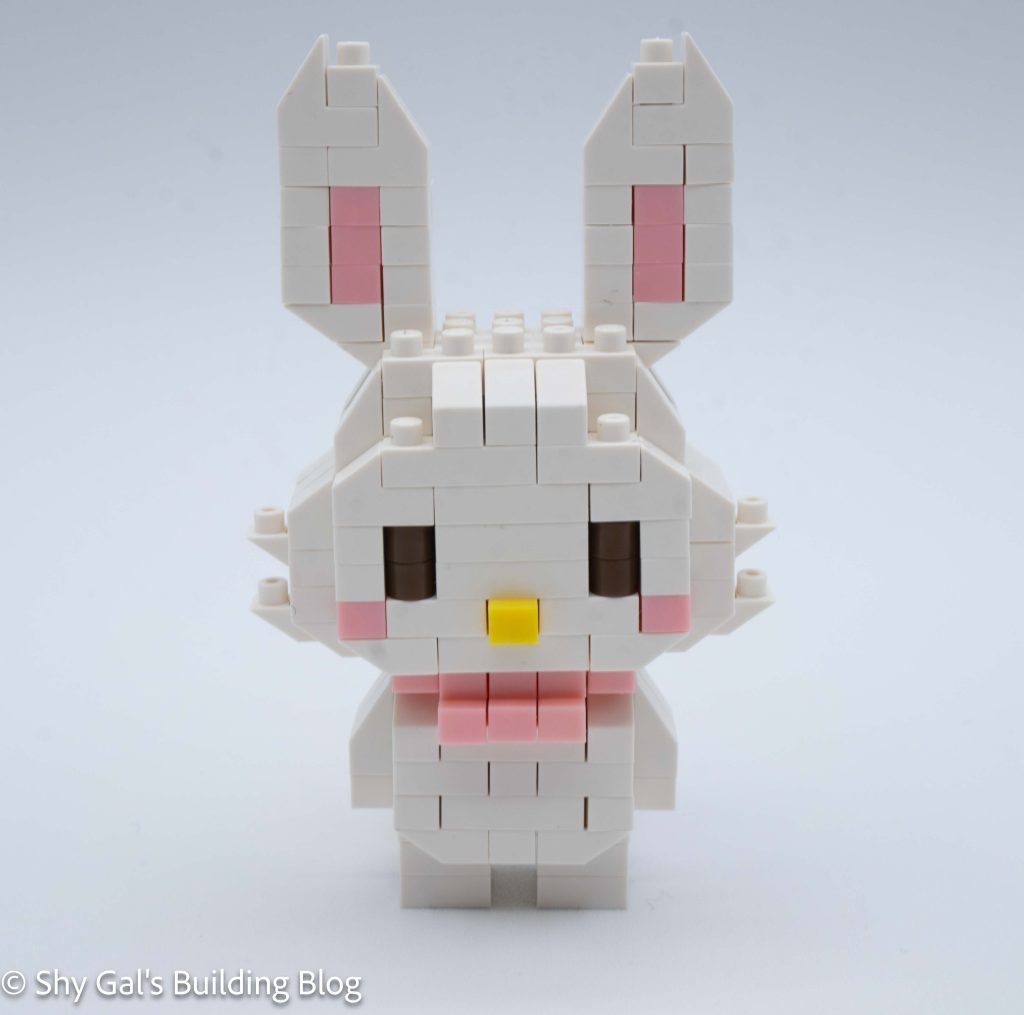
My Melody Dress Up build font view

This build is made up of 2 sections: the head and the body.

The head begins with building 2 sections that are connected. Then the front center is built and added to the face. Overall, getting the base layer of the head takes a total of 6 instructions. At this point, the head was a bit flimsy and tried to fall apart on me.

The next layer takes 4 steps, but locks all the loose bricks into place.

The rest of the head is fairly straightforward, going up in layers. At one point, I began to build the bow, so I needed to be careful to use the correct pink in each step.
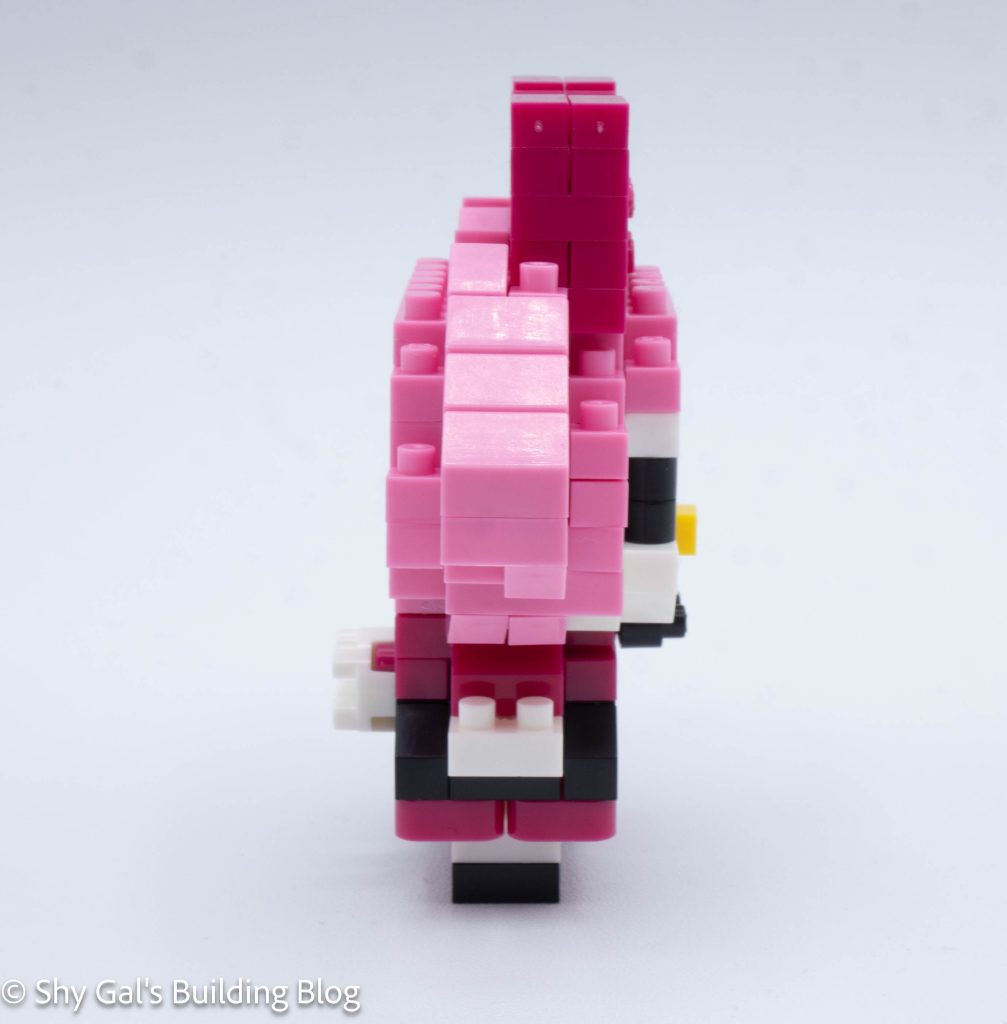
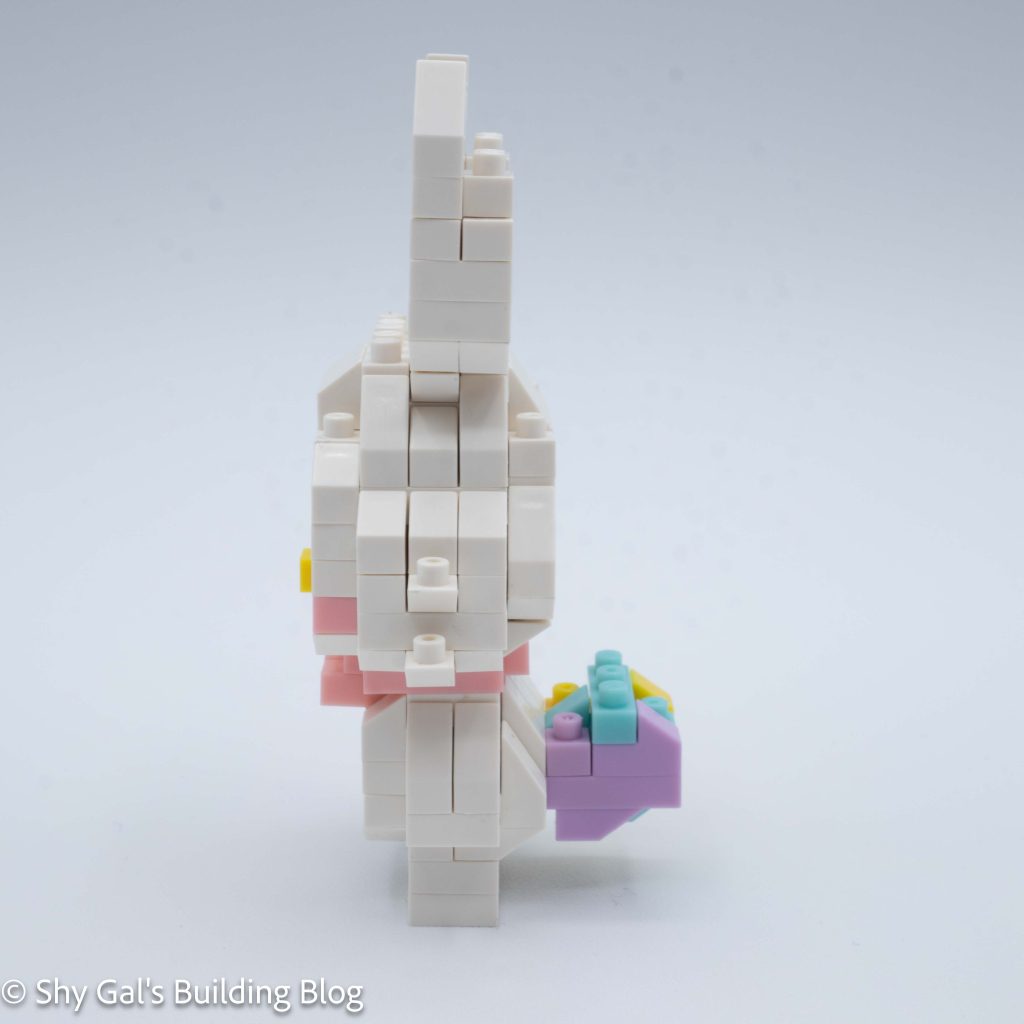
My Melody Dress Up build side view

After completing the bow, I added the center of the bow.

Next, I flipped the head over and added details to the underside to round out the head.

The final step of the head is to add what appears to be a random brick to the front of the build.
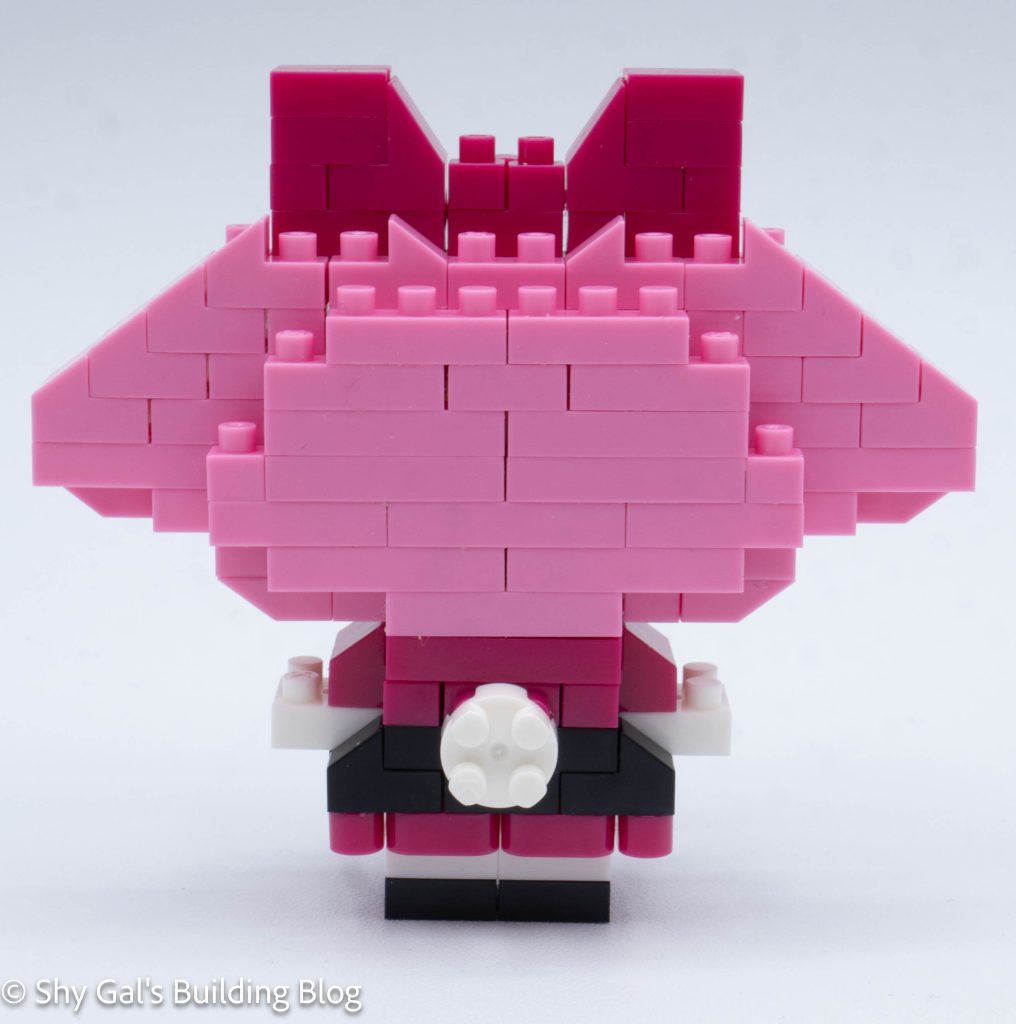
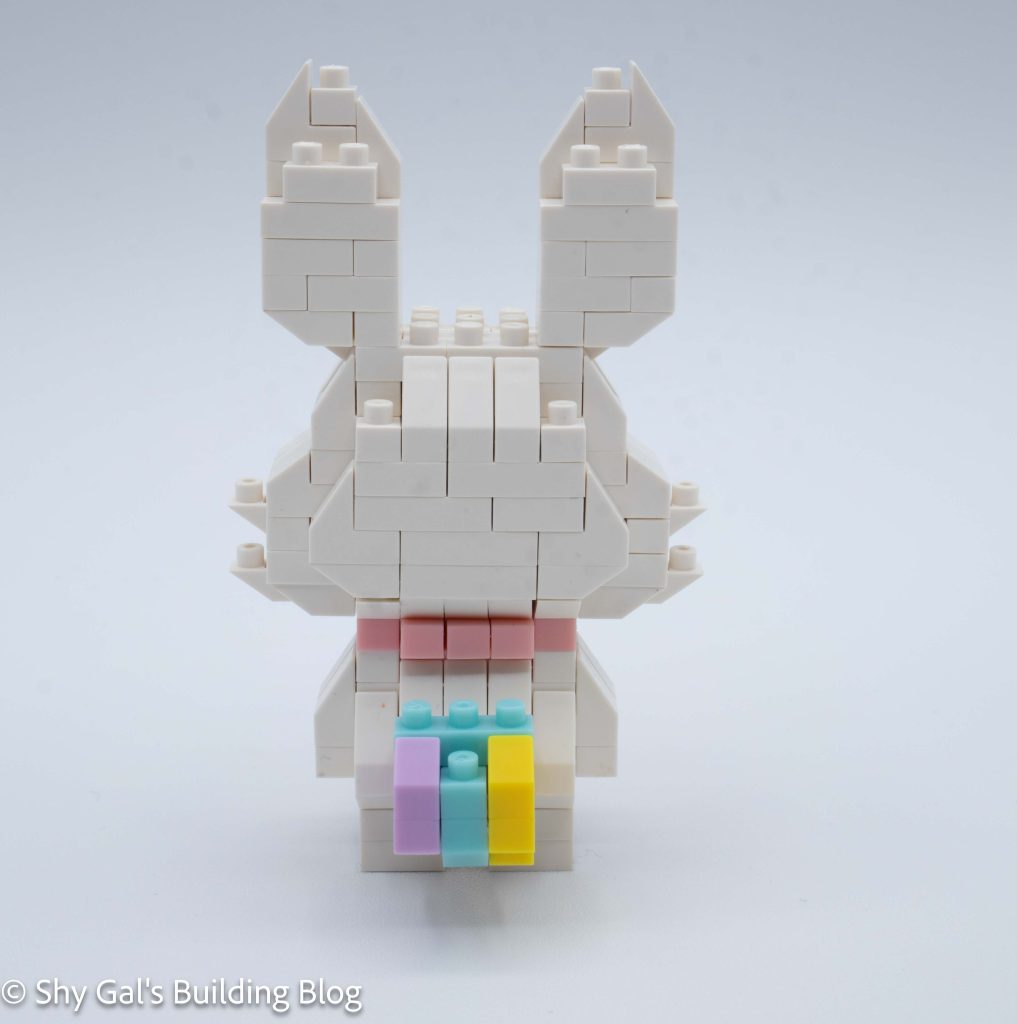
My Melody Dress Up build back view

Next was the time to build the body. I was able to build the body on my nanoblock pad, which made it very simple. The body goes up in straightforward layers.

After building up the body, I flipped the build over and added the legs.

The final step was to add the details to the back of the outfit.

Finally, connect the head to the body. The random brick on the head became a bow on the body.
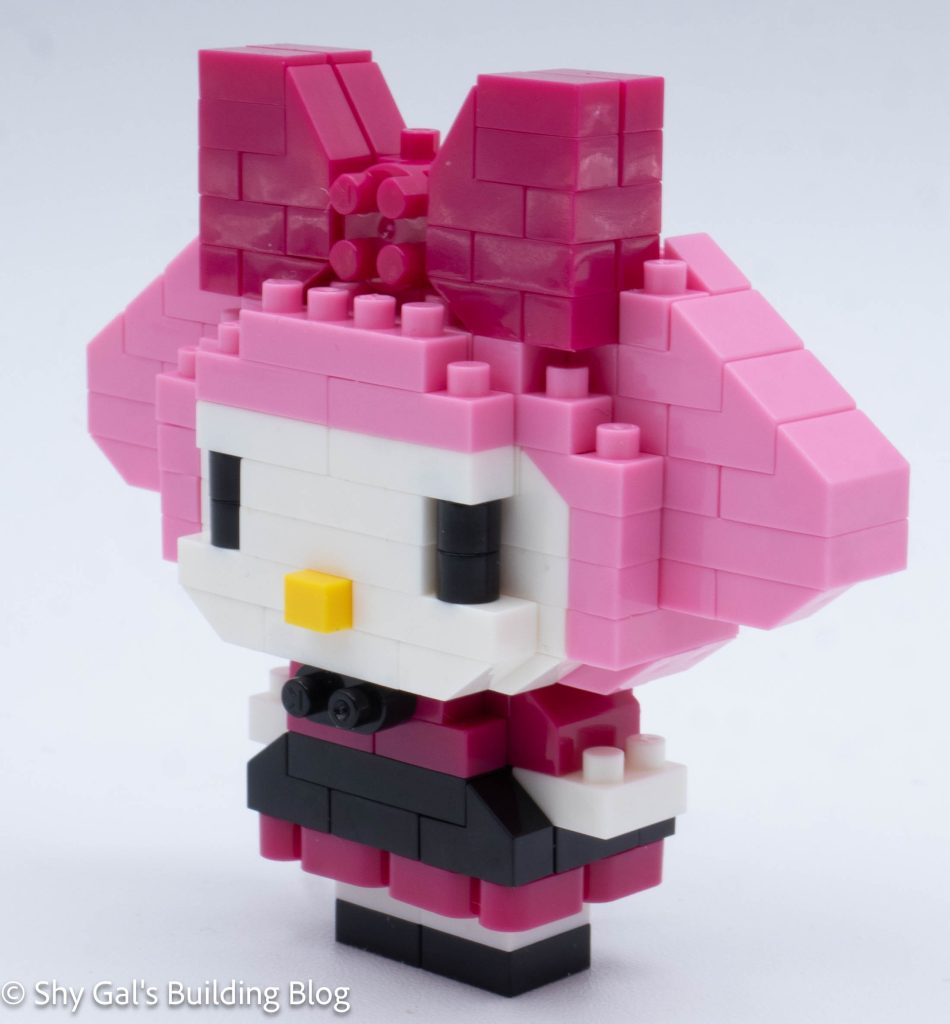
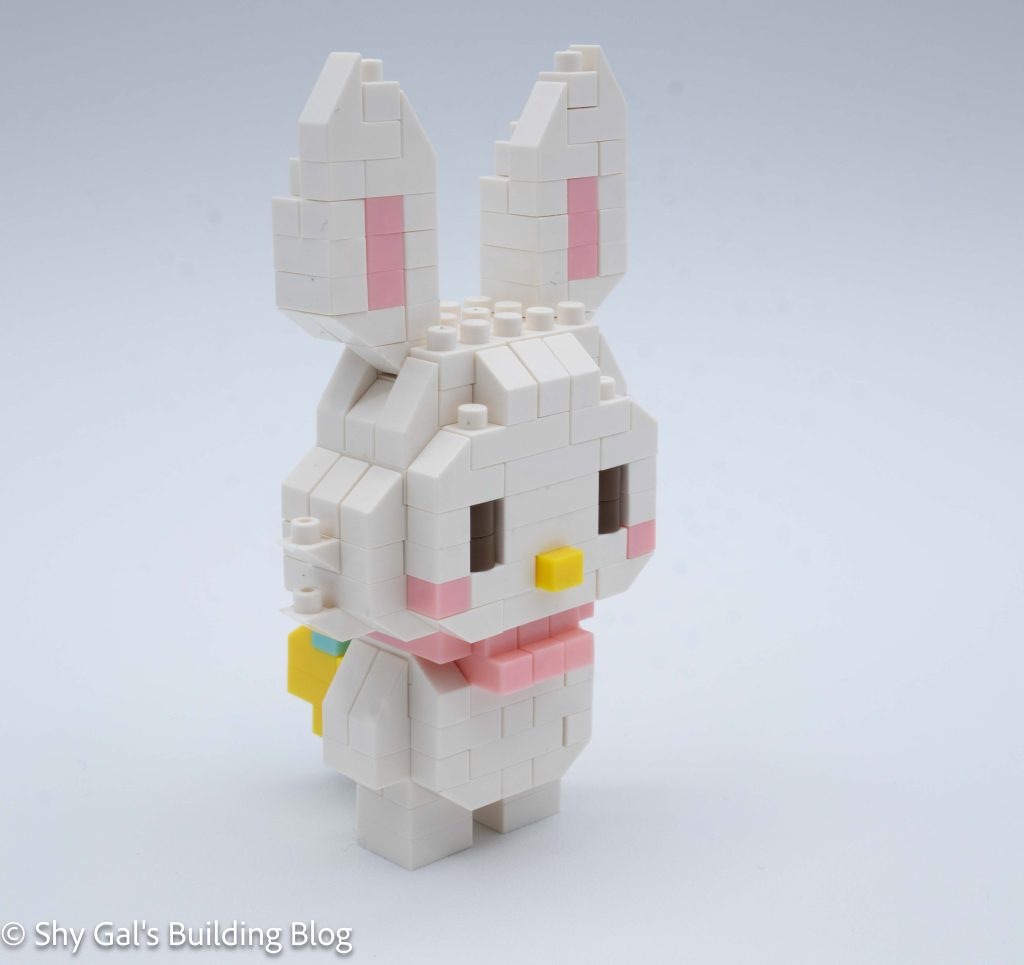
My Melody Dress Up build front 3/4 view

Things I liked:

  • I really like the details throughout the dress, such as the bows and use of rounded bricks

Things I didn’t like:

  • I didn’t really like how loose the head was, and the bricks were going in various directions when I tried to push the bricks together.

Review of nanoblock Hangyodon Samurai NBCC_220

Hangyodon Samurai build and box

This post is a review of the nanoblock Hangyodon Samurai build. Hangyodon Samurai is part of the nanoblock Character collection. Wondering what else is part of the Character collection? Click here for a list.

Number: NBCC_220

Number of Pieces: 190

Difficulty Rating: 2/5

Hangyodon Samurai build front view

This build begins by creating 2 two-layer segments and connecting them together, creating the base of the body.

The build goes up in layers of blue and black to create the body.

Hangyodon Samurai build side view

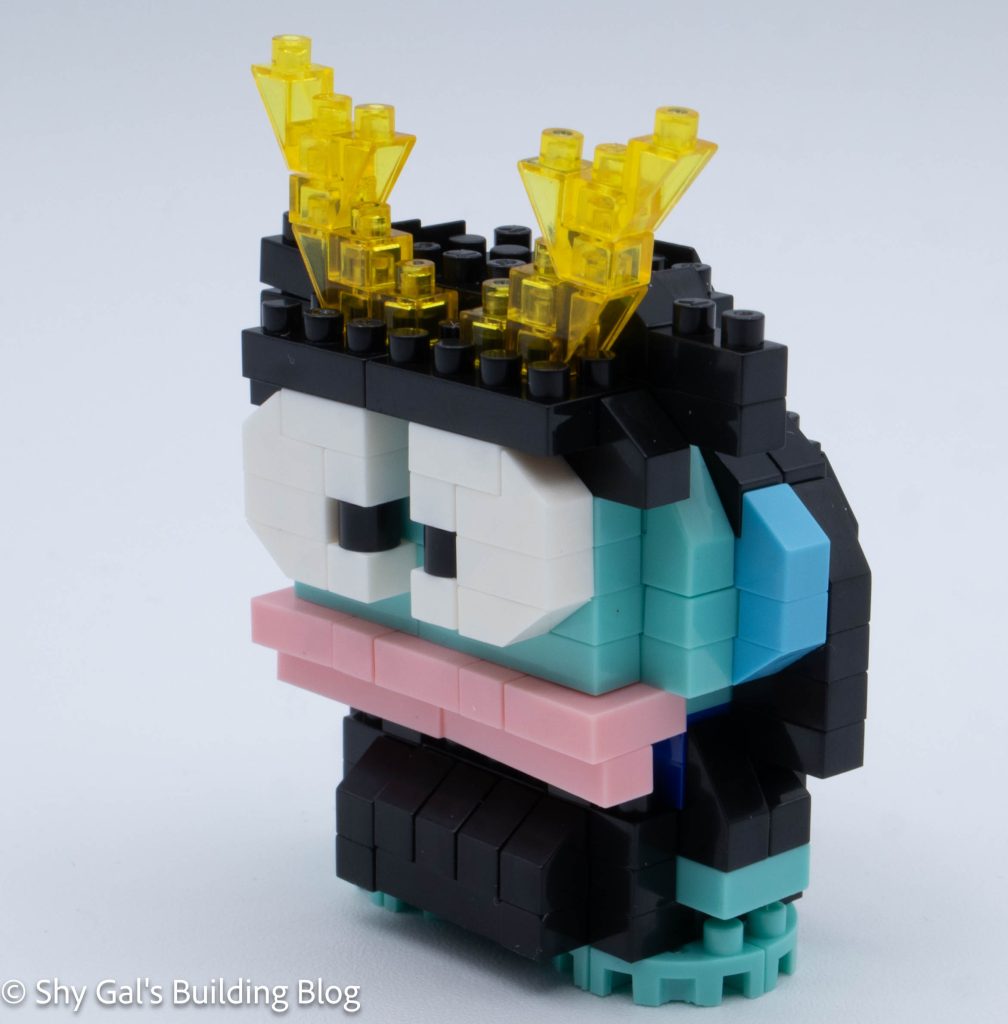
Then I built the bottom of the front of Hangyodon’s head as a separate piece. This included his large lips.

Then I connected the head to the body.

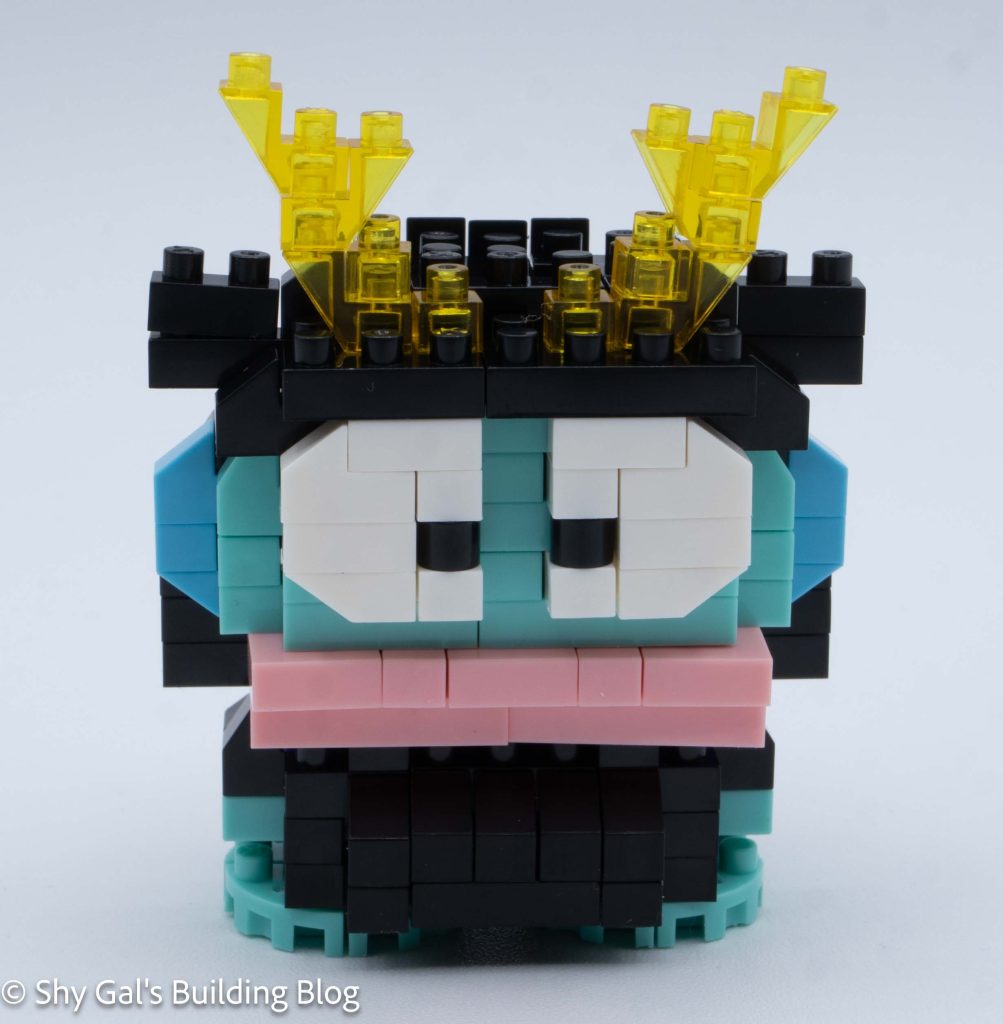
Then I built the head in layers. In the front, most of the work was in building the 3d eyes. While the back of the build is simply the black helmet.

Hangyodon Samurai build back view

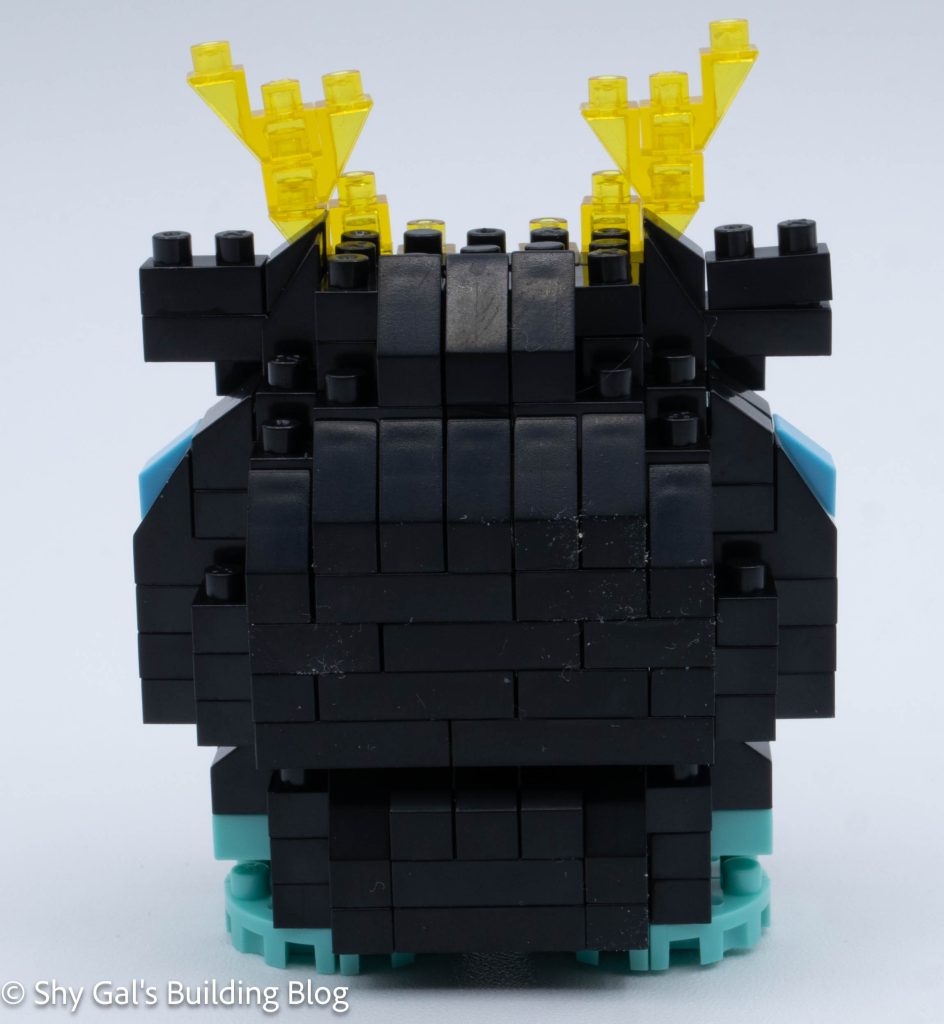
After completing the face, I worked to complete the rest of the helmet, including the sections hanging over Hangyodon’s face. I also added the decoration in clear yellow bricks.

The final step was to flip the build over and attach the feet.

Hangyodon Samurai build front 3/4 view

Things I liked:

  • I like how 3d his eyes are and how it makes the build seem much deeper

Things I didn’t like:

  • I don’t like how hard it is to see the royal blue in the body

Review of nanoblock Pochacco Happi Coat NBCC_219

Pochacco Happi Coat build and box

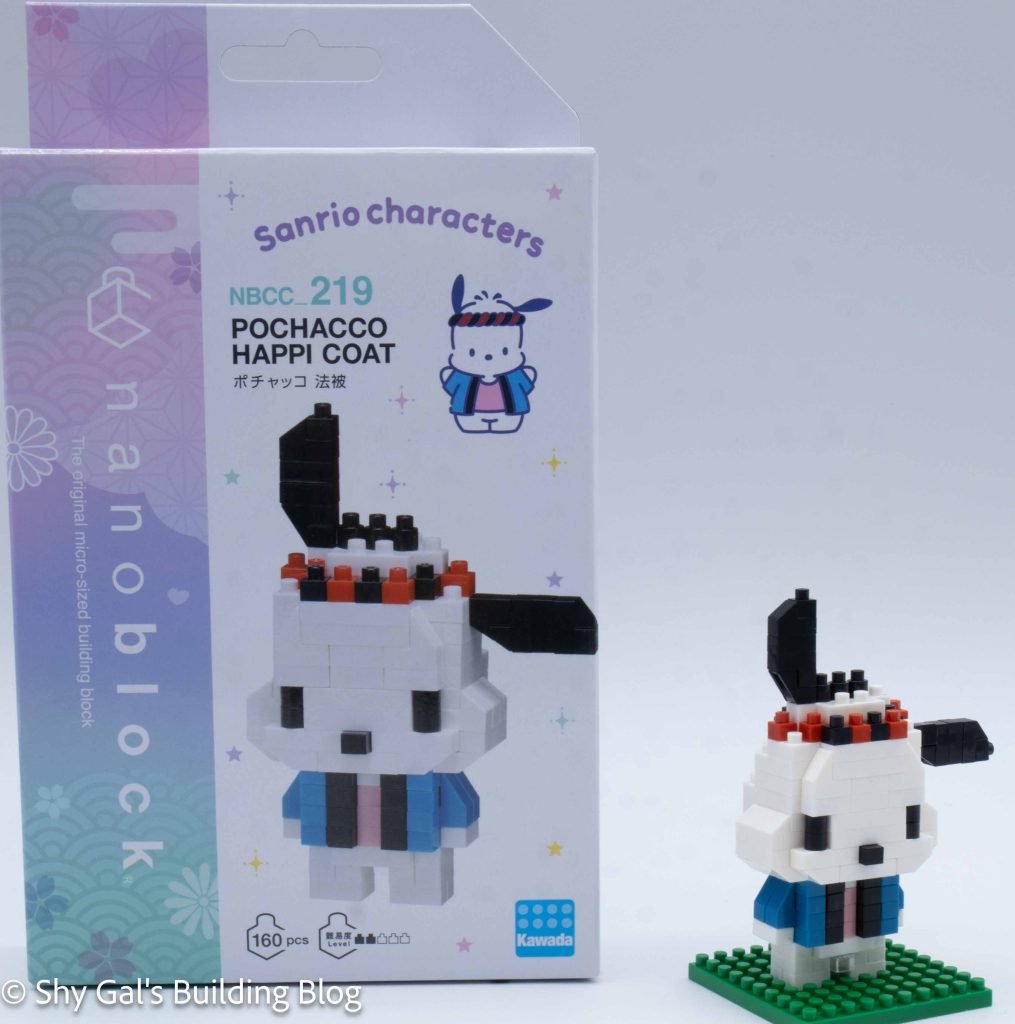
This post is a review of the nanoblock Pochacco Happi Coat build. Pochacco Happi Coat is part of the nanoblock Character collection. Wondering what else is part of the Character collection? Click here for a list.

Number: NBCC_219

Number of Pieces: 160

Difficulty Rating: 2/5

Pochacco Happi Coat build front view

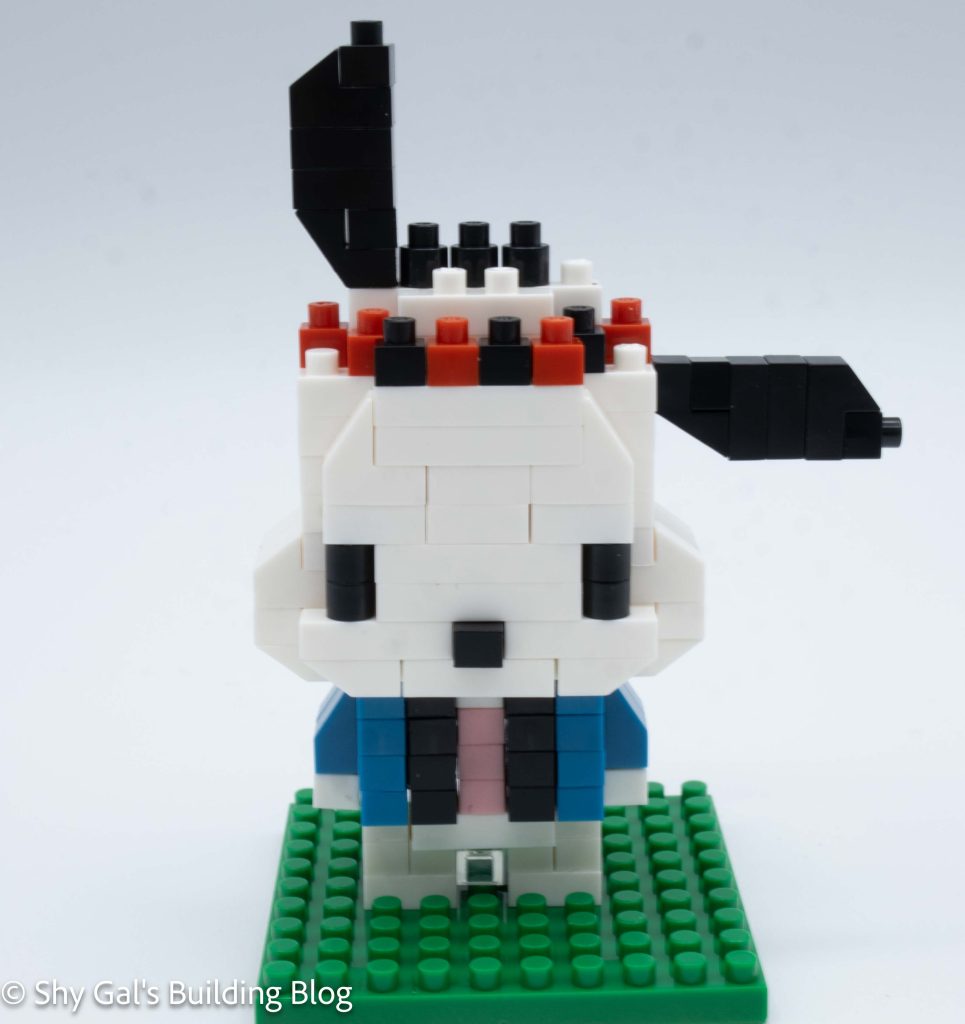
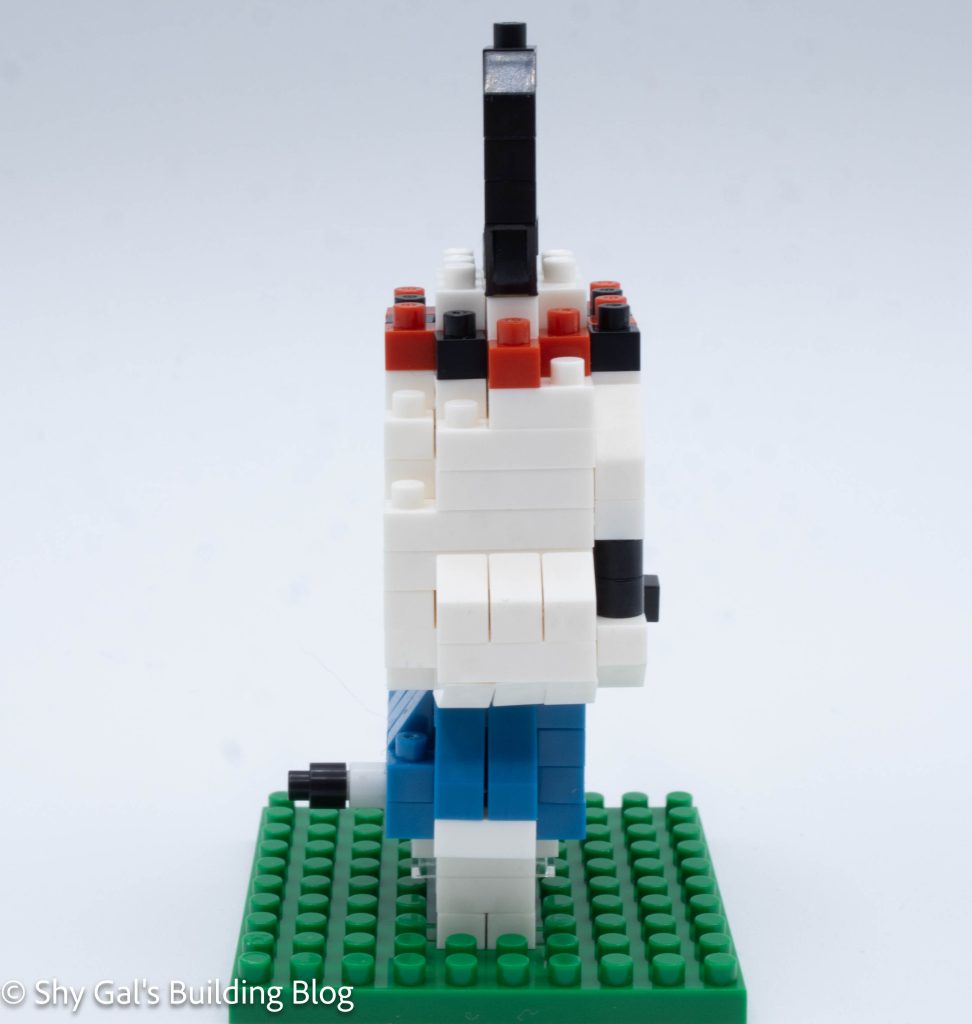
This build is made of 2 sections: the head and the body.

The head begins with 2 steps, building the base, and 2 layers of the head.

After building the base, the head goes up in straightforward layers. In the layers, I added the hat and Pochacco’s hair.

Pochacco Happi Coat build side view

Then I flipped the head over to add details to the bottom.

The final step is to add the ears.

The body was much trickier to build than I was expecting.

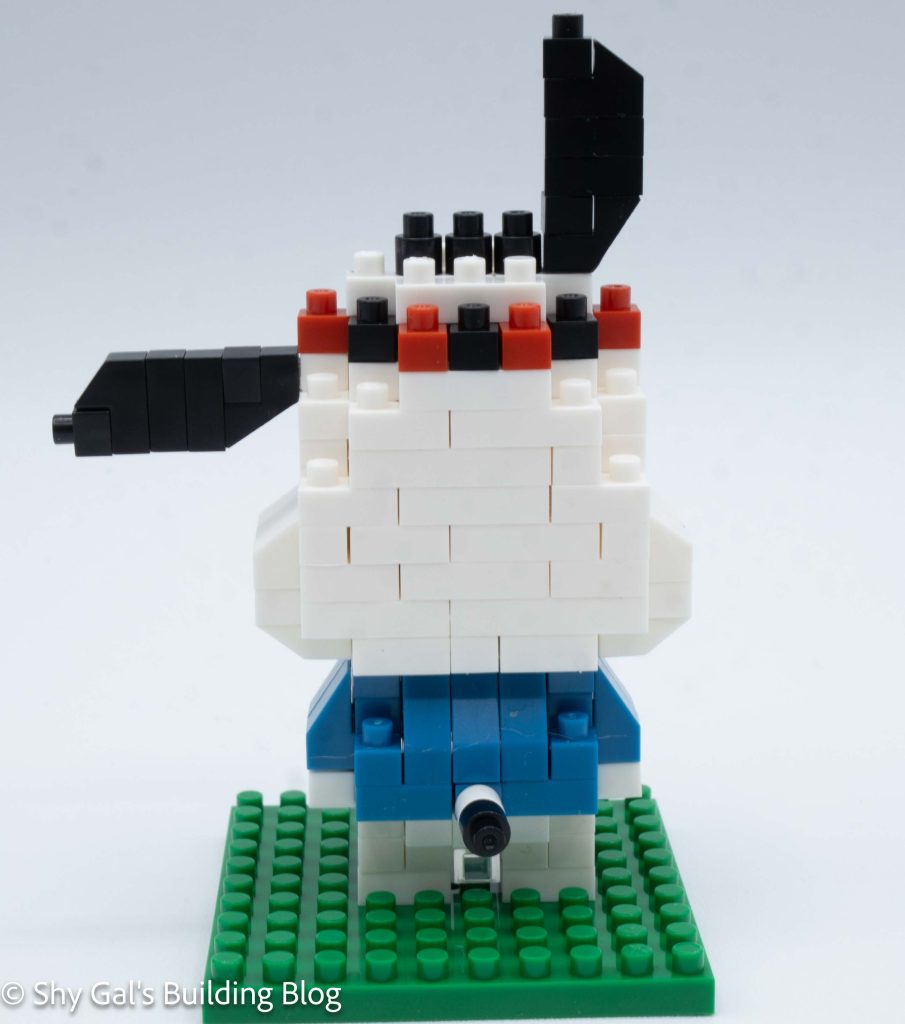
First, I built the left and right arms and a section to go in the back. This created a little you shape once all 3 parts were connected.

Pochacco Happi Coat build back view

Next, I built the front section. This was a bit tricky because of how the bricks hung off.

Then I connected the front to the U-shaped piece and finished the main body section.

Next, I added the legs and a tail.

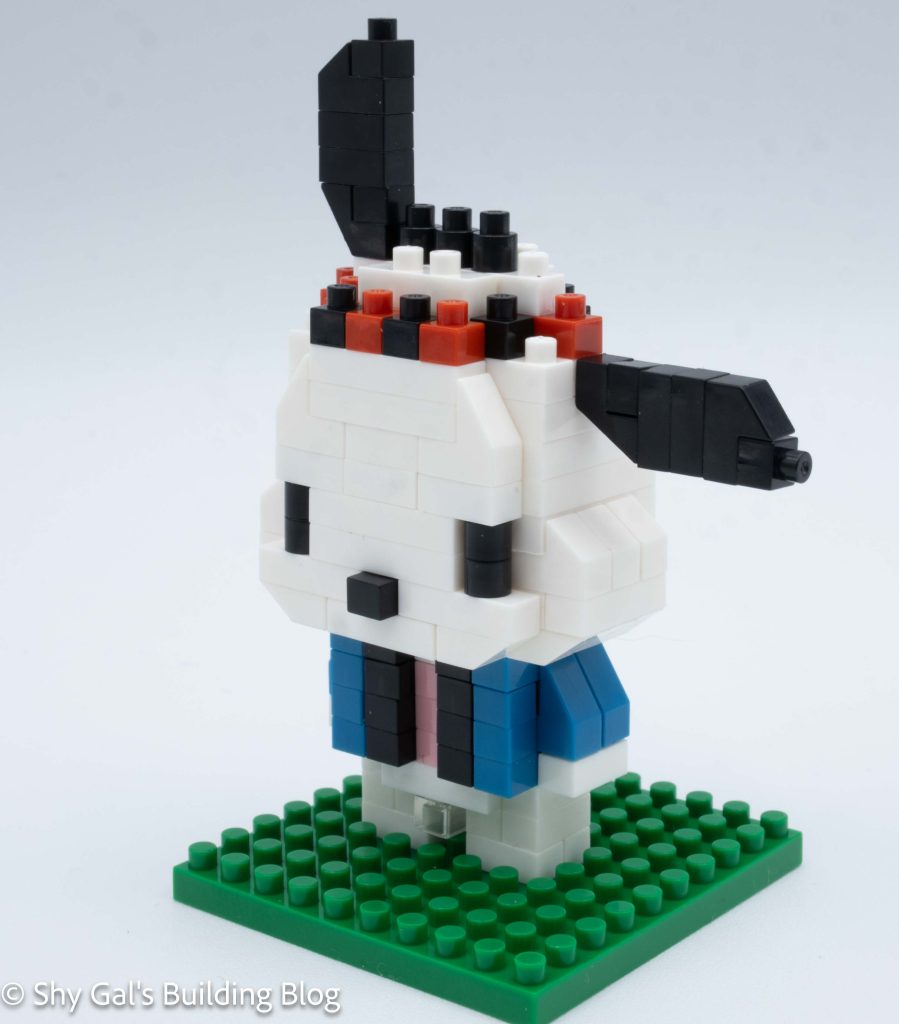
The final step was to connect the head to the body. I connected the head in the correct space, but Pochacco didn’t stand on his own. I added a baseplate to the build so that he could stand.

Pochacco Happi Coat build front 3/4 view

Things I liked:

  • I really like the amount of depth in the main body

Things I didn’t like:

  • I don’t like that he doesn’t stand

Review of nanoblock Kuromi Ninja NBCC_218

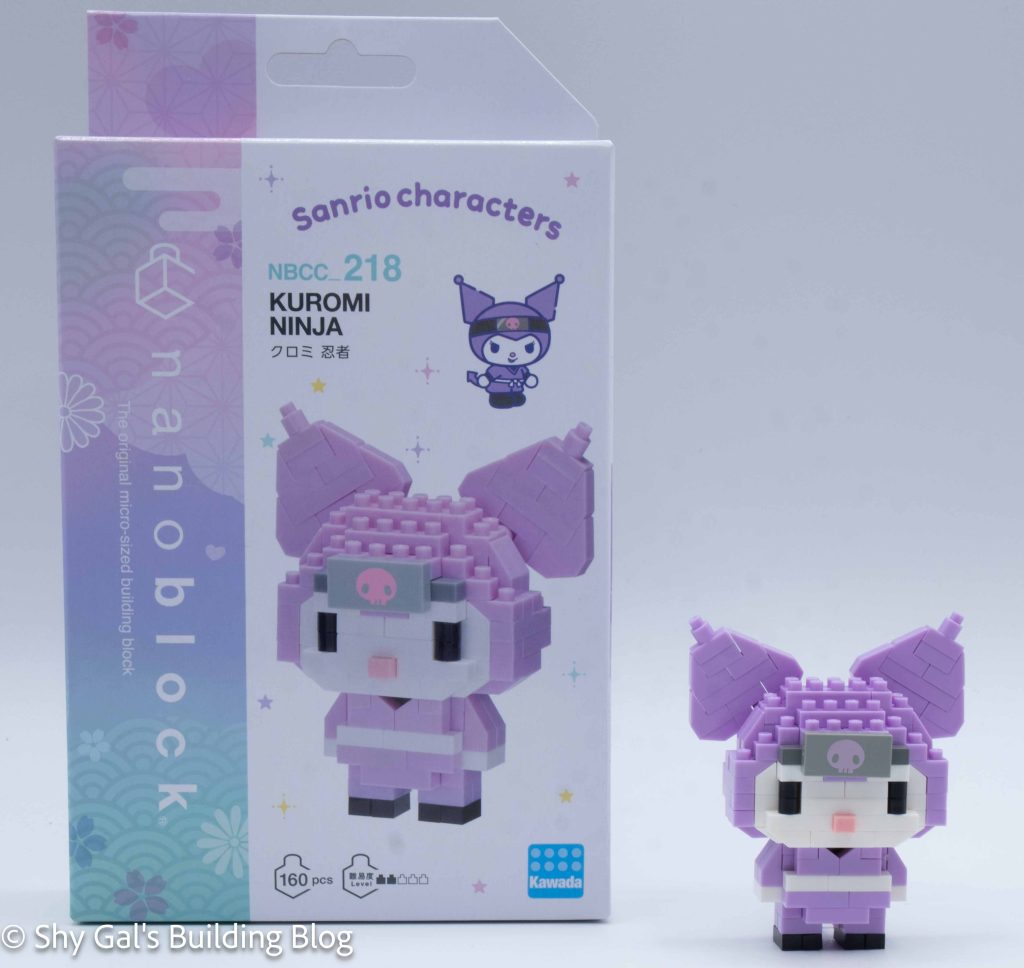
Kuromi Ninja build and box

This post is a review of the nanoblock Kuromi Ninja build. Kuromi Ninja is part of the nanoblock Character collection. Wondering what else is part of the Character collection? Click here for a list.

Number: NBCC_218

Number of Pieces: 160

Difficulty Rating: 2/5

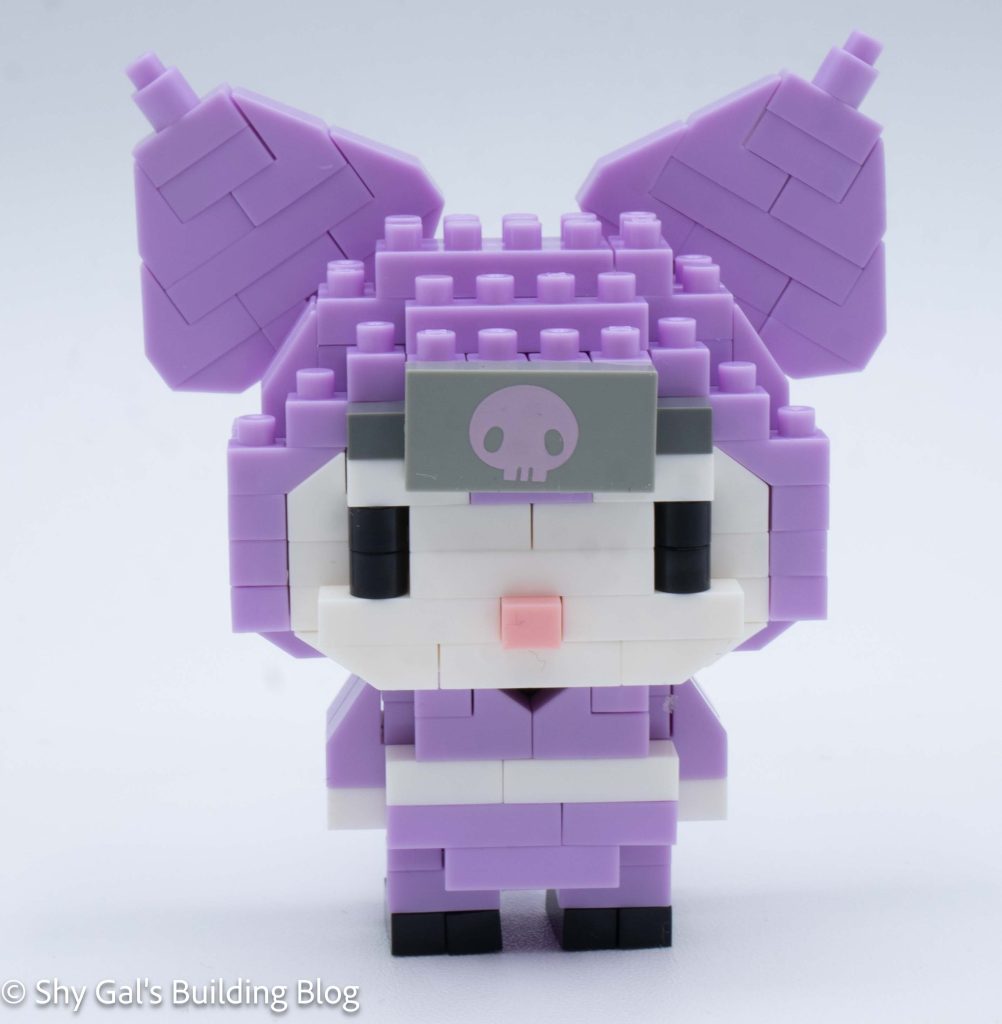
Kuromi Ninja build front view

This build is made of 2 sections: the head and the body.

The head begins with building 3 small sections that are all connected together to create the base of the head.

The rest of the main section of the head goes together very straightforwardly. It goes up in layers. I had the problem where the front of the head kept wanting to pop off while I was building.

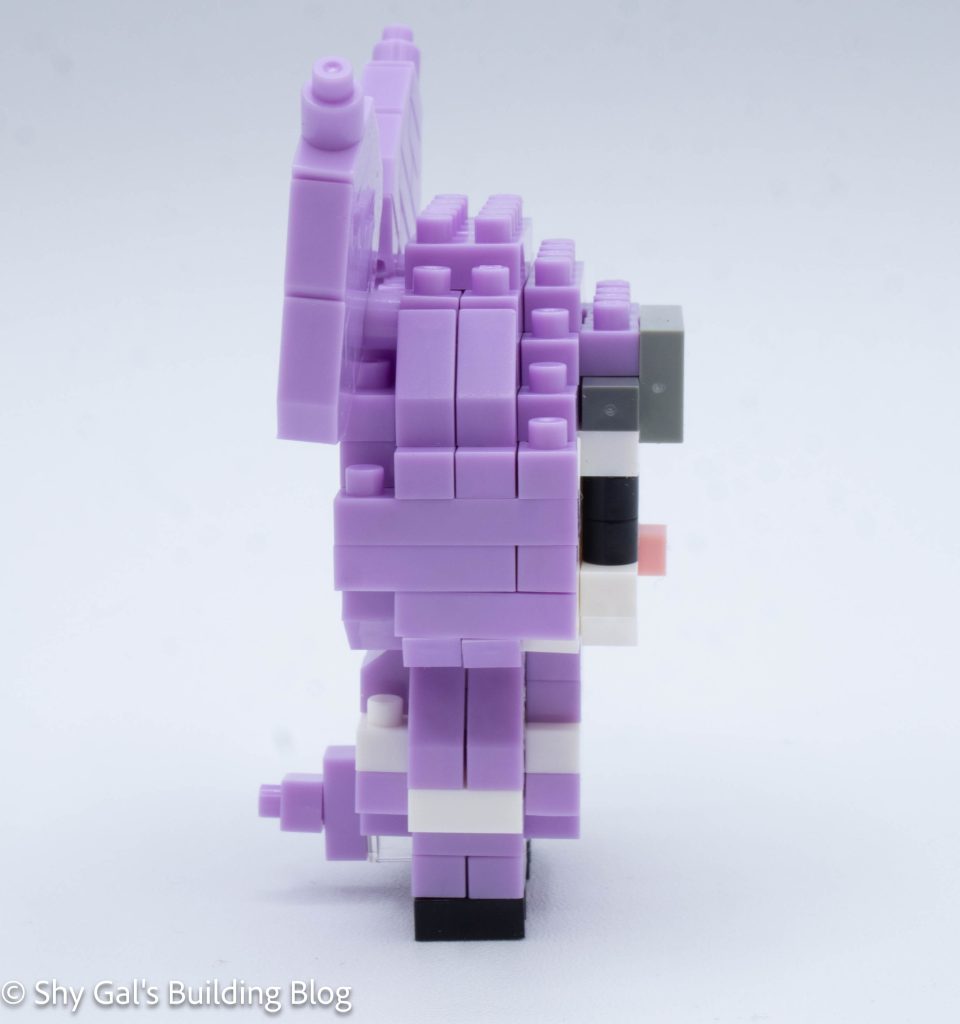
Kuromi Ninja build side view

After building the main section of the head, I flipped the build over and added bricks to create the bottom of the head.

Next, I added the printed piece of the skull. I’m so happy they used printed pieces instead of stickers.

The final step of the head is to build her ears. These were identical and very straightforward.

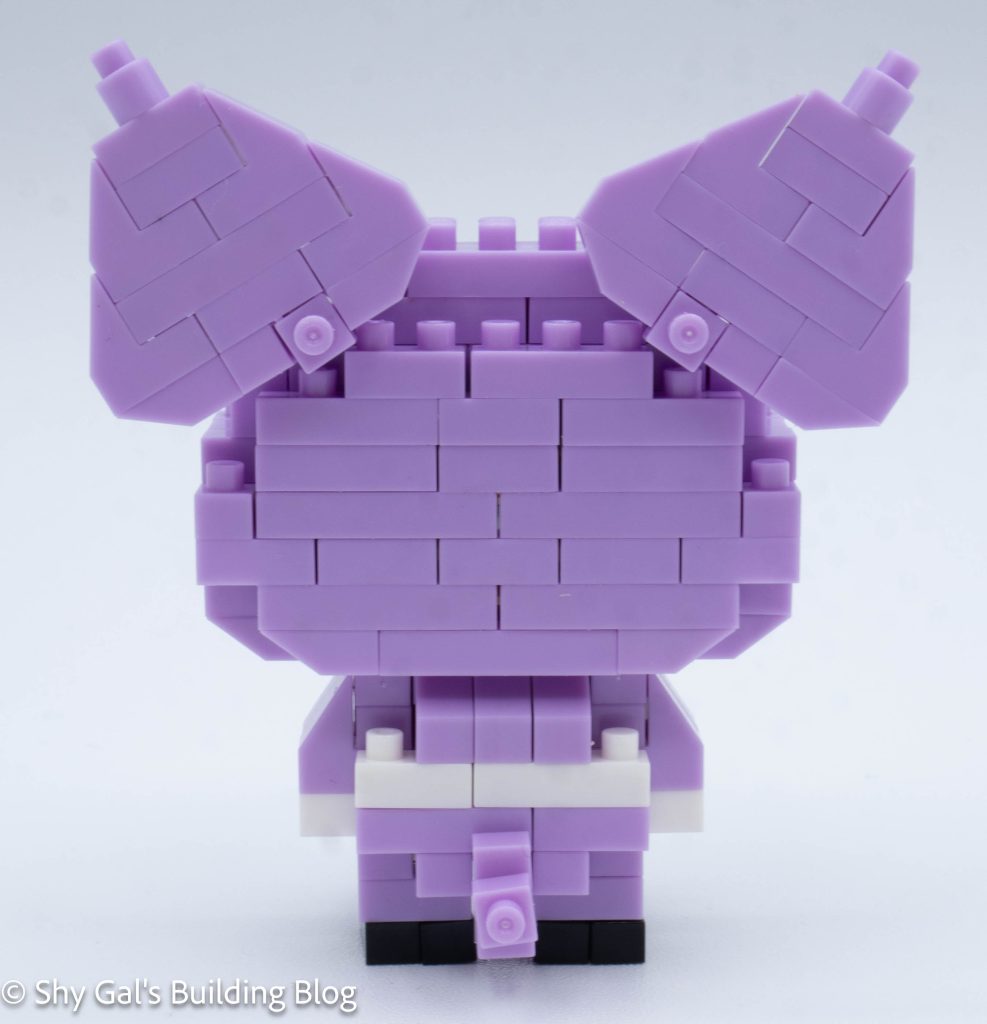
Kuromi Ninja build back view

The body, like the head, is made up of 3 sections that are all put together to create the base.

The body goes up in layers. I found the body to be super flimsy and hard to hold and add additional bricks to.

After building the main section of the body, I flipped over the build and added the legs.

The last section of the body is to add Kuromi’s tail.

Finally, connect the head to the body. I needed to be careful to make sure that things lined up properly so the build wasn’t tippy.

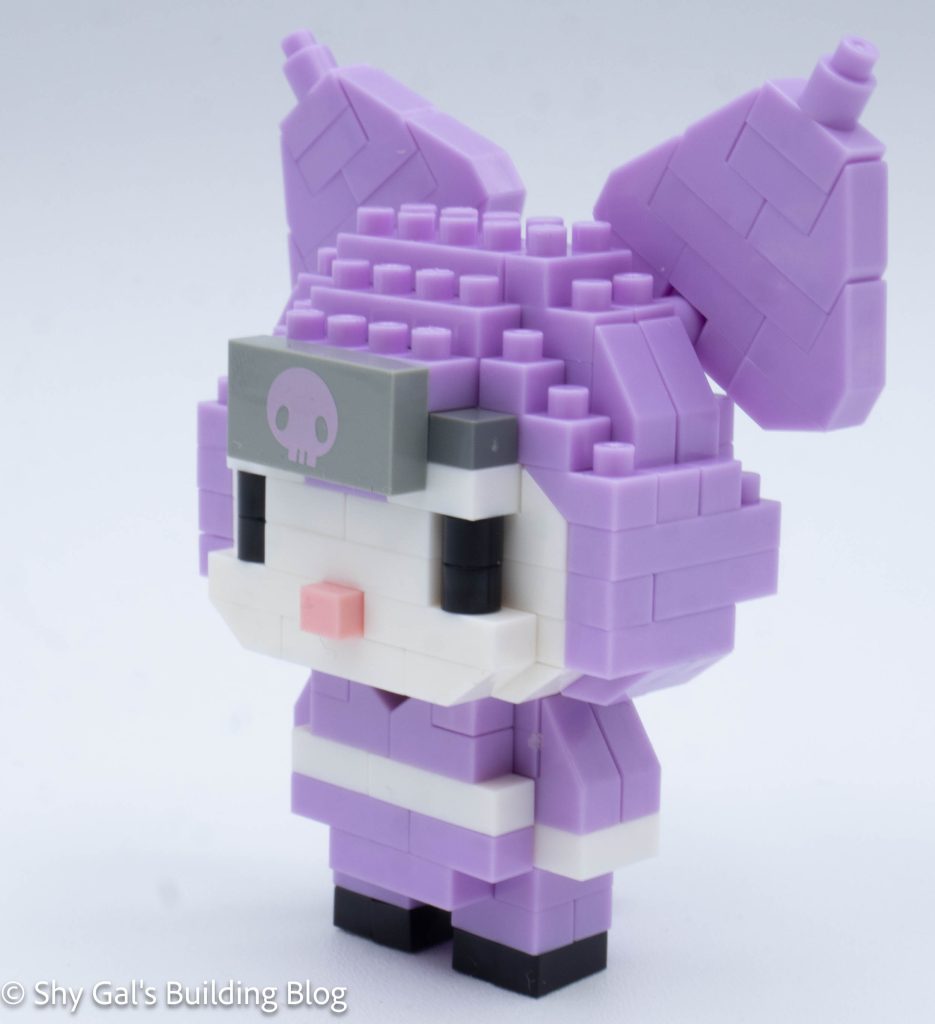
Kuromi Ninja build front 3/4 view

Things I liked:

  • I really like how the kit came with a printed brick instead of stickers

Things I didn’t like:

  • I didn’t like how flimsy the build was while I was building it

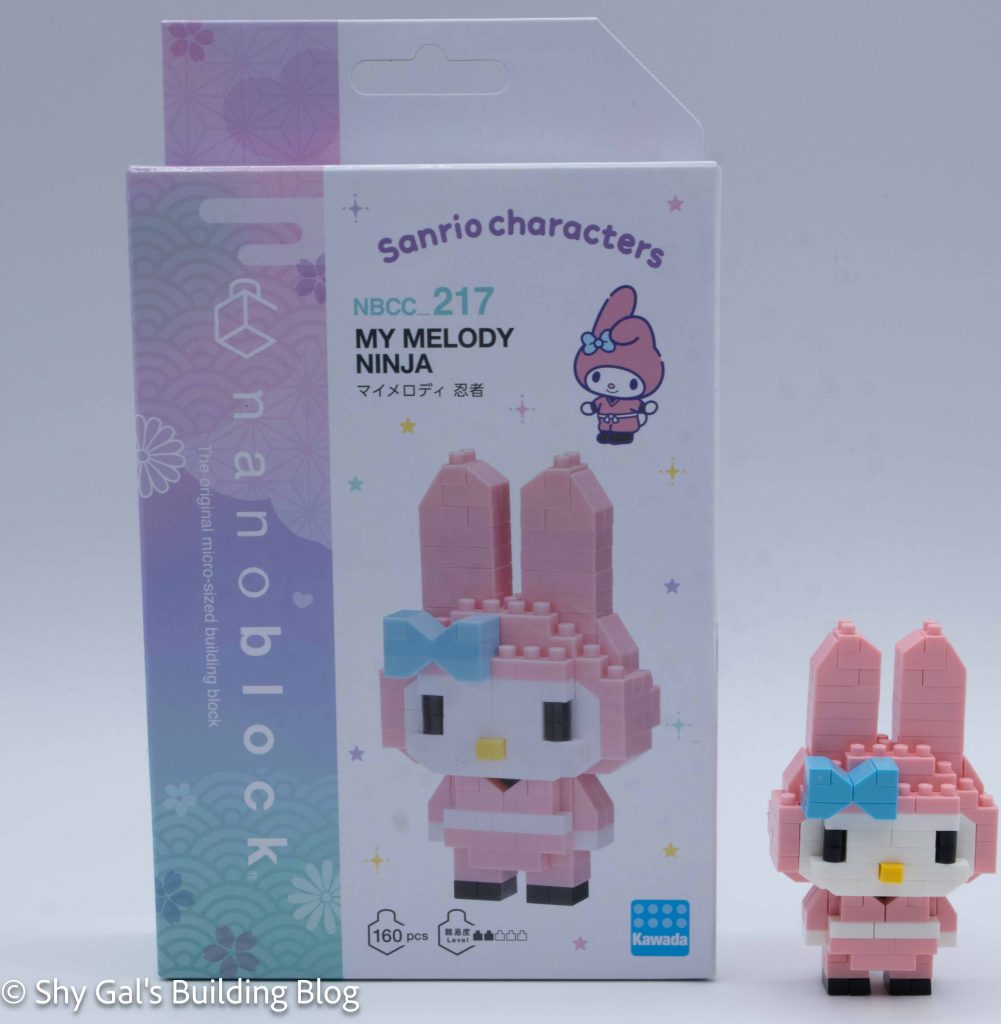
Review of nanoblock My Melody Ninja NBCC_217

My Melody Ninja build and box

This post is a review of the nanoblock My Melody Ninja build. My Melody Ninja is part of the nanoblock Character collection. Wondering what else is part of the Character collection? Click here for a list.

Number: NBCC_217

Number of Pieces: 160

Difficulty Rating: 2/5

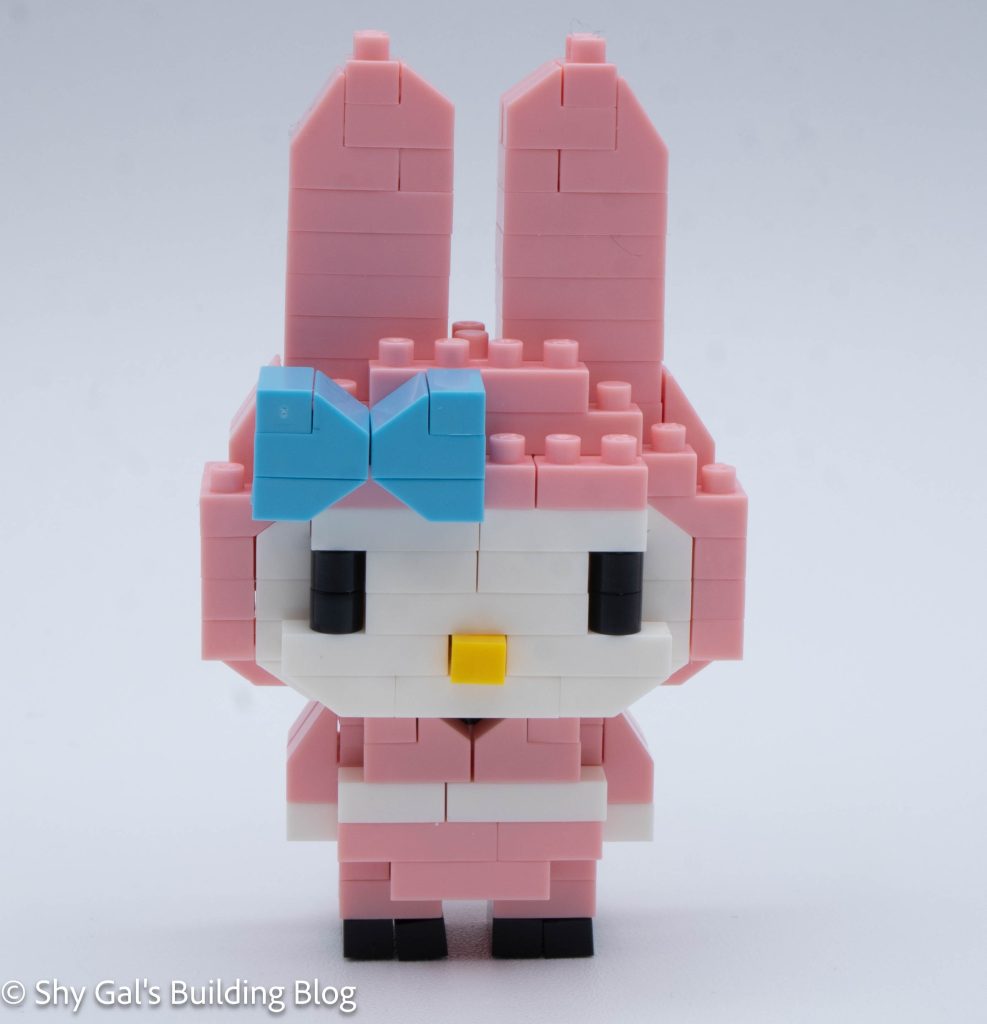
My Melody Ninja build front view

This build has 2 sections. There is the head and the body.

The head begins by taking 2 steps to complete the base 2 layers that all the rest of the head will be built on.

After building the base layers, the head goes up in a straightforward manner. At one point, I paused building the head to add the blue bow. The bow is held in place by one stud, so I had to be careful once it was added.

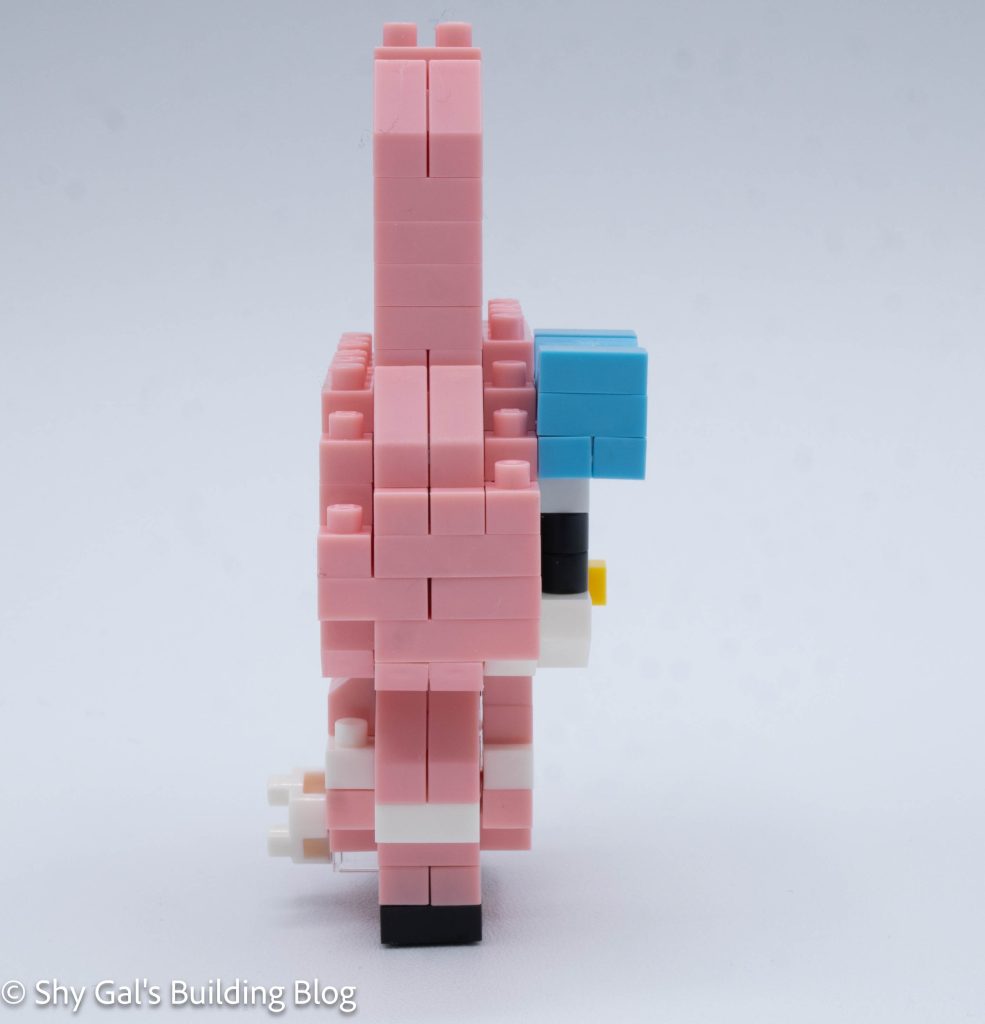
My Melody Ninja build side view

Once I started the ears, I needed to double-check that I hadn’t skipped a step or added extra bricks because there are several identical steps to create the height of the ears.

Once I had built the base of the head, I flipped it over and added a base layer that rounded out the head a bit.

Then it was time to move on to the body. I had quite a bit of difficulty getting all the bricks lined up for the first step of the build, but eventually got things lined up properly.

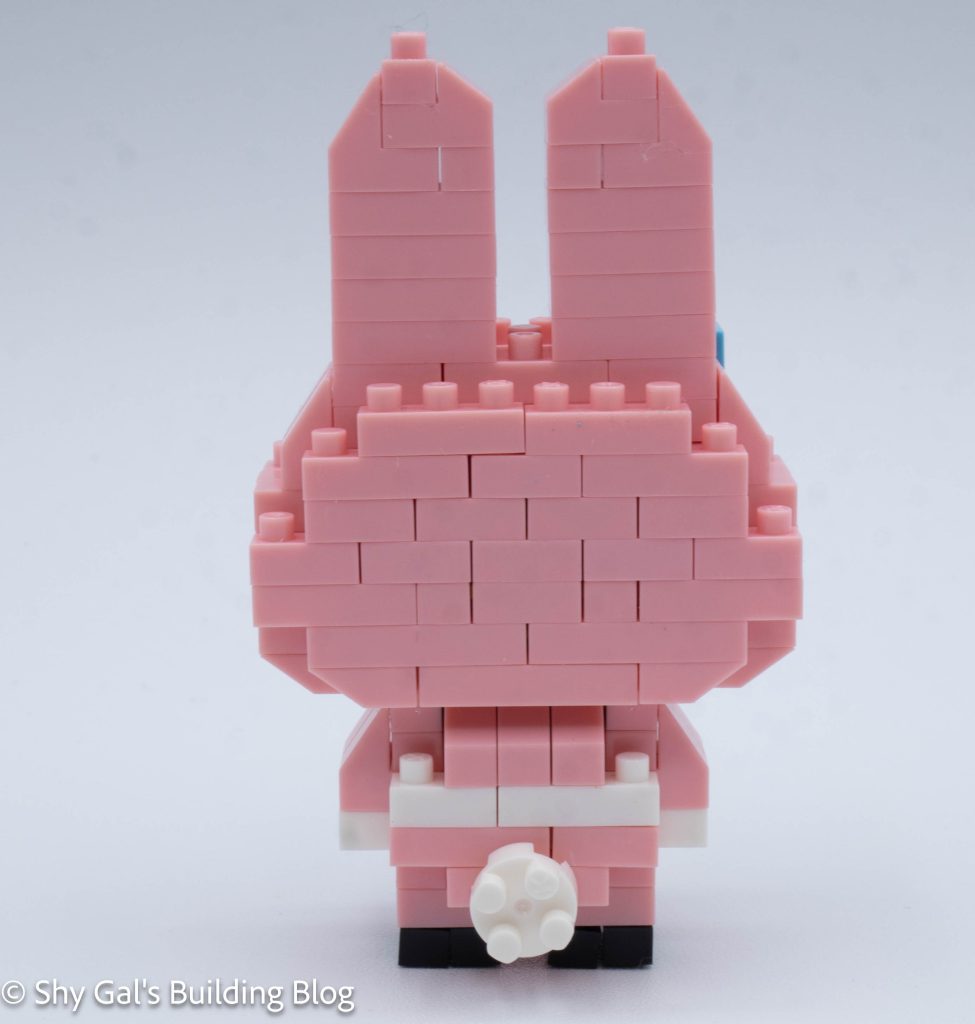
My Melody Ninja build back view

Then the body went up in layers.

After building to the top of the body, I flipped the build over and added legs and a tail.

The final step was to attach the head to the body.

My Melody Ninja front 3/4 view

Things I liked:

  • I like the contrast of the blue bow against all the pink

Things I didn’t like:

  • I found the first step for the body to be confusing

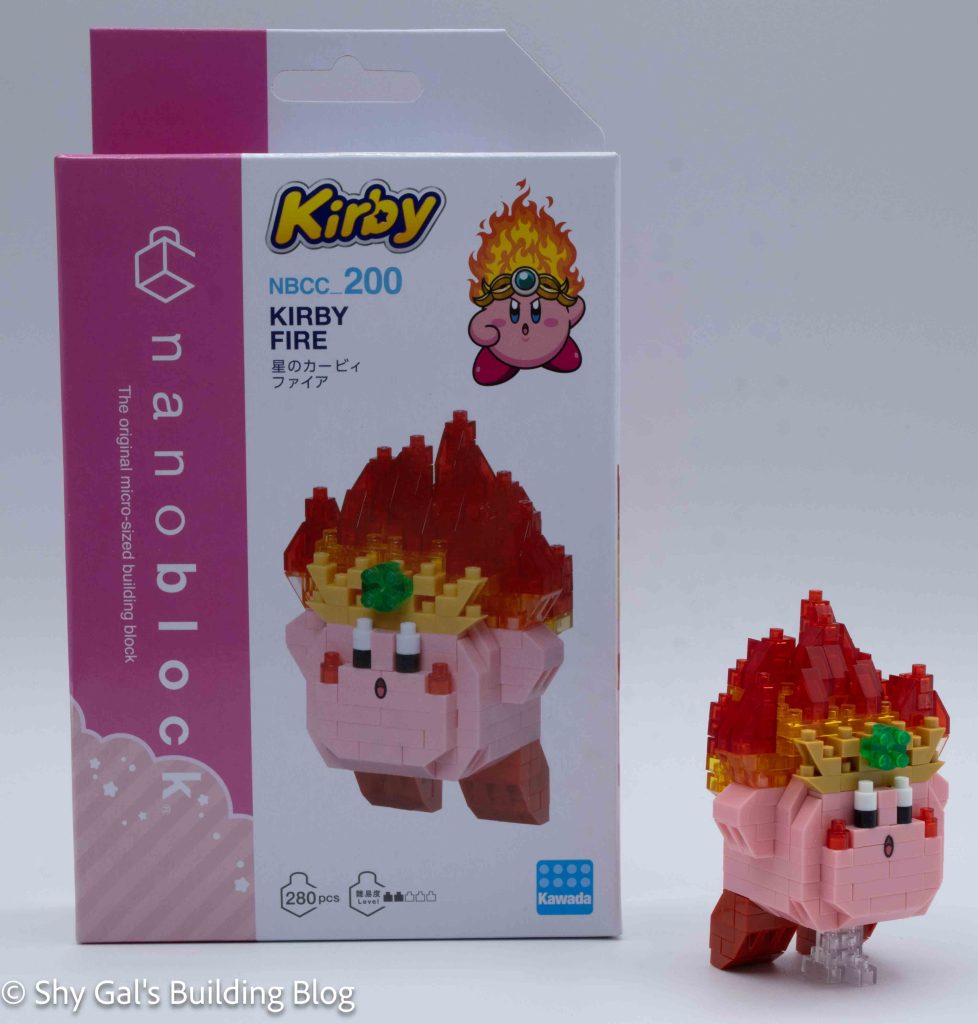
Review of nanoblock Kirby Fire NBCC_200

Kirby Fire build and box

This post is a review of the nanoblock Kirby Fire build. Kirby Fire is part of the nanoblock Character collection. Wondering what else is part of the Character collection? Click here for a list.

Number: NBCC_200 

Number of Pieces: 280

Difficulty Rating: 2/5

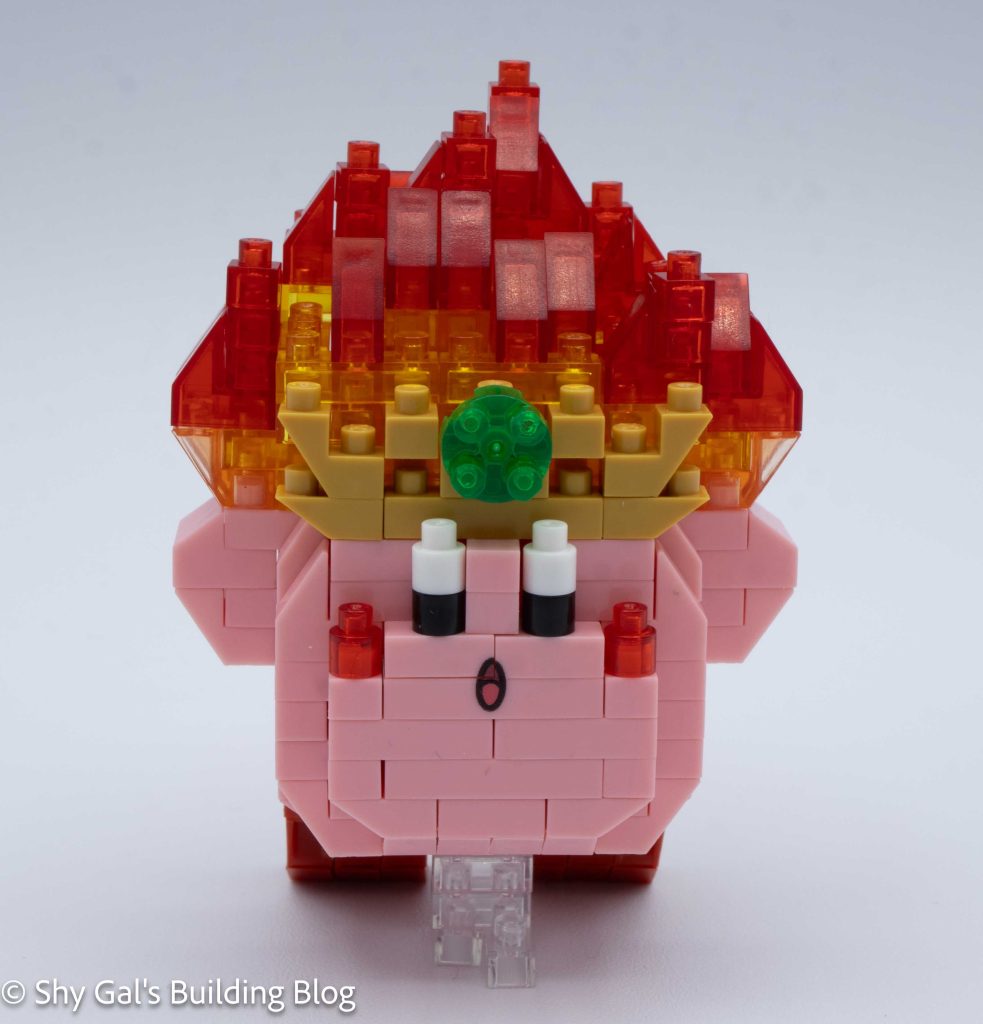
Kirby Fire build front view

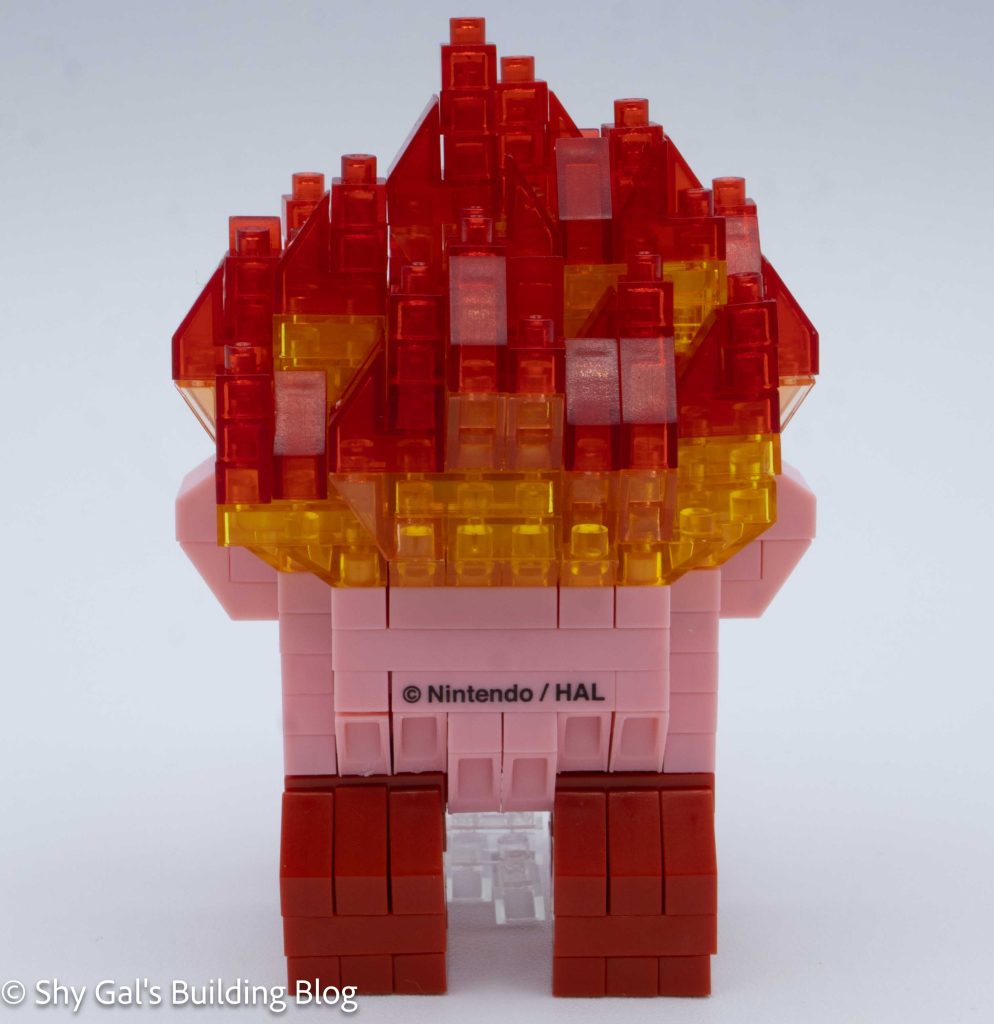
This build begins with creating the base for Kirby. There are gaps in the back where the feet will go.

After the base is created, the main body of Kirby is built. These steps use the custom-printed blocks, which I much prefer to stickers. In the steps to make the body, you also add Kirby’s arms, cheeks, and eyes.

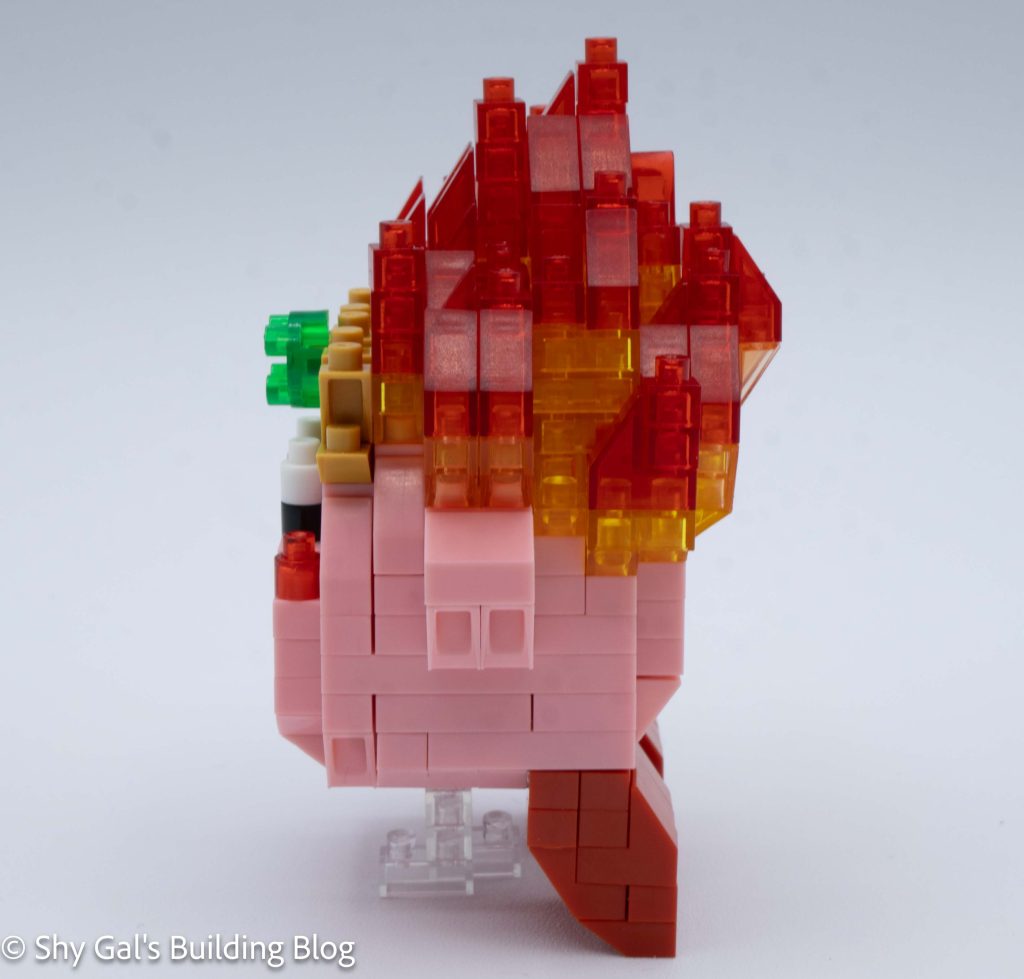
Kirby Fire build side view

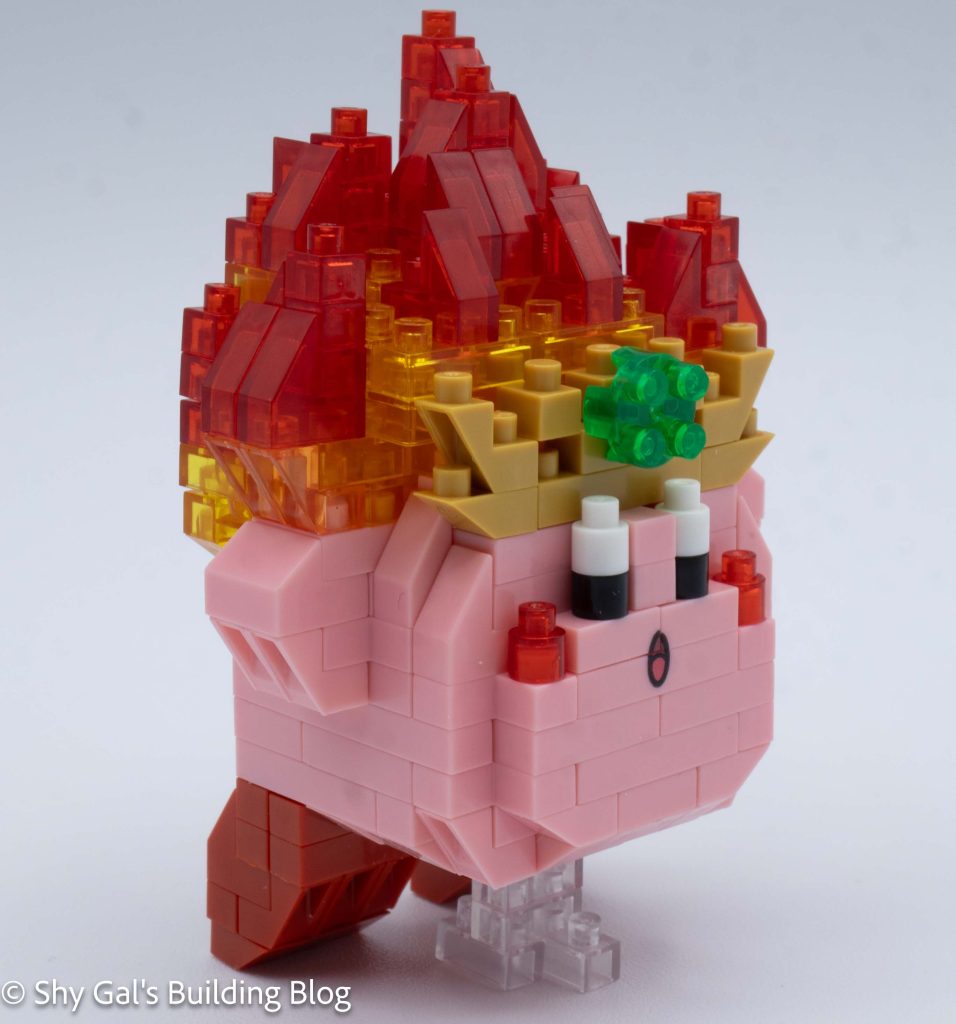
The next step is to build Kirby’s fire crown. This proved to be surprisingly tricky. Each step included adding a ton of bricks, and sometimes, it was hard to tell when to add a 1×1. Even when I could tell to add a brick, it was tricky to tell where exactly to add it. I wish the instructions had been more spread out so there would have been more steps.

Kirby Fire build back view

Next is to build Kirby’s feet. They are very straightforward.

The final step is to build the stand since Kirby’s feet hang below the body but can’t hold him up.

Kirby Fire build front 3/4 view

Things I liked:

  • I really like the use of clear bricks to create the fire crown

Things I didn’t like:

  • I wish the instructions for the fire crown had been more spread out

Review of nanoblock Kirby Ice NBCC_199

Kirby Ice build and box

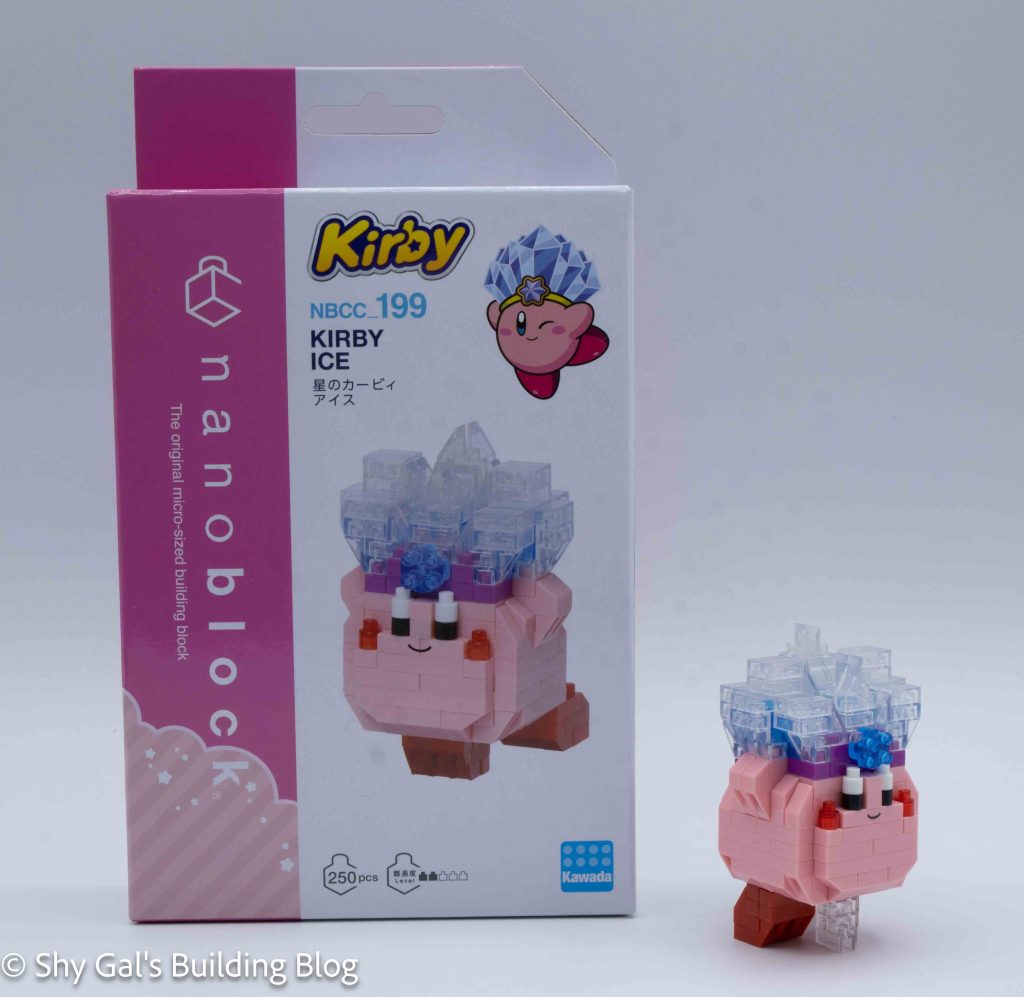
This post is a review of the nanoblock Kirby Ice build. Kirby Ice is part of the nanoblock Character collection. Wondering what else is part of the Character collection? Click here for a list.

Number: NBCC_199 

Number of Pieces: 250

Difficulty Rating: 2/5

Kirby Ice build front view

The build begins by creating the base of the Kirby. It takes several steps to make the base.

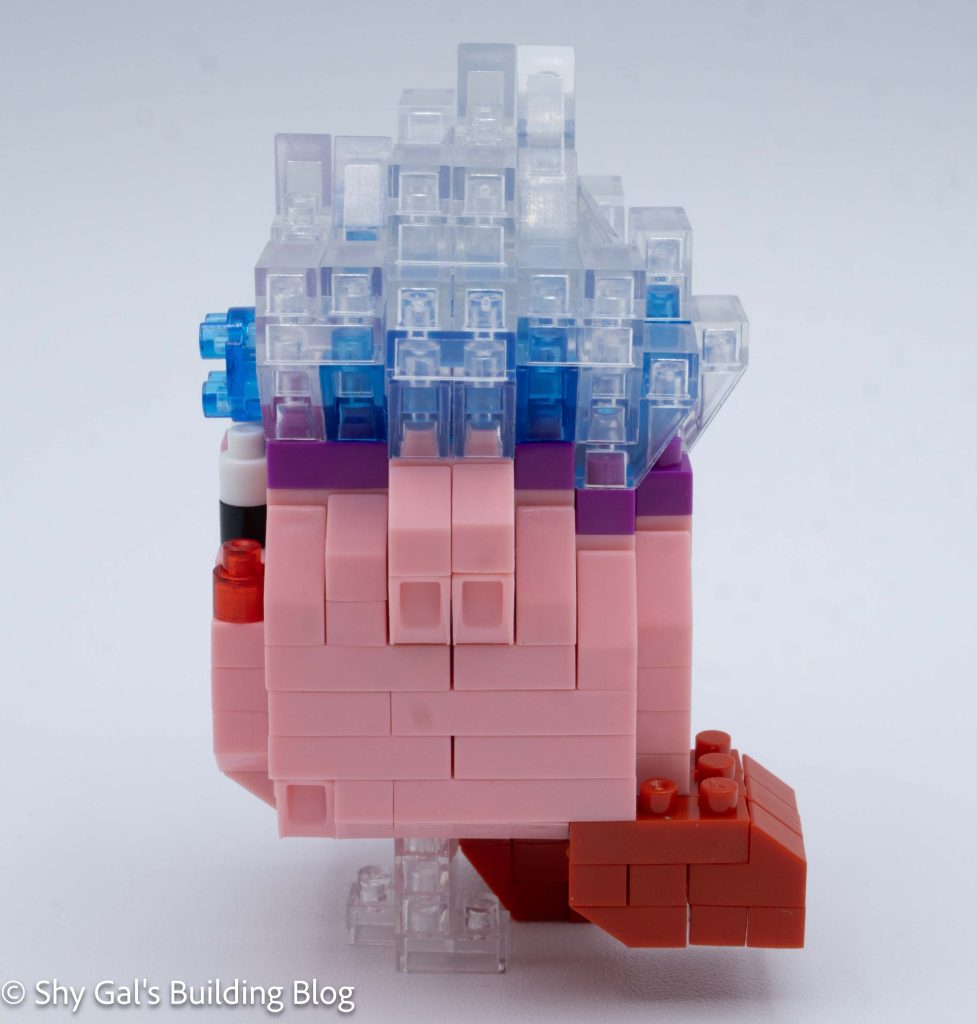
Kirby Ice build side view

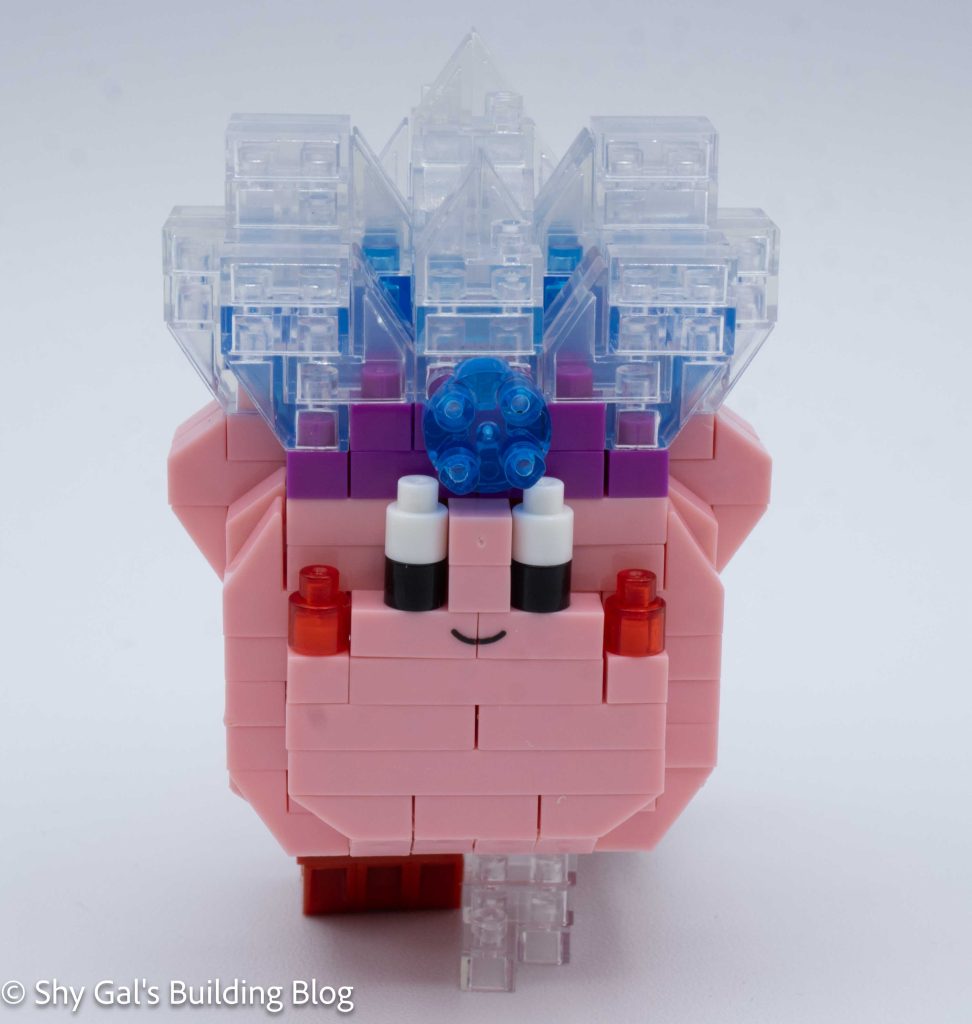
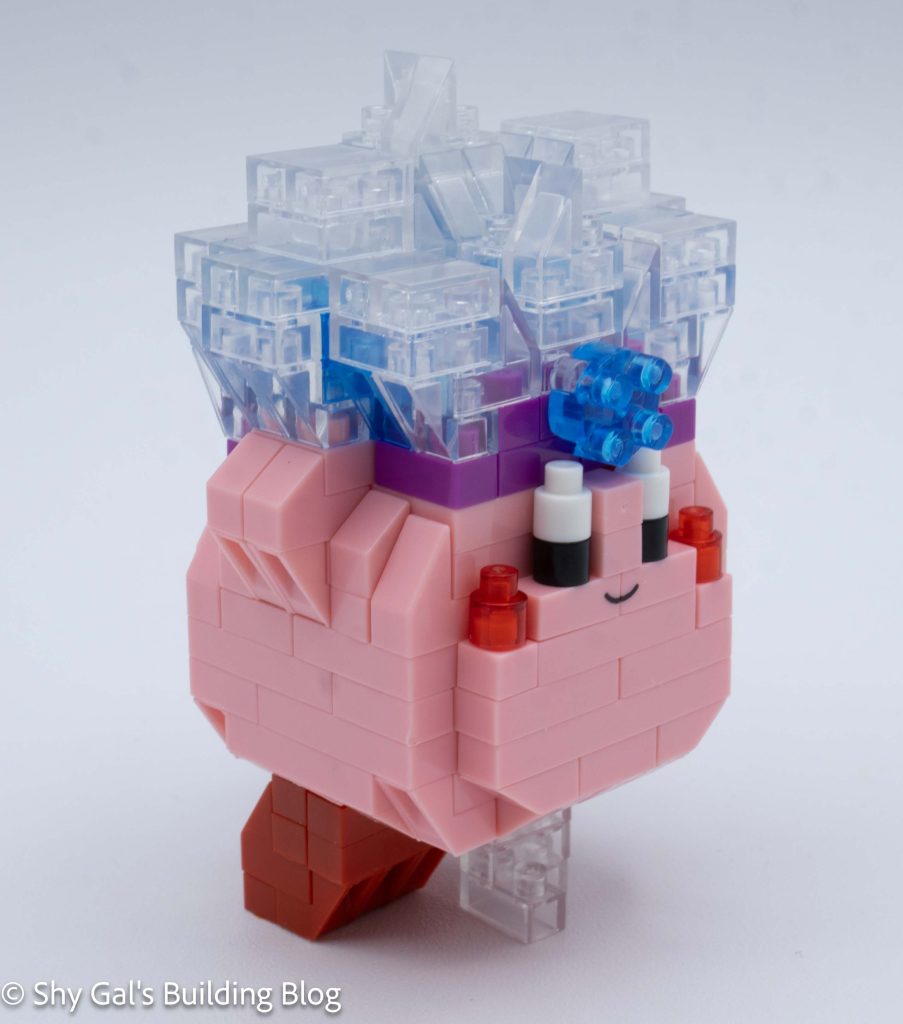
After the base is created, the main body of Kirby is built. These steps use the custom-printed blocks, which I much prefer to stickers. In the steps to make the body, you add Kirby’s arms, cheeks, and eyes.

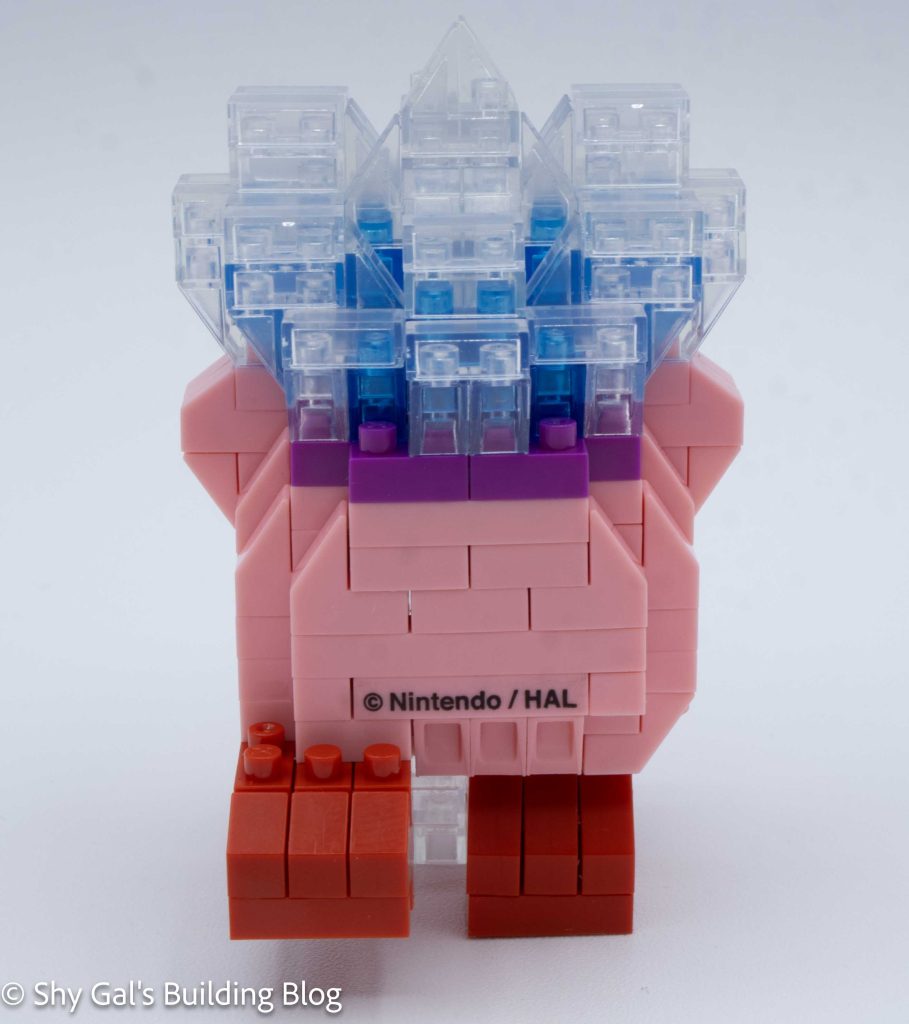
The following section is about building the ice crown. First, a purple base is built around Kirby’s head. Then, the clear blue and clear bricks create the spiky crown.

Kirby Ice build back view

The next step is to build and attach Kirby’s feet. Since they are in an action pose, the legs aren’t identical.

Kirby Ice build front 3/4 view

Things I liked:

  • I really like how dynamic the pose is for Kirby. He really does appear to be midstep

Things I didn’t like:

  • I wish there was a light blue clear brick instead of using clear bricks to create the crown

Review of nanoblock Cinnamoroll Clear Version NBCC_209

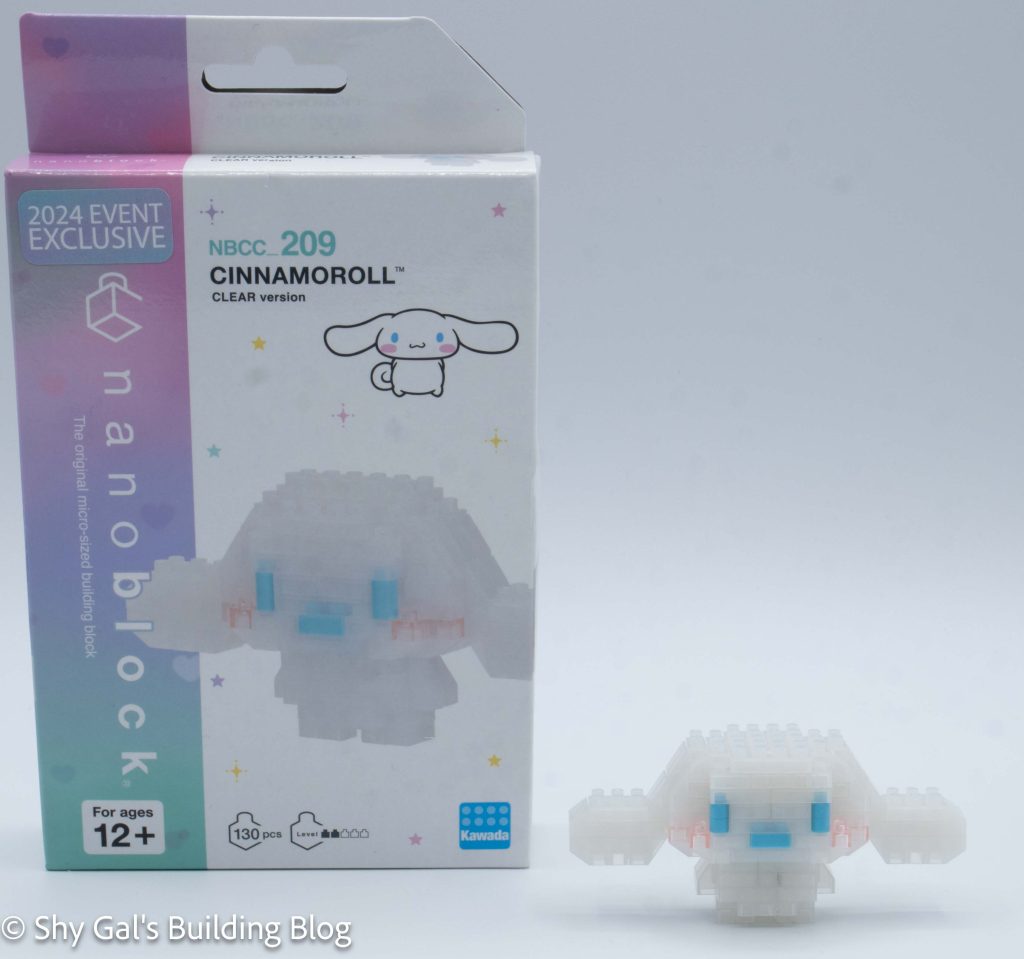
Cinnamoroll Clear Version build and box

This post is a review of the nanoblock Cinnamoroll Clear Version build. Cinnamoroll Clear Version is part of the nanoblock Character collection. Wondering what else is part of the Character collection? Click here for a list.

Number: NBCC_209 

Number of Pieces: 130

Difficulty Rating: 2/5

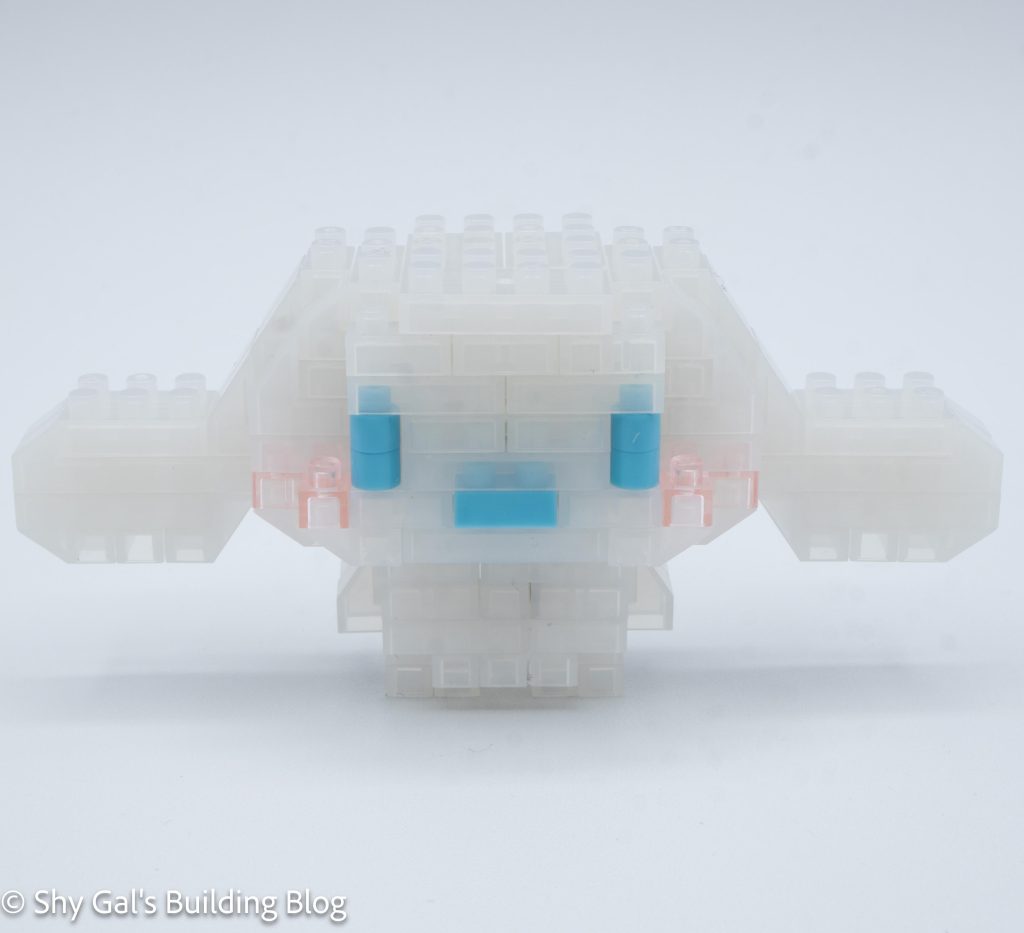
Cinnamoroll Clear Version build front view

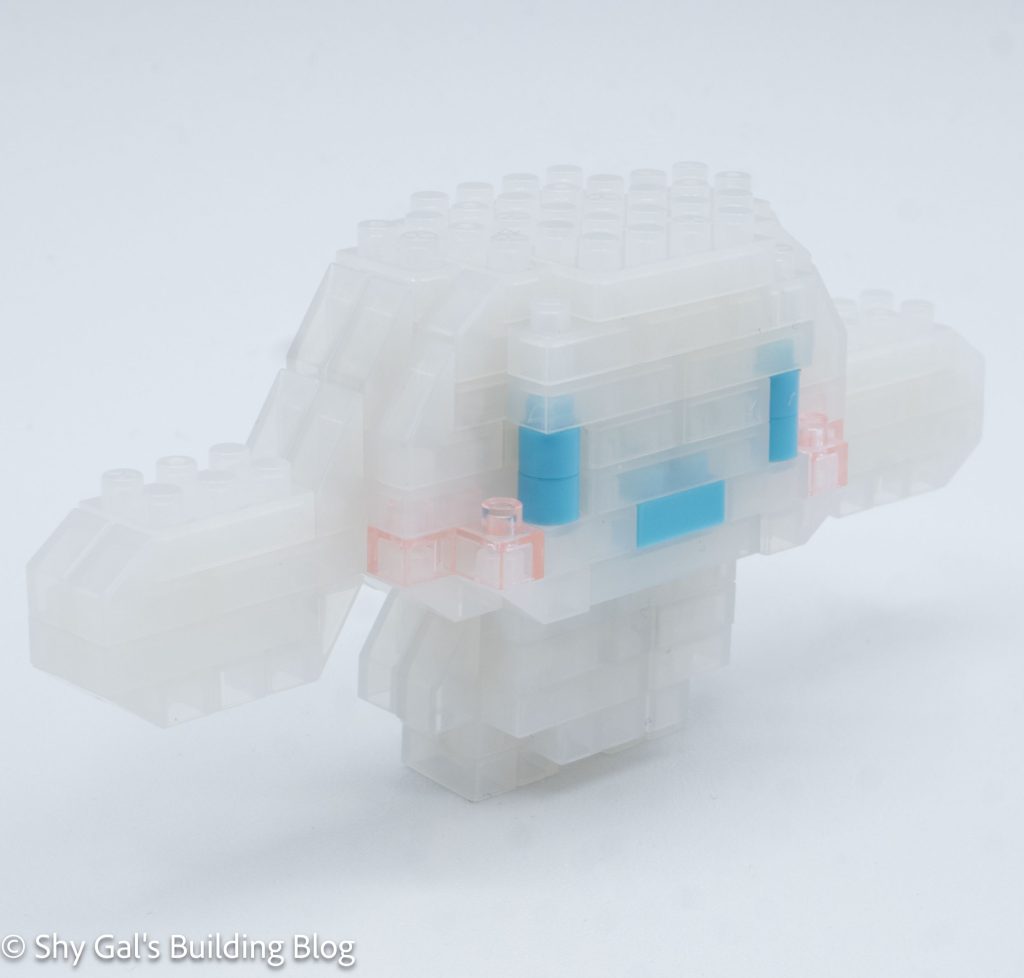
The first step is to build the head. It takes about 6 to make the main section of the head. At that time, I added the mouth, cheeks, and eyes.

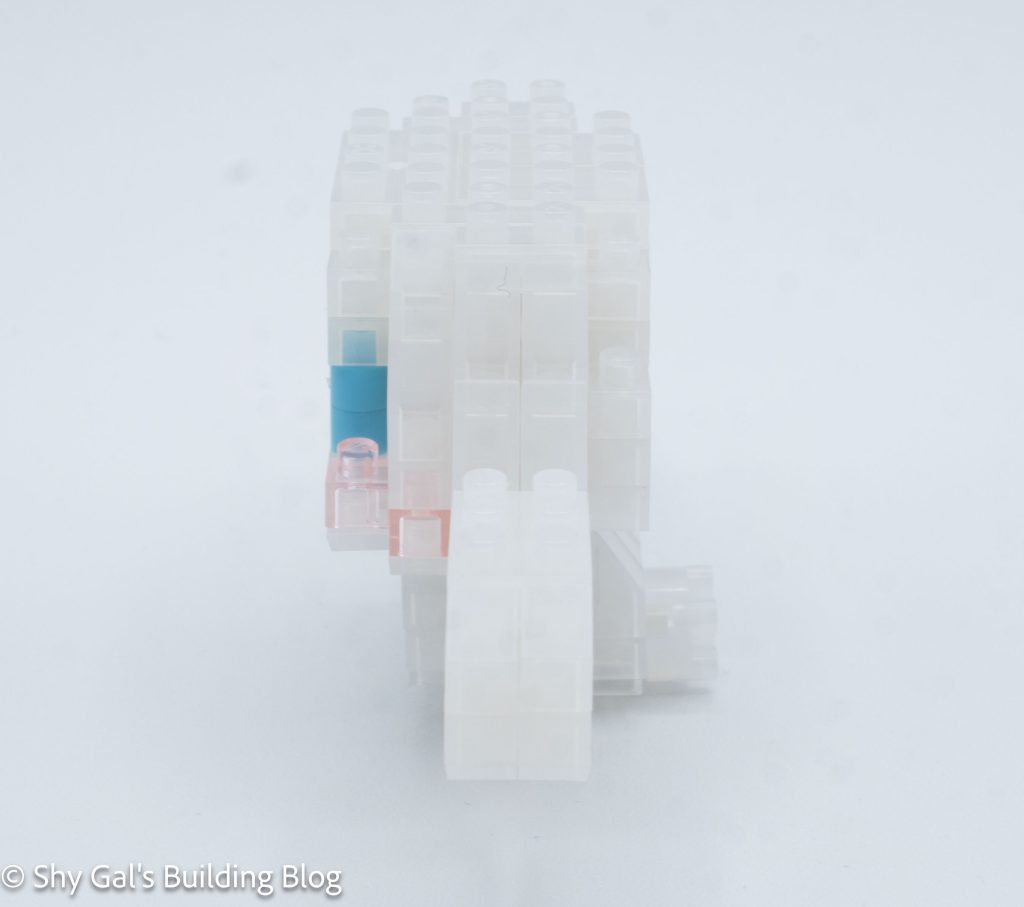
Cinnamoroll Clear Version build side view

The next step is to build the ears. They are very straightforward and are built and attached in 1 step.

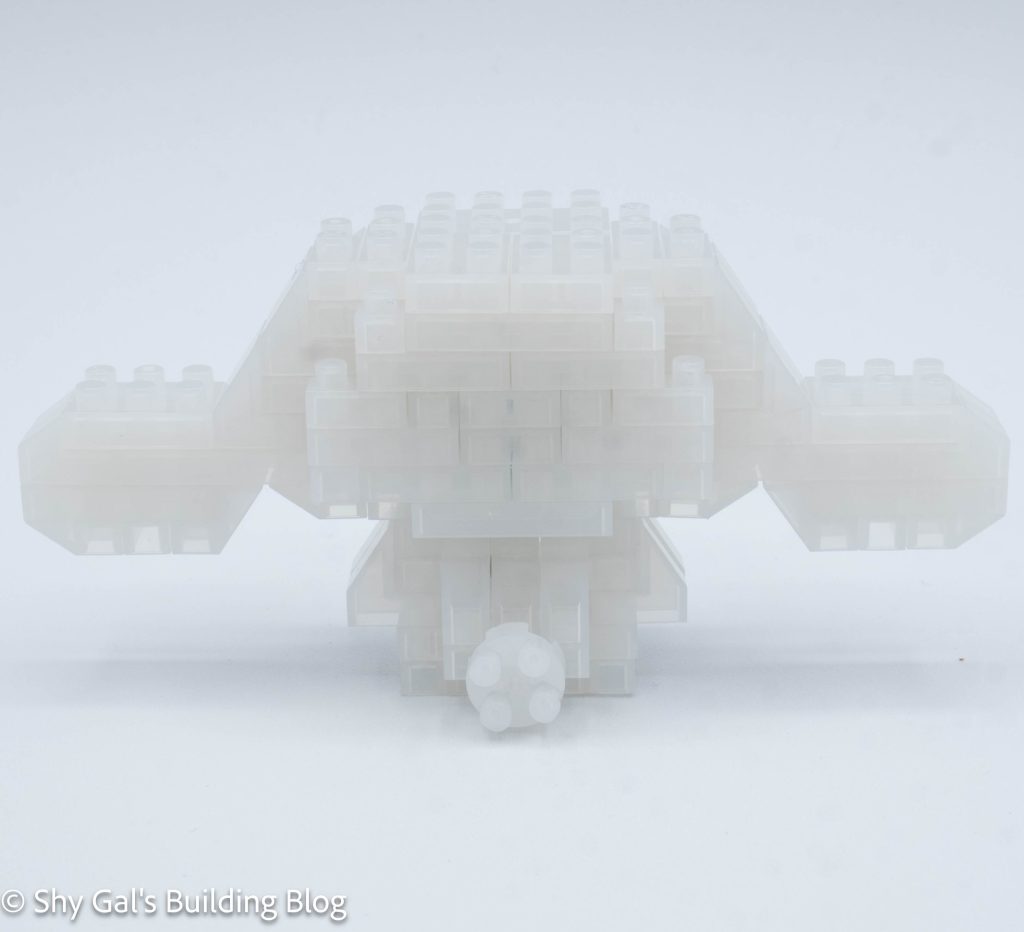
The next step is to build the body. This was fairly straightforward. When I added the legs and the clear brick to stabilize the build.

Cinnamoroll Clear Version build back view

The last step is to attach the head to the body. When I added the head, the body became very tippy.

Cinnamoroll Clear Version build front 3/4 view

Things I liked:

  • I really like the clear white bricks that are used for this build

Things I didn’t like:

  • The build is tippy and likes to fall over

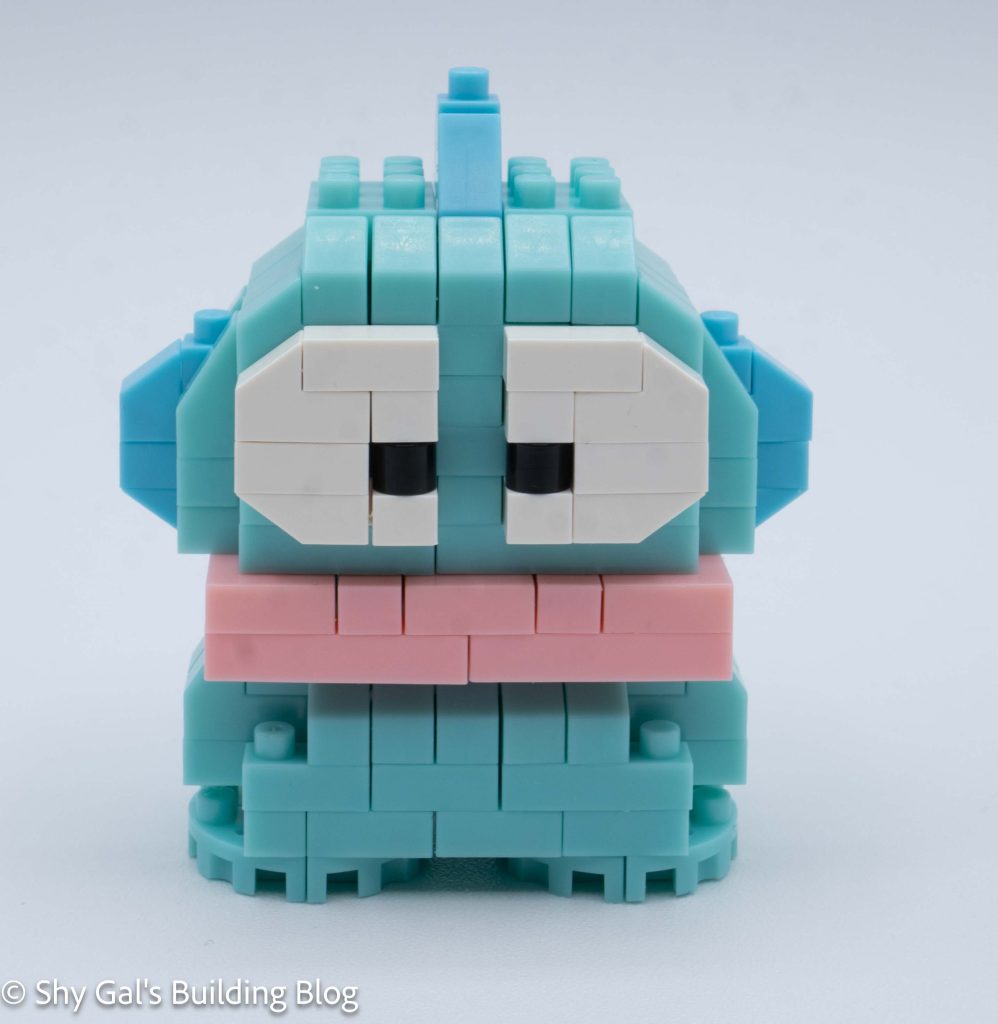
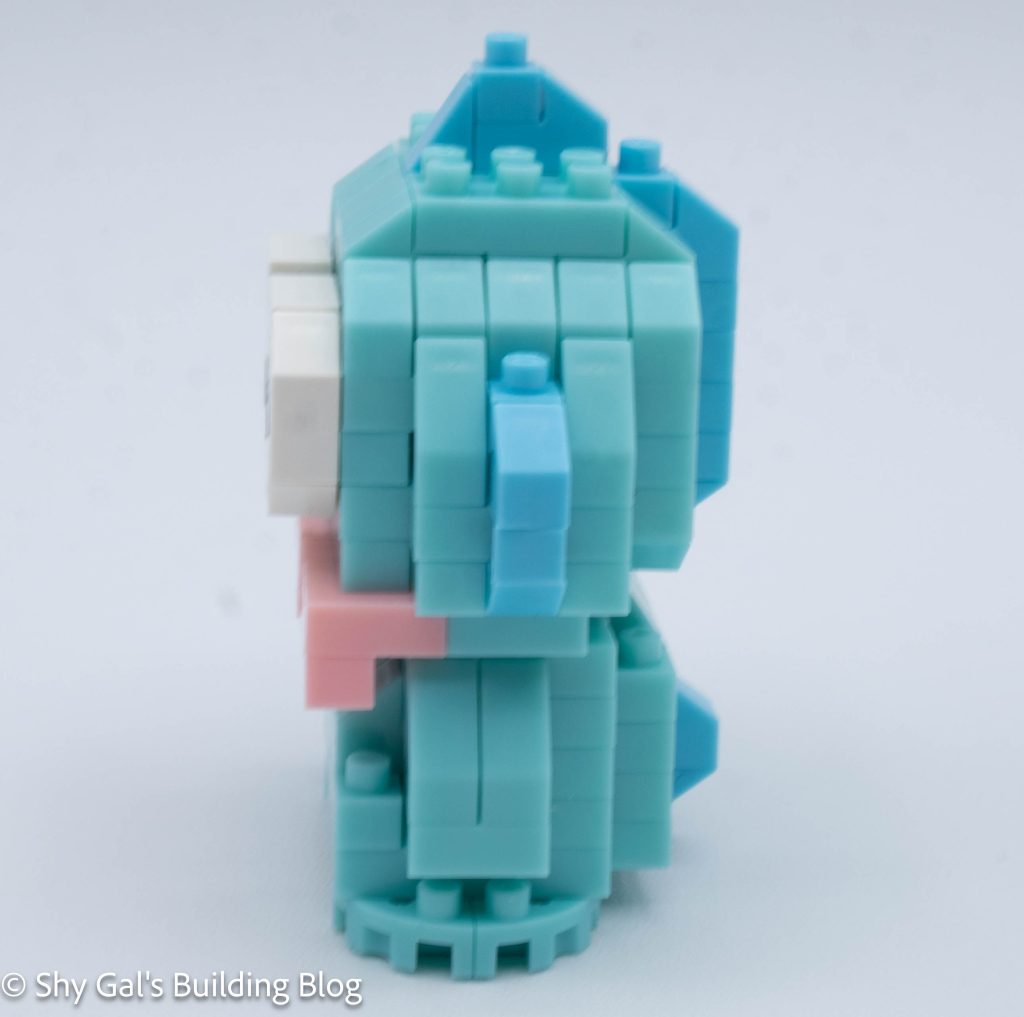
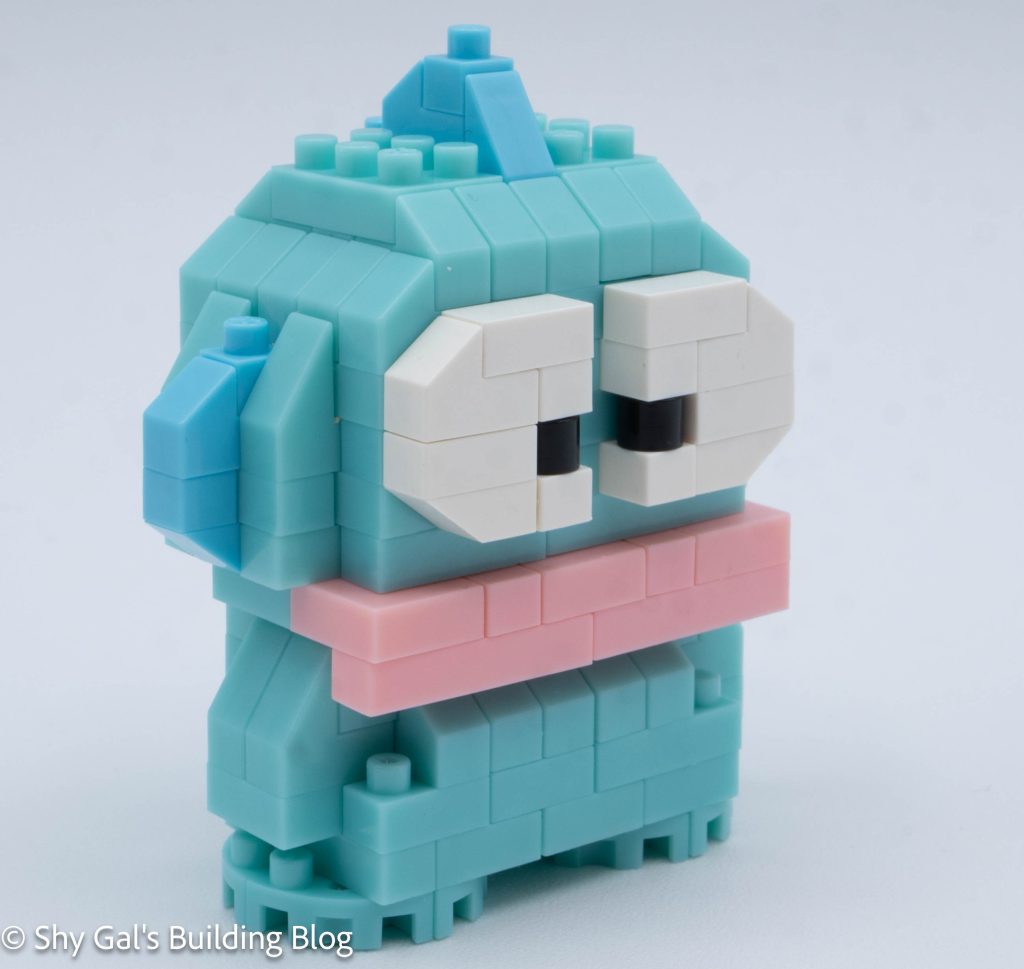
Review of nanoblock Hangyodon NBCC_150

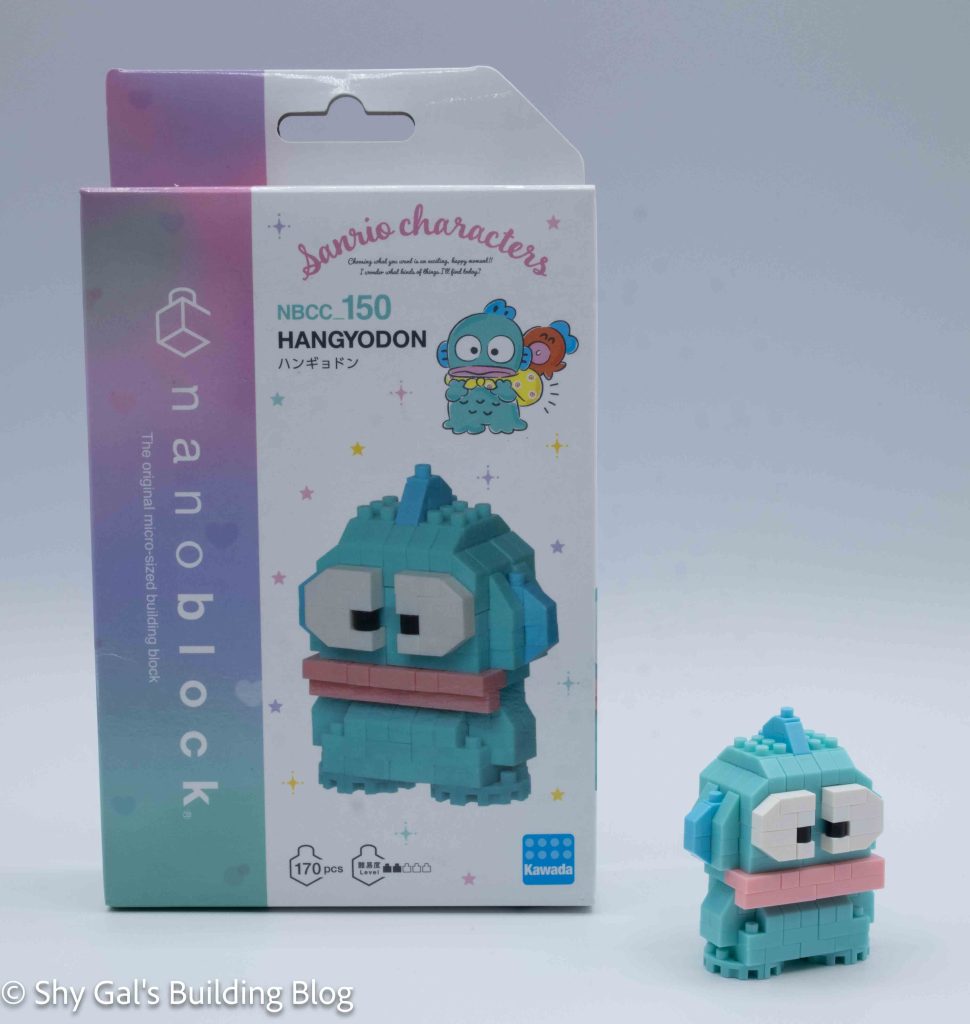
Hangyodon build and box

This post is a review of the nanoblock Hangyodon build. Hangyodon is part of the nanoblock Character collection. Wondering what else is part of the Character collection? Click here for a list.

Number: NBCC_150 

Number of Pieces: 170

Difficulty Rating: 2/5

Hangyodon build front view

The build begins with the head. It begins with a layer of mint blue. Then the large eyes are started.

The head goes up in straightforward layers. I needed to be careful to watch for which slanty pieces to use because there are a lot of slanty pieces.

Hangyodon build side view

After building to the top of the head, I flipped the head over to add the neck details and the mouth.

The next section is to build Hangyodon’s body. It also begins with a layer of mint blue bricks.

Hangyodon build back view

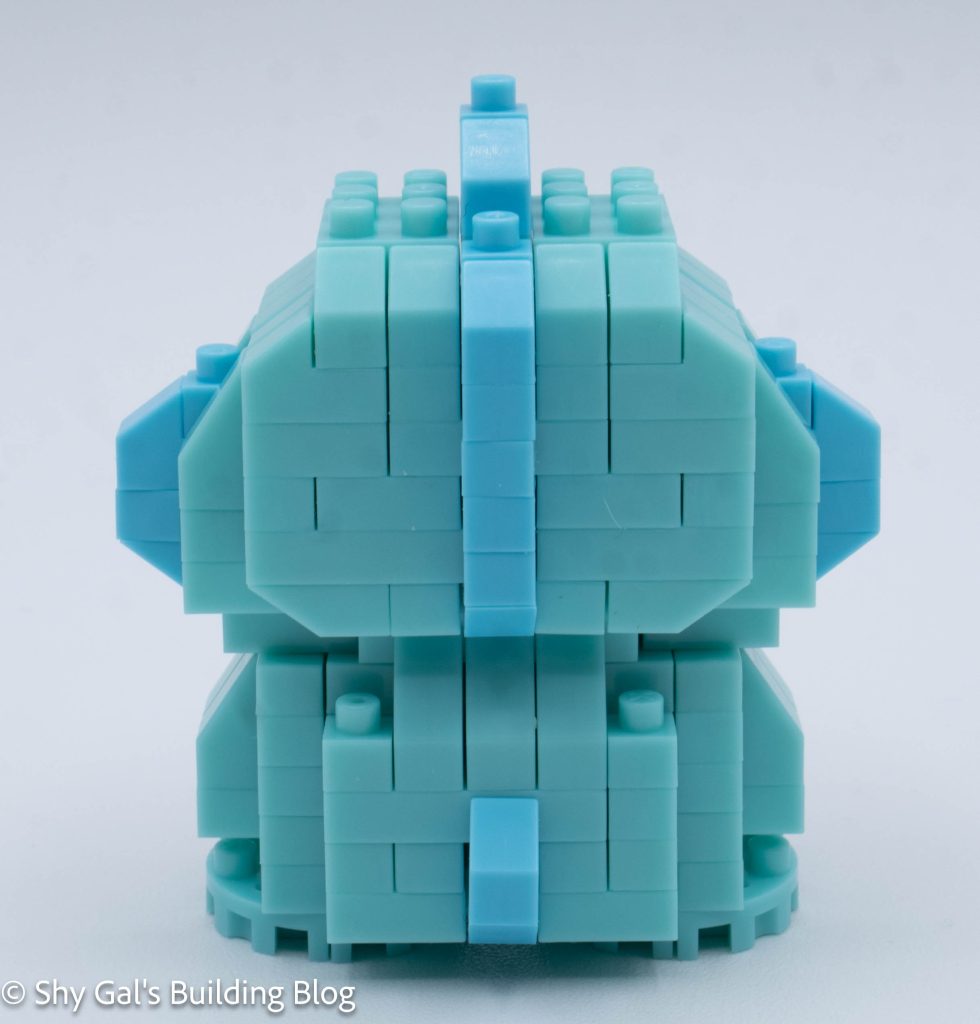
The body goes up in fairly straightforward layers. There are more slanty pieces in the body.

After building the body, I flipped the body over to add the tail and feet.

Hangyodon build front 3/4 view

Things I liked:

  • I really like the mint blue color. It isn’t a color that is used a lot
  • I really like how the extra large details make the character super recognizable

Things I didn’t like:

  • I felt the colors marking which light blue slanty pieces to use didn’t have a lot of difference, so it was unclear which to use

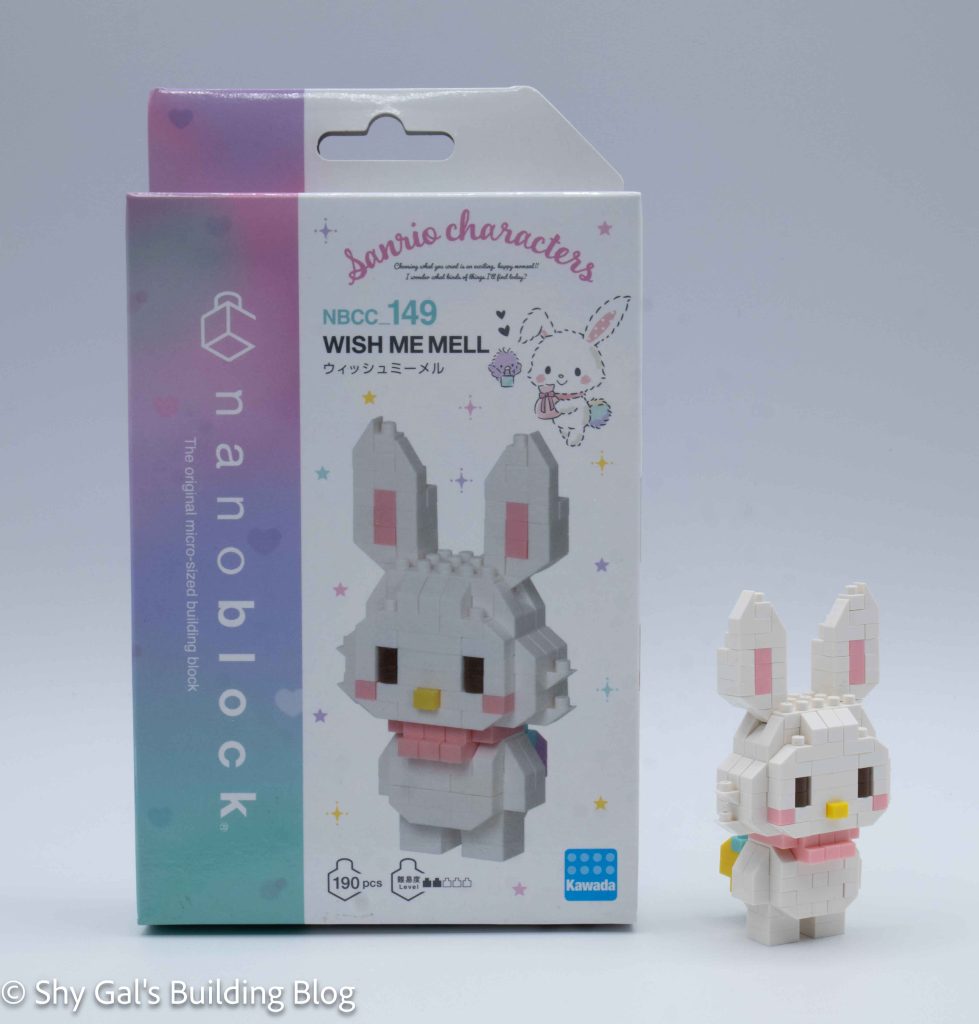
Review of nanoblock Wish Me Well NBCC_149

Wish Me Well build and box

This post is a review of the nanoblock Wish Me Well build. Wish Me Well is part of the nanoblock Character collection. Wondering what else is part of the Character collection? Click here for a list.

Number: NBCC_149 

Number of Pieces: 190

Difficulty Rating: 2/5

Wish Me Well build front view

The build begins with the head. I laid the base layer out on my nanoblock pad. When I added the nose, I could no longer use the pad to build the head because the nose wasn’t square with the rest of the build. The rest of the head goes up in straightforward layers.

Wish Me Well build side view

The next step is to build the main section of the body. I once again laid the body out on the nanoblock pad. One of the first steps was to add Wish Me Well’s distinctive rainbow tail. The rest of the body is relatively straightforward.

The next step is to attach the head to the body. This was surprisingly difficult. I think it’s because most of the pieces can slide, so getting things lined up can be tricky.

Wish Me Well build back view

The next step is to add the ears, which are mirrors of each other.
The final step is to add the legs.
Wish Me Well build right 3/4 view

Things I liked:

  • I like how they created Wish Me Well’s tail

Things I didn’t like:

  • I didn’t like how hard it was to attach the head