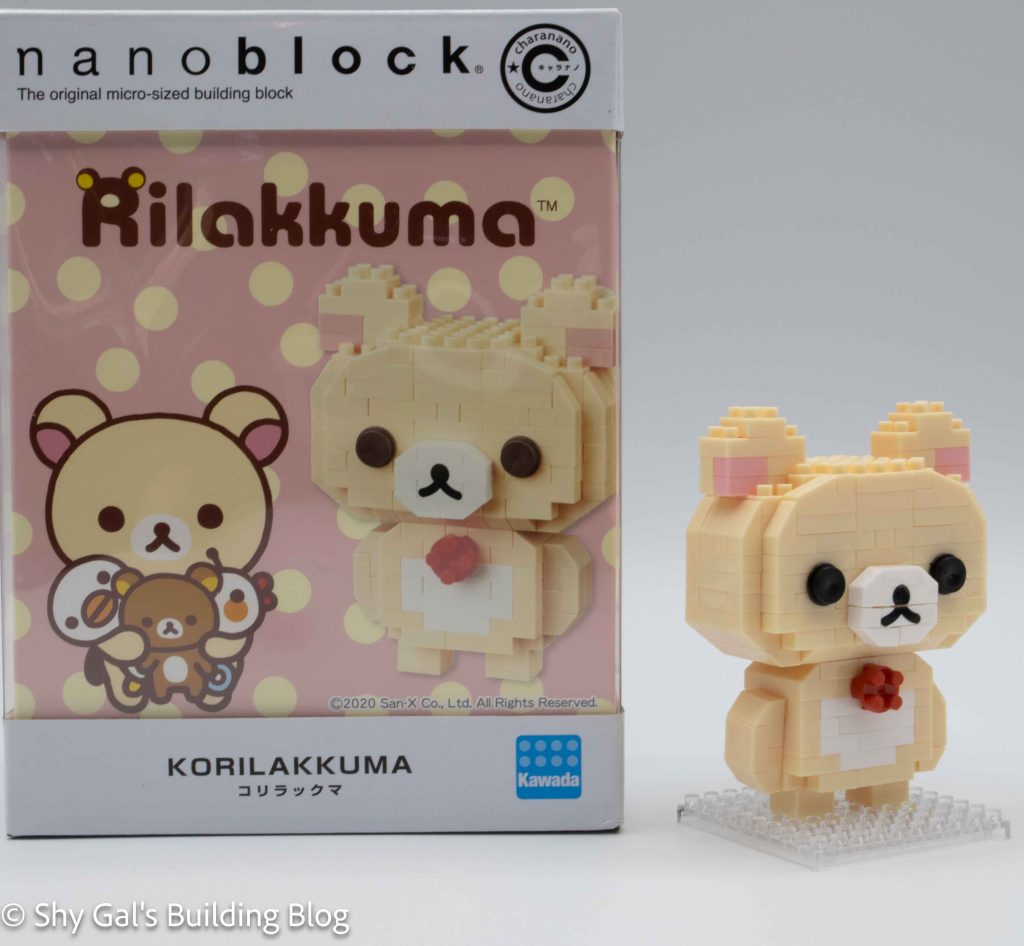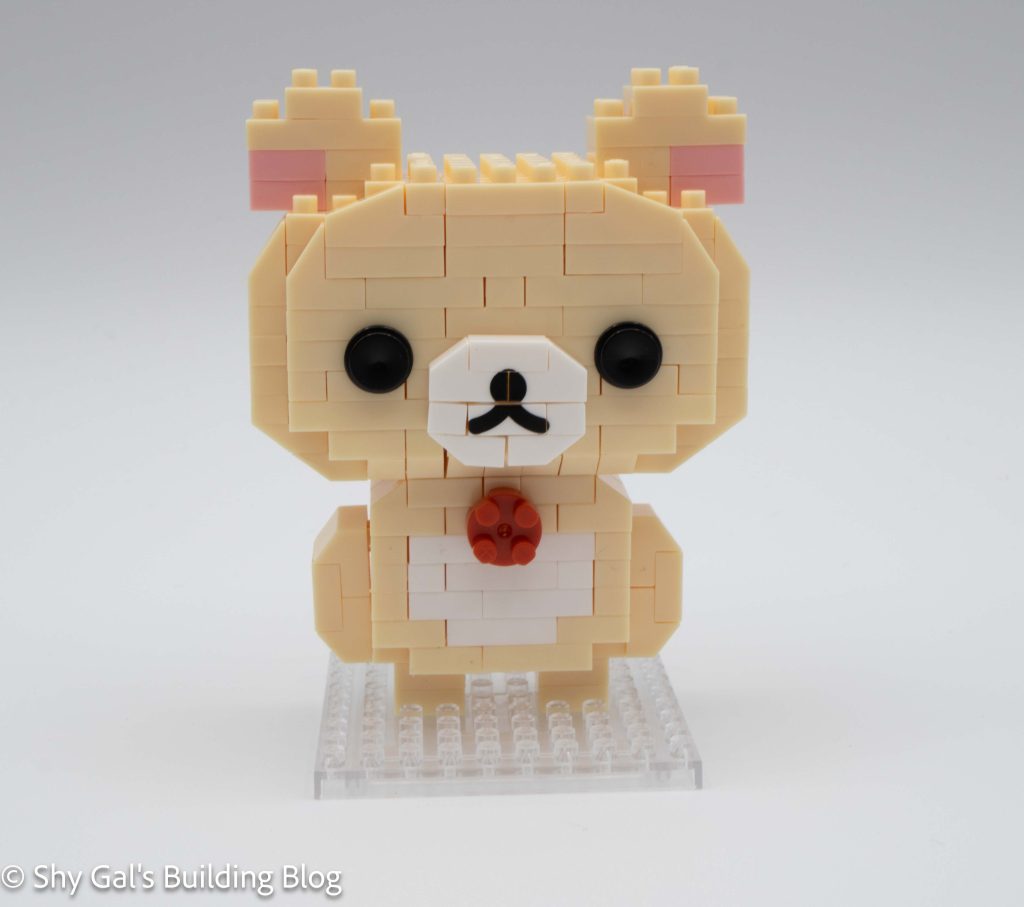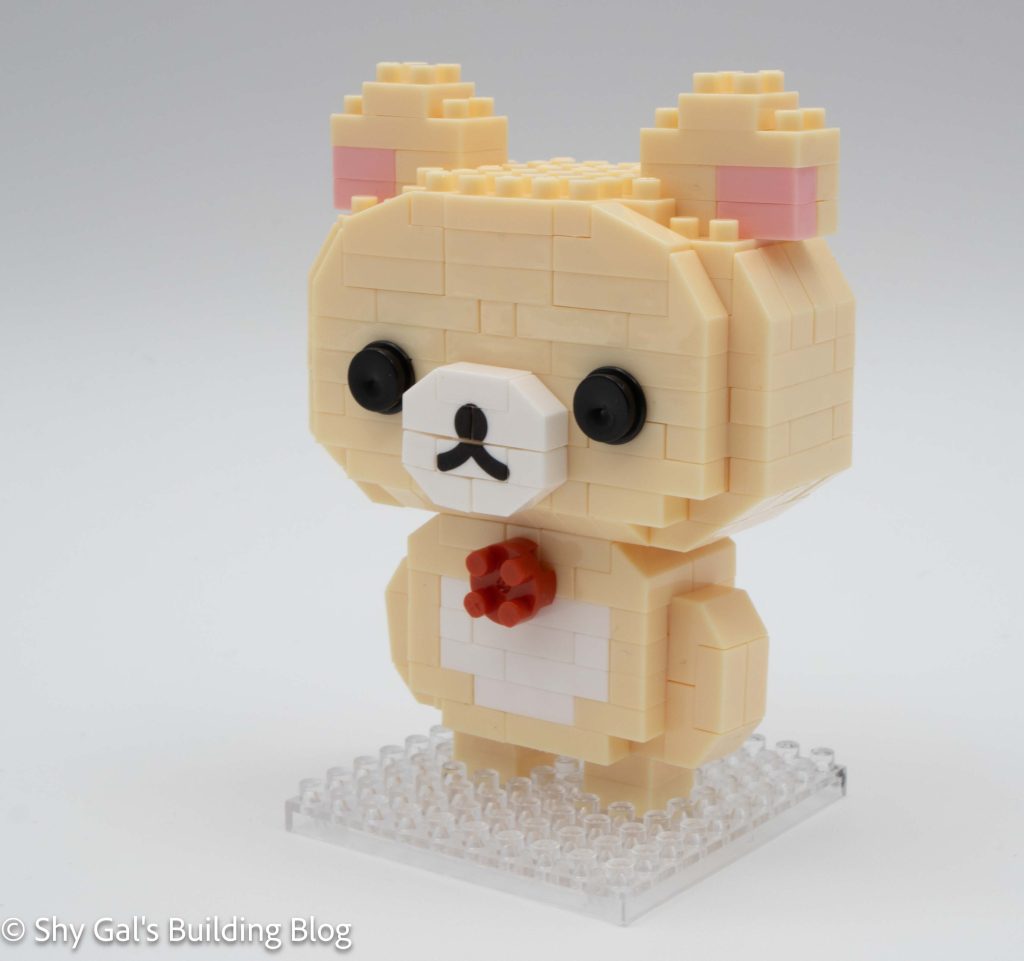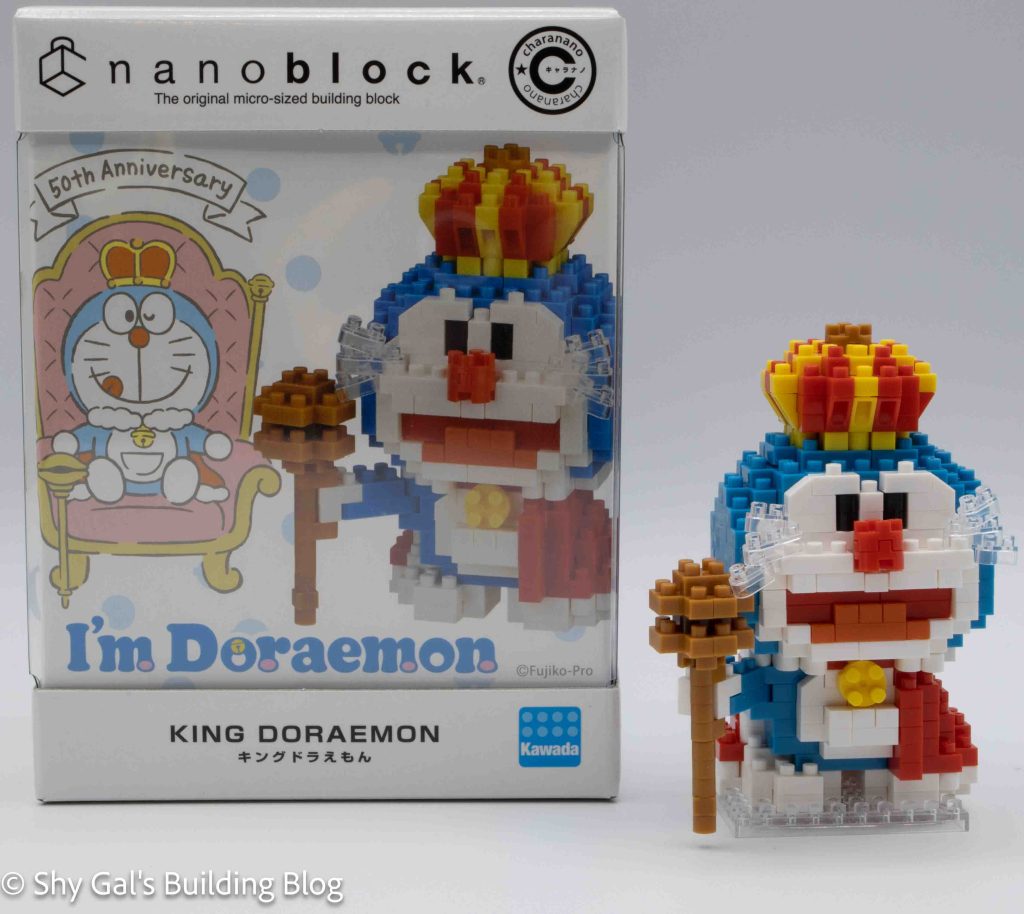
Review of nanoblock Bieko CN-35

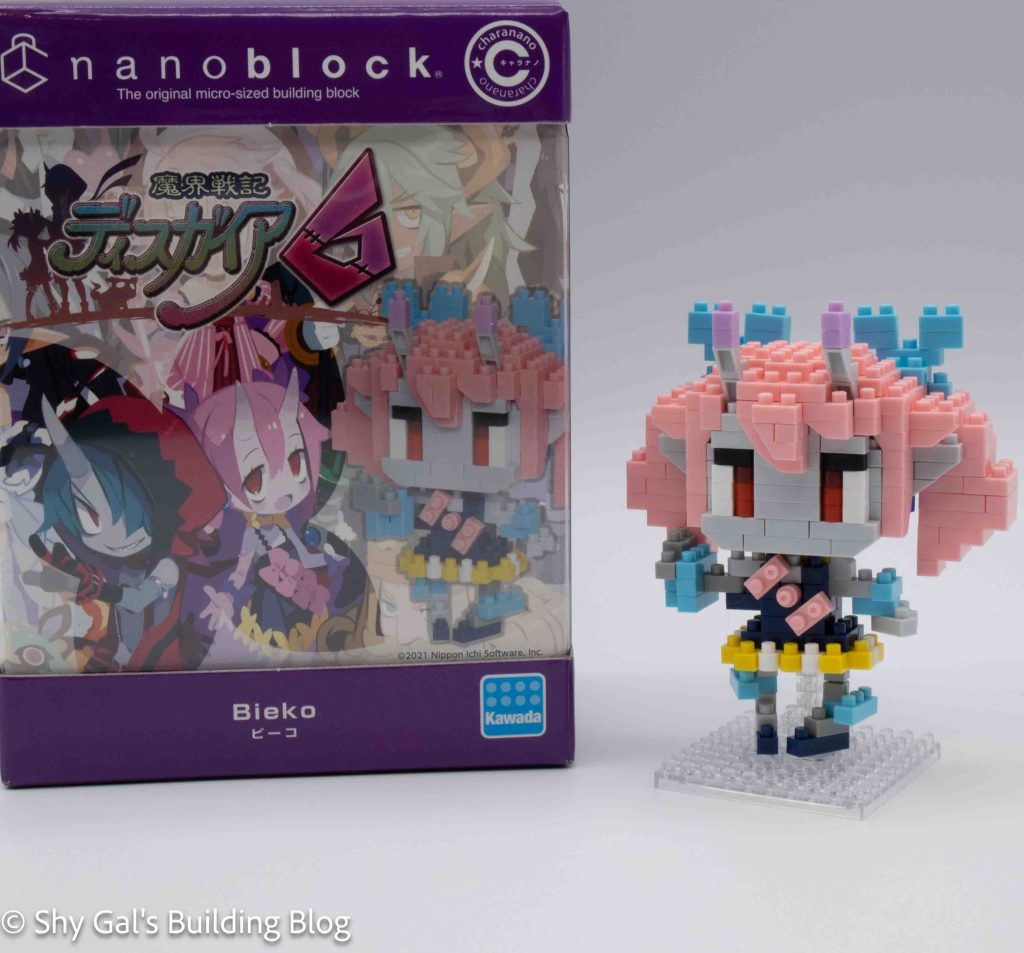
Bieko build with box

This post is a review of the nanoblock Bieko build. Bieko is part of the nanoblock charanano collection. Wondering what else is part of the charanano Collection? Click here for a list.

Number: CN-35

Number of Pieces: 290

Difficulty Rating: 3/5
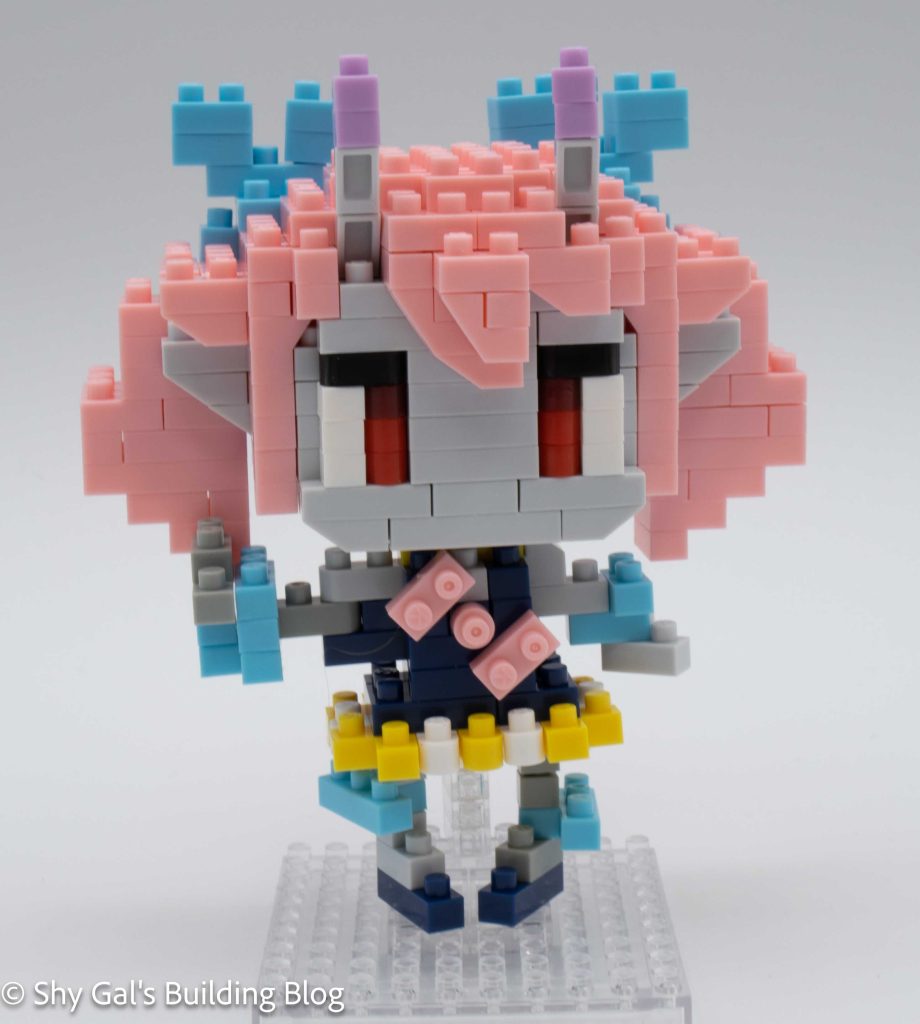
Bieko build front view

Bieko is a playable character in Disgaea 6. She is the younger sister of the main character. For more information, check out her wiki page.

This nanoblock build consists of the head, the body, and the legs.

The Bieko’s head begins with a layer of light grey and pink. You have to assume that the colors are correct because the colors in the directions are pretty far from the colors of the actual bricks. The head builds up in layers, adding the ears, ears, and details in the hair. I really like how many layers are added to the hair to create depth and details.
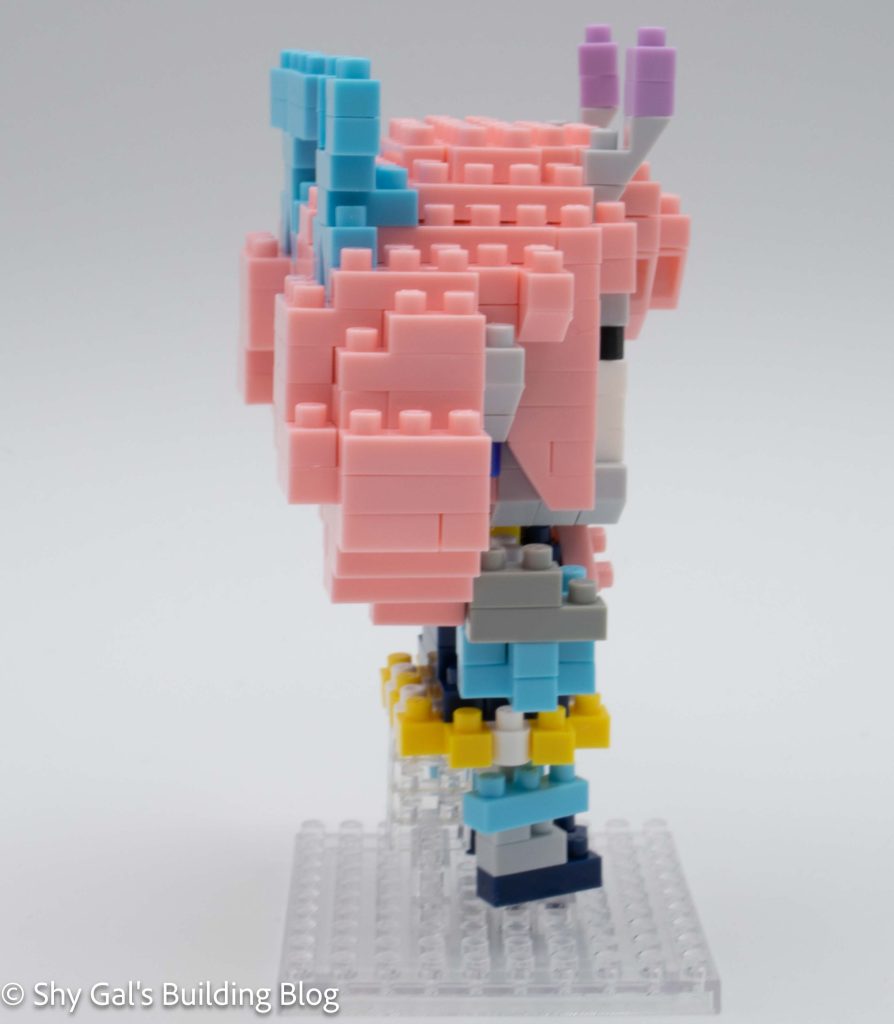
Bieko build side view

I initially missed the light purple details in the horns, but it was easy to add them once the rest of the build was completed.

The body is challenging because of the brick chaining used for the arms, making it hard to keep the build together until everything was pinned down. The body begins with a base layer that creates the bottom of Bieko’s skirt. The body is then built up in layers while adding arms and hands. The last detail of building the body is to add the bows, which is a sweet detail.
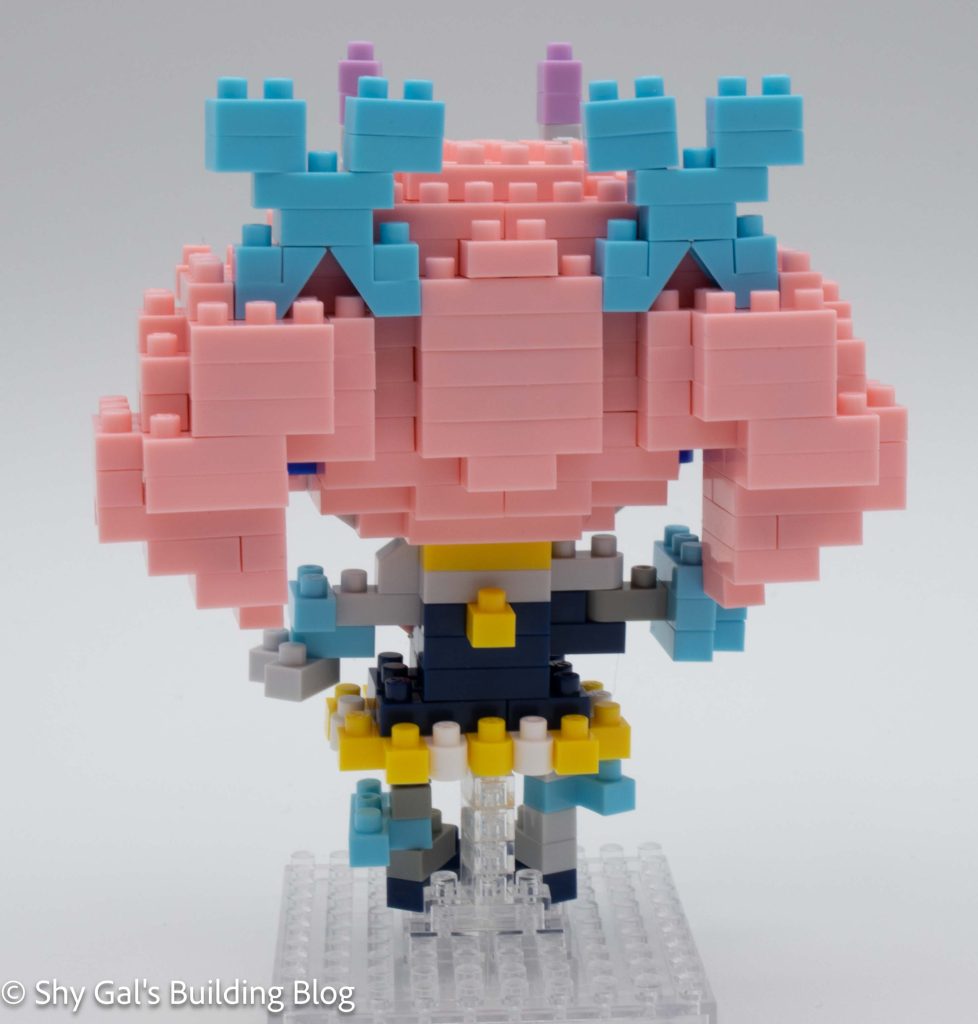
Bieko build back view

The final step is to build Bieko’s legs. It is a bit hard to tell the difference between light grey, grey, and clear in the instructions, but the legs are the same color going all the way up, so once you figure out the color, it is straightforward.

The final step is to put all the pieces together to create the complete nanoblock Bieko model, which is straightforward and has excellent directions.
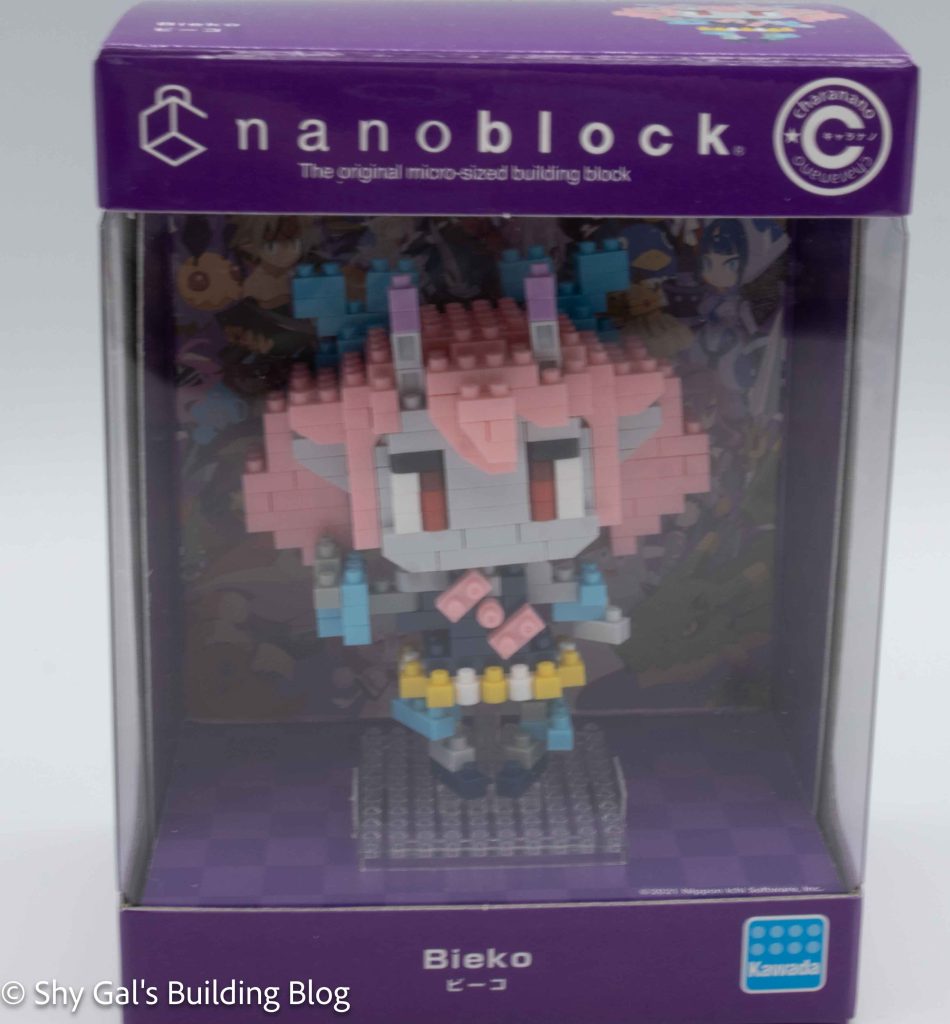
Bieko build in display box

Things I liked:

  • The amount of detail in the build between the shades of grey and how many various colors are used to create details.

Things I didn’t like:

  • Building the legs was a bit challenging because it was hard to tell what colors to use between the light grey and clear
Review of nanoblock Izuku Midoriya CN-30

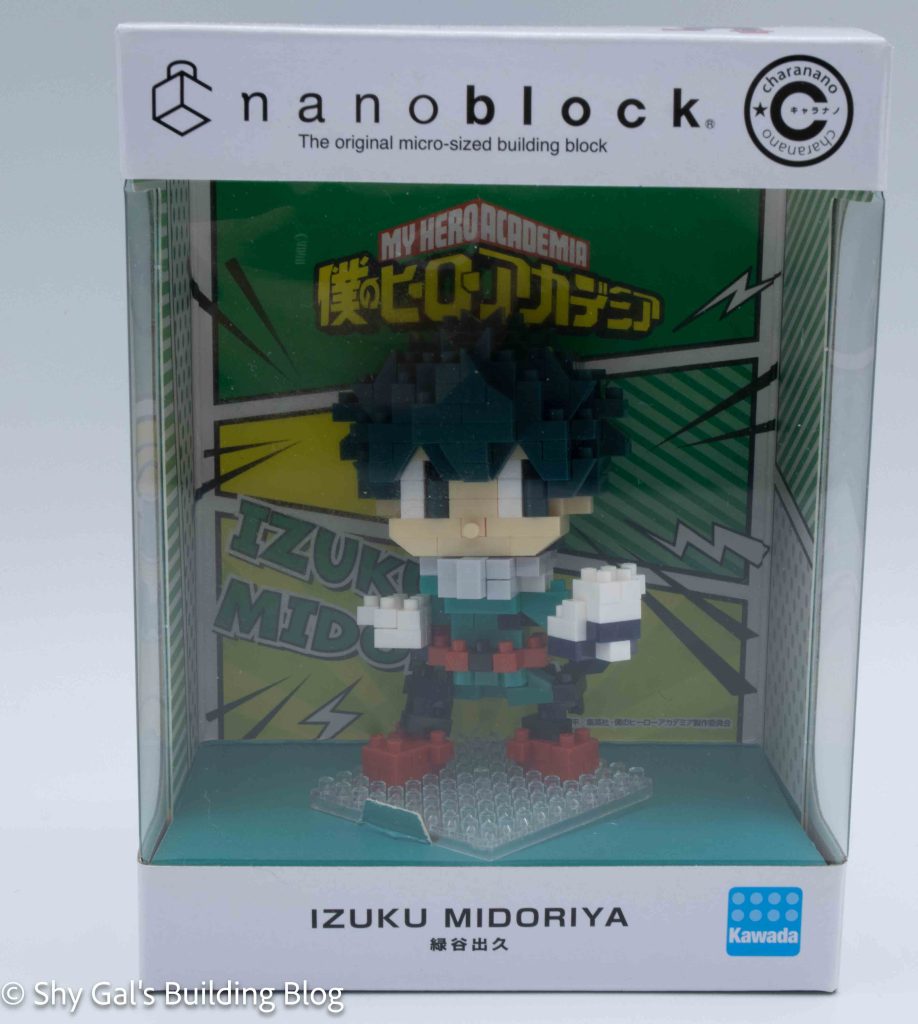
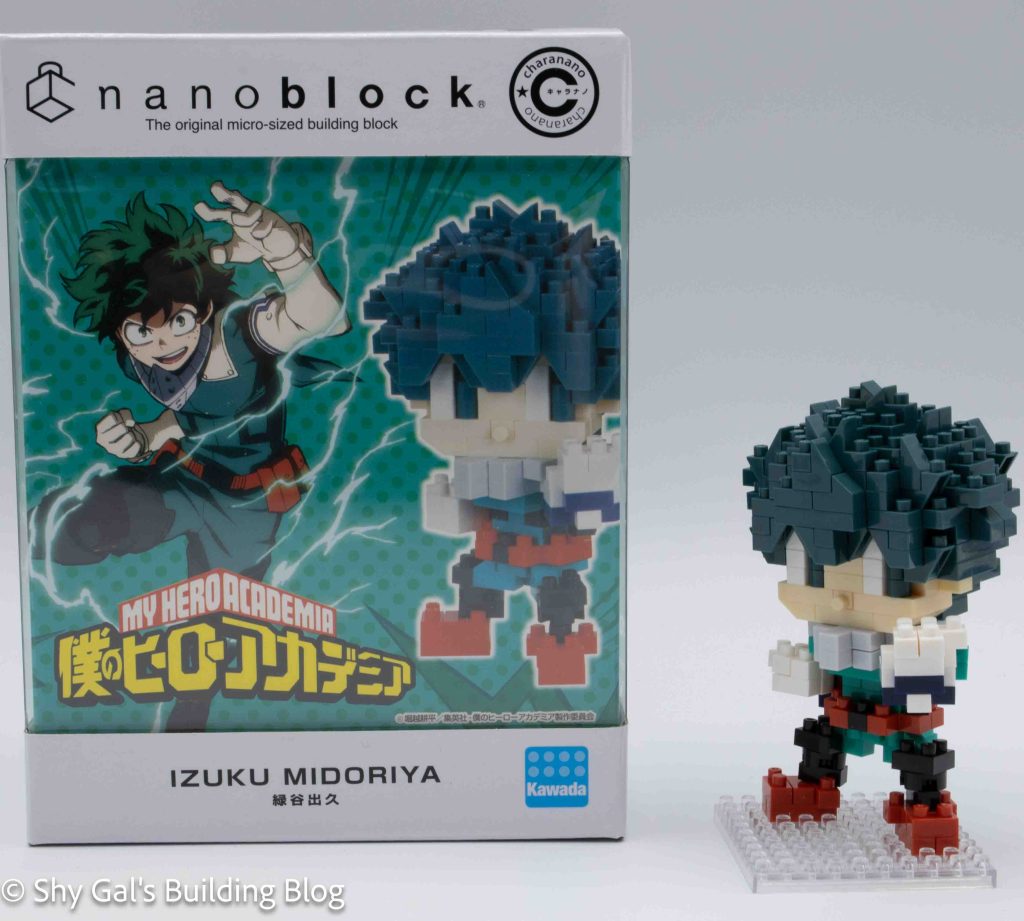
Izuku Midoriya build and box

Names:

  • Real Name: Izuku Midoriya
  • Hero Name: Deku

Number: CN-30

Difficulty Rating: 3/5

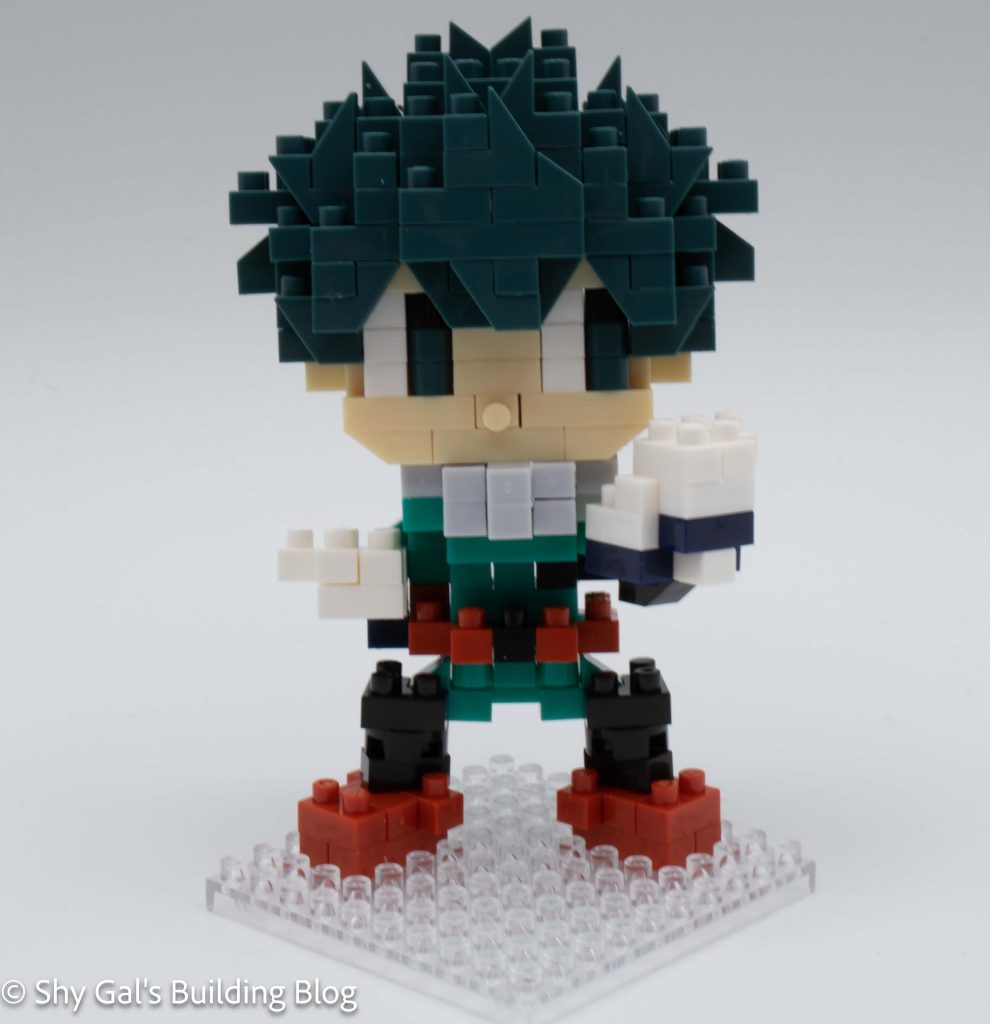
Izuku Midoriya build front view

Izuku is the main protagonist in My Hero Academia. He was born quirkless and ended up inheriting the quirk One for All. He has known Bakugo since they were both small children.

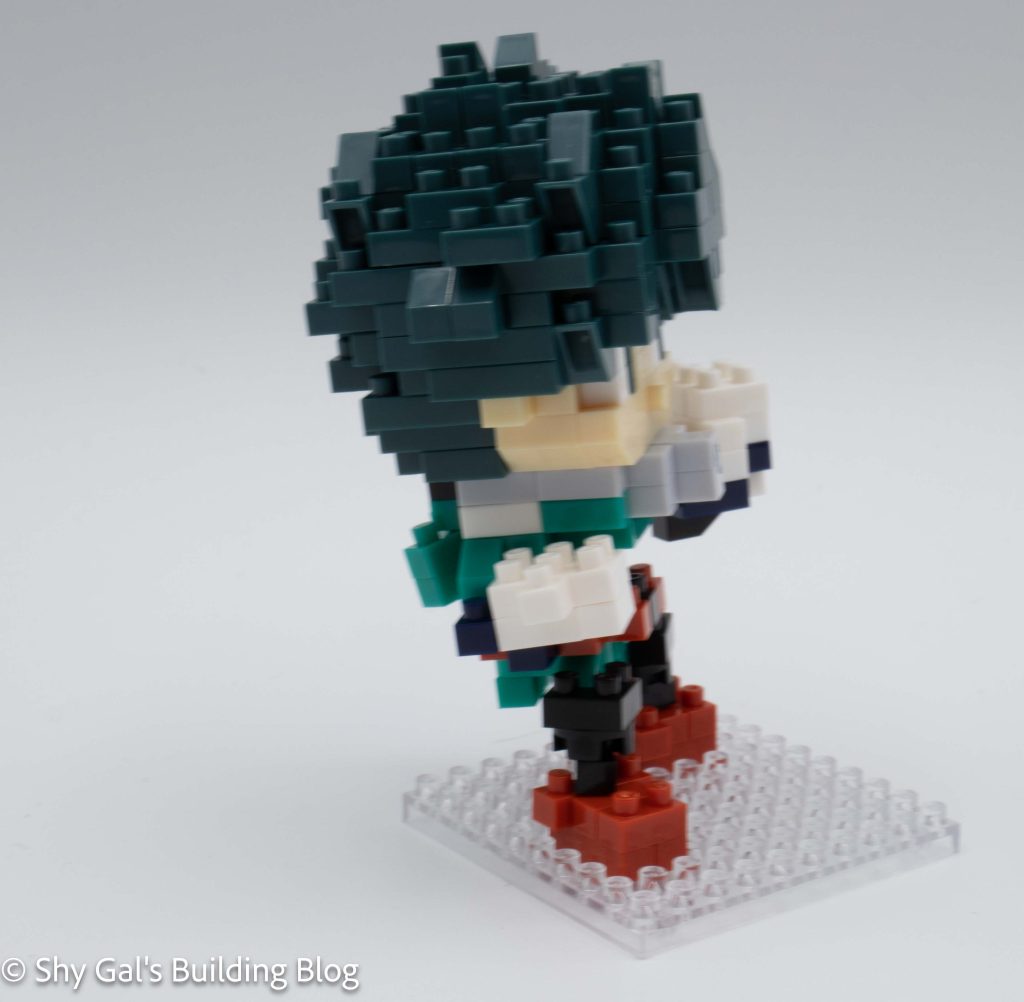
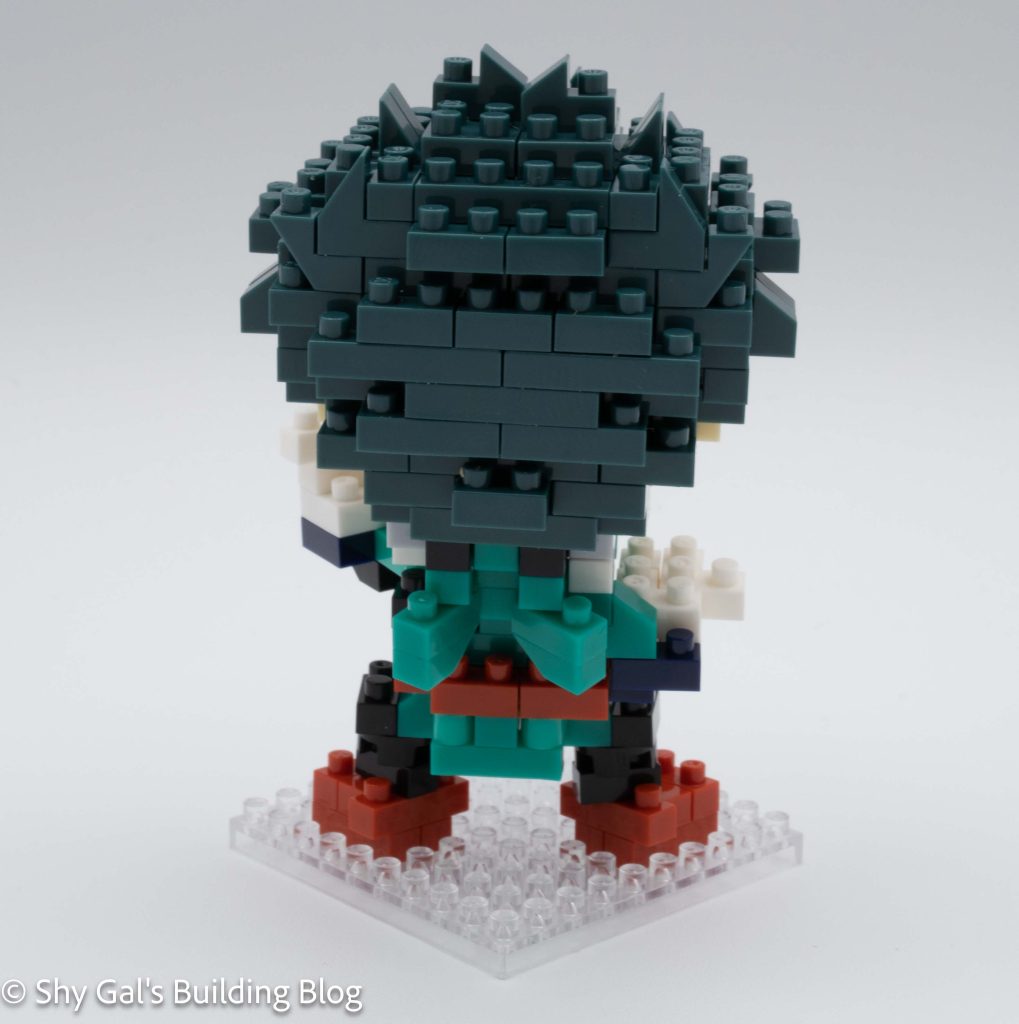
This is a build of several smaller builds. The two main sections are the head and the body. You begin with the large head. The head starts with a base layer that is mainly composed of cream-colored bricks. You layer up the cream, adding the beginning of the eyes. Then you begin to create the messy hair Izuku is known for. You add layers of hair and face, including the eyes. Once you have built up all of the front of the face, you add more details to the hair and close up the head. The hair has slopes and spikes that give it a messy appearance.

Izuku Midoriya build side view

The next step is to build the body. Unlike many builds, it’s a bit tricky to see what each step adds to the figure. You begin by creating the core of the body. You add layers to make the body. Then you build the right hand, which is held close to the body. Then you make the left hand that is outstretched in a punch. It was a bit tricky to get the outstretched hand to hold. Then you add the final layer of bricks to the top of the body. The final step in building the body is to flip the body over and add the legs to the build.

Izuku Midoriya build back

Now it’s finally time to put everything together. You start with the base and add the high-top sneakers. Next, attach the body to the sneakers. It was tricky to get the legs lined up with the shoes. Then you finish off the build by adding the head.

Izuku Midoriya build in box

Things I liked:

  • The way the hair looks like Izuku’s messy mop

Review of nanoblock Akechi Mitsuhide Domo-kun CN-26

Akechi Mitsuhide Domo-kun build and box

This post is a review of the nanoblock Akechi Mitsuhide Domo-kun build. Akechi Mitsuhide Domo-kun is part of the charanano collection. Wondering what else is part of the charanano Collection? Click here for a list.

Number: CN-26

Number of Pieces: 320

Difficulty Rating: 3/5

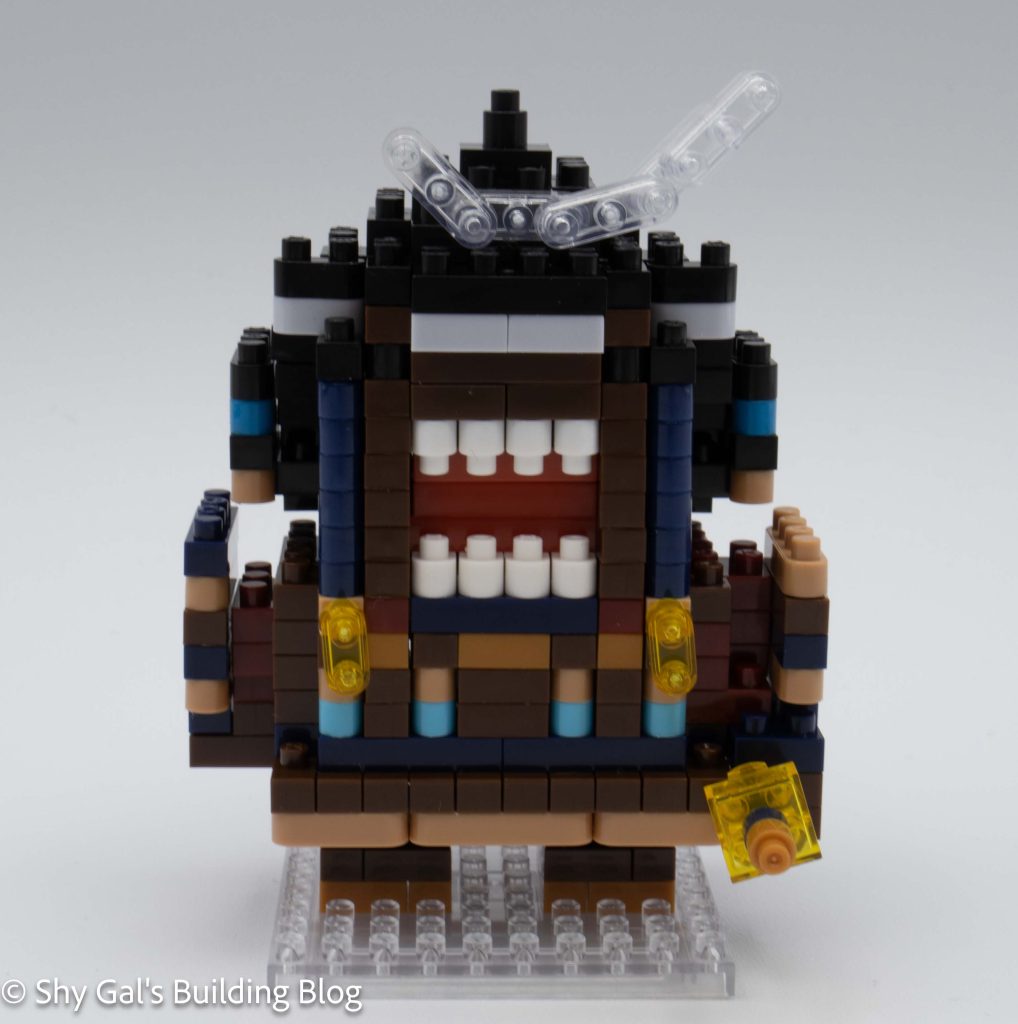
Akechi Mitsuhide Domo-kun build front view

Domo-kun is the mascot for the Japanese broadcaster NHK. I remember him being all over in shop windows and with life-size statues in Japan. For more information about Domo-kun you can check out his Wikipedia page here. I also have seen Domo-kun in various costumes over the years.

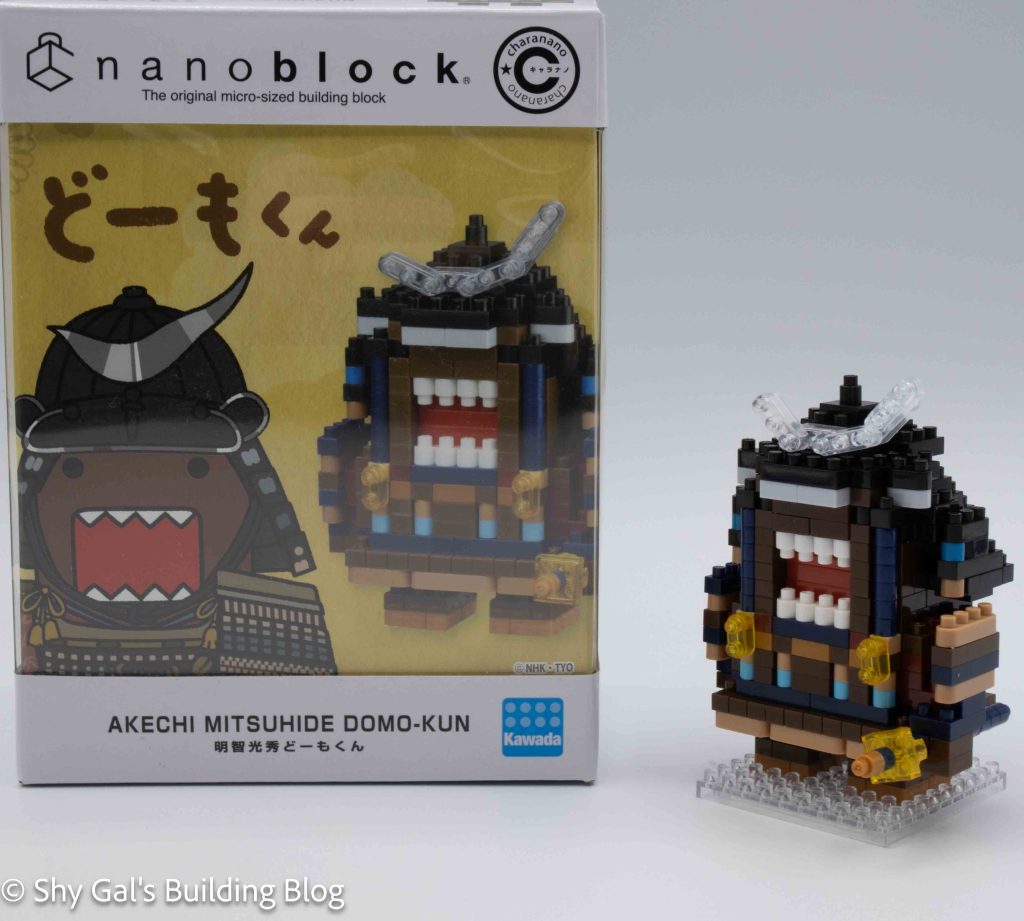
Speaking of costumes, this version of Domo is dressed up as a samurai. As the name of the build implies, it appears that Domo is dressed up as Akechi Mitsuhide, a samurai living in the 1500s and is best known for killing Oda Nobunaga. For more information about the historical figure, check out the Wikipedia page.

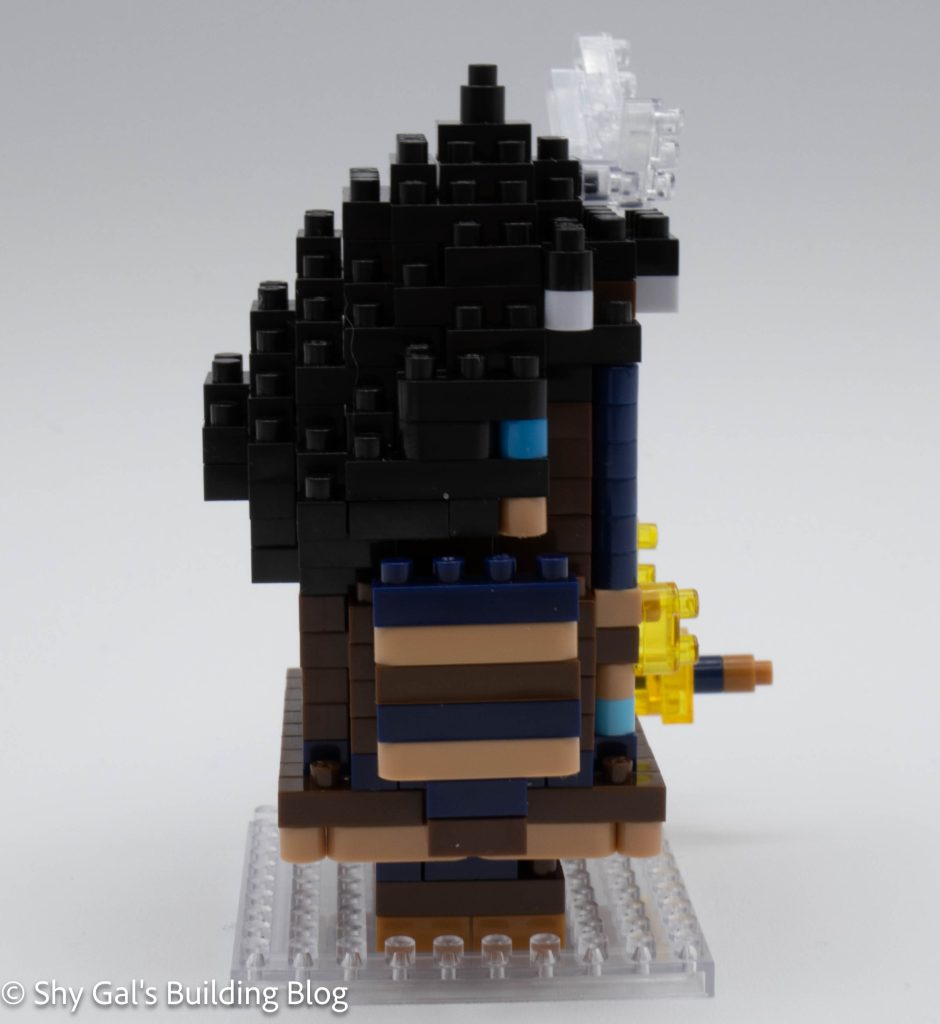
Akechi Mitsuhide Domo-kun build side view

The first thing I noticed with this build is that it would be tricky to tell exactly what colors to use and when. The brown they used is red, so it looks like it could be dark red. Several blue round pieces are also similar. This meant I needed to be extra careful when I grabbed the bricks to put onto the build.

Besides making sure you grab the correct color, this build is straightforward. It begins by building a base layer. You then build Domo-kun up in layers. It’s a little hard to tell which details you add as you create. Once you get towards the top you add the top of Domo’s mouth with an upside-down ball joint.

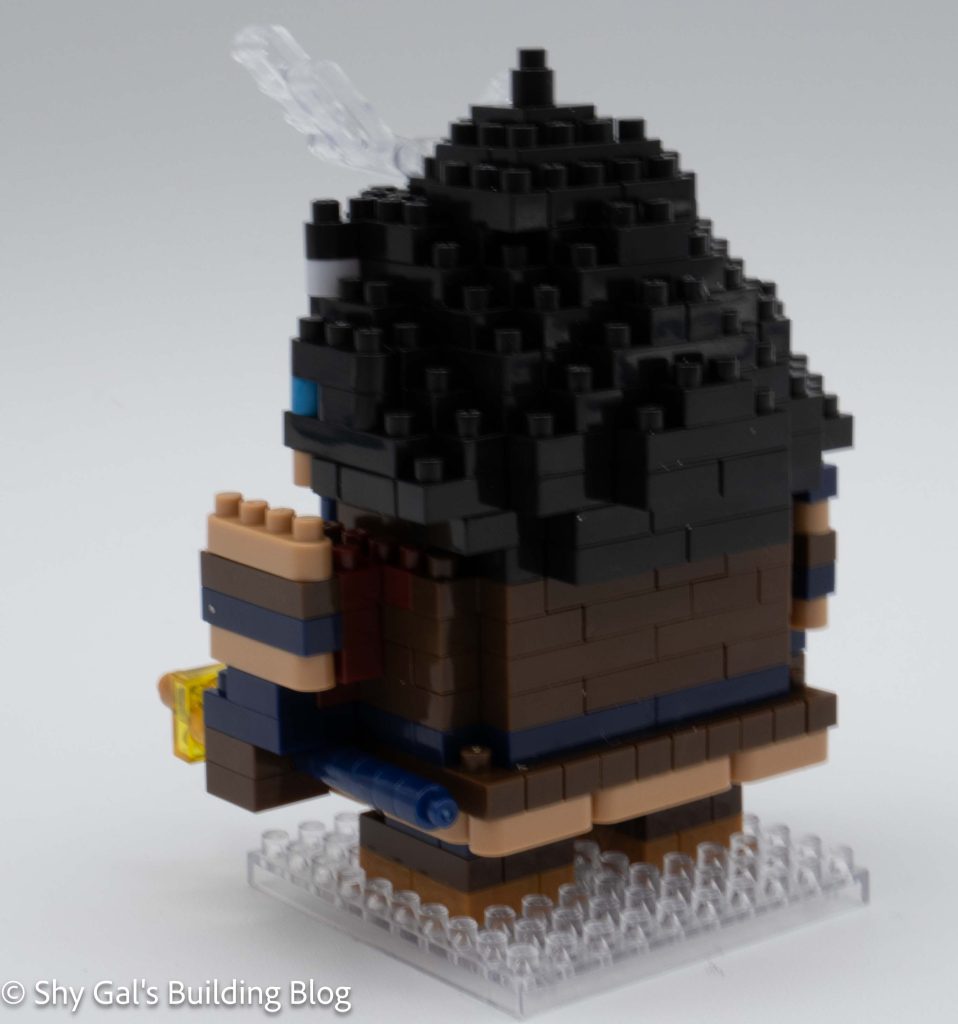
Akechi Mitsuhide Domo-kun build back 3/4 view

Once you build the main body of Domo-kun, there are 2 more additional things to build on. First is the very straightforward legs. The other detail is his hand holding a sword. It is a straightforward build but has very nice details.

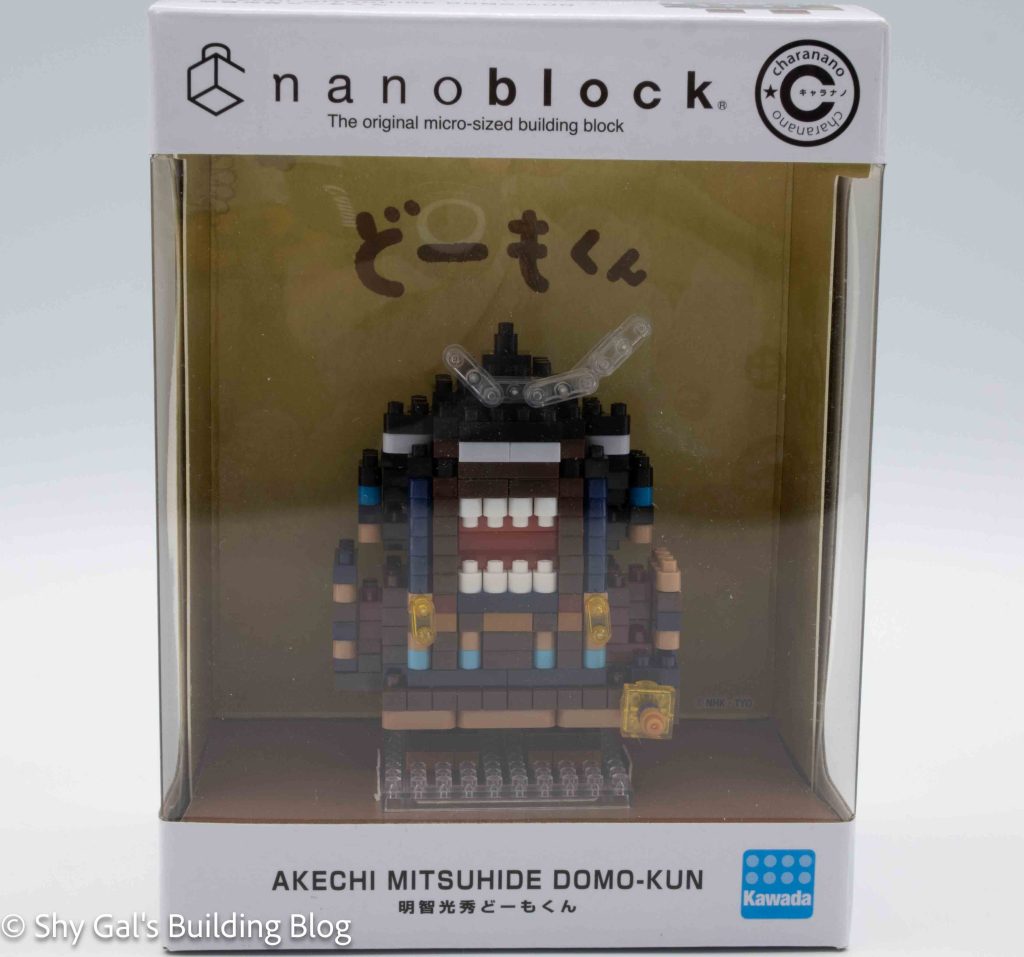
Akechi Mitsuhide Domo-kun build in display box

Things I liked:

  • The details to create the sword

Things I didn’t like:

  • The colors are too close to each other in the directions

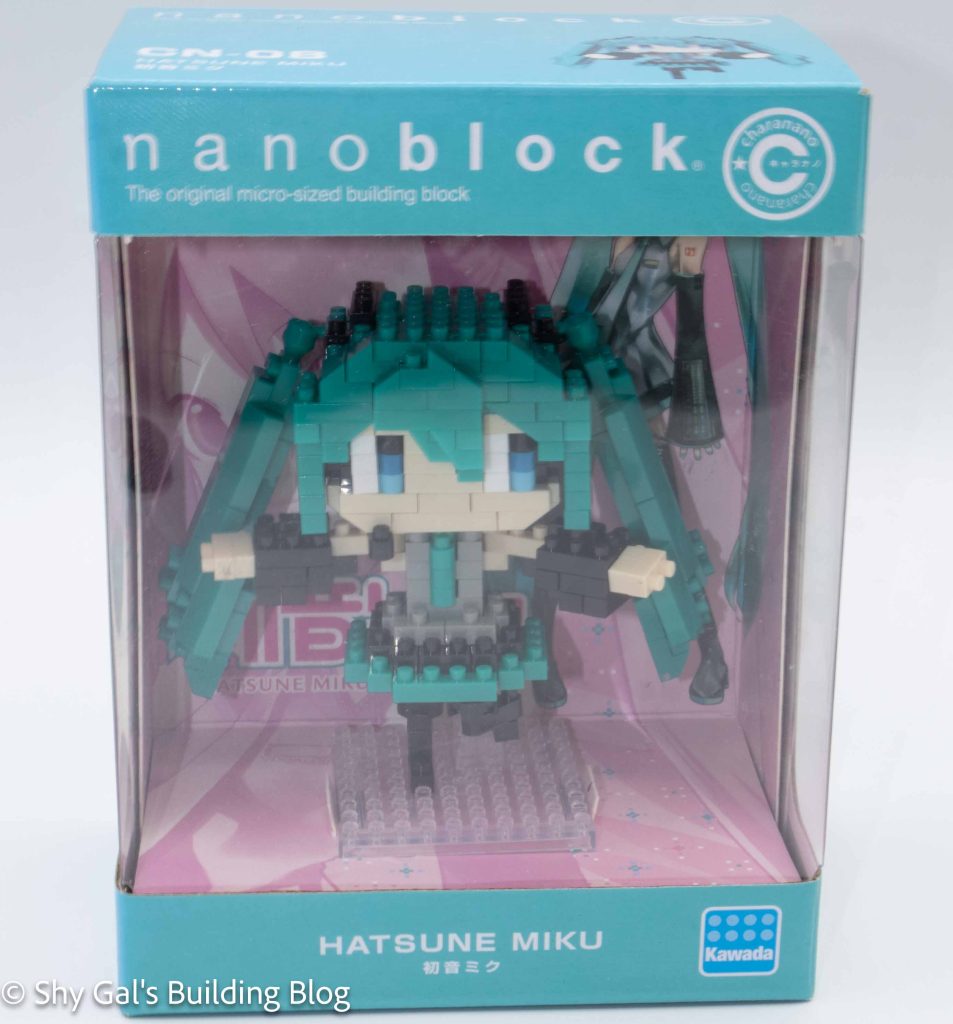
Review of nanoblock Hatsune Miku CN-08

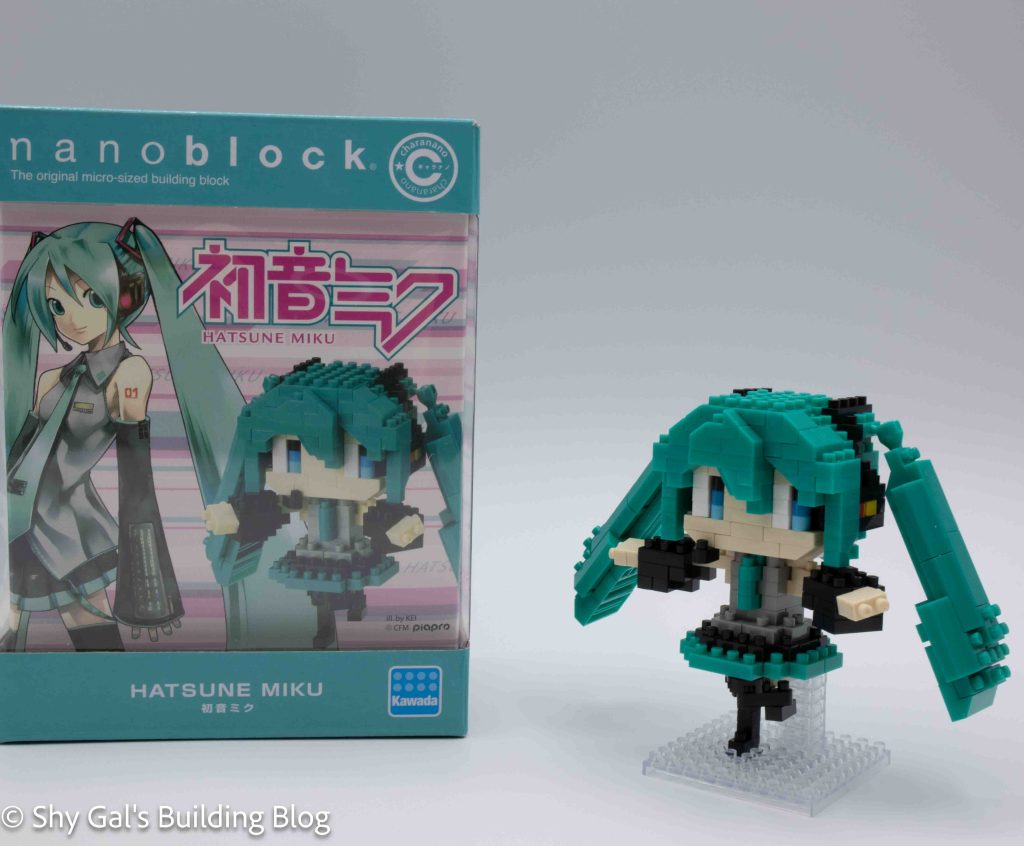
Hatsune Miku build and box

This post is a review of the nanoblock Hatsune Miku build. This Hatsune Miku is part of the nanoblock charanano collection. Wondering what else is part of the charanano Collection? Click here for a list.

Number: CN-08

Number of Pieces: 310

Difficulty Rating: 3/5

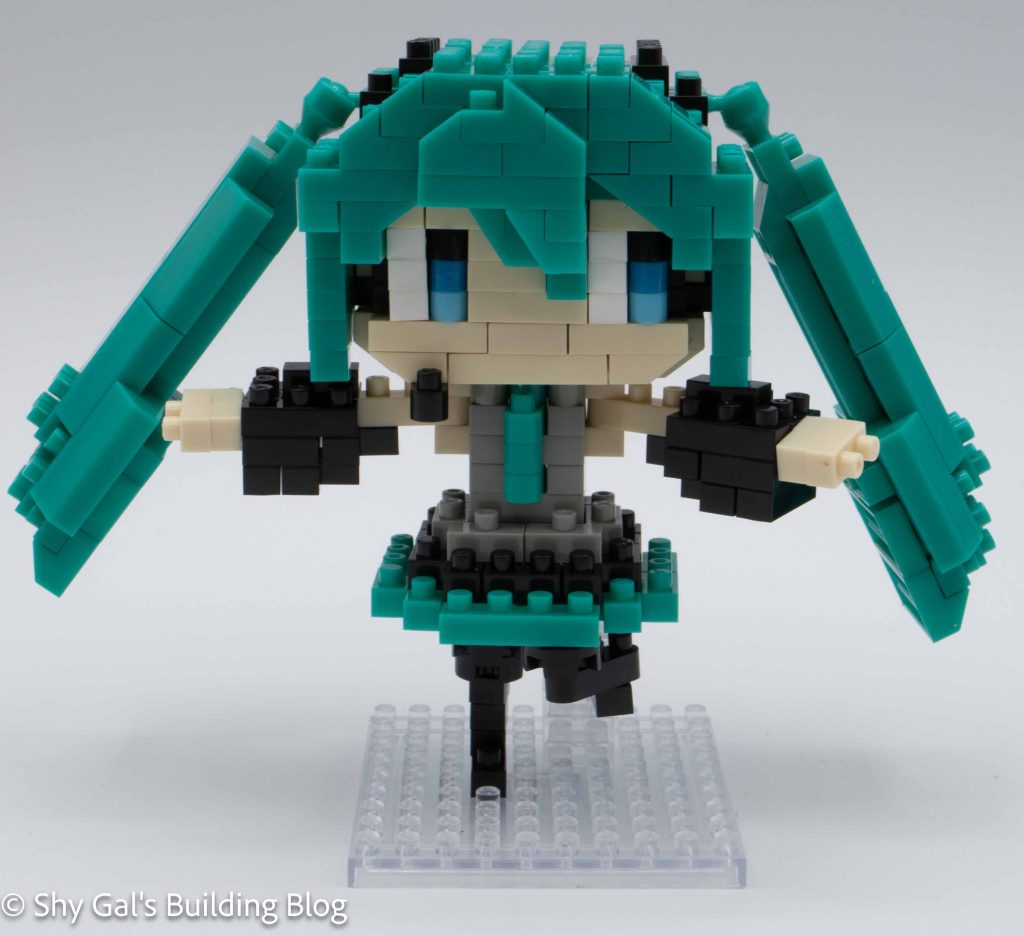
Hatsune Miku build front view

Hatsune Miku is a Vocaloid that sings in rhythm-based video games. These games are primarily on the PlayStation family of systems, but there are games on most video game system families. Hatsune Miku has also done TV and live concerts, but I’m not sure how the details of those shows work.

Overall this build was trickier than most because I couldn’t use my pad for building the head. It was also hard to attach the model’s body to the legs since there were only 2 studs to connect to.

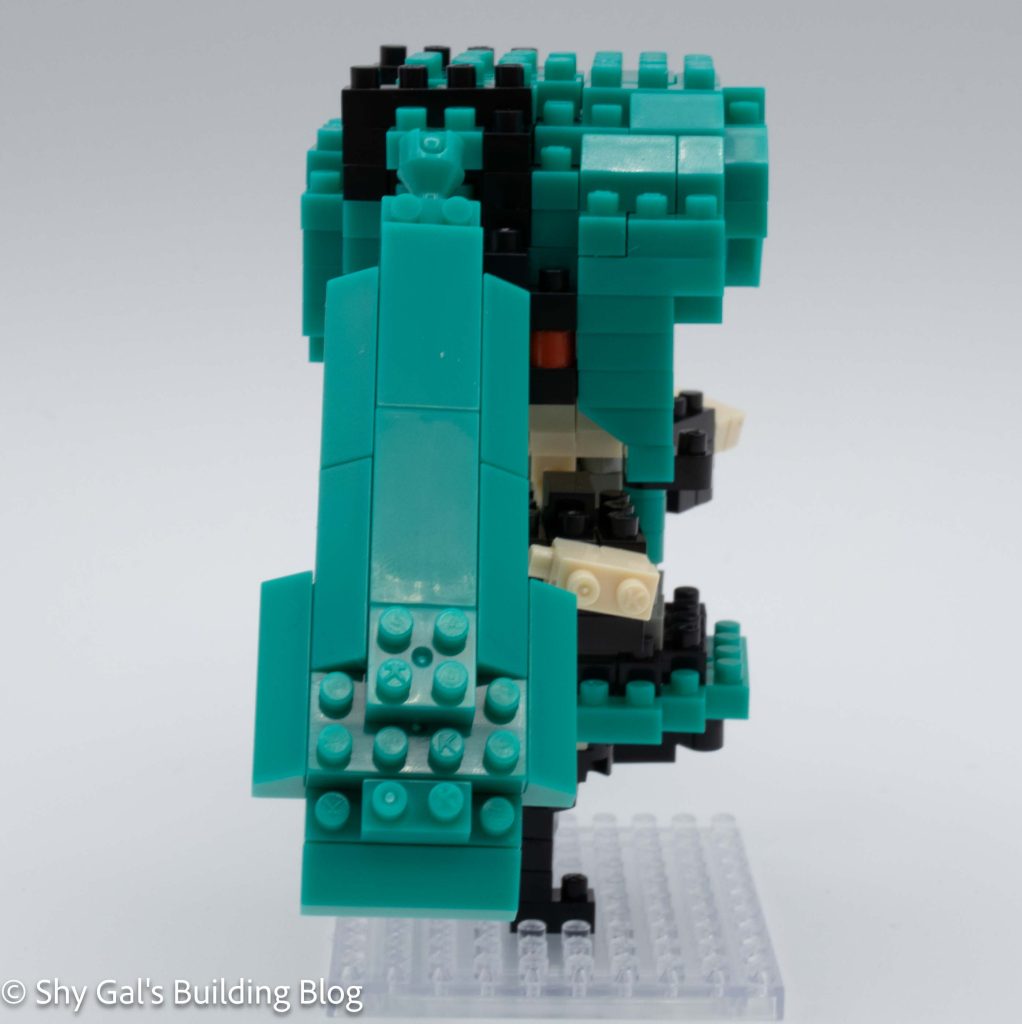
Hatsune Miku build side view

This nanoblock build begins by creating the head. The head is a bit tricky from the beginning. This is because the studs on the front row of the head don’t line up with the rest of the studs. It’s a bit hard to tell from the directions. You build up the head in layers like an average build. However, I had problems with the first two rows of bricks popping out of place for a while building, which was annoying.

The next step is to build the core of the body. The steps are very straightforward. Even adding the arms and hands is straightforward.

The next step is to attach the legs and the model to the base. This is tricky because it is hard to get things lined up since there are only 2 raised studs on the base to attach to. I had to move the legs a few times to get everything lined up.

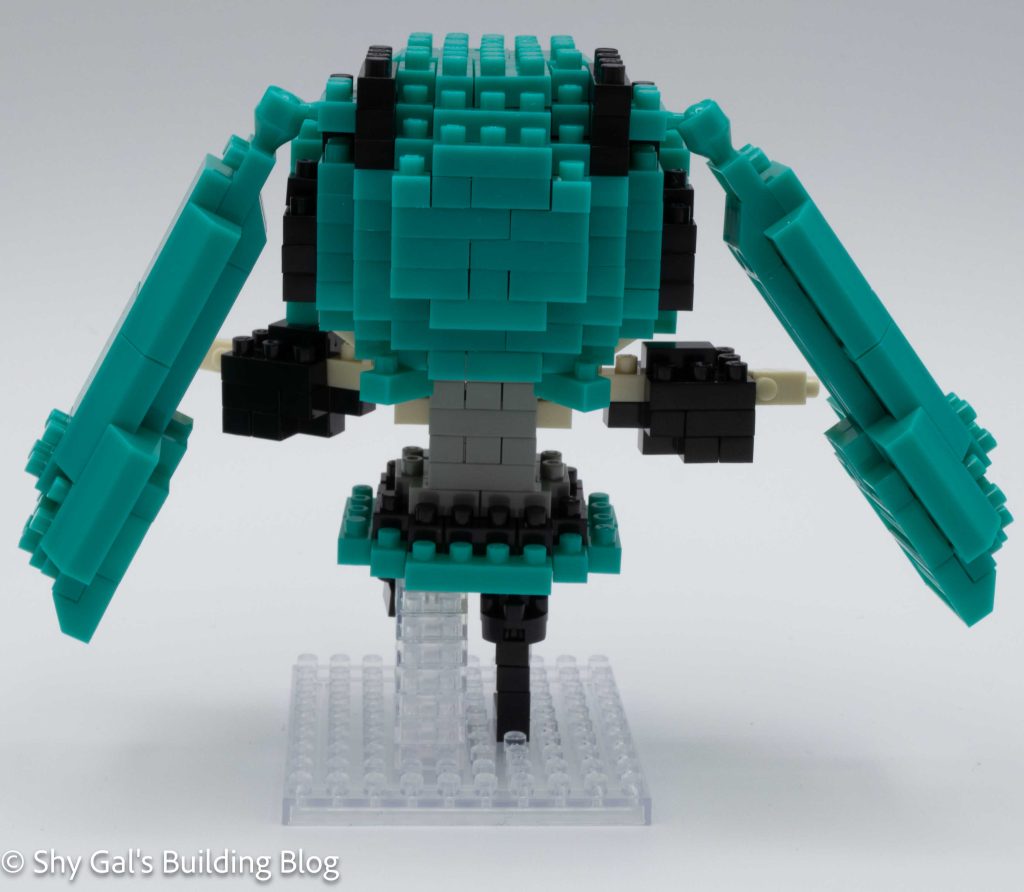
Hatsune Miku build back view

The final detail is Hatsune Miku’s long hair. These builds are held in place with ball joints. The actual builds are very straightforward and simple.

Overall I really like the amount of detail that nanoblock can put into the charanano line. I really like the coloring used to create the headset and how clear the headset is. I feel like the legs are the weak point of the build and look a little odd.
Hatsune Miku build in display box

Things I liked:

  • The amount of detail in the head with the headset

Things I didn’t like:

  • How the final legs look

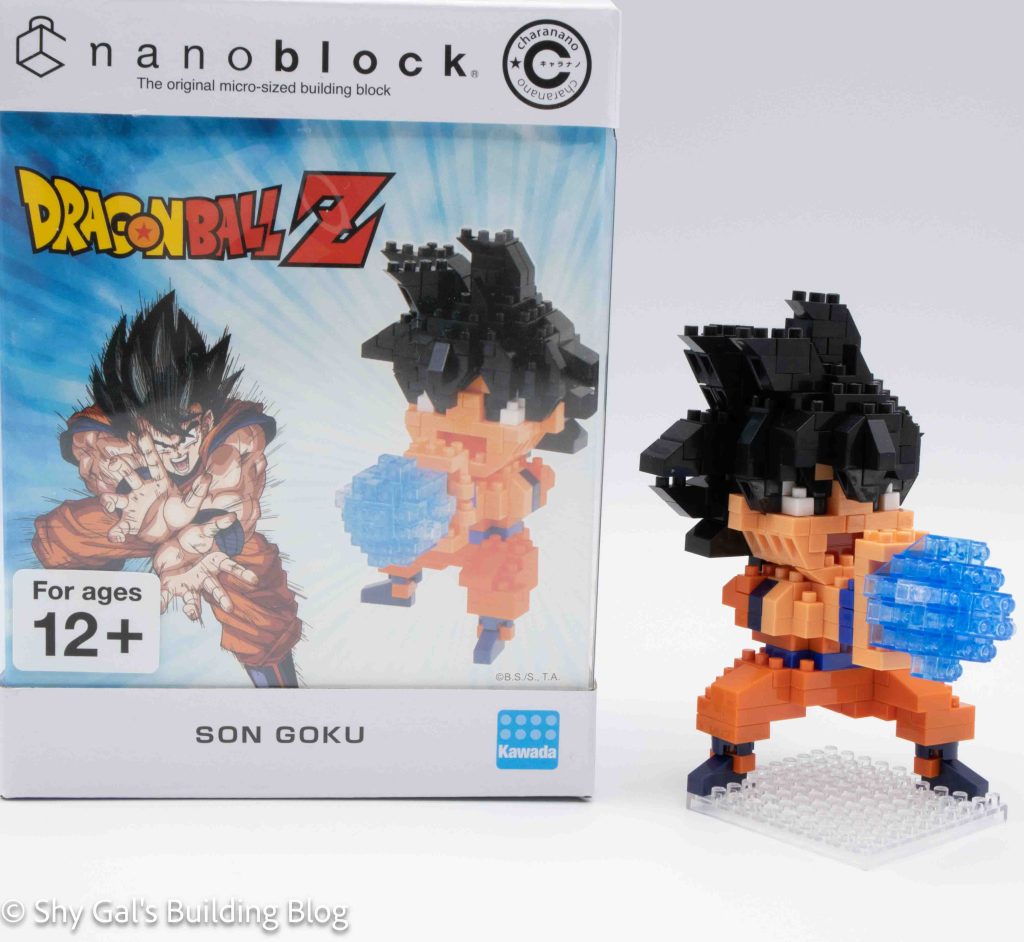
Review of nanoblock Son Goku CN-38

Son Goku build and box

This post is a review of the nanoblock Son Goku build. Son Goku is part of the nanoblock charanano collection. Wondering what else is part of the charanano Collection? Click here for a list.

Number: CN-38 

Number of Pieces: 300

Difficulty Rating: 3/5

Son Goku build mostly front on view

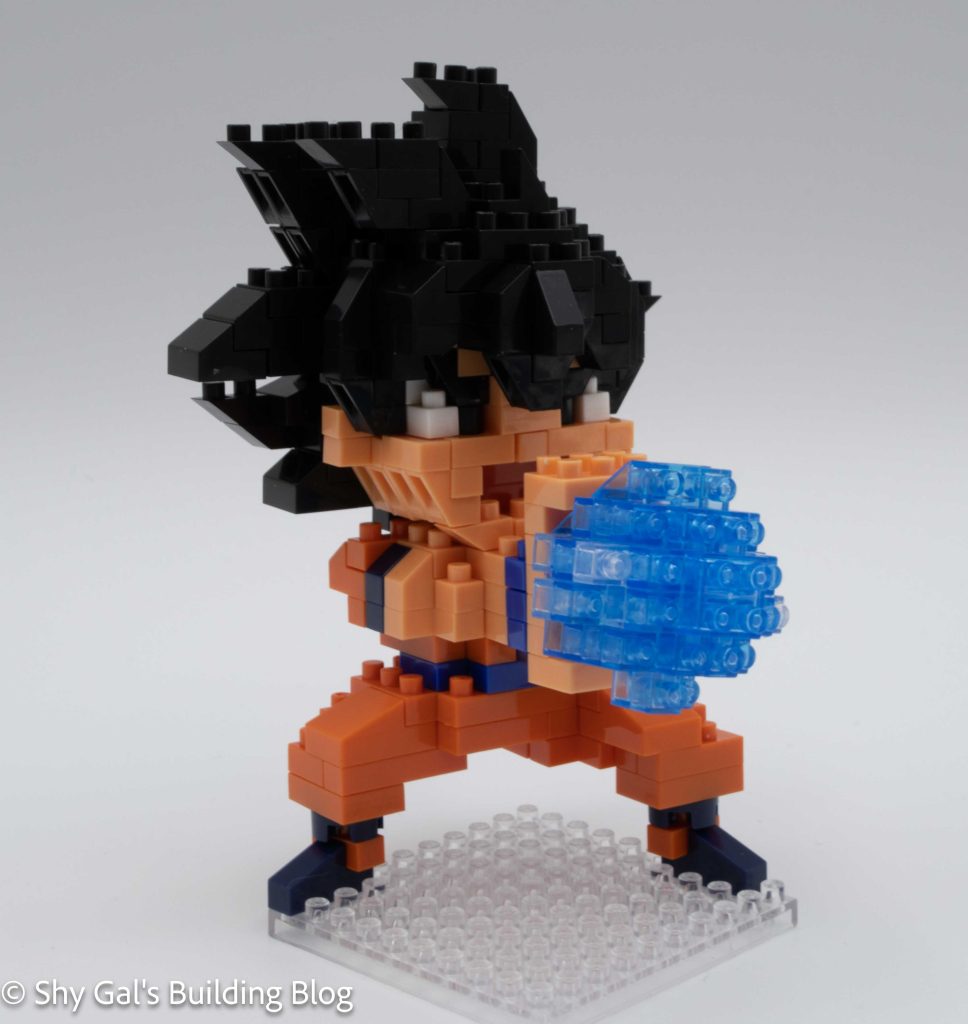
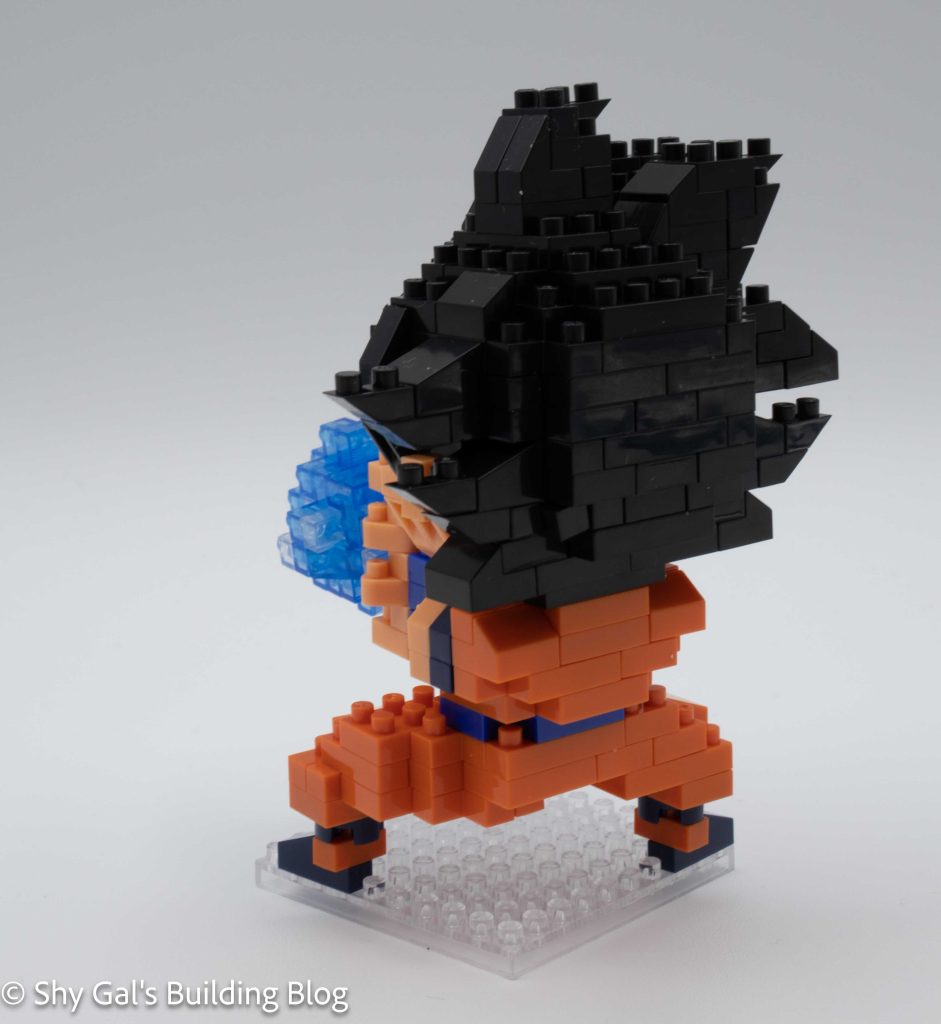
This is a review of the super-detailed charanano Son Goku build. There is also a Son Goku and a Super Saiyan Son Goku that are part of the Dragonball Z collection. I really like the amount of detail that is in the build for the hair and the fact that he is making the classic blast move.

Unlike most builds, I had quite a bit of difficulty with this build. Normally I am able to tell which color I am supposed to use, but in this case, I wasn’t able to tell which steps used which shades of blue. I needed my husband to help count the 3x1s to figure out which blue should be used in each step.

This nanoblock build is made up of 3 main sections. There is the head, the body, and the Ki blast.

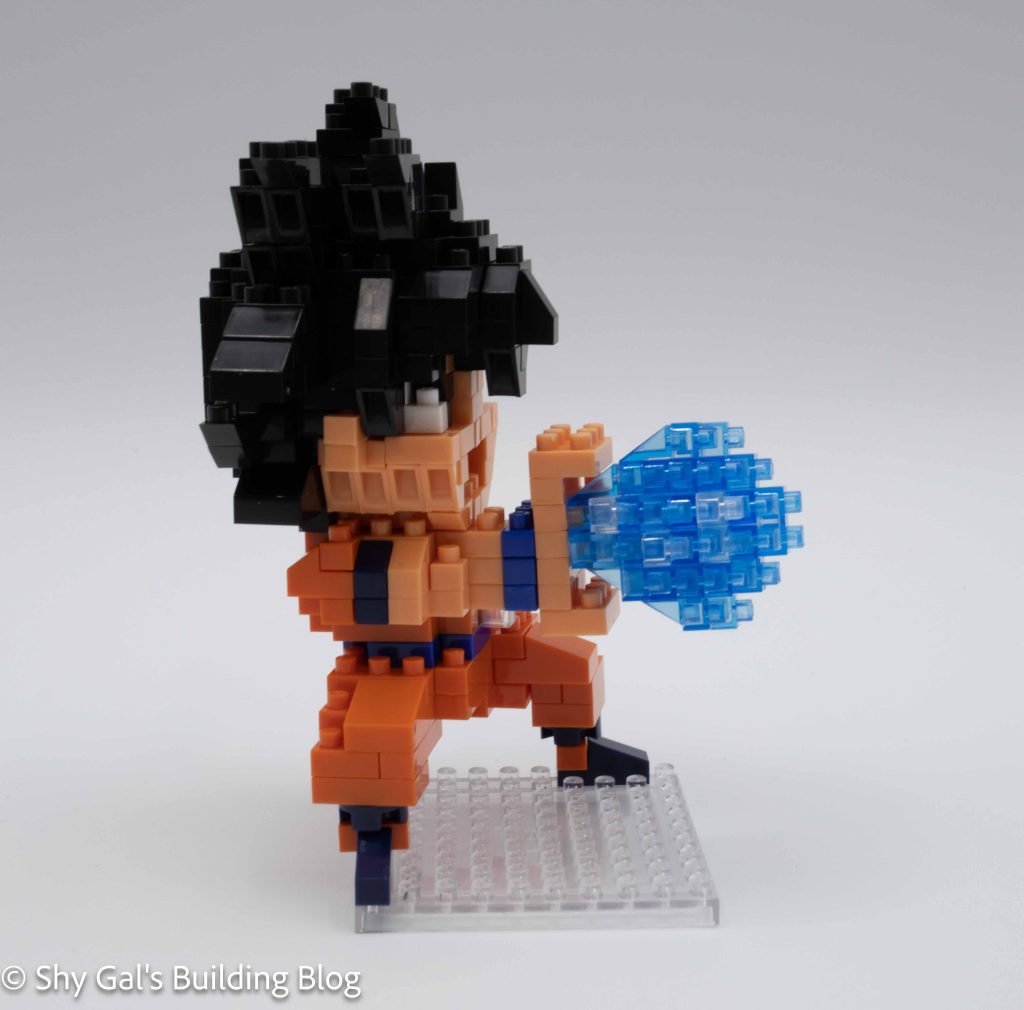
Son Goku build side view

The first step of the nanoblock build is to create the head. The base layer is made of 2 sections that you build and combine. One of the sections has the studs off-center, so I wasn’t able to build the head using my pad. This meant that if I pushed too hard, the head could become separated. Most of the head build is creating the hair. I really like how the build captures the spikes of Goku’s hair.

The second major section of the build is to create the body. I was able to use my pad to build the body. The body is built up in layers like a normal build. The hardest part of this build is the fact that the body uses 2 shades of blue. When I looked at the directions, I couldn’t tell which shade was correct. I eventually figured it out and managed to complete the build.

Son Goku build back view

The third major section is the Ki blast. It is a very straightforward build.

The final step is to put all the pieces together to complete the build and put the build in the display.

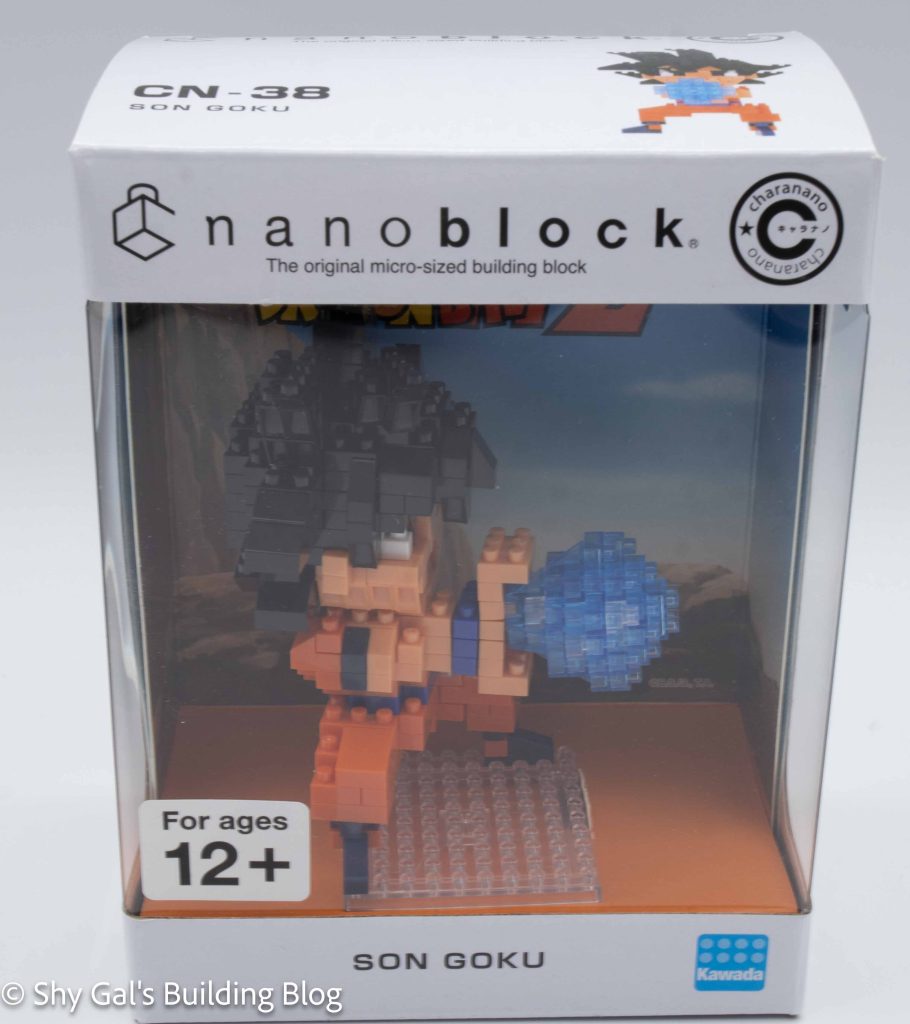
Son Goku build inside box

Things I liked:

  • The amount of detail in the hair
  • The background that you get for the display box

Things I didn’t like:

  • The fact that the blues are practically identical in the directions.

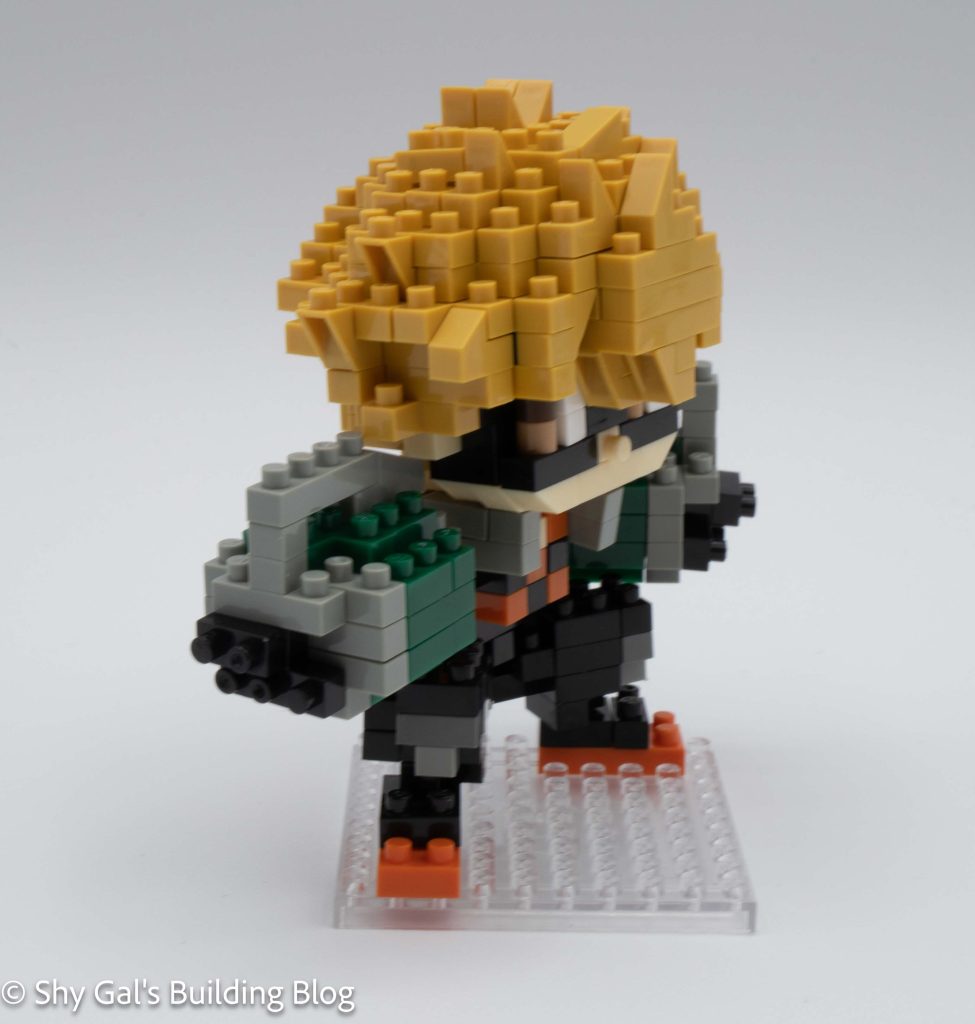
Review of nanoblock Katsuki Bakugo CN-31

Katsuki Bakugo build and box

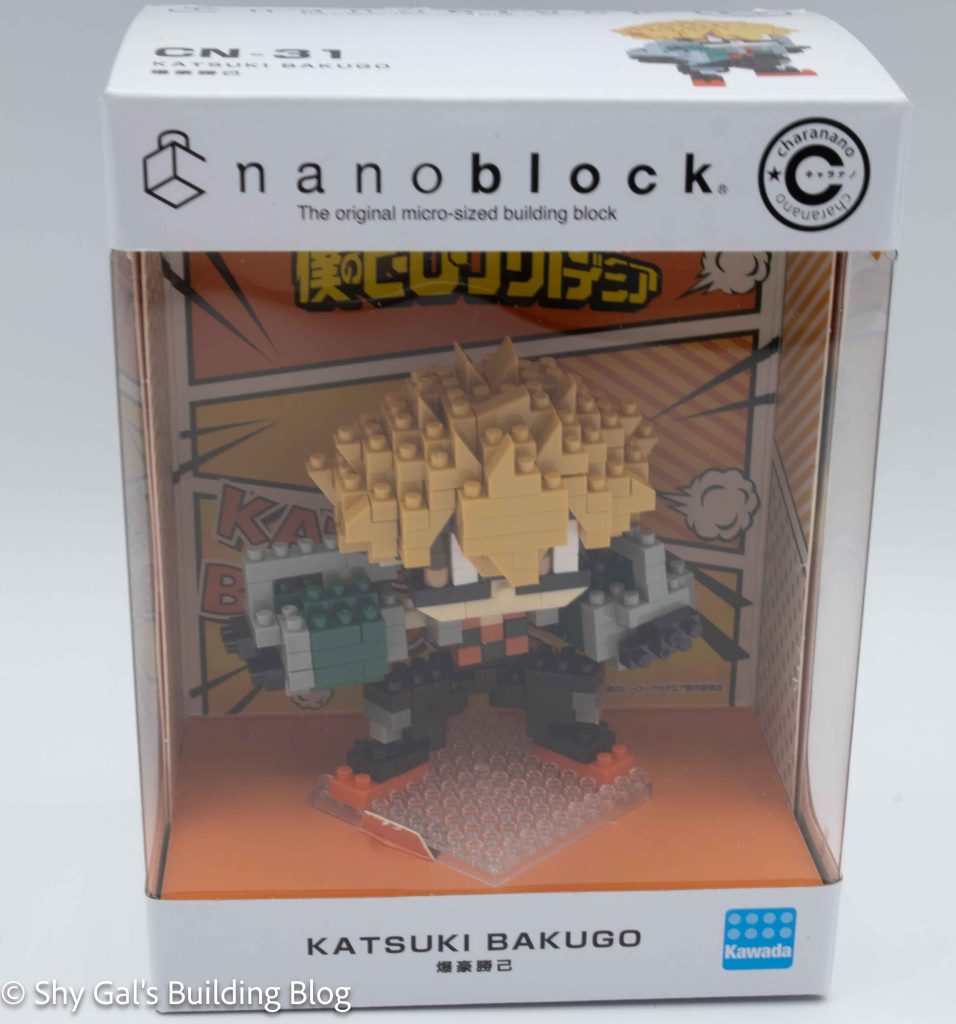
This post is a review of the nanoblock Katsuki Bakugo build. Katsuki Bakugo is part of the nanoblock charanano collection. Wondering what else is part of the charanano collection? Click here for a list.

Names:

  • Real Name:Katsuki Bakugo
  • Nickname: Kacchan
  • Hero Name: Great Explosion Murder God Dynamight

Number: CN-31

Number of Pieces:

Difficulty Rating: 3/5

Katsuki Bakugo build front view

Bakugo is a member of class one 1A along with Izuku. His quirk is Explosion, allowing him to ignite his sweat to create explosions. He has been friends with Izuku since they were children. To read more about this character, check out the myheroacademia wiki.

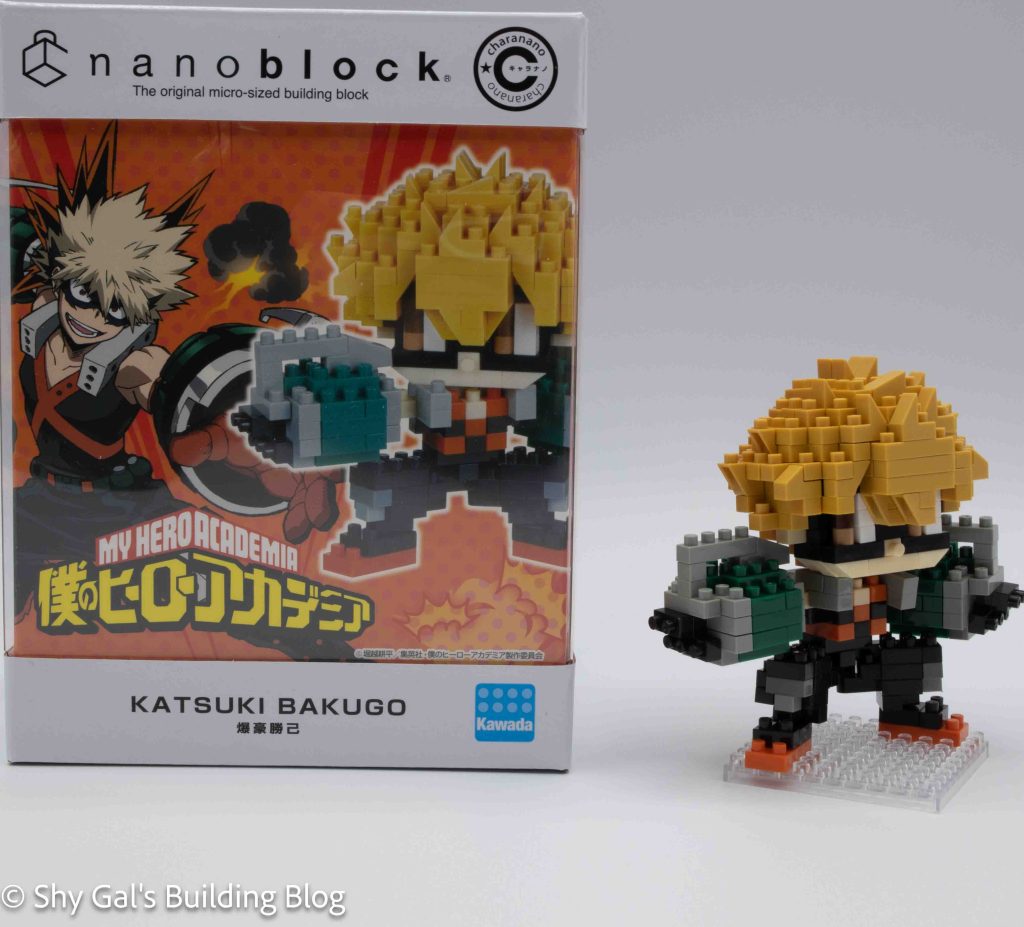
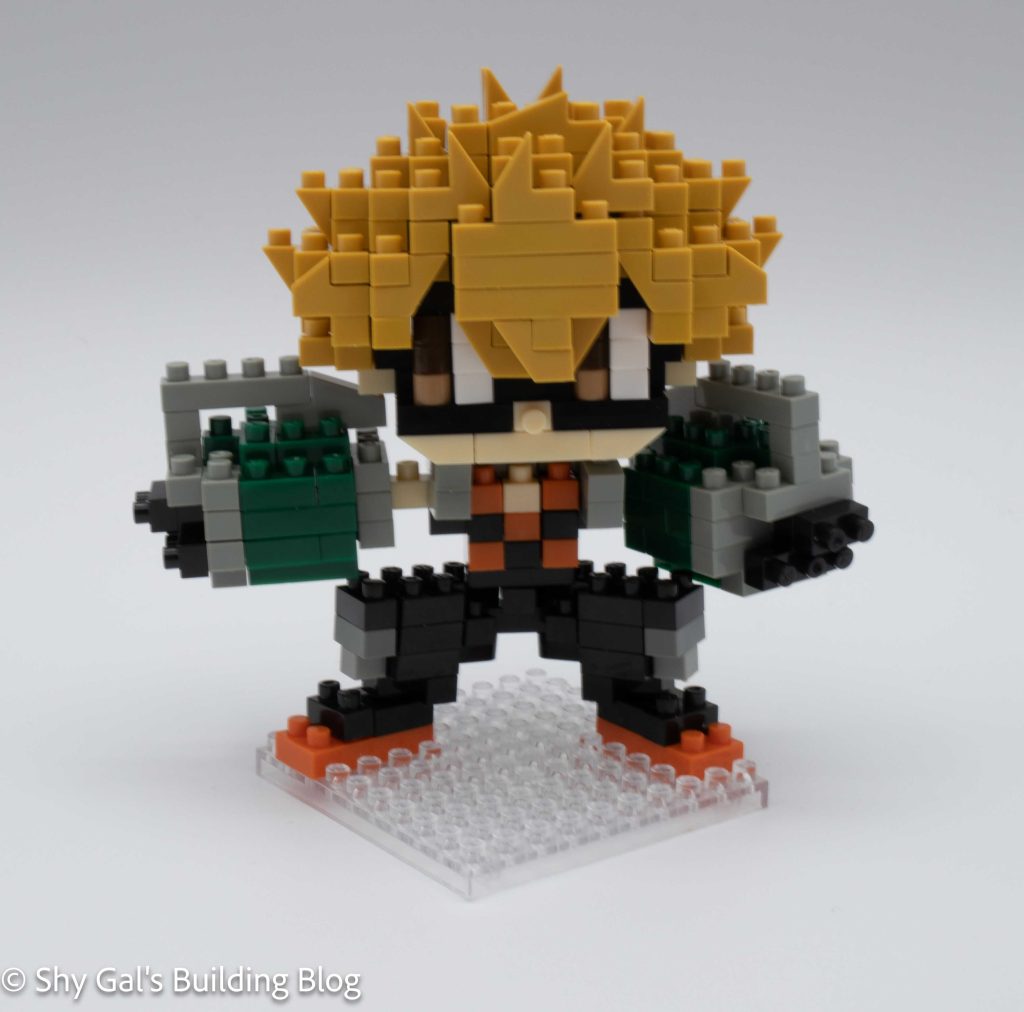
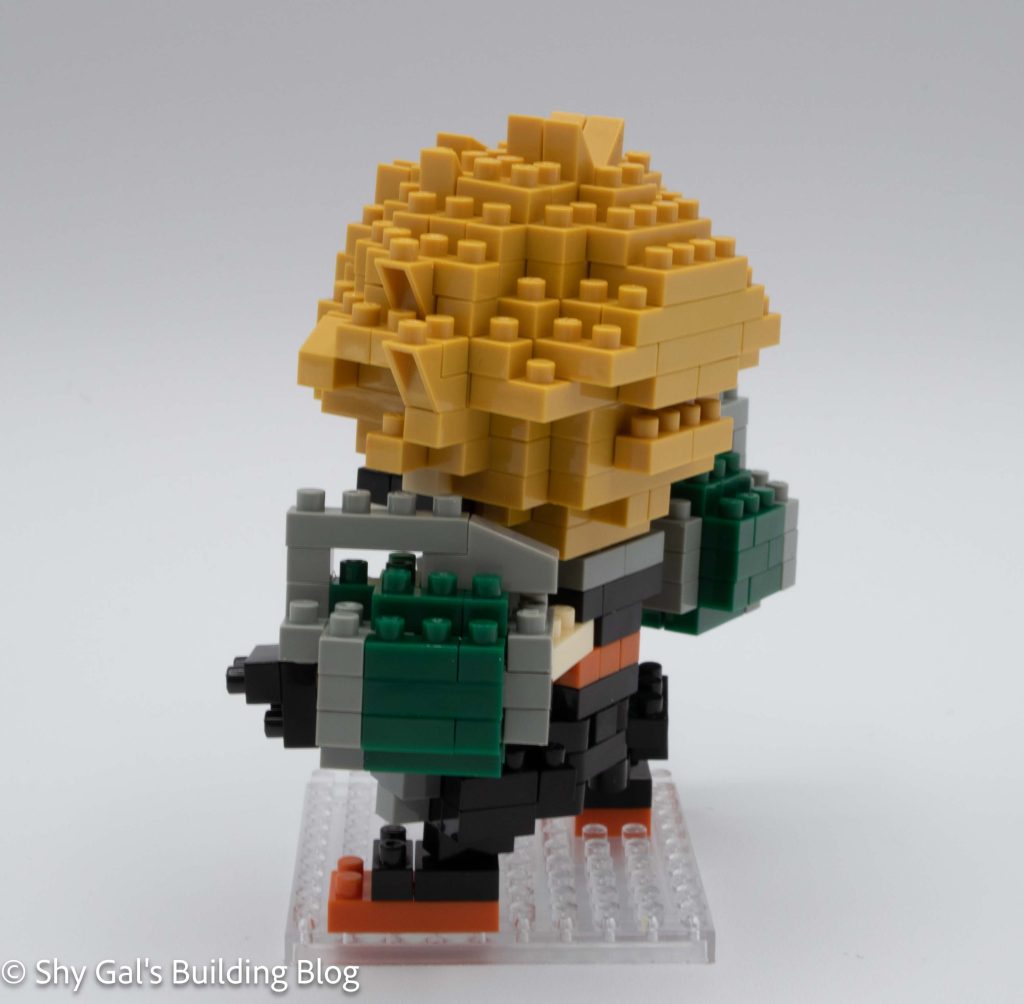
This build is broken up into several parts. There is the head, both arms, the torso, the legs, and the feet. Bakugo’s arms have large pieces that look like grenades that are built up in brick form.

The most significant part of this build is by far the head. The head begins with a layer of skin-colored bricks. Next, you add a layer of black that creates the bottom of his mask. You continue to add layers to the front of the face. After a few layers, you begin a base layer and build up the back of the head. Then combine the front and back of the head to create a full head. Once the pieces are connected, you add layers of hair creating detailed spiky hair.

Katsuki Bakugo build front 3/4 view

The next chunk you build is the torso. The torso is a simple 3 layers of bricks.

The next step is to build the left arm. You build up layers of bricks from a base. There is a skin-tone brick that sticks out on the back of the arm. There is also an excellent detail of the arm where you can see his fingers or hand at the end of the grenades. This is done by attaching the black bricks to the side of the section. You stick this arm to the torso.

Next, you build the right arm. The build is very similar to the left arm. The major difference is there the skin-tone piece comes out of the center of the build instead of the side. Once you build the left arm, you attach it to the torso.

Katsuki Bakugo build back 3/4 view

The next step is to build the legs. I found the legs extremely tricky compared to the rest of the build. This is because there are a lot of finicky bits. I also have difficulty reading directions when the build is upside down. Once you build the legs, you attach the torso to the legs. At this point, you can also attach the head.

The final part of the build is to add the feet to the base. Once you build up the feet on the base, you attach the body and head. When I did my build, the legs kept breaking apart, and the arms didn’t want to stay connected.

Overall I really like this build. There is a ton of detail in Bakugo’s hero costume and hair.

Katsuki Bakugo build inside box

Things I liked:

  • The amount of detail in the costume and hair

Things I didn’t like:

  • The fact the legs kept falling apart when I was building

Review of nanoblock Rilakkuma CN-23

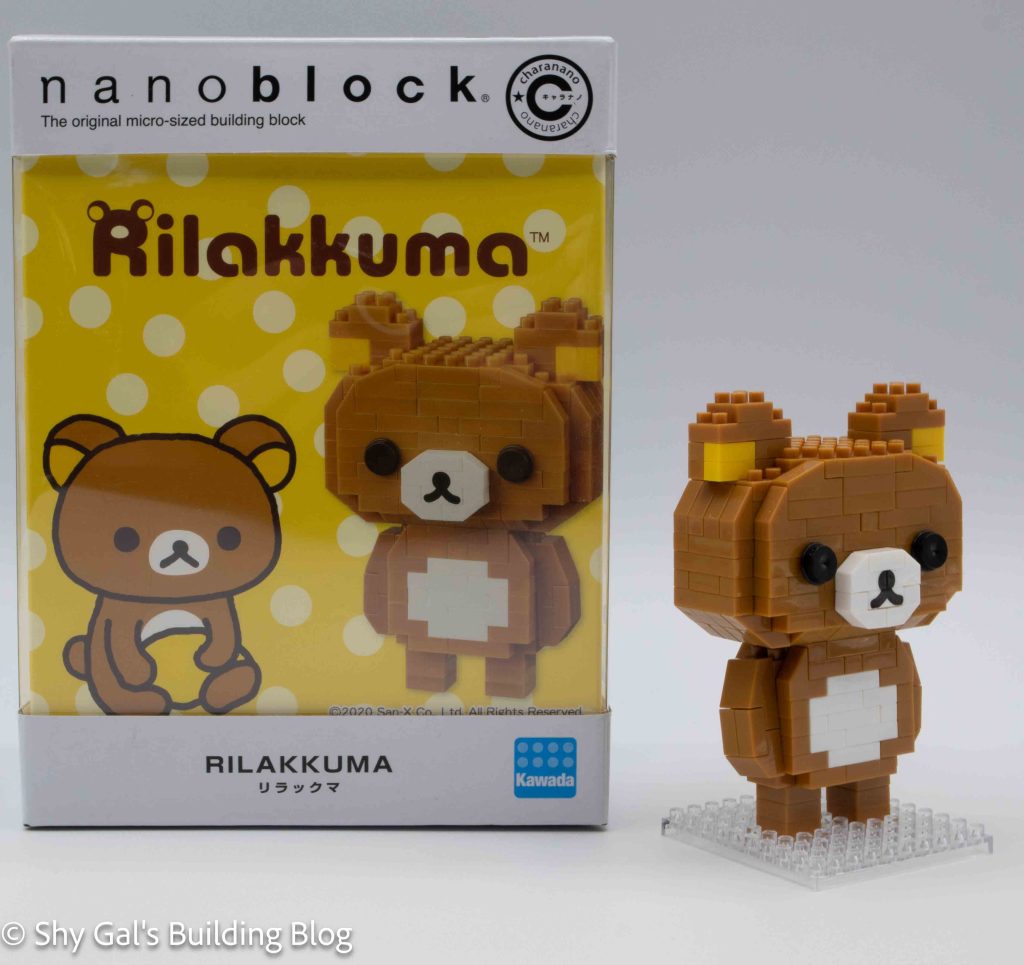
Rilakkuma build and box

This post is a review of the nanoblock Rilakkuma build. Rilakkuma is part of the nanoblock charanano collection. Wondering what else is part of the charanano collection? Click here for a list.

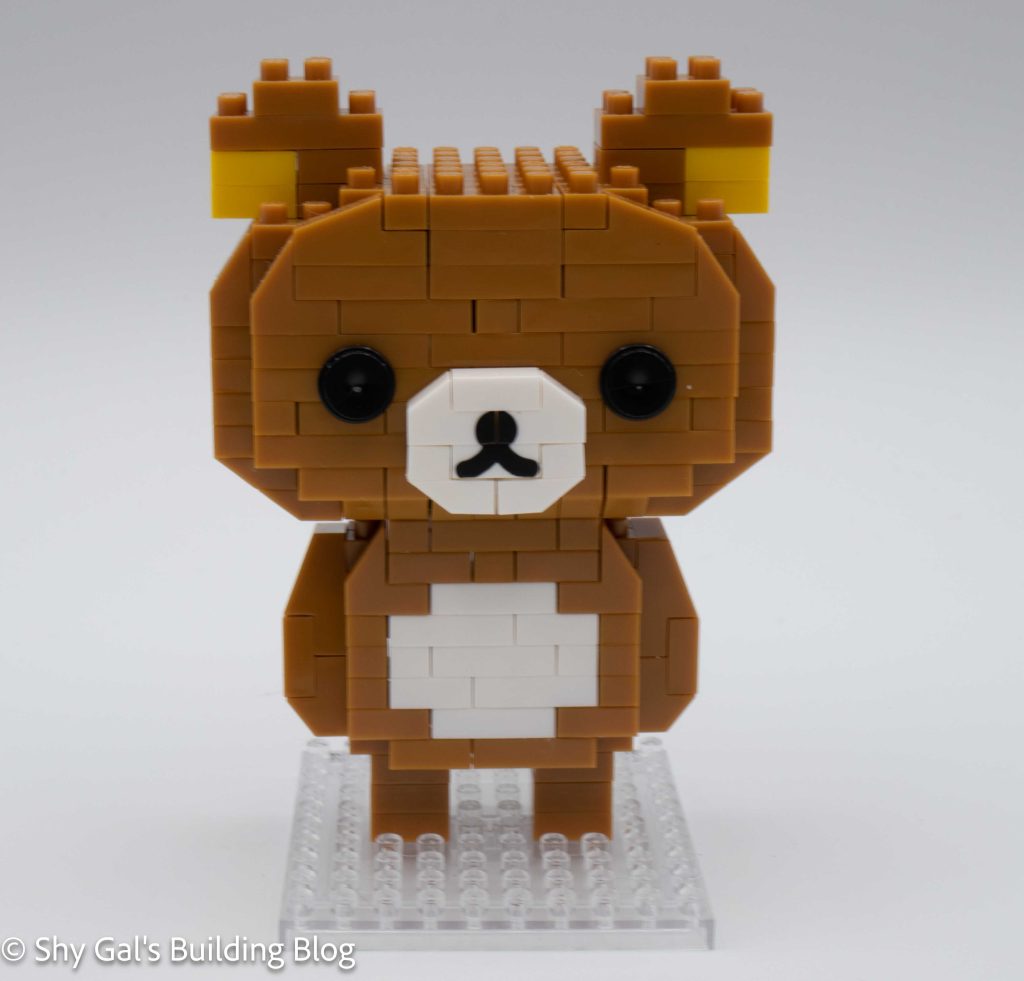
Rilakkuma build front view

Number: CN-23

Number of Pieces:

Difficulty Rating: 2/5

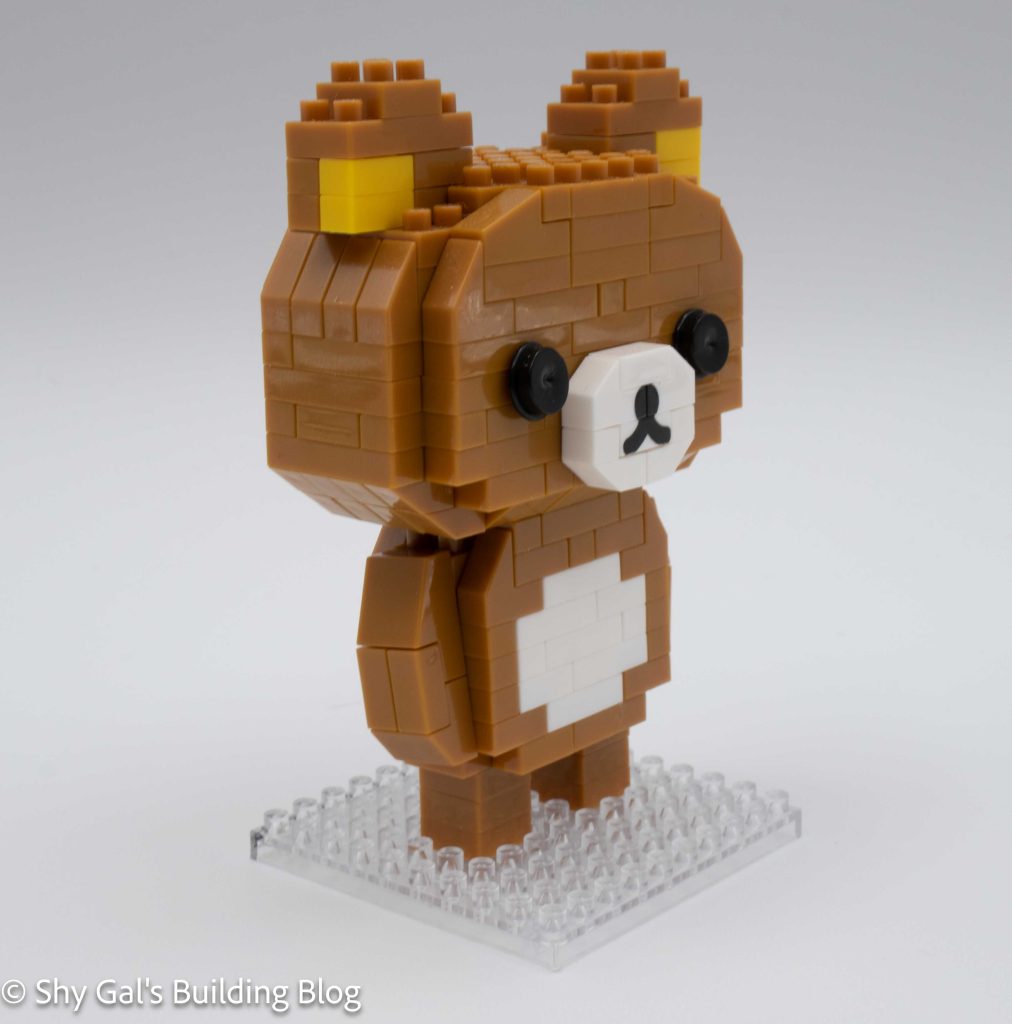
Rilakkuma build front 3/4 view

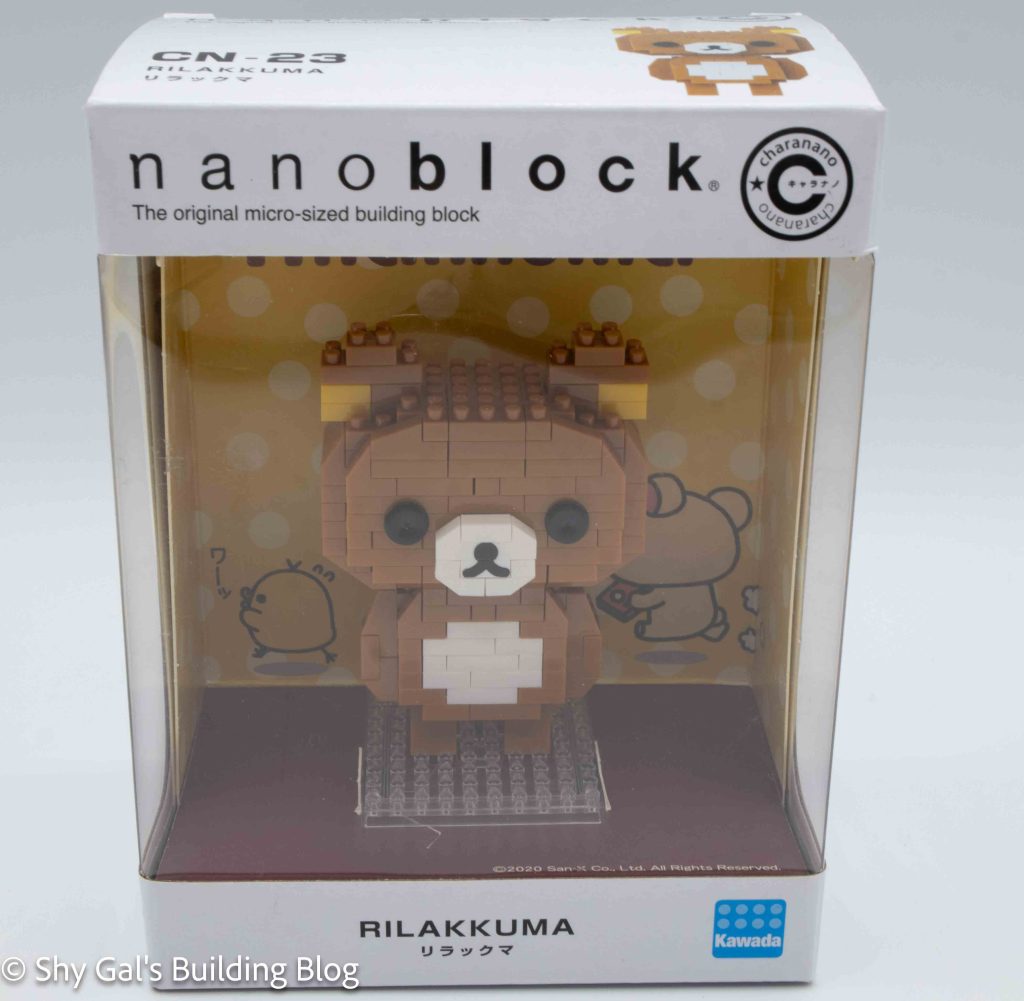
There are several Rilakkuma builds created by nanoblock. Most of the builds are part of the character line. This bear is unique because it is part of the charanano line. This line is unique because the finished model comes in a display box, so you don’t have to dust the model.

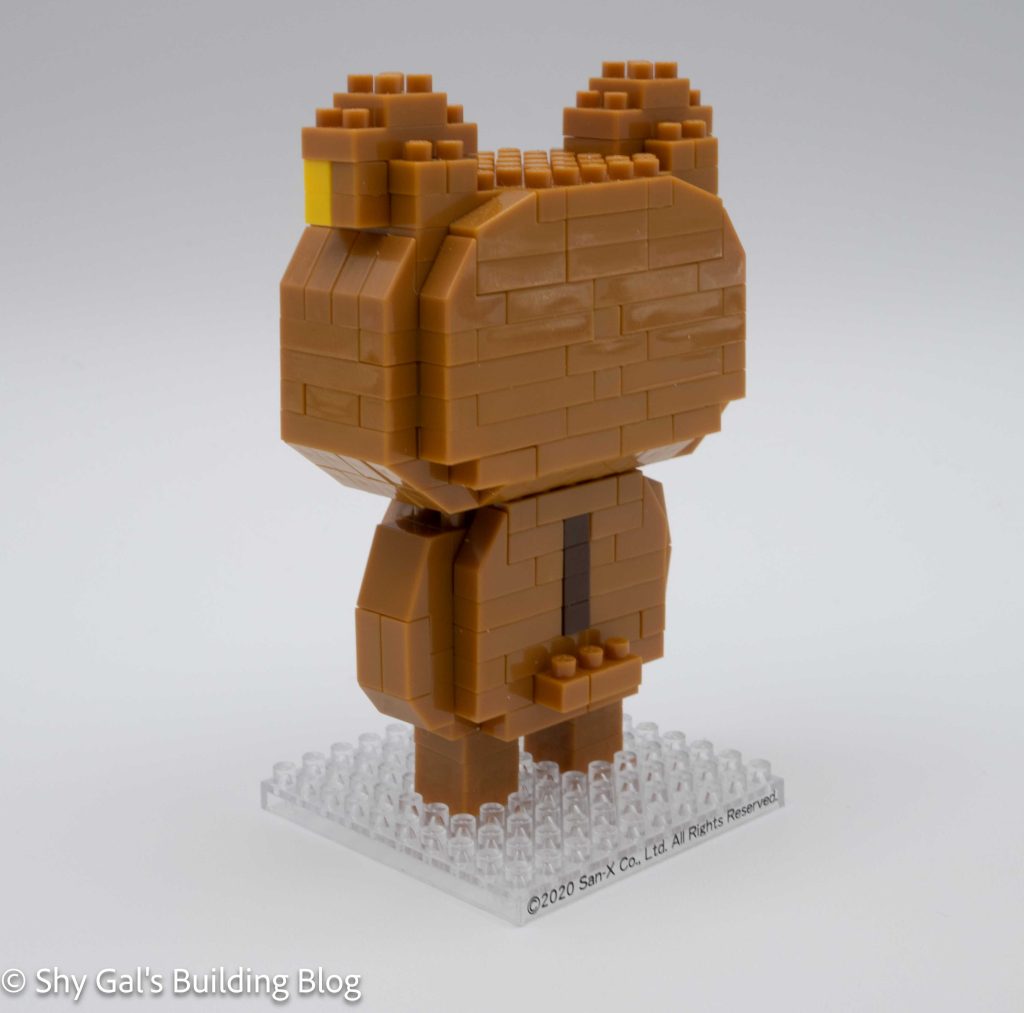
Rilakkuma build back 3/4 view

This build is split between the head and the body. You begin with a base layer of brown. Next, you add layers using brown and white. Once you reach the top of the body, you build and attach the arms. The final step of the body is to take the base, attach the legs, and attach the body to the legs. The next step is to build the head. The head begins with a brown base. You add layers of brown to create the head. After a few layers, you add a custom brick that makes the nose. Once you add the nose, you add a layer with a gap for the eyes. Next, you add the eyes, which are also unique because they are more like circles on a pole instead of a brick. You hold the eye brick in place with 2×2 bricks. After adding the face details, you build the head in layers. In the layer where you close off the head, you add the golden brown for the inside of the ears. Then, you build up the ears to complete the head. The final step is to attach the head to the body.

Rilakkuma build inside box

Things I liked:

  • The custom nose brick and how it looks like it’s made of bricks
  • The round eye bricks

Review of nanoblock Korilakkuma CN-24

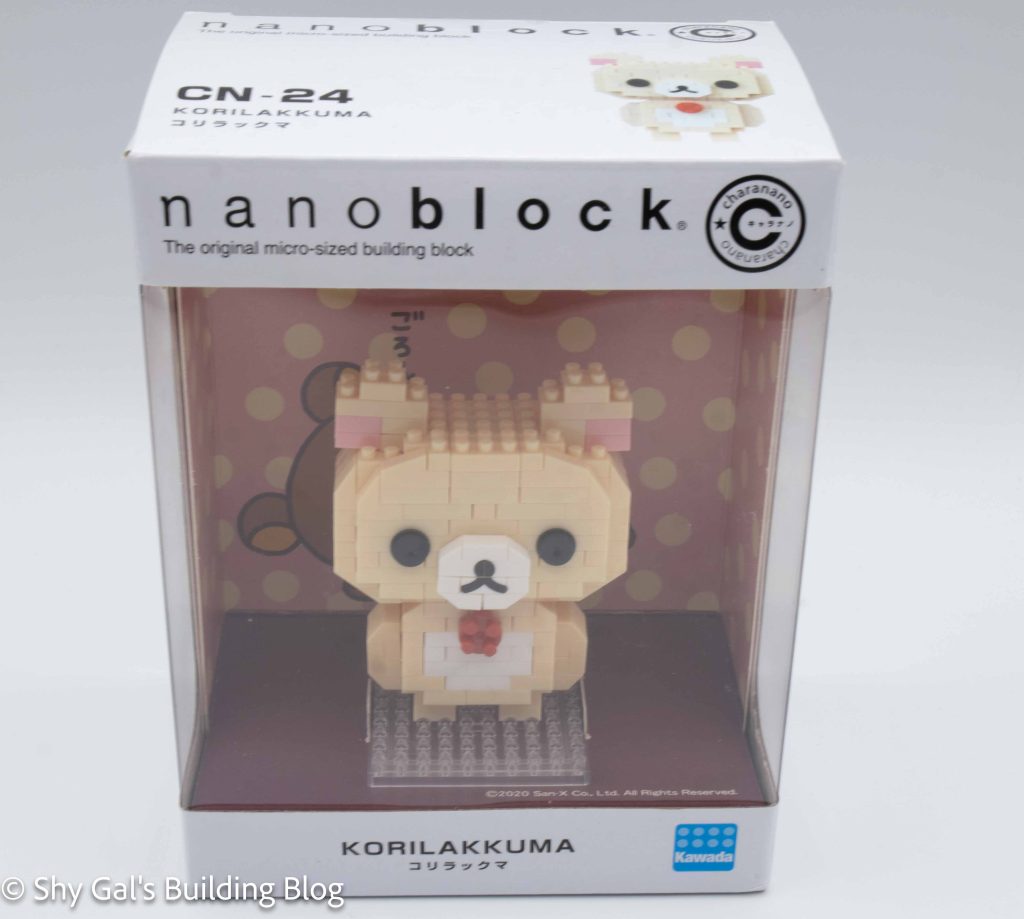
Korilakkuma build and box

This post is a review of the nanoblock Korilakkuma build. Korilakkuma is part of the nanoblock charanano collection. Wondering what else is part of the charanano collection? Click here for a list.

Korilakkuma build front view

Number: CN-24

Number of Pieces:

Difficulty Rating: 2/5

Korilakkuma build front 3/4 view

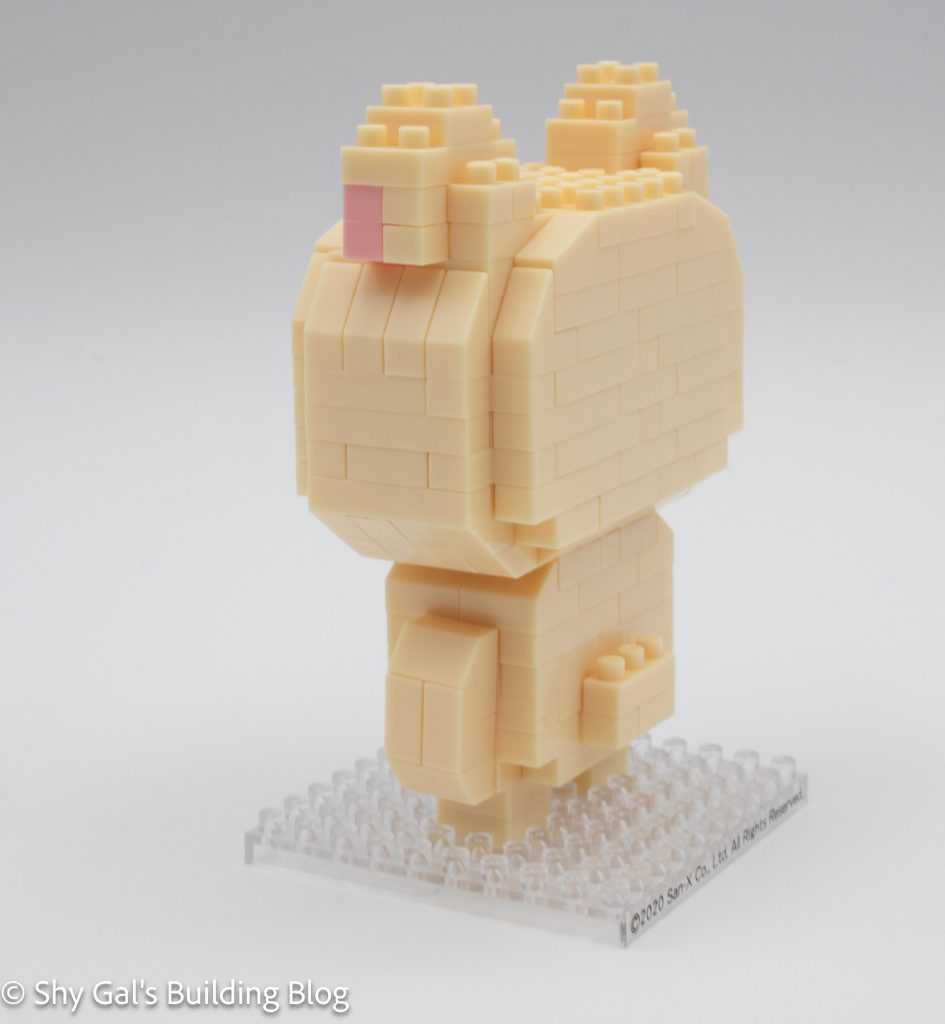
There are several Rilakkuma builds created by nanoblock. Most of the builds are part of the character line. This Korilakkuma is part of the charanano line. This line is unique because the finished model comes in a display box, so you don’t have to dust the model.

Korilakkuma build back 3/4 view

This build is split between the head and the body. You begin with a base layer of cream. Next, you add layers using cream and white. While building up, you add the red button on the top of the stomach. Once you reach the top of the body, you build and attach the arms. The final step of the body is to take the base, attach the legs, and attach the body to the legs. The next step is to build the head. The head begins with a base of cream. You add layers of cream to create the head. After a few layers, you add a custom brick that makes the nose. Once you add the nose, you add a layer with a gap for the eyes. Next, you add the eyes, which are also unique because they are more like circles on a pole instead of a brick. You hold the eye brick in place with 2×2 bricks. After adding the face details, you build the head in layers. In the layer where you close off the head, you add pink for the inside of the ears. Then, you build up the ears to complete the head. The final step is to attach the head to the body.

Korilakkuma build inside box

Things I liked:

  • The custom nose brick and how it looks like it’s made of bricks
  • The round eye bricks

Review of nanoblock King Doraemon CN-25

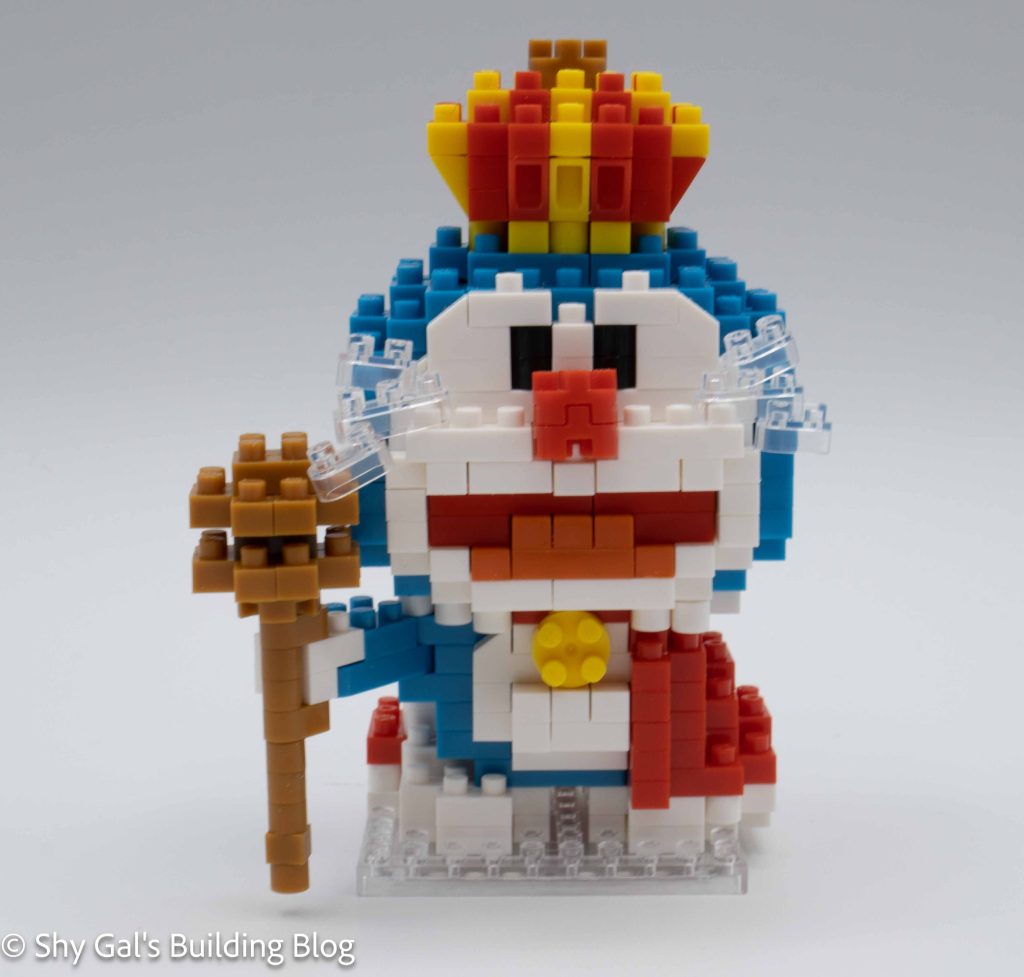
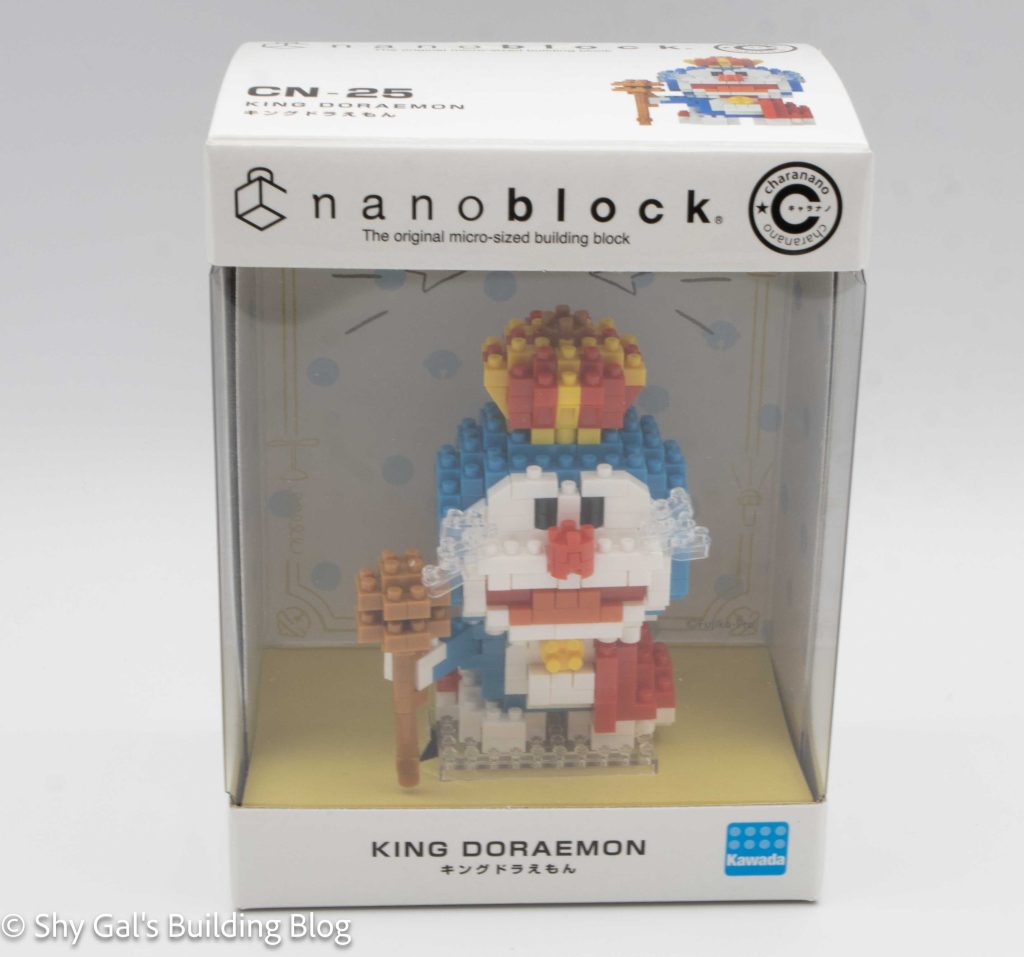
King Doraemon build with box

This post is a review of the nanoblock King Doraemon build. King Doraemon is part of the nanoblock charanano collection. Wondering what else is part of the charanano collection? Click here for a list.

King Doraemon build front view

Number: CN-25

Number of Pieces:

Difficulty Rating: 2/5

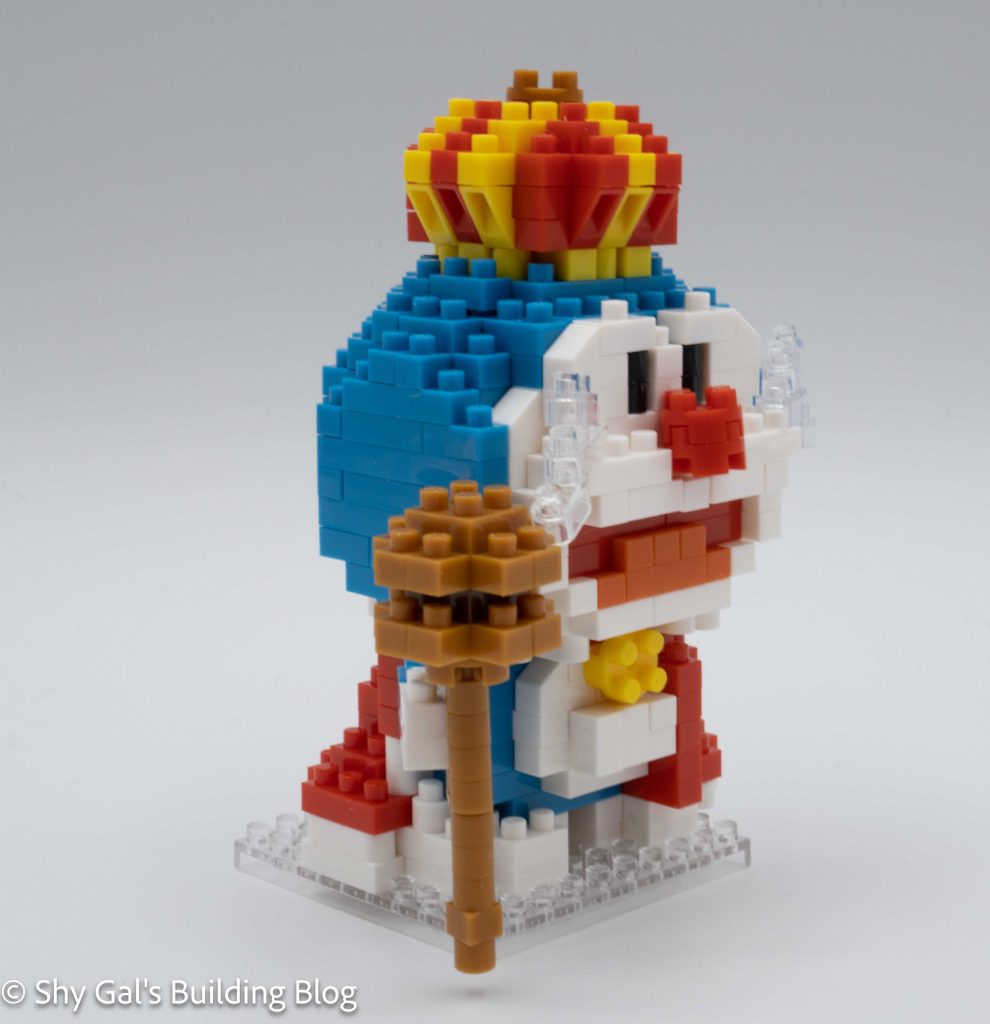
King Doraemon build front 3/4 view

Doraemon is a robot that comes from the future. There is a line of builds featuring several different characters from the anime in the character line. King Doraemon is for the 50th anniversary of Doraemon and is part of the charanano line, which is unique because of the display boxes.

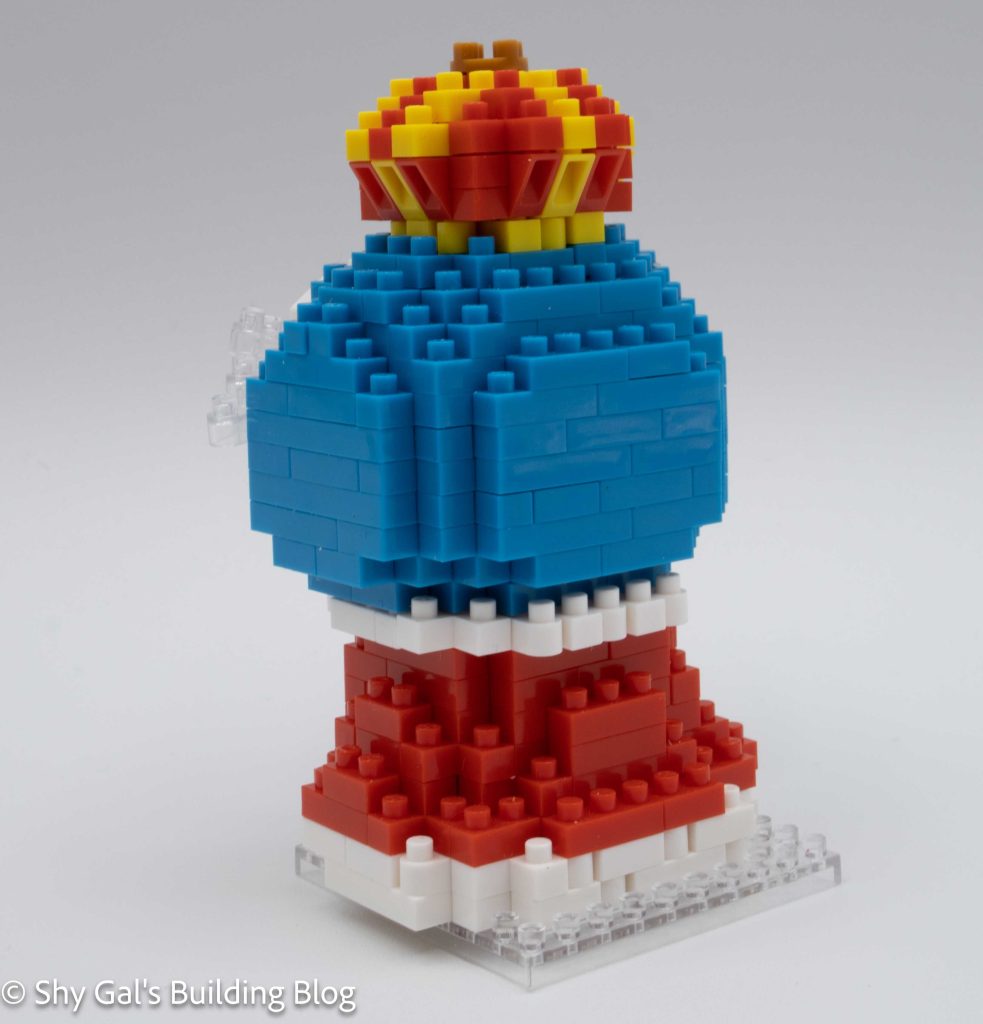
I really like this build because it has an asymmetrical shape for the body. The build begins with a clear base and an outline of white bricks. You then add a layer of white bricks. It is hard to tell which bricks are part of the new layer and which were in the previous layer when you are laying white bricks throughout the build. In the third step, you add Doraemon’s blue and the cape’s red. You continue to layer up the red, white, and blue to create the build adding various details. In step 6, you add the outstretched right arm and held it in place with 1 stud. The one stud is locked in place in the next layer, so it is sturdy in place. Because the brick from Step 6 is curved, you can angle the arm as you want. The next major step after adding on the arm creating and attaching the scepter. I found this step tricky because the bottom was so flimsy it kept breaking off as I continued to build. I ended up waiting until the end to attach the scepter so that it wouldn’t fall off. The final step for the body is to connect the bell on the front of Doraemon.
King Doraemon build back 3/4 view

The next major part of the build is to build the head. You begin with a ring of blue and white bricks. You add layers of blue and white along with pink and red for the mouth. You continue to add layers, adding facial details and slowly closing up the head. After closing up the head, you add the crown. You add yellow and red that curves up and flatten out to create a crown. You add a final brown brick at the top of the crown. Since the head is completed, you can now attach the head to the body. Once connected, you add Doraemon’s whiskers as the final step of the build.

Now that you have the completed build, it’s time to get it into the case. This build is more complicated than the other charanano builds because the bottom of the robe flows over the edge of the base brick. This means that the cardboard doesn’t curve down over the build.

King Doraemon build inside box

Things I liked:

  • The fact I can position the arm

Things I didn’t like:

  • Getting the scepter to attach properly is difficult.